
 Guide
GuideSeedance AI Image-to-Video: Check Language and Controls Before Your First Render
Choose the right Seedance image-to-video page, then check language, mode, account, price, and output controls before the first render.
Practical AI video guides for text-to-video prompts, image-to-video workflows, clip planning, and cleaner creator output.
GuideChoose the right Seedance image-to-video page, then check language, mode, account, price, and output controls before the first render.
 Guide
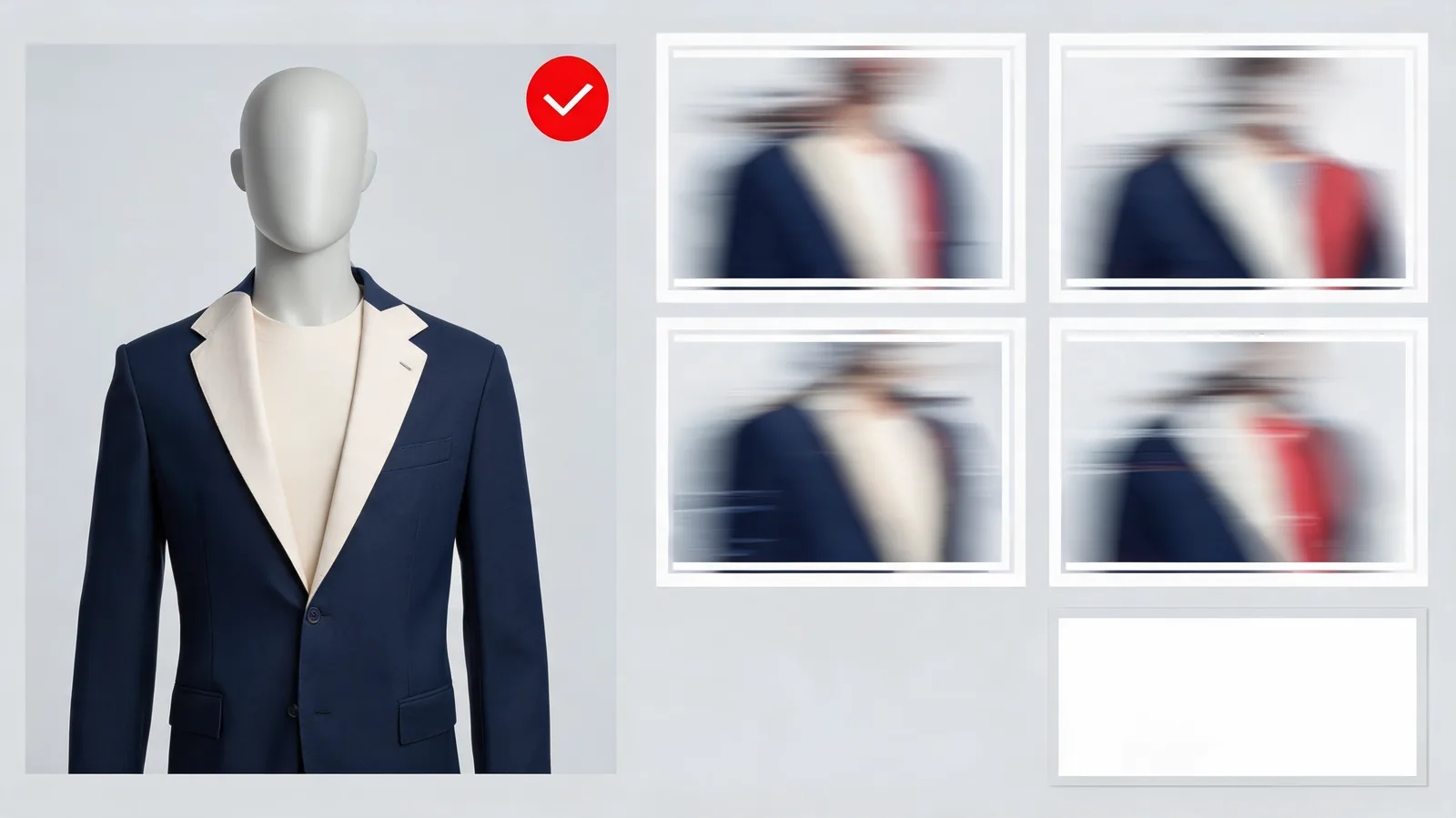
GuideReview a Seedance fashion-video concept against its permitted garment reference, reject material changes, and decide whether a labeled concept can be posted.
 Guide
GuideTest a Seedance 2.0 audio reference with one limited role, a simple visual brief, and a full-output review—without assuming exact sound or sync.
 Guide
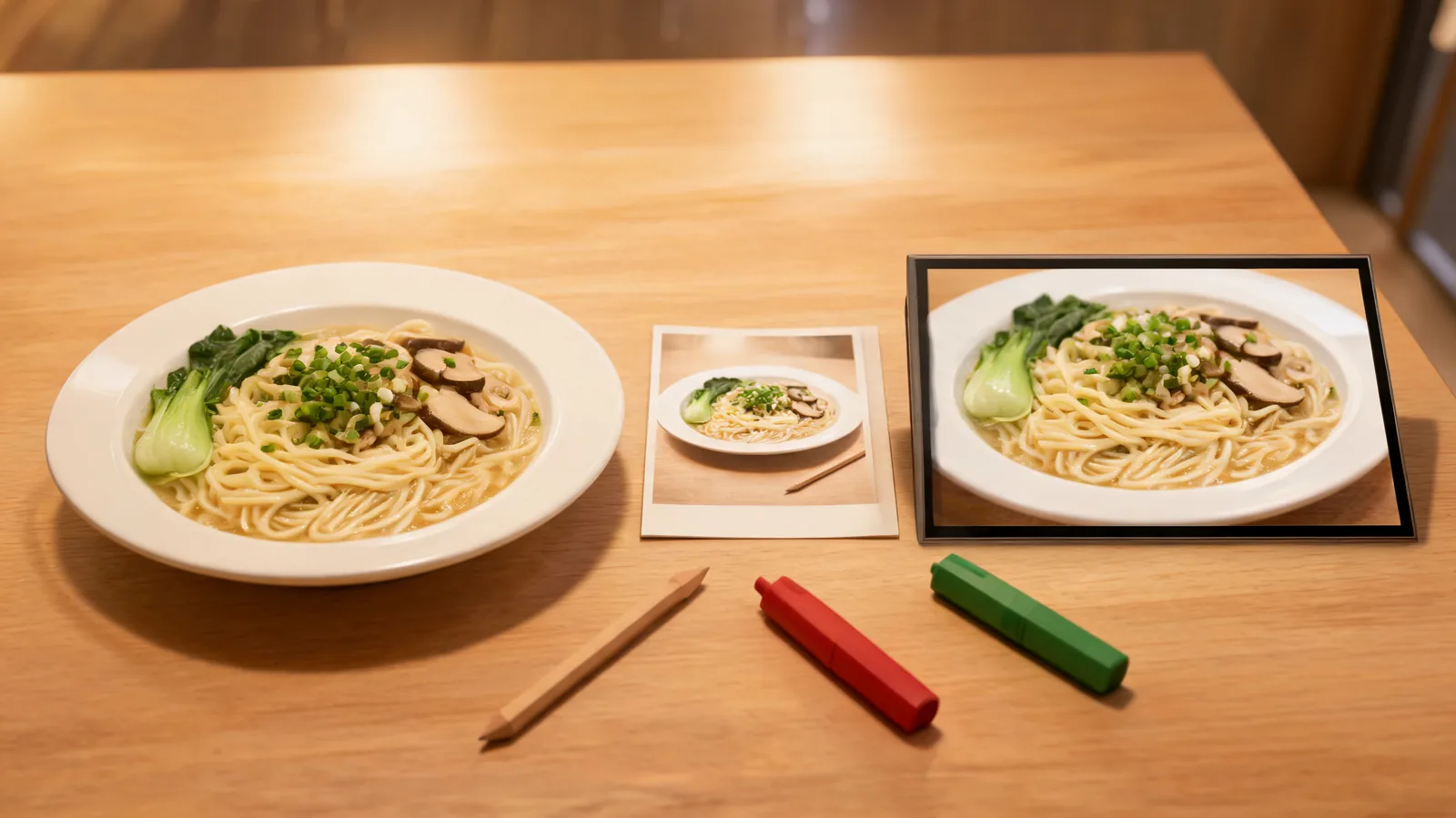
GuideReview a Seedance AI video generator food concept against a permitted menu reference, reject invented details, and make a clear posting decision.
 Guide
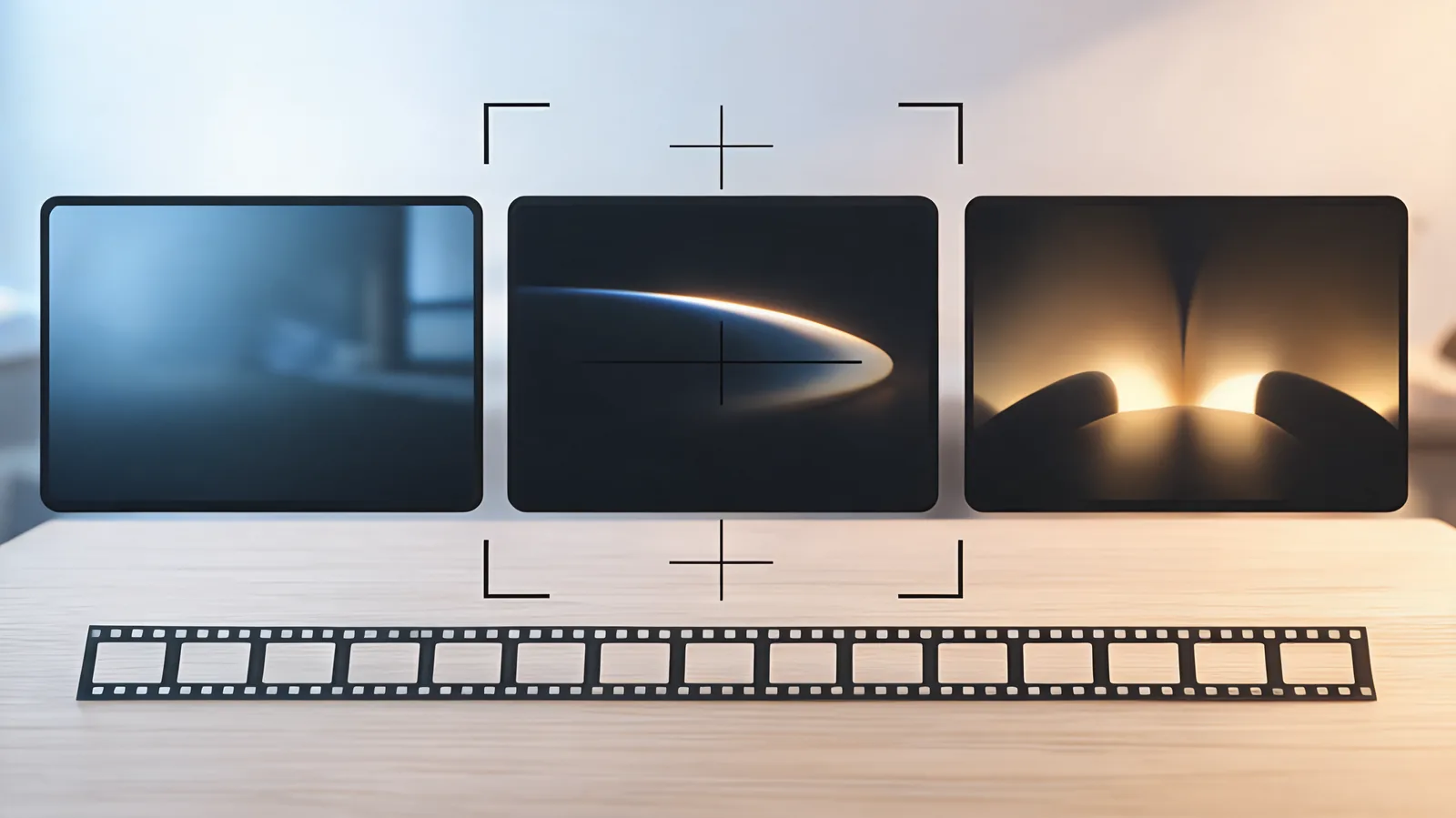
GuideUse Seedance 2.0 cinematic prompts for a 15-second clip: plan one visual arc, controlled motion, protected details, and a usable final hold.
 Guide
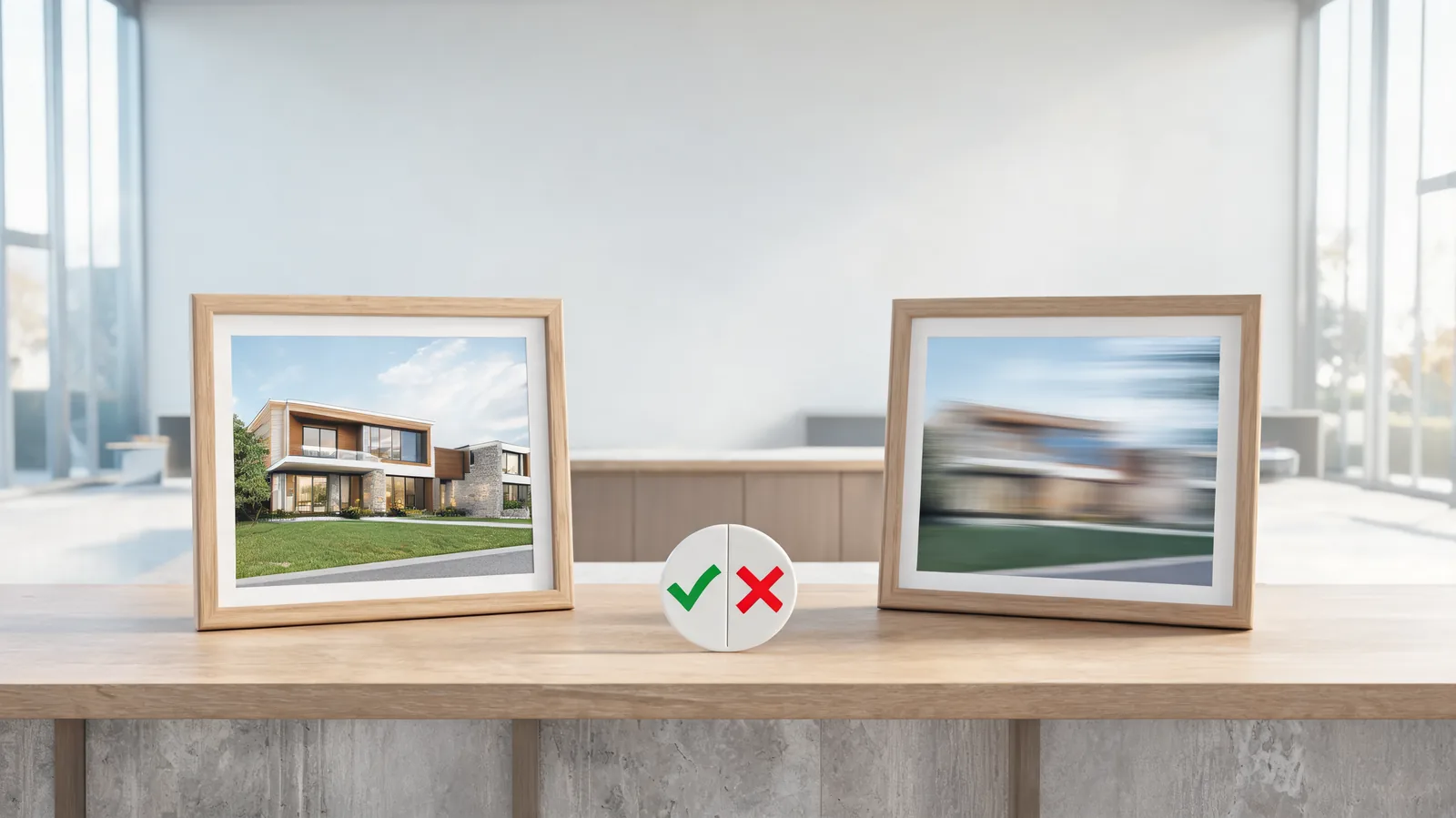
GuideApprove or reject a Seedance AI video generator real-estate concept clip after rendering: trace it to verified media, catch factual drift, and define its scope.
 Guide
GuideAudit copied Seedance 2.0 video prompts before you render: identify the mode, conflicts, input rights, and one bounded first test.
 Guide
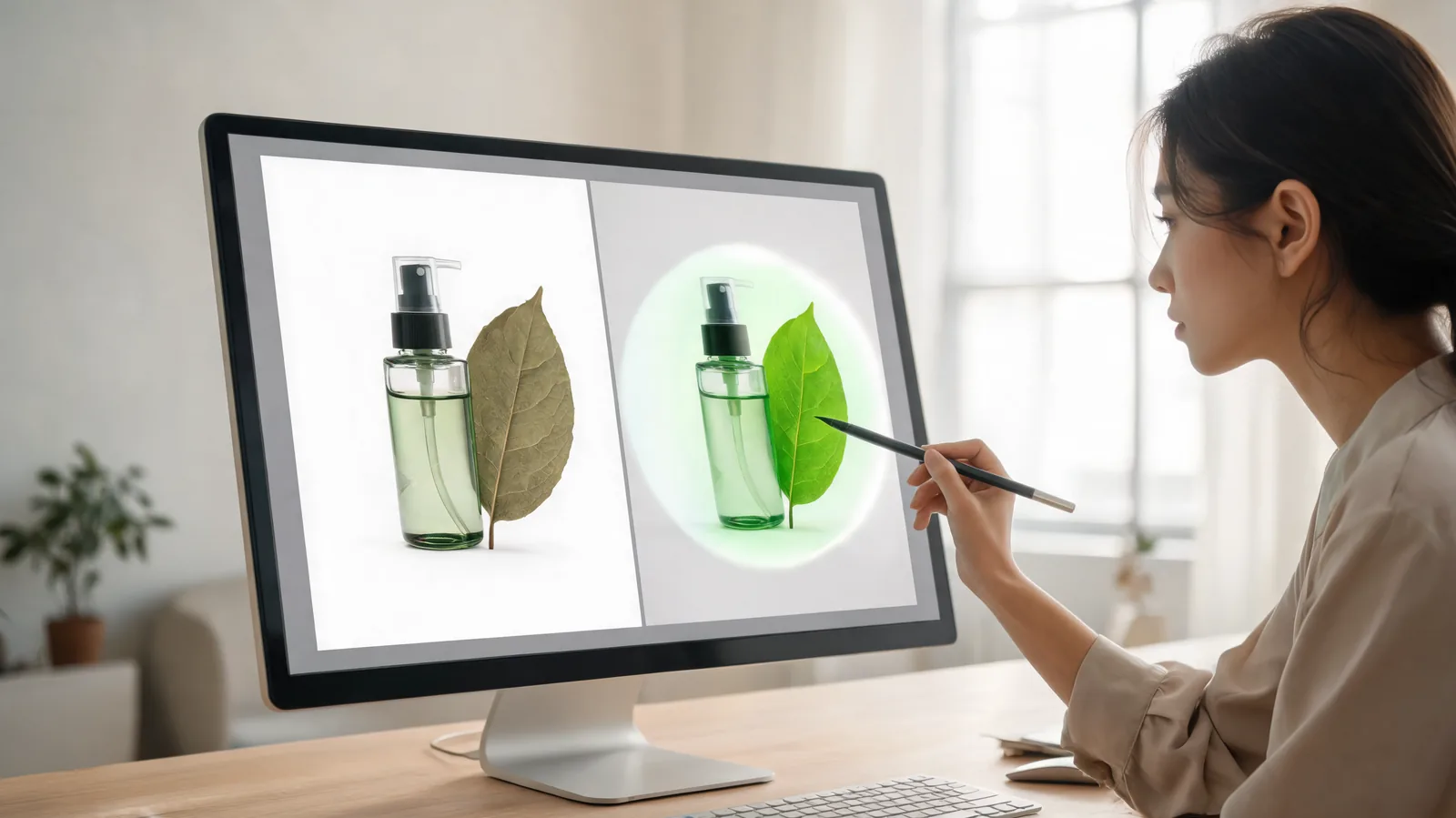
GuideA Seedream negative prompt image-edit check: define one allowed change, protected details, layout limits, input rights, and a reject decision.
 Guide
GuideEvaluate a Seedance 2.0 prompt thread by separating a poster claim from evidence, rights, live settings, and one bounded test.
 Guide
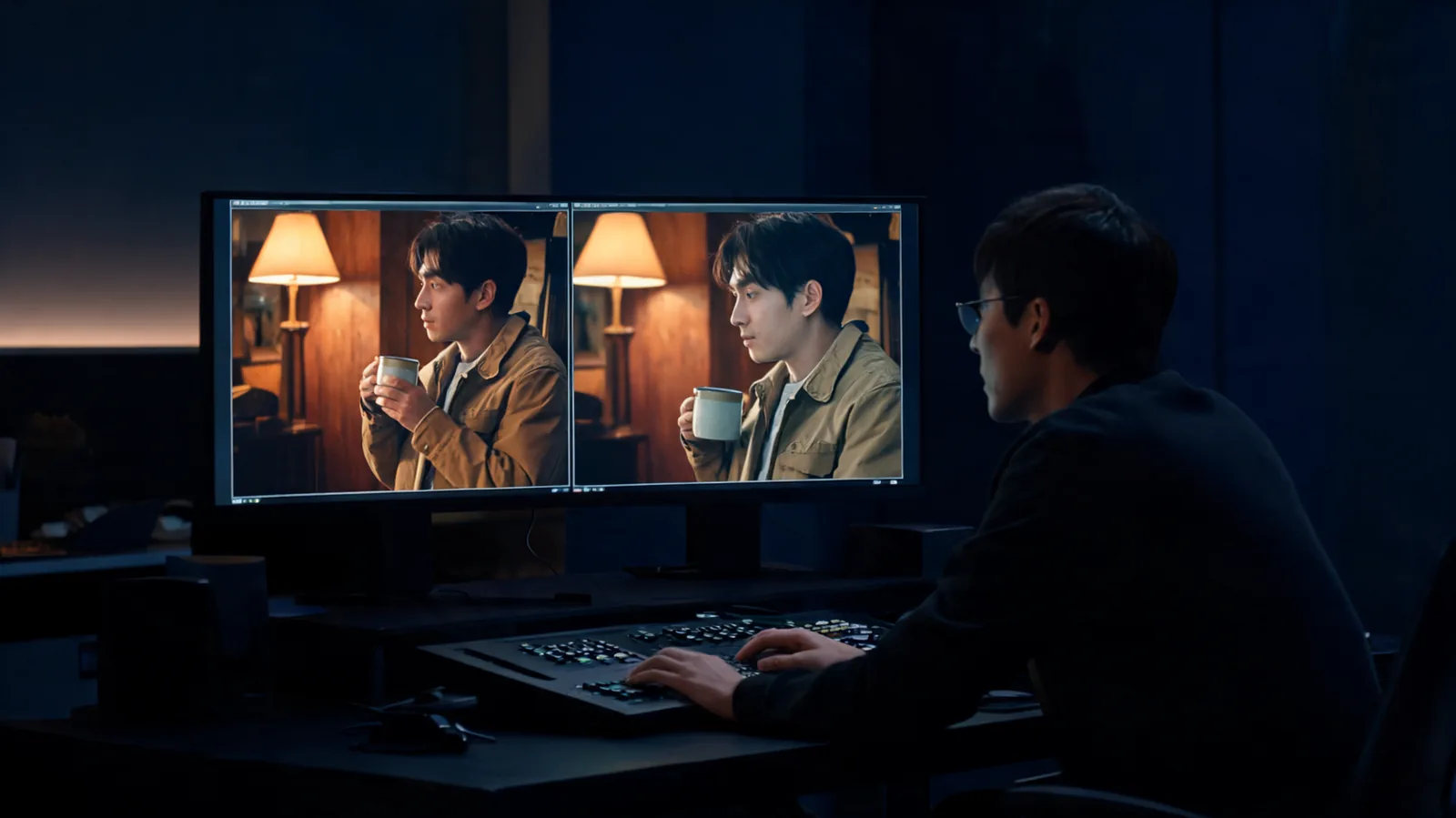
GuideReview adjacent AI video clips for subject, place, light, direction, timing, and factual continuity before deciding to retain, bridge, replace, or edit a cut.
 Guide
GuideCheck which Seedance version, controls, resolution, duration, credit estimate, and playback note are live before you commit a render.
 Guide
GuideHand off a bounded Seedance vs Kling client test with matched inputs, visible settings, full-output observations, a limitation, and one next step.
 Guide
GuideCheck whether Seedance 2.0 is selectable in this studio, what a free result actually means, and which visible limits and credit quote to confirm before rendering.
 Guide
GuideAfter a matched Seedance and PixVerse test, record the settings, full-output observations, decision reason, and one follow-up before changing a team workflow.
 Guide
GuideTranslate a Hailuo video brief into a small Seedance test without copying hidden assumptions: preserve the goal, map inputs, and set acceptance criteria first.
 Guide
GuideUse this Seedance 2.0 prompts PDF checklist to check the publisher, date, model assumptions, permissions, and a small test before spending credits.
 Guide
GuideCompare current Seedance 2.5 1080p cost and 480p/720p credit choices, including why a video reference needs input seconds in the estimate.
 Guide
GuideMake a careful first Seedance 2.5 1080p video render: select the new tier, verify its credits, review the full file, and check HEVC playback before delivery.
 Guide
GuideCompare Seedance 2.0 and 2.5 with one controlled short test, inspect the full clips, and choose the next workflow without treating a single render as a benchmark.
 Guide
GuideReview a completed Seedance text-to-video scene for a clear subject, readable action, camera behavior, continuity, and a usable edit point before you trim or rerun it.
 Guide
GuideBefore you call Seedance 2.5 unrestricted, separate current access, credit balance, provider terms, and content-policy limits.
 Guide
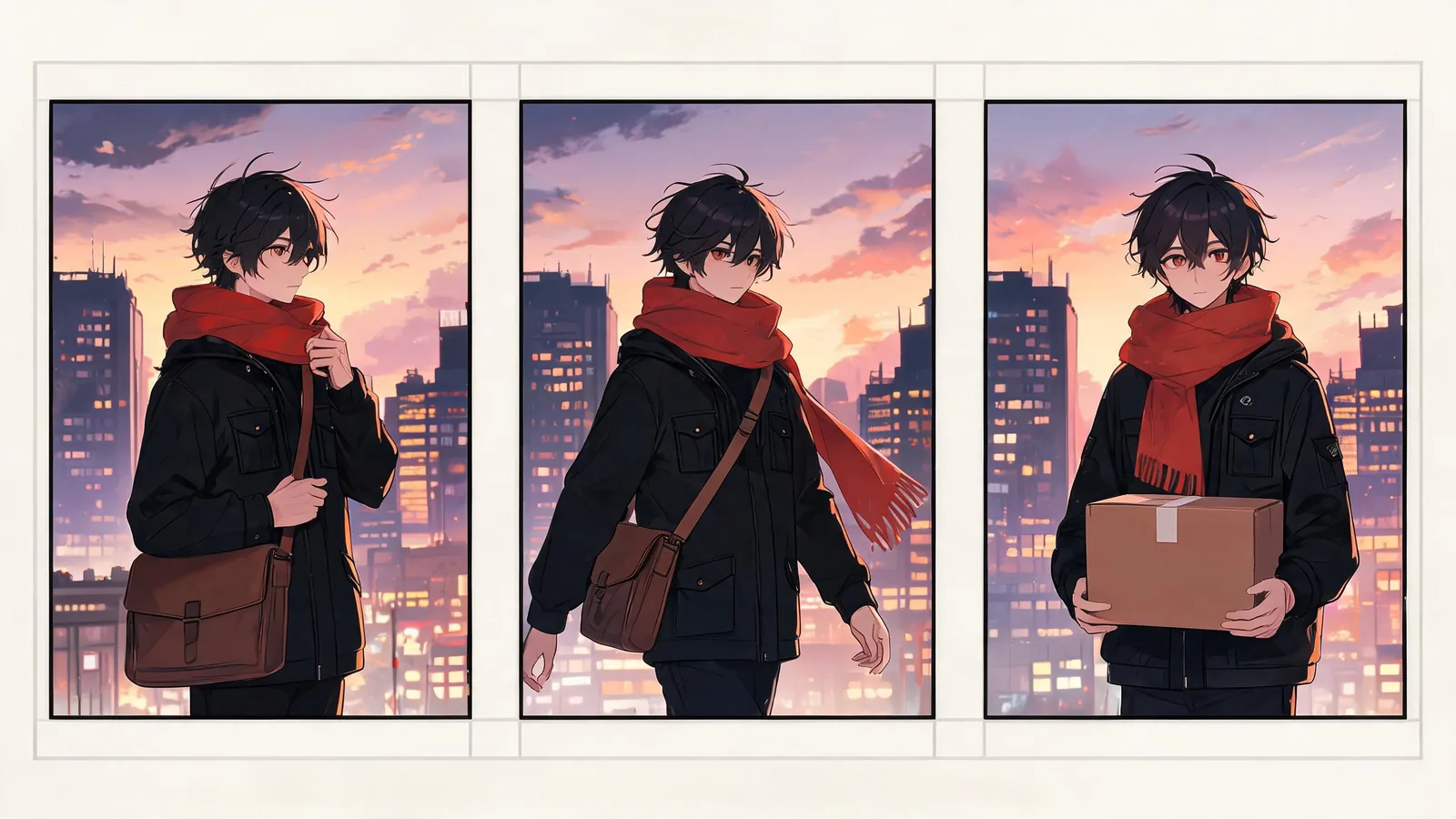
GuideReview a completed Seedance anime-style video for original-character separation, continuity, readable action, final-frame use, and sharing risk.
 Guide
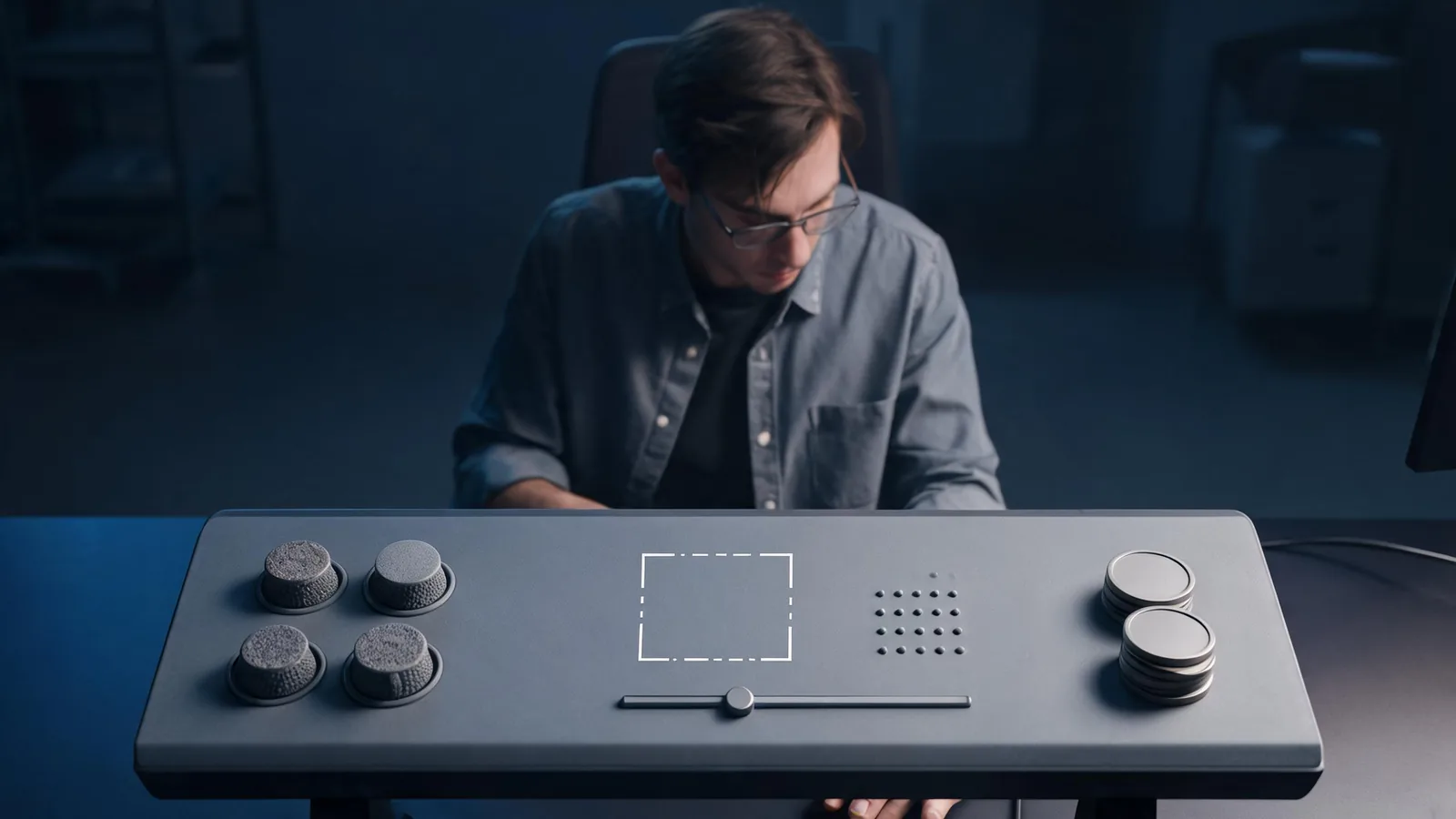
GuideBefore paying for a Seedance 2.5 render, verify the live model, mode, input, frame, duration, resolution, credits, export, and policy choices.
 Guide
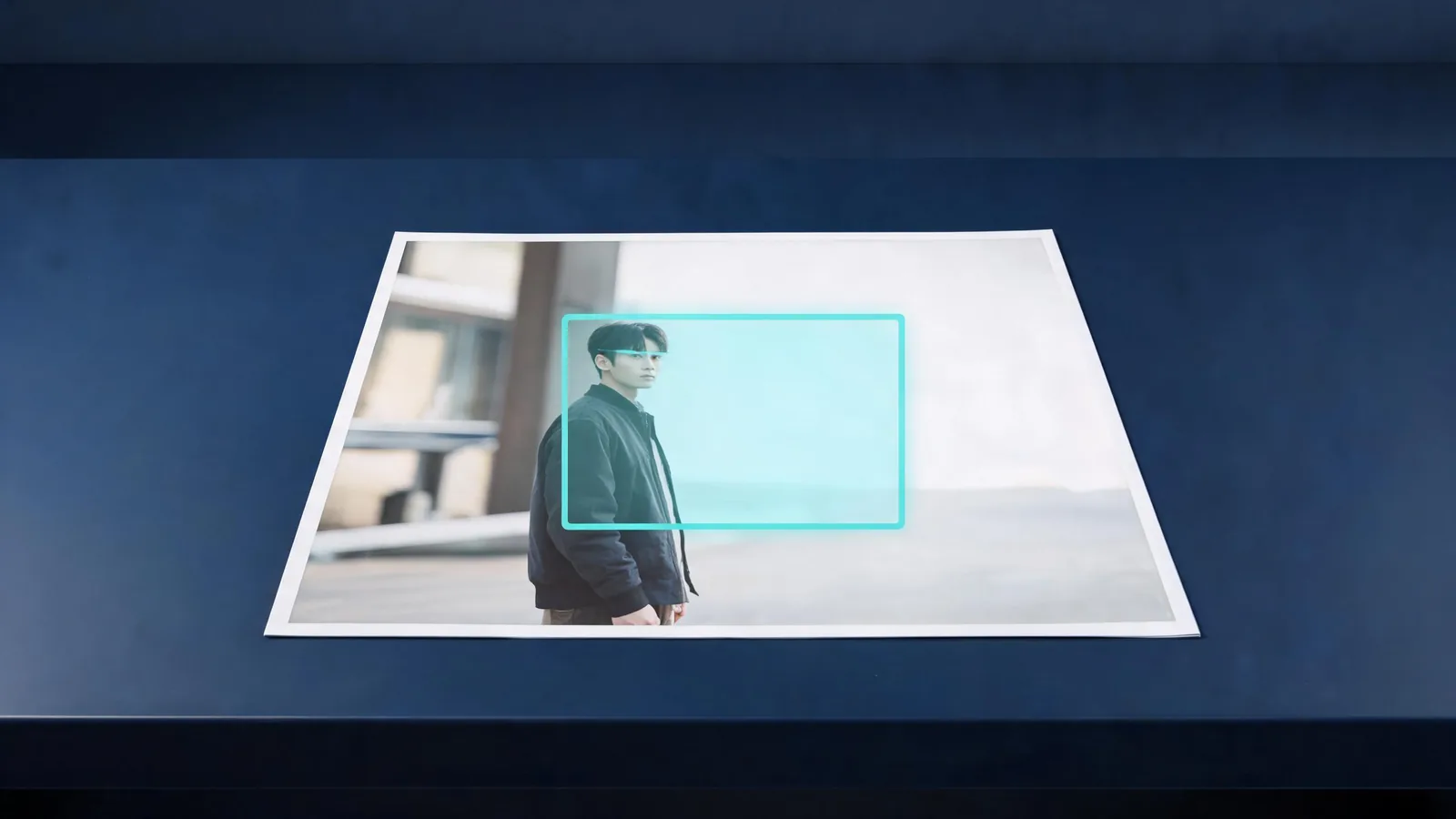
GuideUse Seedance’s in-generator crop step to keep the right subject and motion space in an image-to-video source before upload.
 Guide
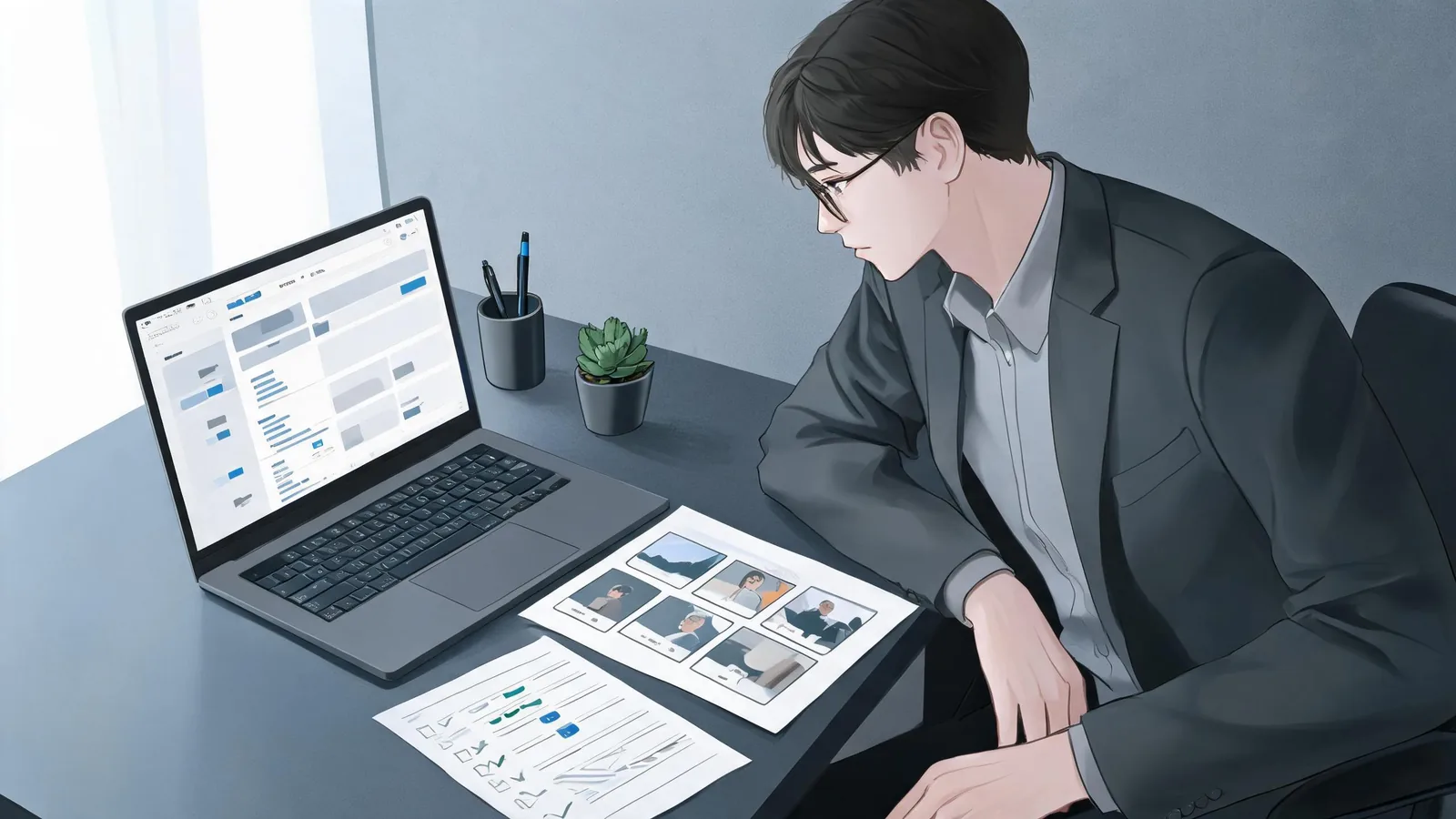
GuideHow to evaluate Seedance 2.0 prompts on GitHub: check the source, model context, input rights, settings, claims, and adaptation before spending credits.
 Guide
GuideA practical Seedance 2.5 review framework for deciding what a public demo proves, what it does not, and which conditions to verify before buying credits.
 Guide
GuideCompare the current Seedance 2.0 and Seedance 2.0 Fast selector options, then run one matched test before committing to a workflow.
 Guide
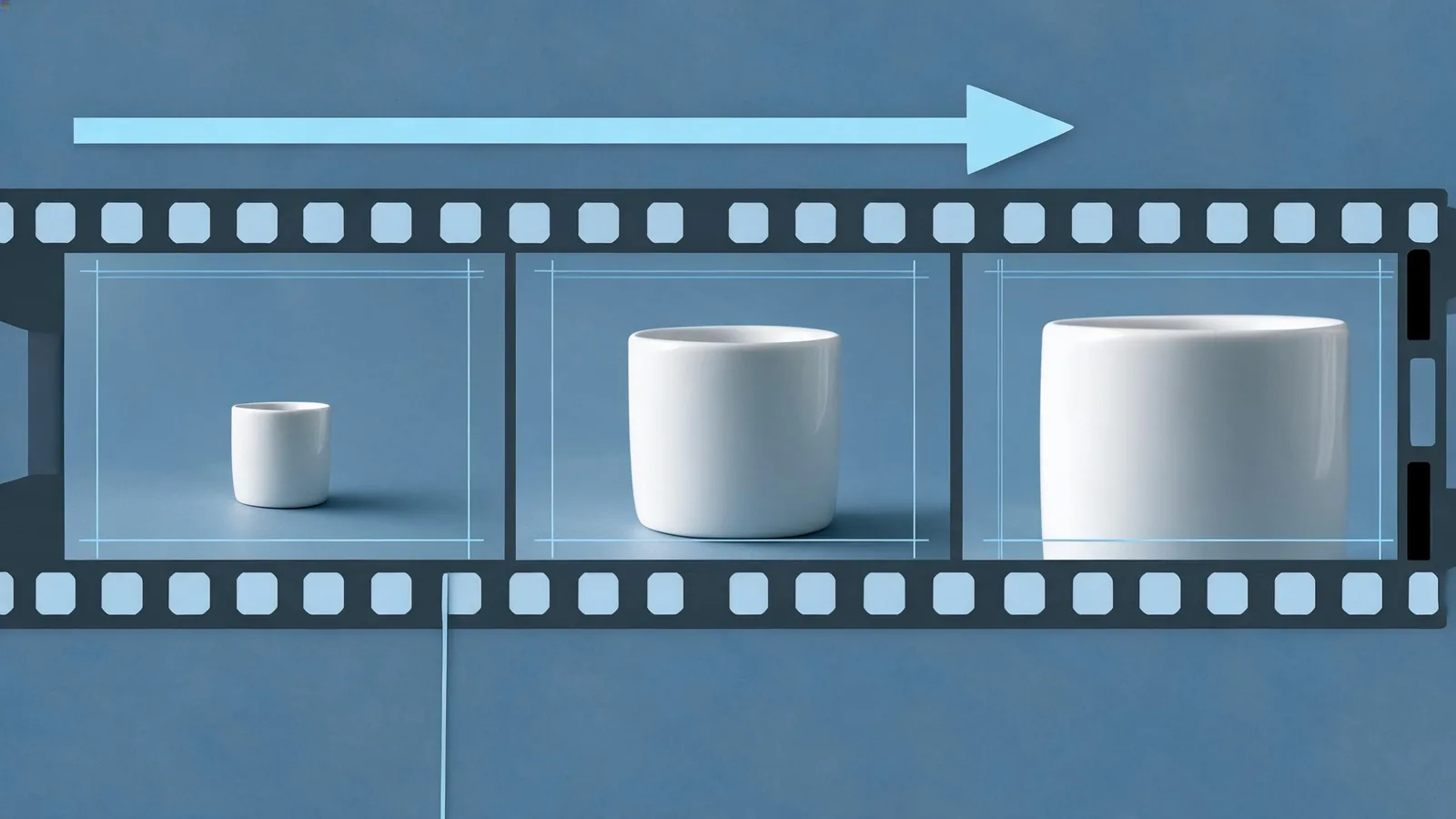
GuideReview a completed Seedance camera move for direction, stable framing, protected details, and a usable cut point before handoff.
 Guide
GuideChoose the right Seedance 2.0 generator mode, set a small first render, and review one clip before adding creative complexity.
 Guide
GuideDocument a completed Seedance 2.5 render so a usable clip can be repeated, reviewed, or handed off without relying on memory.
 Guide
GuideUse Seedance 2.5 reference-to-video with a small, role-based input pack. Assign identity, setting, motion, and audio jobs before a bounded first render.
 Guide
GuidePlan Seedance motion-graphics footage that leaves exact copy, logos, prices, and claims to verified editing assets and a clear compositing handoff.
 Guide
GuideChoose Seedream 5 Lite or Pro for a first image-to-image edit in Seedance, compare source-image limits and quality choices, then review one bounded change.
 Guide
GuideMove an AI video project from Runway to Seedance carefully: preserve sources, rights, a baseline, acceptance criteria, a parallel handoff, and a rollback path.
 Guide
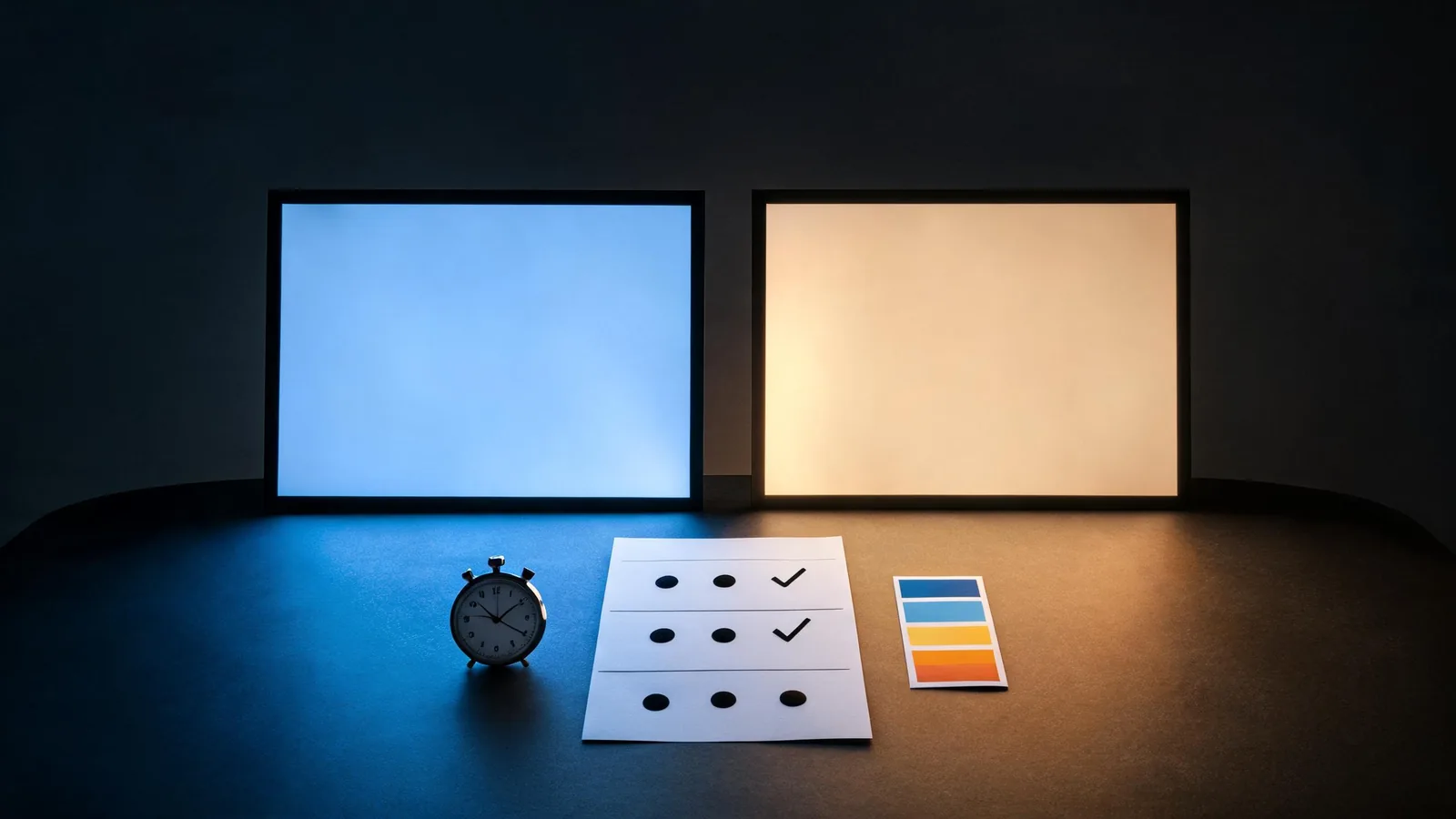
GuideUse one controlled Grok Imagine Video text-to-video prompt: choose the live Seedance setting, define one action and camera move, then review the full clip.
 Guide
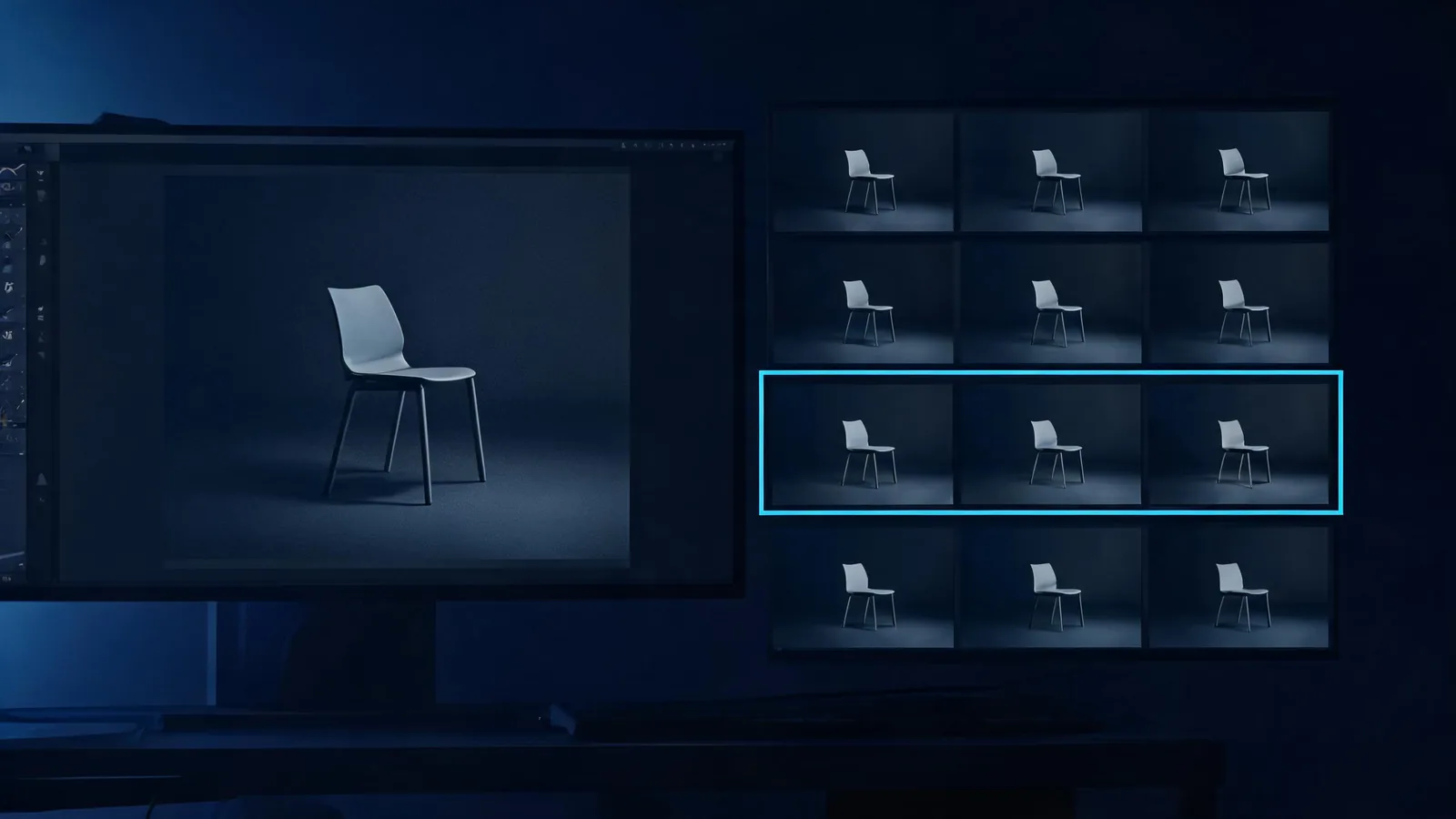
GuideCompare one matched Seedance and Google Veo clip with a repeatable review scorecard for brief fit, motion, continuity, audio, final frame, and retry decision.
 Guide
GuideCompare Seedance AI image-to-video variations with the approved source, check drift and edit points, and select one usable render.
 Guide
GuideEdit a permitted source with Seedream 5.0 Pro in Seedance: protect key details, request one change, and review the result.
 Guide
GuideUse the live Grok AI photo-to-video first test carefully: confirm the free 480p, six-second setting, protect your source image, and review one modest motion.
 Guide
GuideHand a selected Seedance video to an editor without losing its source, approval purpose, cut points, delivery needs, permissions, or known limitations.
 Guide
GuideReview a Seedance AI image-to-video product ad after rendering: check product continuity, claims, motion, crop, and the editor-ready handoff.
 Guide
GuideUse Seedance text-to-image with Seedream 5.0 Lite to make a controlled first image, choose the right mode, and prepare a clean handoff for editing or video.
 Guide
GuideHandle a Seedance moderation rejection responsibly: record the message, separate technical issues from policy concerns, revise safely, and escalate when needed.
 Guide
GuideUse this Seedance TikTok disclosure checklist to review AI context, input permission, music, captions, and the final exported clip before posting.
 Guide
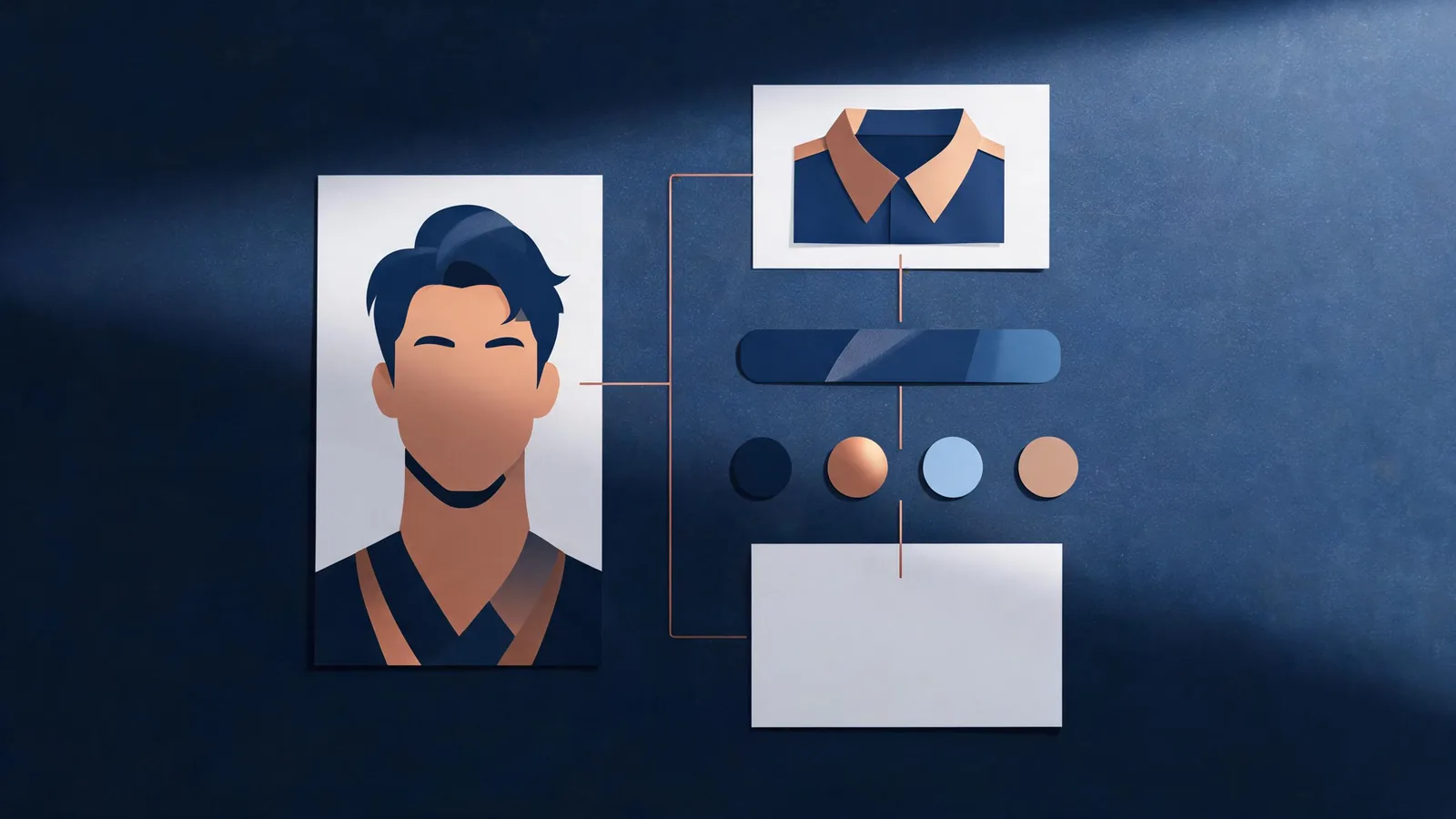
GuideUse a Seedance character handoff sheet to give a small team the same approved reference, protected details, shot purpose, and review rule.
 Guide
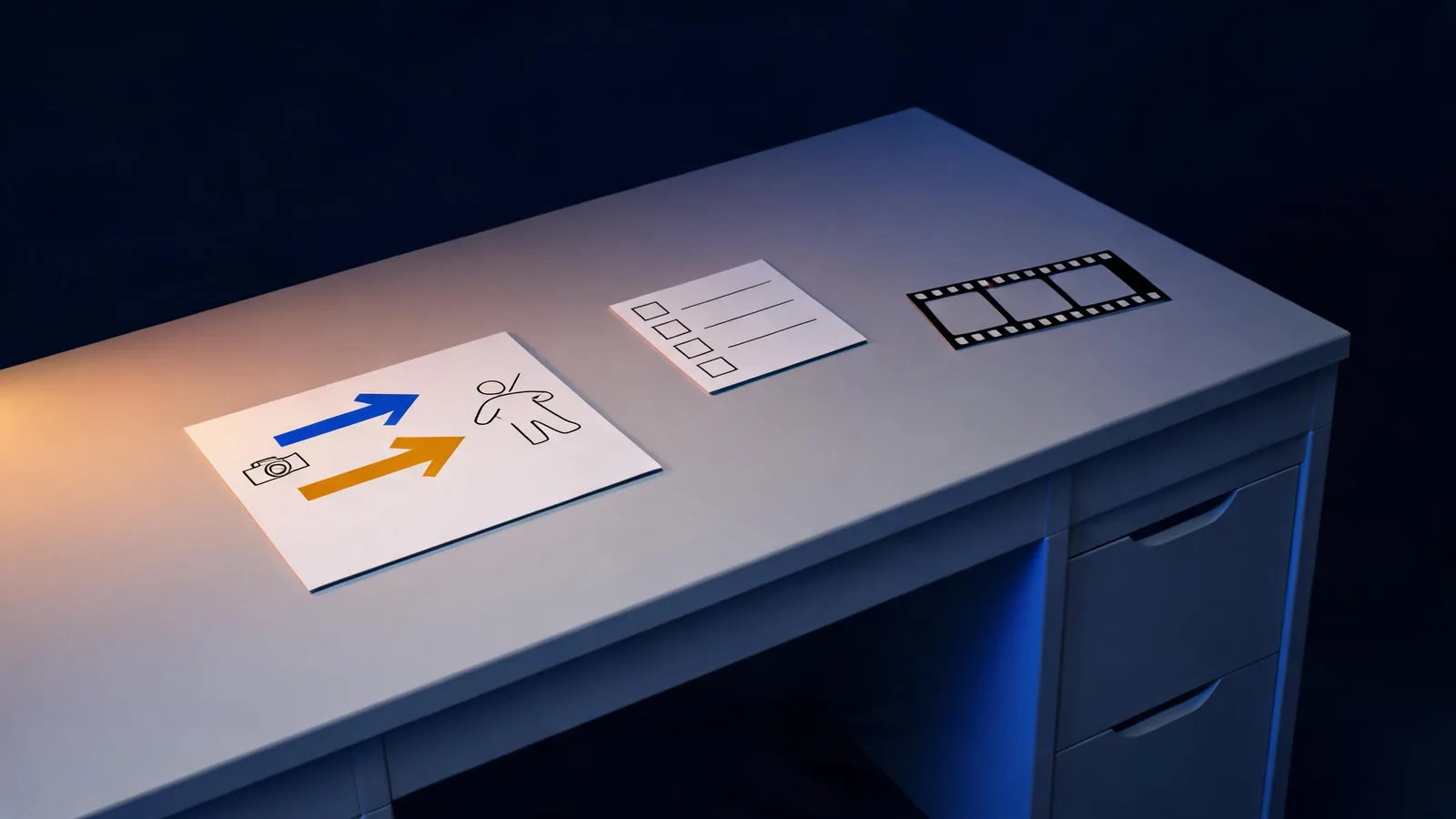
GuidePlan a useful first Seedance video generator test with one clip job, a modest motion brief, full-clip review, and an honest next decision.
 Guide
GuideLearn how to check whether a Seedance 2.5 page is official, distinguish an independent studio from a provider, and verify access details before you sign up.
 Guide
GuideUse a simple Seedance prompt test log to compare renders fairly, isolate one change, record review notes, and choose the next test without guessing.
 Guide
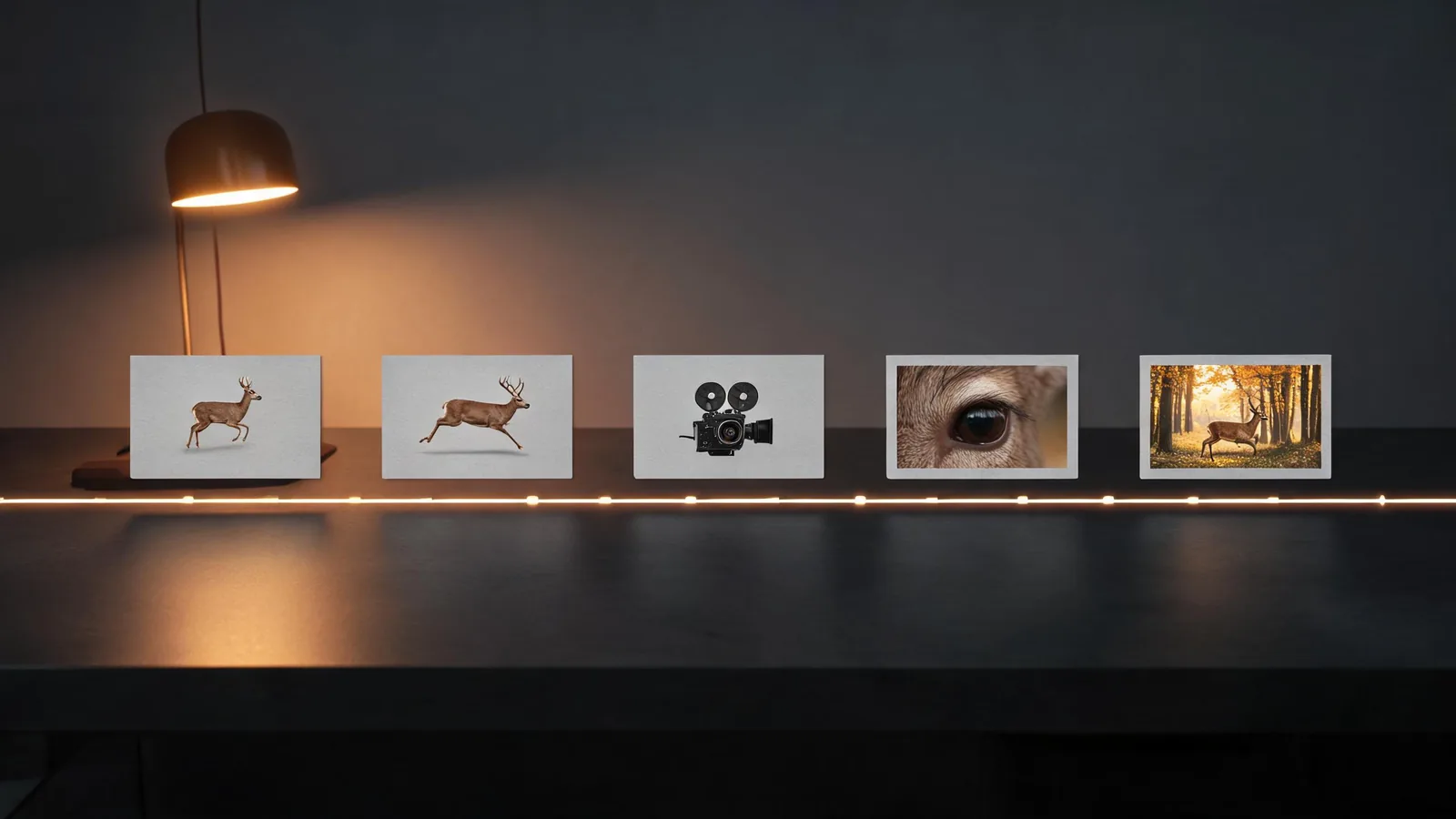
GuideWrite clearer Seedance 2.0 prompts with a five-step method for choosing a subject, action, camera move, protected details, and final frame.
 Guide
GuideUse six Seedance limitations checks to decide whether an AI video concept suits a client, needs simplification, or should use verified footage.
 Guide
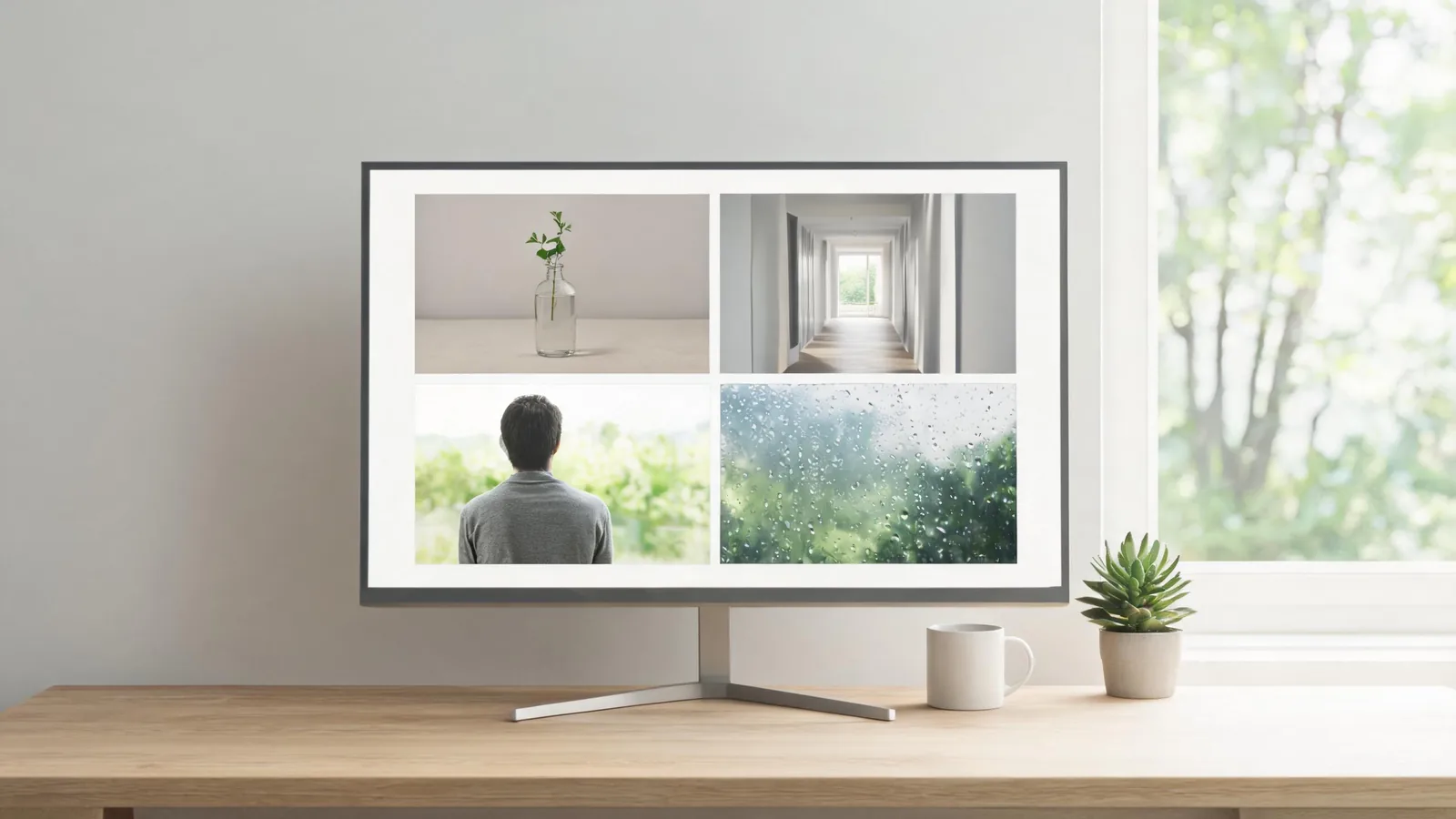
GuideUse four Seedance 2.0 AI video examples to test motion, framing, source quality, and finishing frames before you expand a creative brief.
 Guide
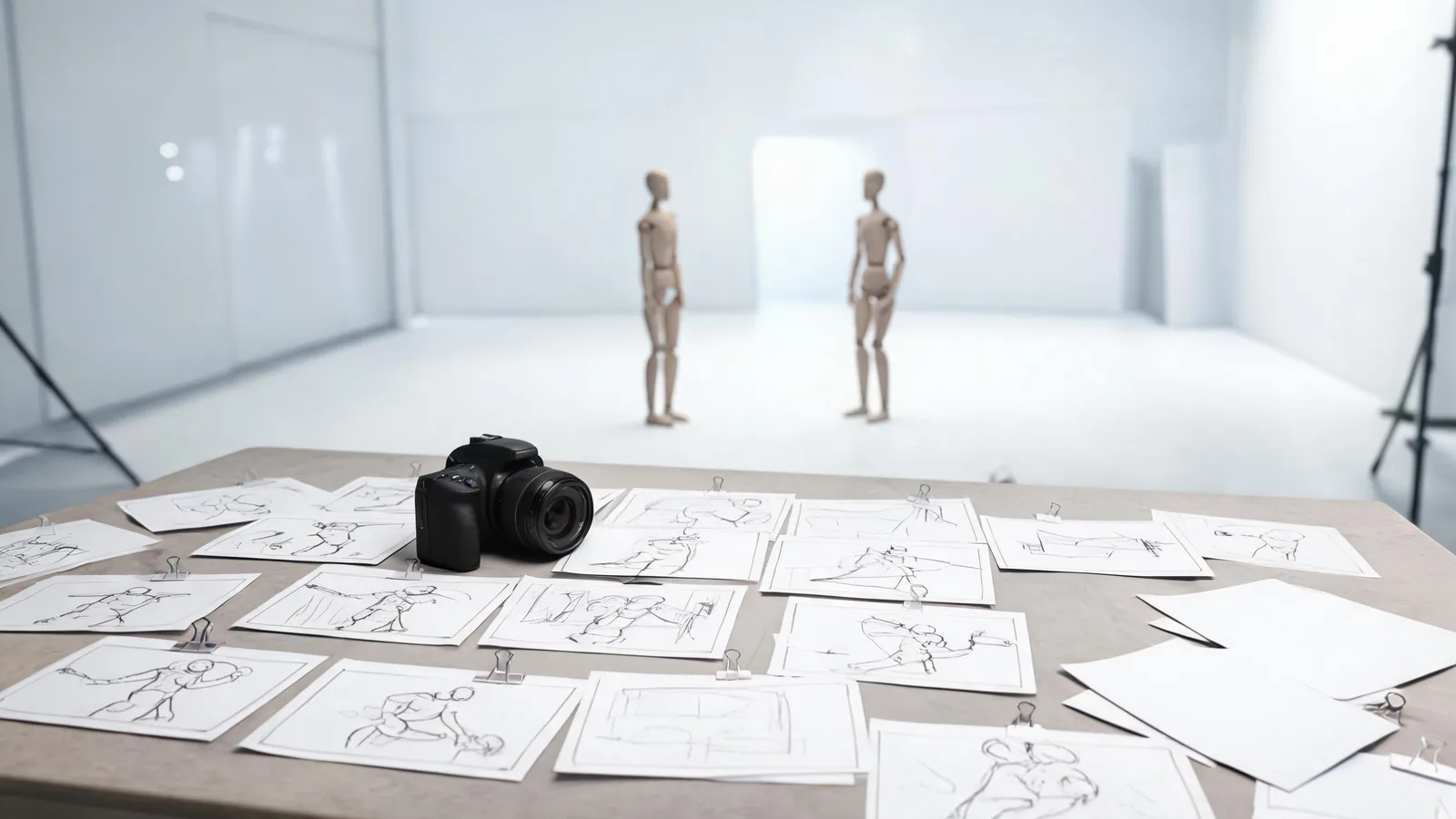
GuideBuild a Seedance cinematic shot list before prompting: choose purpose, framing, motion, continuity, and a usable ending for each clip.
 Guide
GuideBuild fictional Seedance 2.0 fight-scene prompts with clear beats, restrained camera work, and a safety-first review before sharing.
 Guide
GuideFix a blurry Seedance video by checking source-image sharpness, subject size, lighting, compression, crop, and one controlled test before rerendering.
 Guide
GuideUse this Seedance 2.5 prompt checklist before rendering: assign each input a role, simplify motion, set a final frame, and review claims.
 Guide
GuideUse Seedance 2 prompts for quiet B-roll by defining one subject, one motion, one camera move, and a protected ending frame.
 Guide
GuideLearn where to access Seedance 2.0 through a creator app or API, what each route supports, and what to check before generating.
 Guide
GuideA practical Seedance 2.5 FAQ covering prompts, source images, motion, duration, credits, privacy, commercial checks, and failed generations.
 Guide
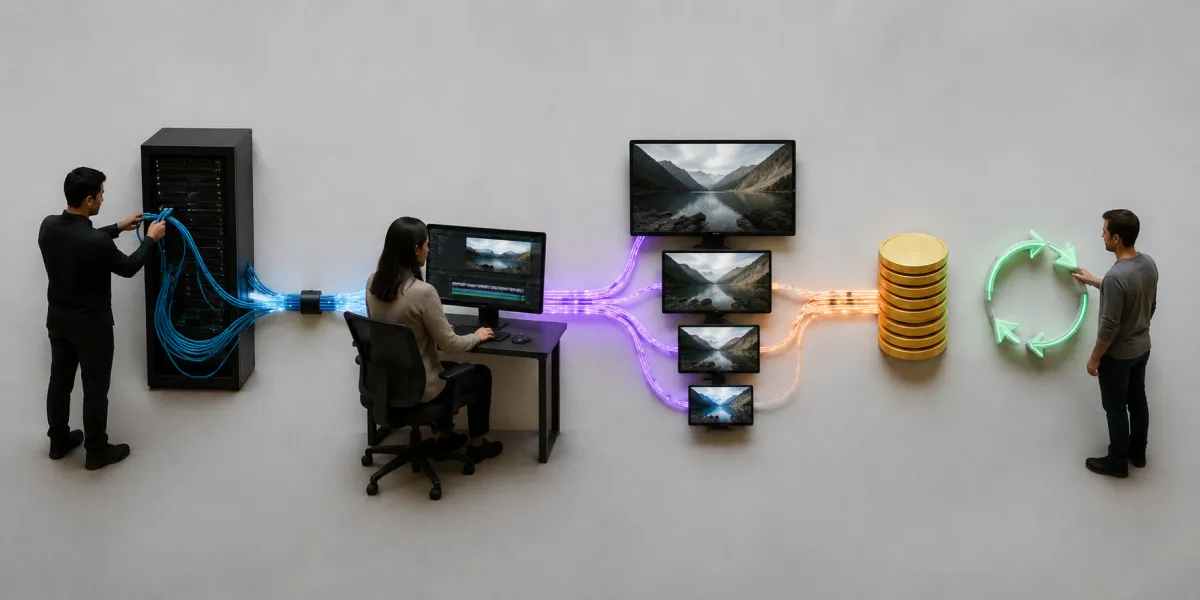
GuideCompare Seedance 2.5 vs Grok Imagine by shot type, source assets, motion risk, review speed, and usable-output cost—not showcase clips.
 Guide
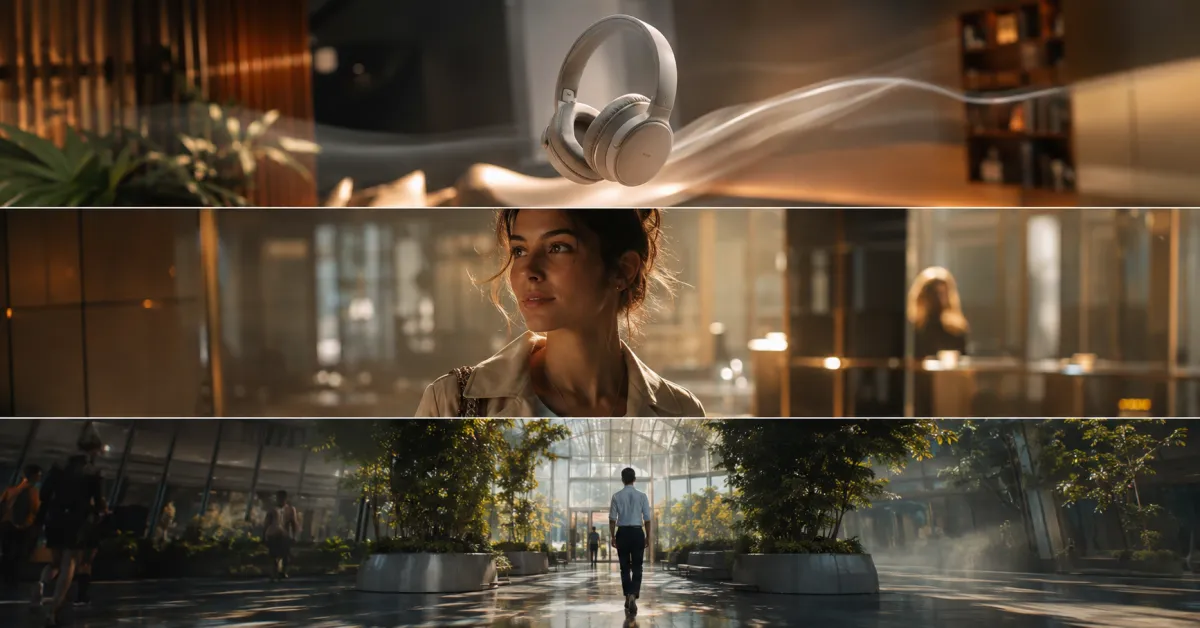
GuideEstimate Seedance API cost per usable clip using duration, resolution, provider rate, retries, failures, storage, and review time.
 Guide
GuideA practical Seedance 2.5 review of its live modes, references, 30-second workflow, output controls, testing method, strengths, and limits.
 Guide
GuideUse this Seedance prompt library to choose a short, editable prompt structure by video goal, then test one controlled change at a time.
 Guide
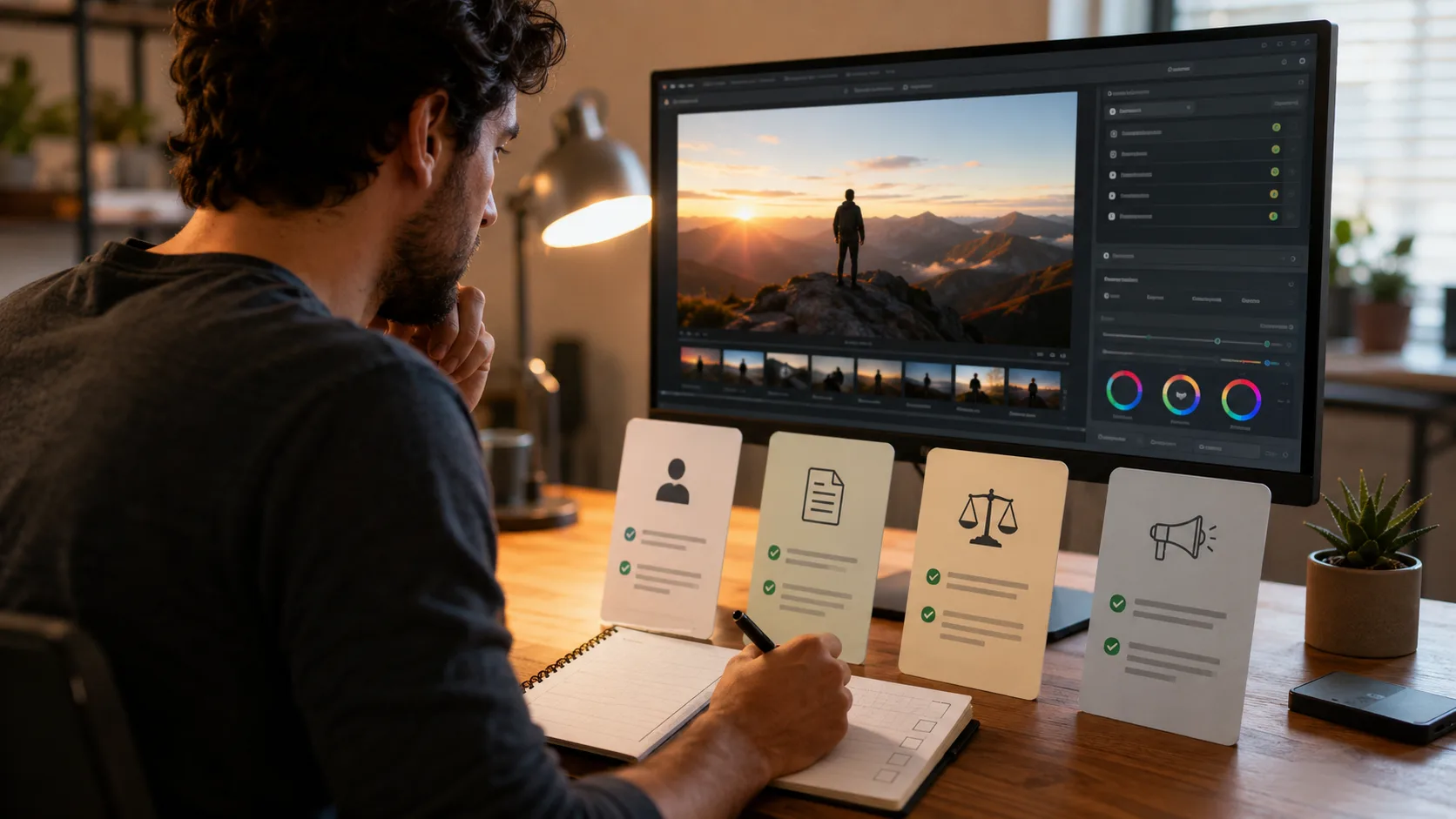
GuideCompare Seedance vs Sora with the same input, evaluation criteria, and version notes instead of relying on broad claims about which model is best.
 Guide
GuideA practical Seedance ethical-use checklist for consent, source rights, misleading visuals, protected IP, and review before publishing an AI video.
 Guide
GuideUse this Seedance image-upload privacy checklist before generating a video from a portrait, product photo, or location image.
 Guide
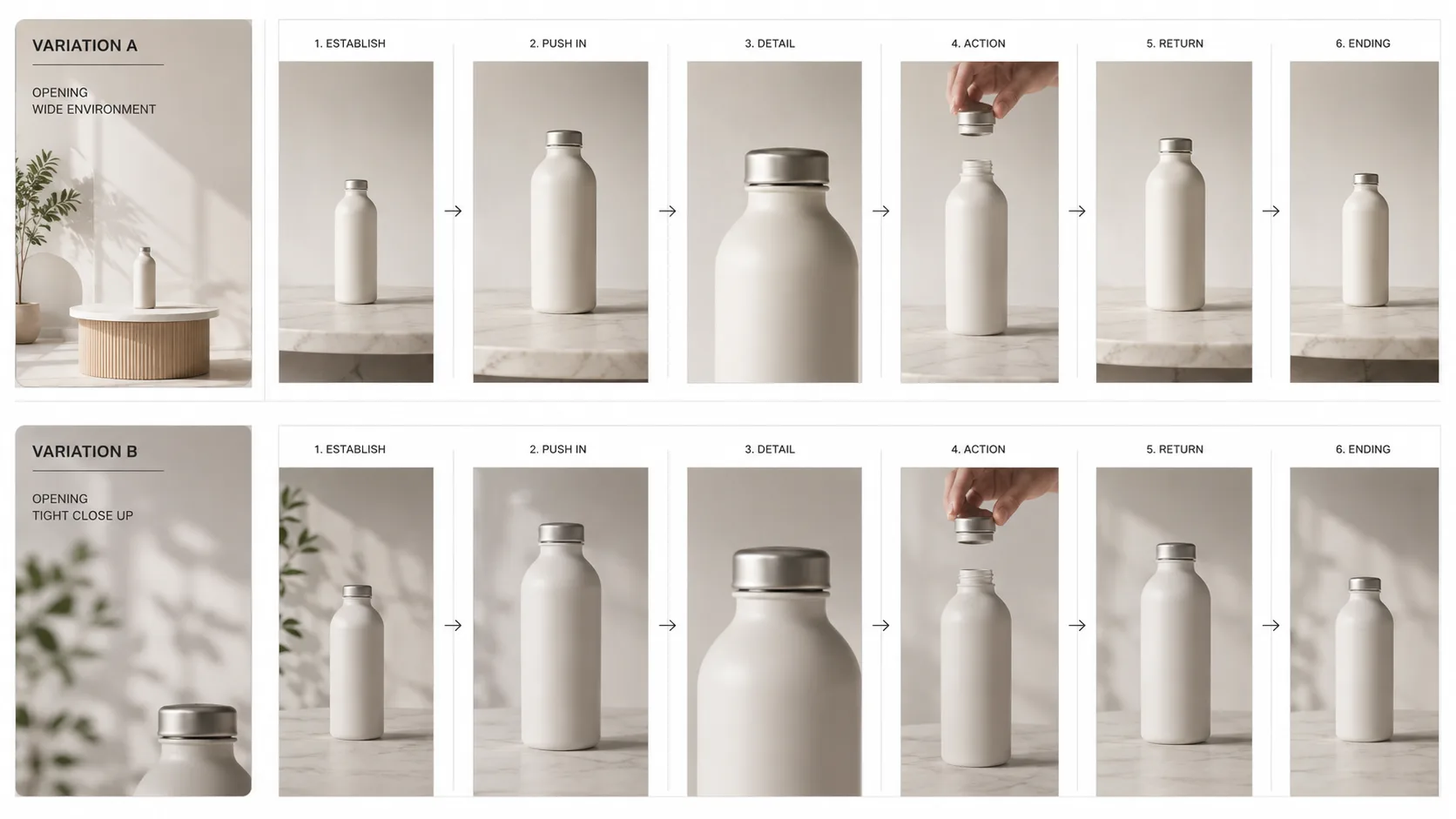
GuideCreate clearer Seedance A/B video ad variations by changing one variable at a time, reviewing the render, and keeping claims and product facts outside the generation prompt.
 Guide
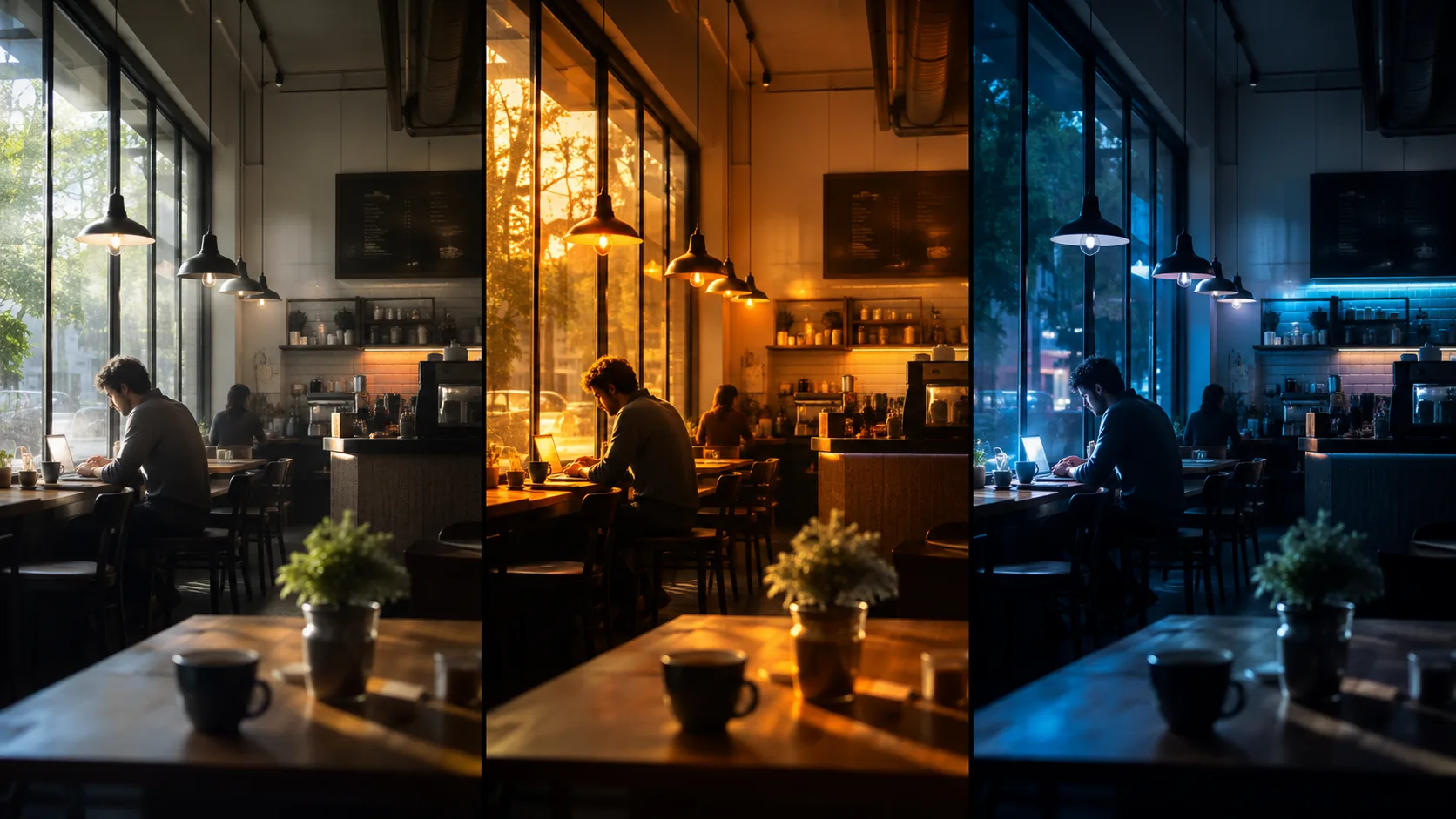
GuideUse practical Seedance lighting prompts to specify source, direction, color, contrast, and what should stay stable in a short AI video scene.
 Guide
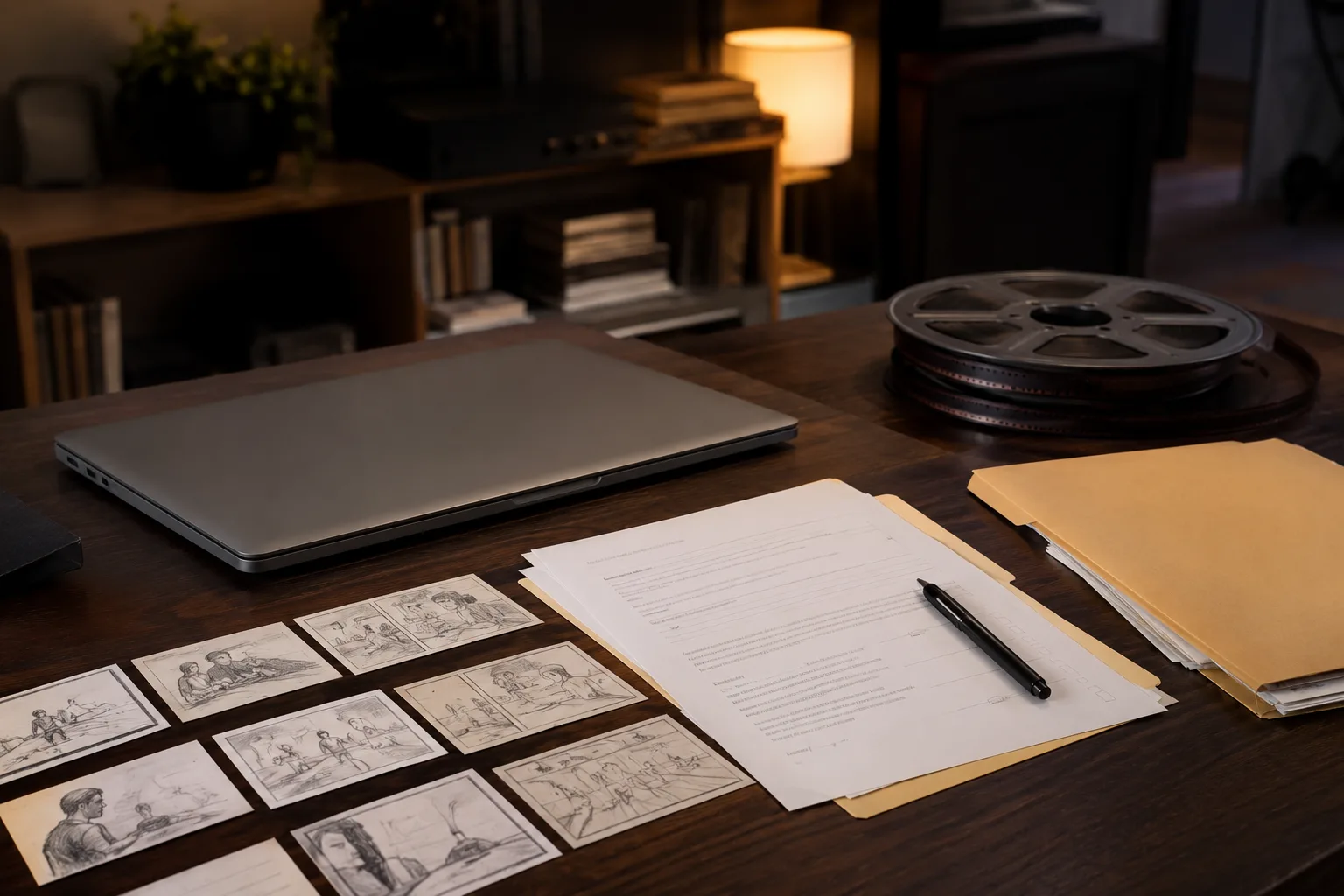
GuideUse this Seedance commercial-use checklist to verify current terms, input rights, consent, export conditions, and client delivery notes.
 Guide
GuideBefore using a Seedance reference image, check permission, people, logos, framing, clarity, and one controlled motion request.
 Guide
GuideUse Seedance fashion video prompts to turn one reference image into a controlled lookbook clip, with practical advice for motion, fabric, and consistency.
 Guide
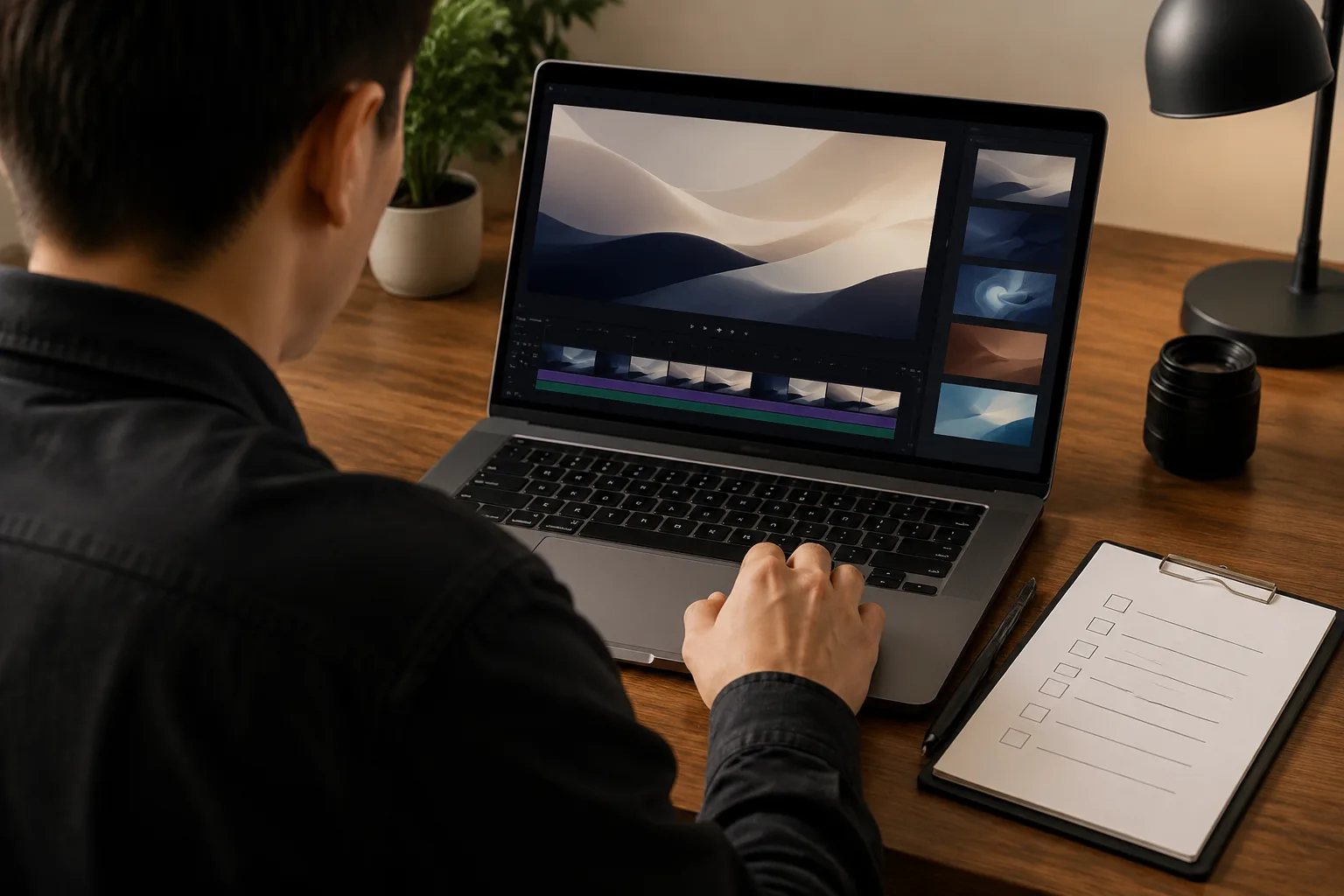
GuideBefore you export an AI video, check the current plan, model, export screen, and terms for watermark or attribution requirements.
 Guide
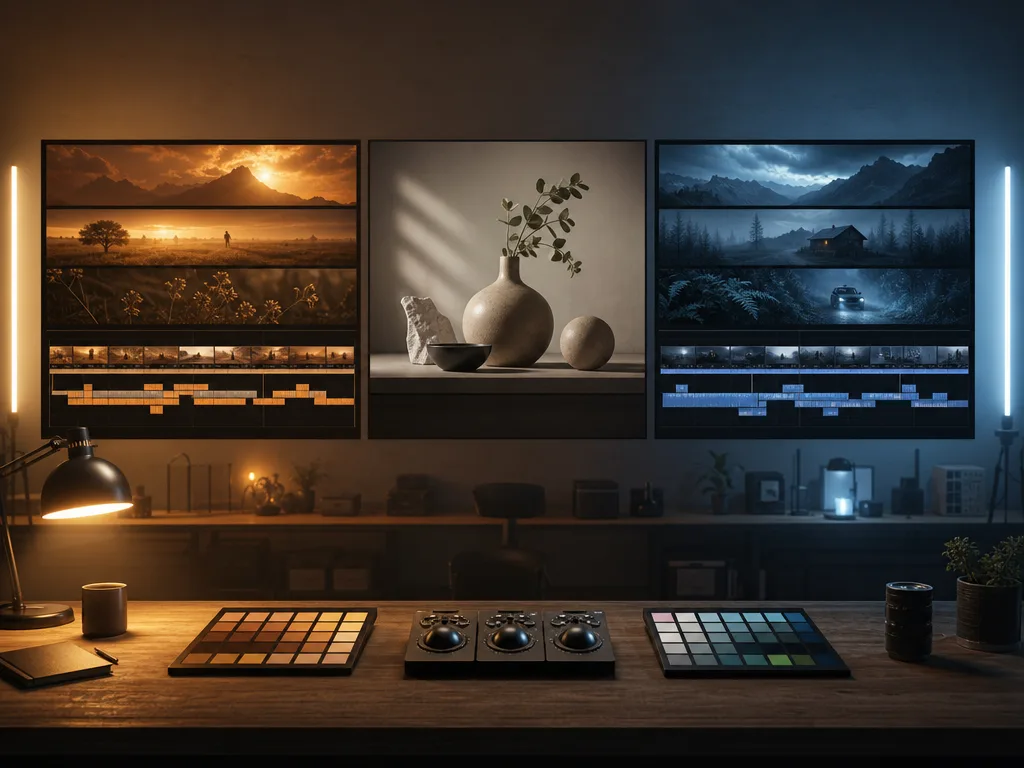
GuidePlan a Seedance portrait animation with a permitted source image, subtle motion, a clear prompt, and a review checklist before you share the clip.
 Guide
GuideCompare Seedance and PixVerse as AI video generators with the same source, prompt, review criteria, and project goal—not a fast-aging feature list.
 Guide
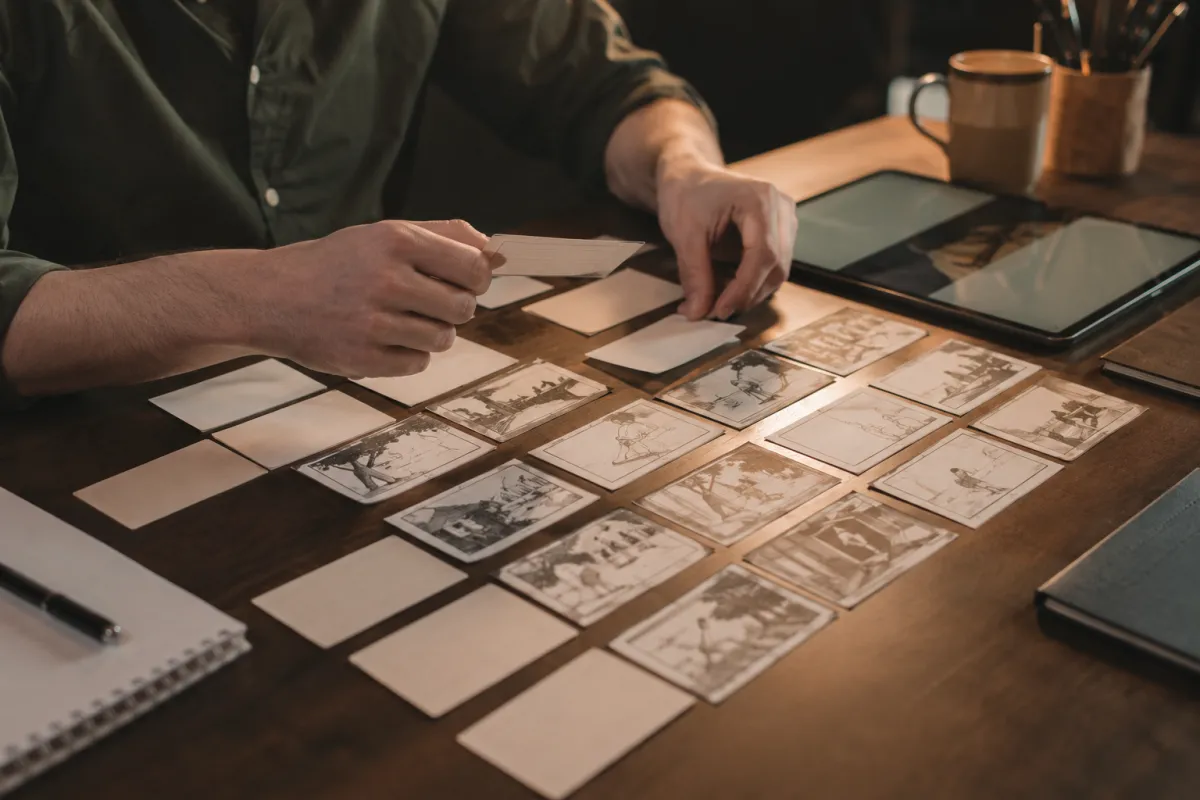
GuideTurn a short script into an AI video plan with a Seedance 2.5 workflow for beats, references, prompts, timing, and a usable final cut.
 Guide
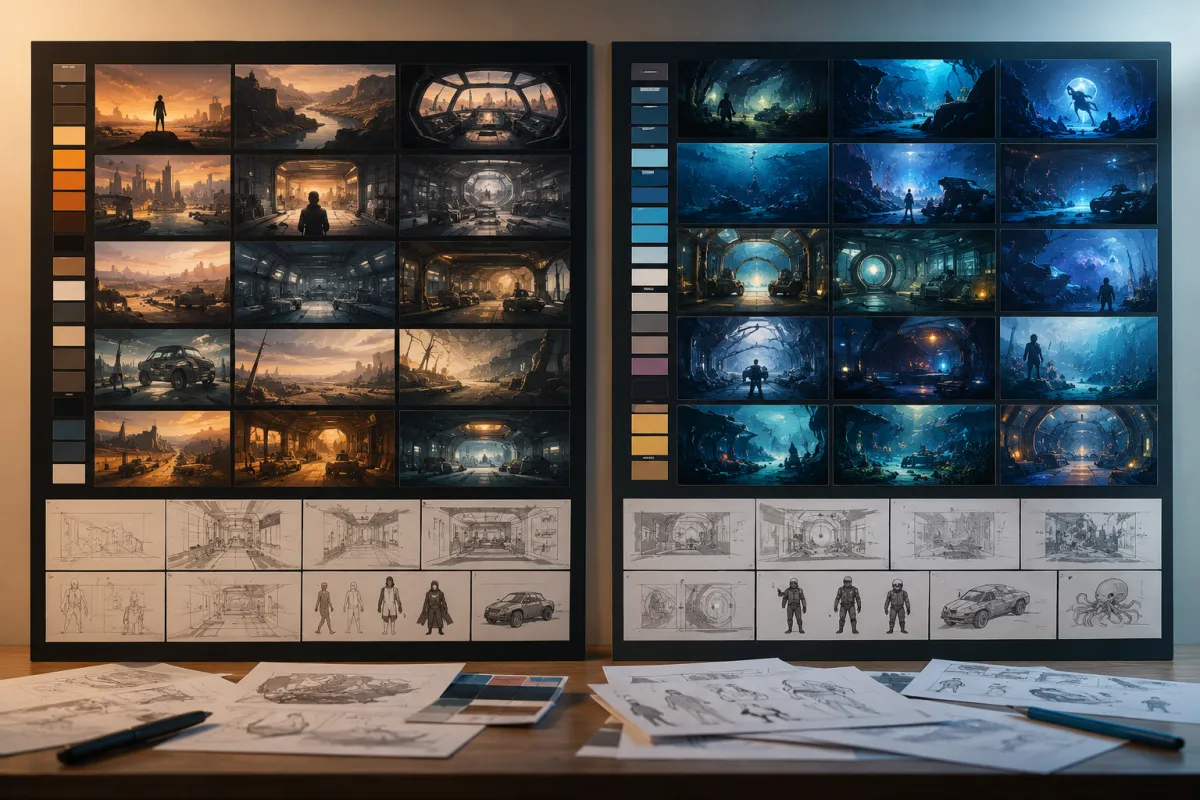
GuideCompare Seedance 2.5 and Hailuo with one fair first test: source quality, prompt control, motion stability, iteration, and usable final frames.
 Guide
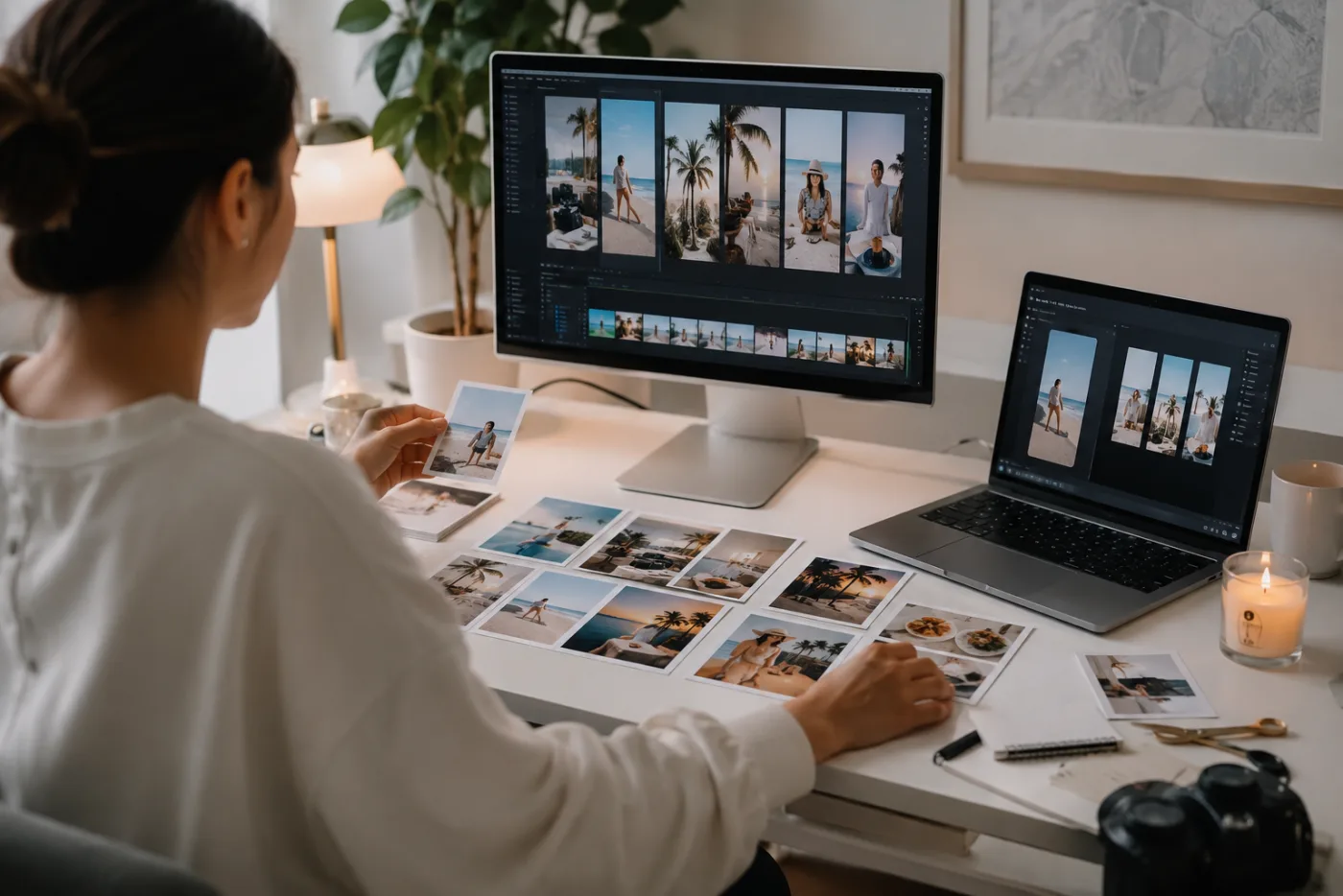
GuideBuild a practical 30-day AI video content calendar with Seedance 2.5. Plan content pillars, source assets, small tests, review notes, and reusable variations.
 Guide
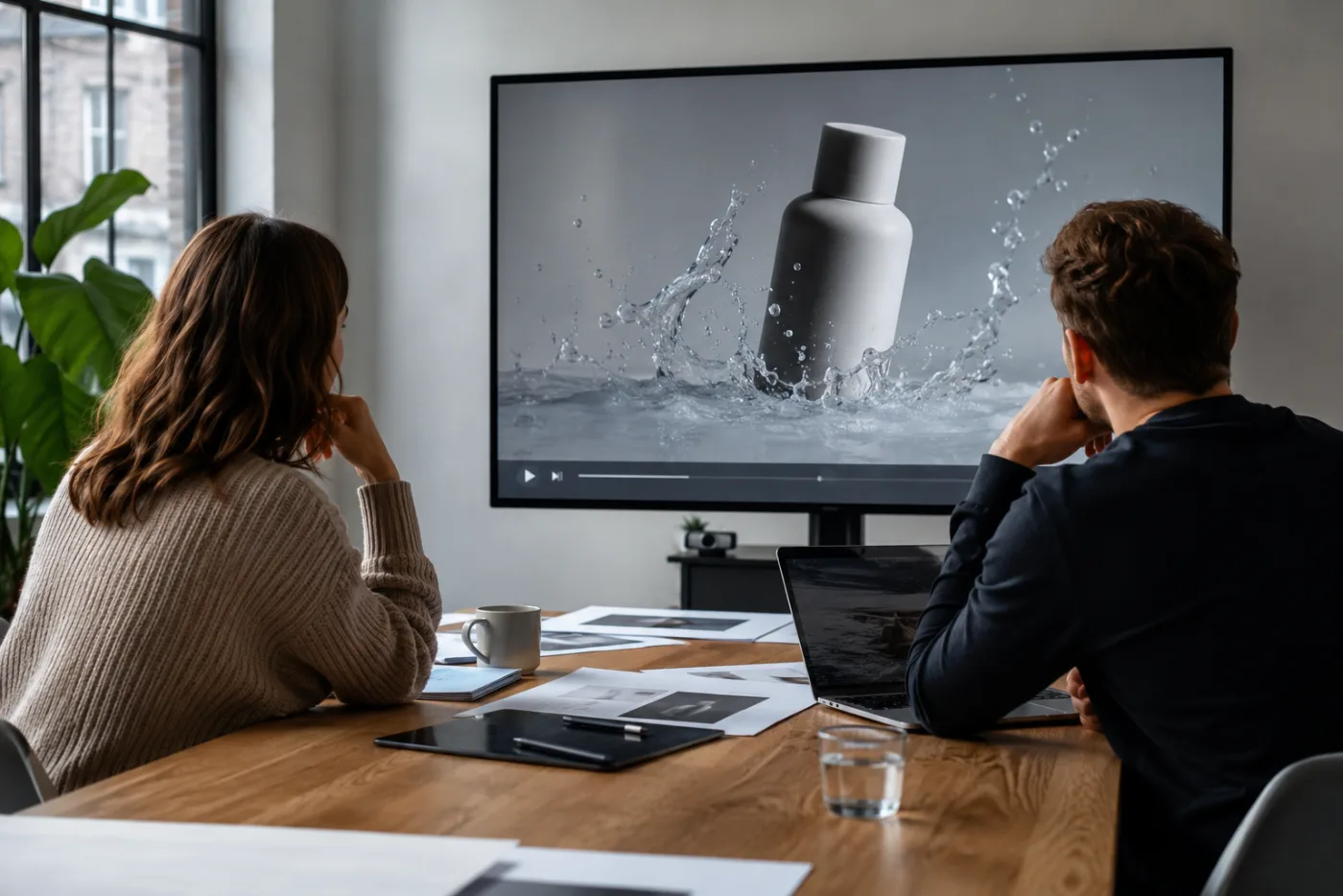
GuideUse Seedance 2.5 to make client video mockups that clarify a creative direction without presenting unverified AI footage as a finished commercial.
 Guide
GuideTurn one clear product image into a controlled Seedance 2.5 ad-video test. Plan the hook, motion, review, and next render without treating AI as a full shoot replacement.
 Guide
GuideTroubleshoot a Seedance 2.5 generation failure with a controlled checklist. Learn what to test for source mismatch, overloaded prompts, motion ambiguity, and service errors.
 Guide
GuideReduce warped faces, hands, products, and backgrounds in Seedance 2.5 with a simpler source, one motion, and a practical review pass.
 Guide
GuideTurn one Seedance 2.5 prompt into a practical shot-by-shot storyboard. Plan subject, action, camera, and edit points before you generate.
 Guide
GuideLearn how to ask for less or more apparent motion blur in Seedance 2.5, diagnose unstable movement, and keep realism without false camera-setting promises.
 Guide
GuidePlan short AI music video visuals with Seedance 2.5 prompts: one beat, one camera move, and one stable subject per editable clip.
 Guide
GuideUse Seedance 2.5 pet video prompts to animate an approved pet photo with small, believable motion and a careful review pass.
 Guide
GuidePlan a Seedance 2.5 vertical clip for TikTok, Reels, or Shorts with one clear opening, controlled motion, and an editor-ready ending.
 Guide
GuideUse an AI explainer video generator for short concept clips by mapping one claim, one visual proof, and one next step before generating.
 Guide
GuideUse an AI video generator to plan honest real-estate concept clips from property photos with simple prompts, short shots, and clear limits.
 Guide
GuideChoose a useful aspect ratio and clip duration for an image-to-video workflow before you spend a generation. Match the format to the job, then keep the prompt simple.
 Guide
GuideUse a practical, UI-first approach to negative prompts in an AI video generator. Check whether the current mode exposes a field, then write clear positive constraints when it does not.
 Guide
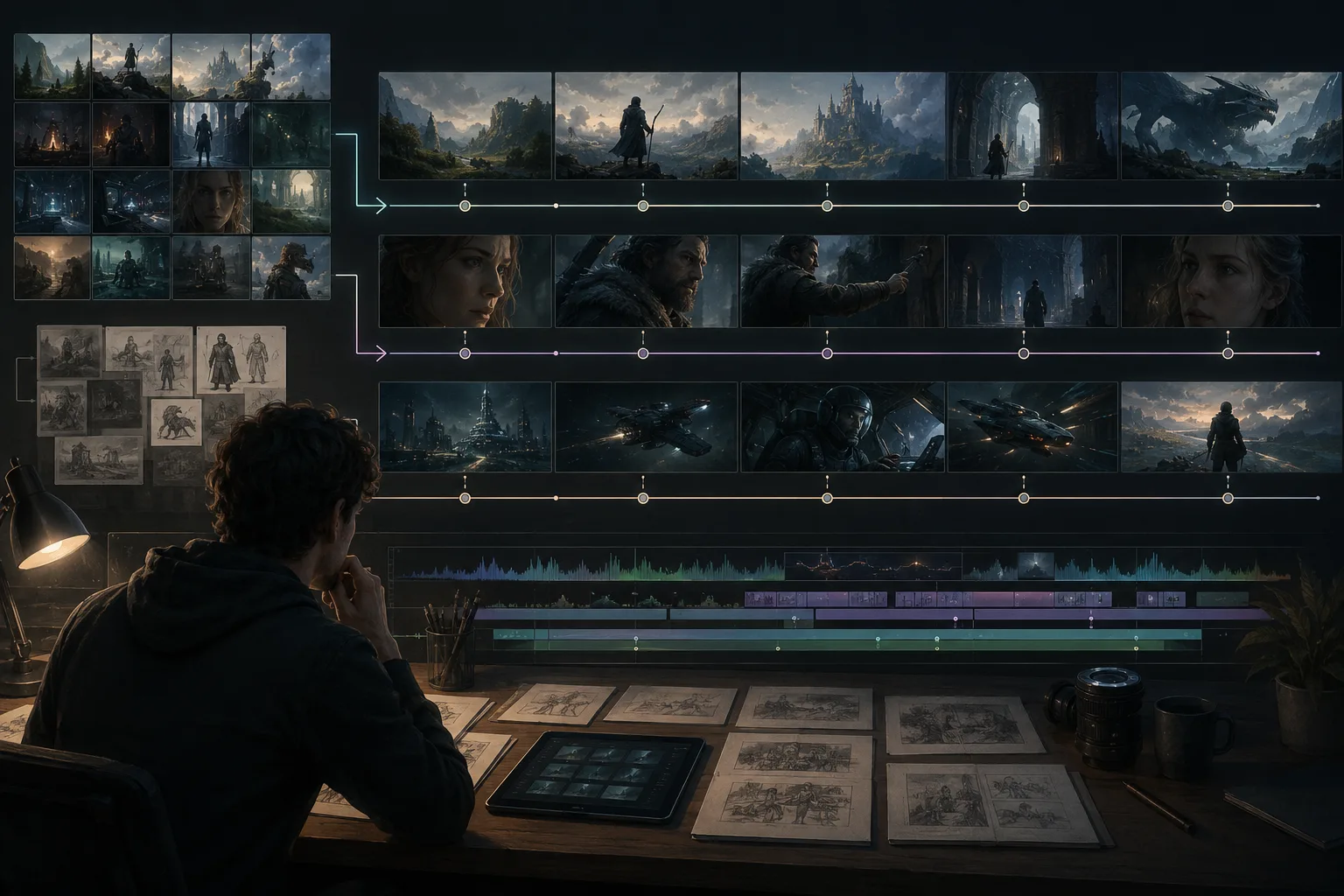
GuidePlan a long form AI video generator workflow with Seedance 2.5: split prompts into scenes, use image to video AI references, and edit clips together.
 Guide
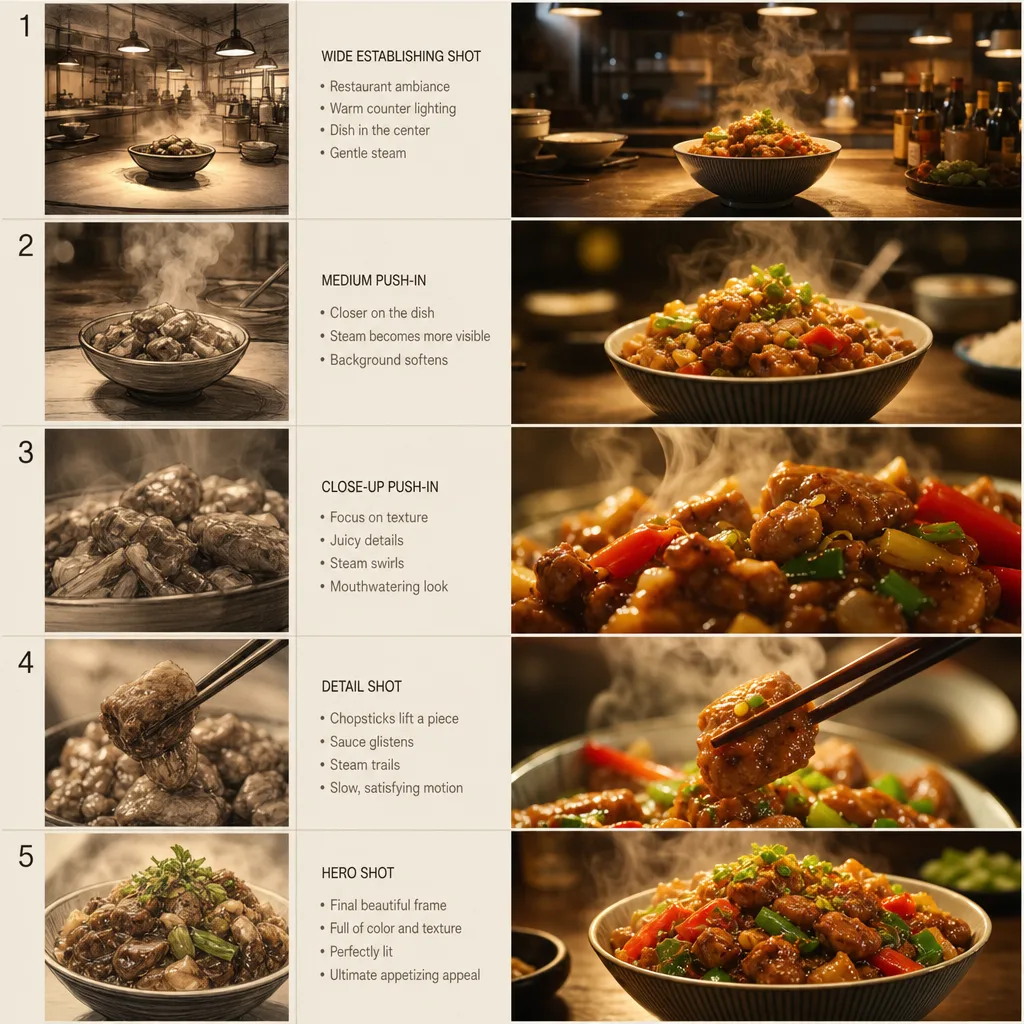
GuideUse an AI food video generator prompt workflow to turn food photos into short clips with steam, sauce, camera movement, lighting, and clean final frames.
 Guide
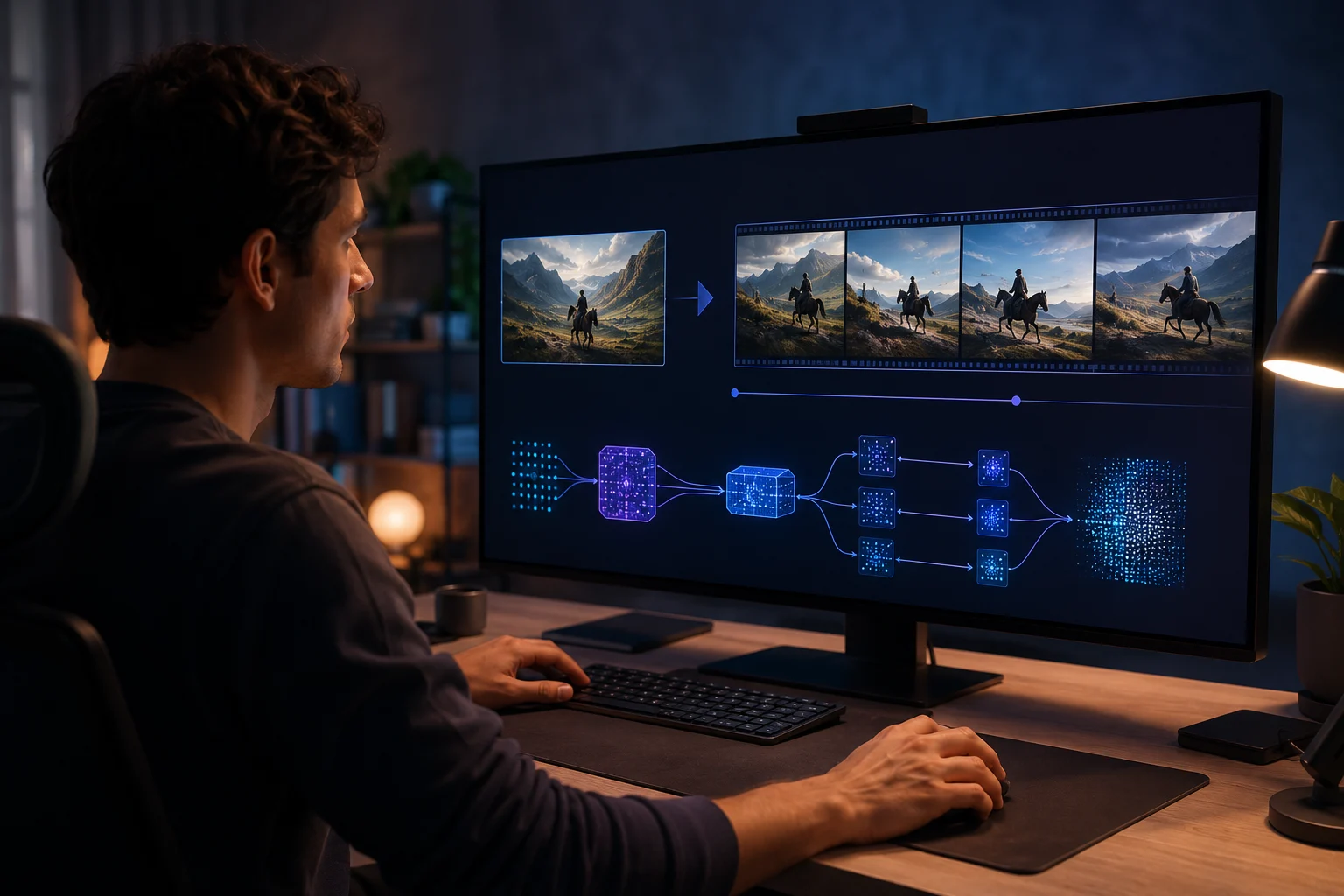
GuideUnderstand the ByteDance Seedance AI video model, how it relates to Seedance 2.5, and what creators should check before generating videos.
 Guide
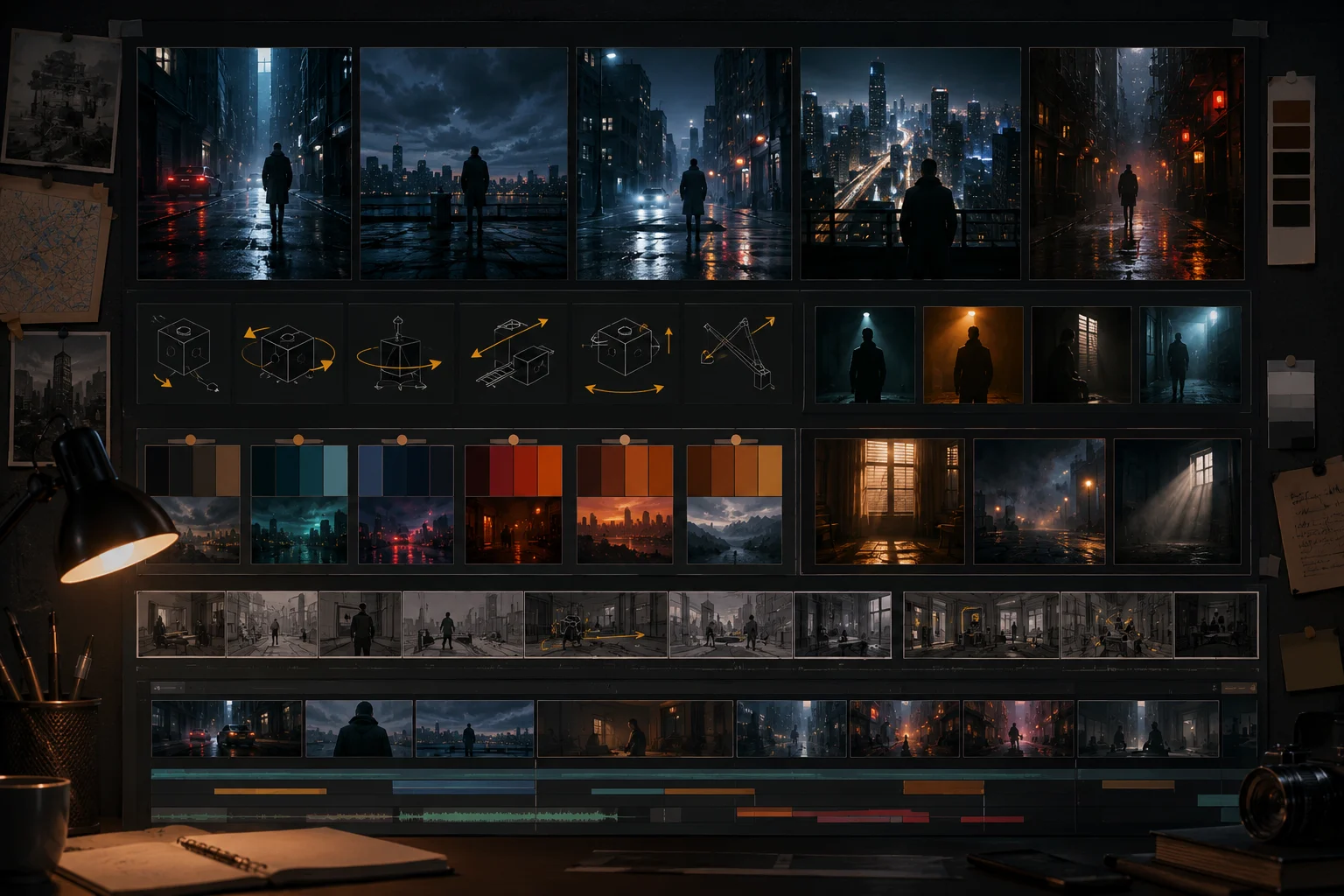
GuideUse cinematic Seedance 2.5 prompts for short AI videos. Learn shot structure, camera movement, lighting, final-frame control, and prompt examples.
 Guide
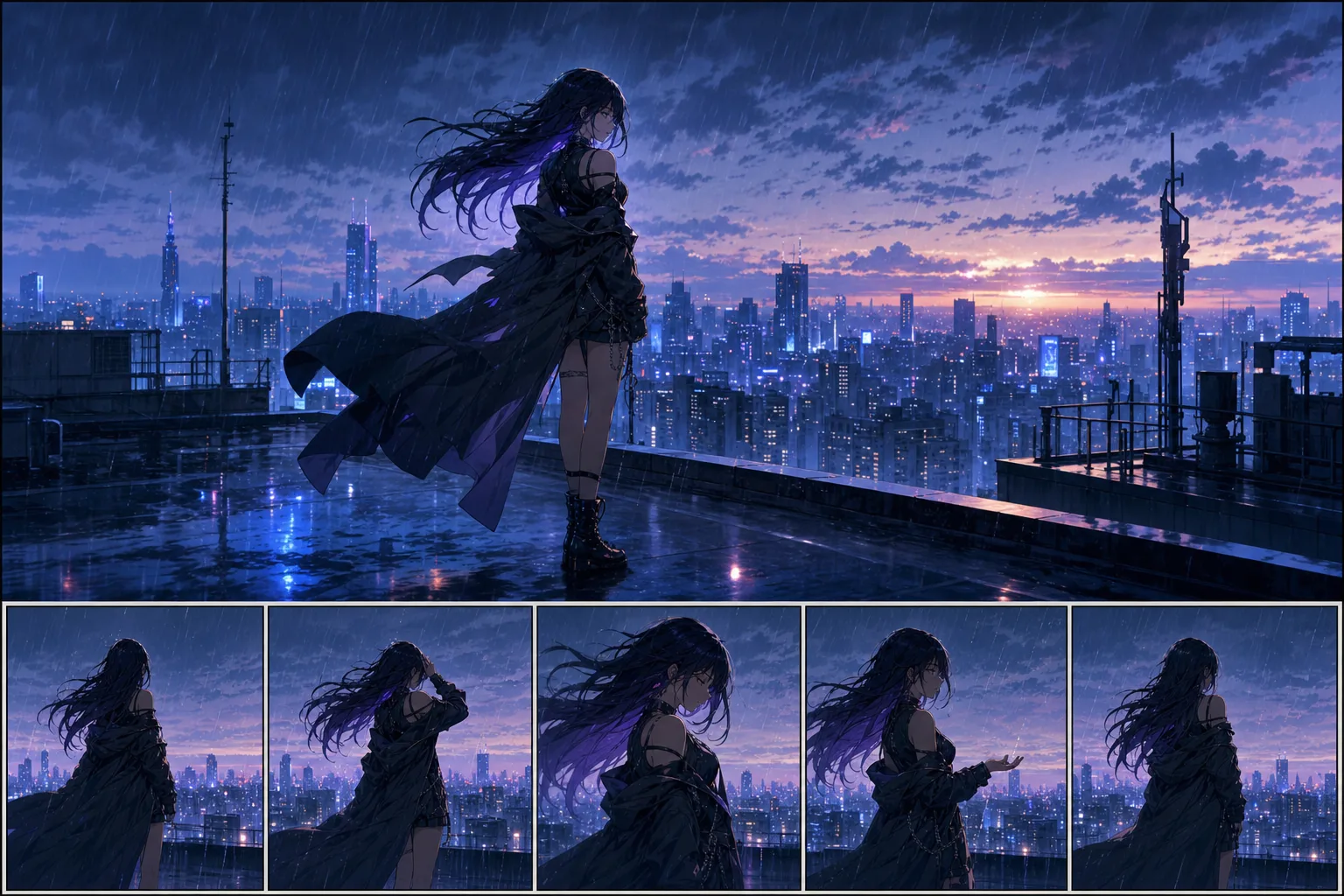
GuideUse these Seedance 2.5 anime video prompts to create original anime-style clips with cleaner motion, safer style language, and less prompt clutter.
 Guide
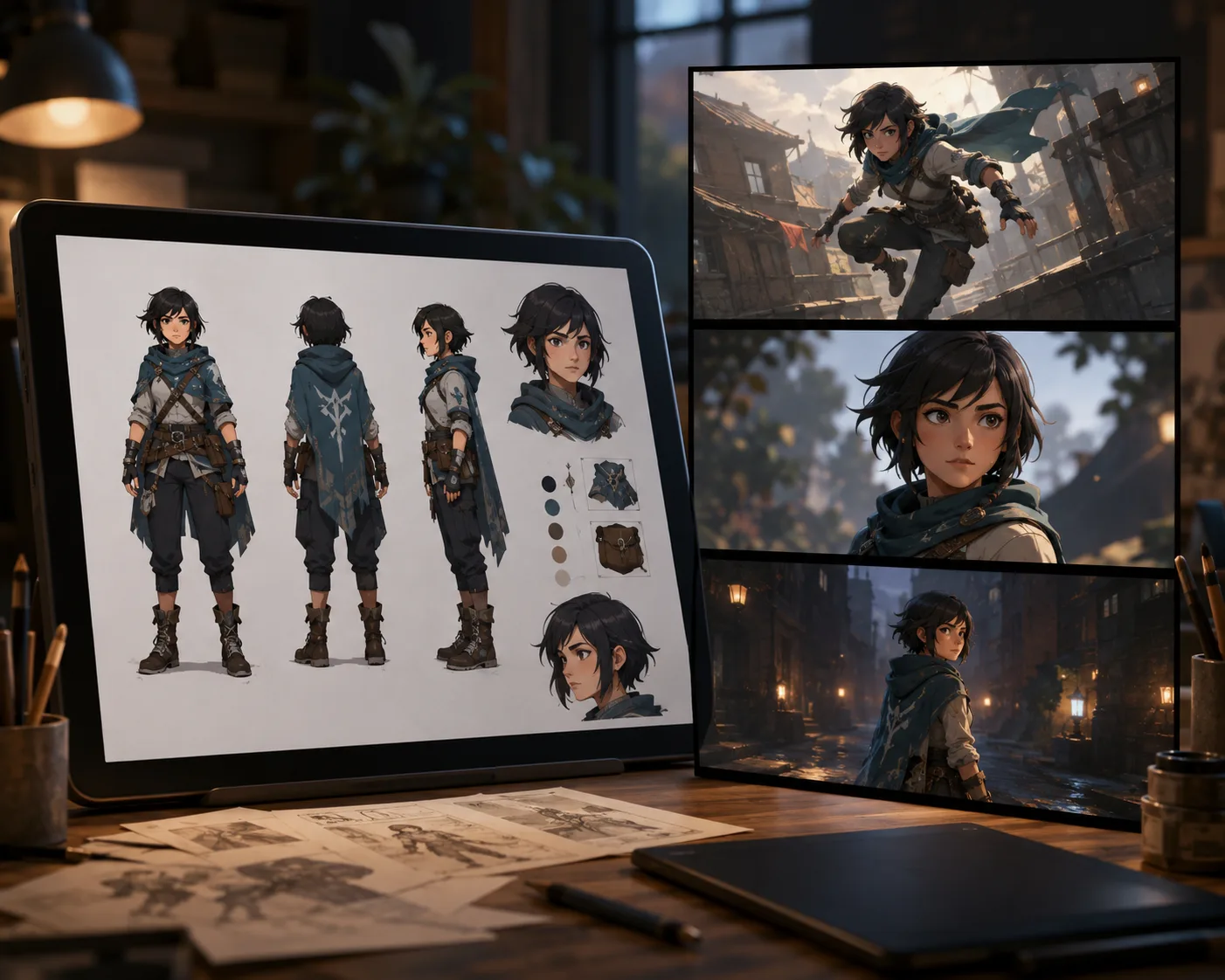
GuideKeep characters consistent in Seedance 2.5 with better reference images, simpler motion prompts, stable framing, and image-to-video AI tests.
 Guide
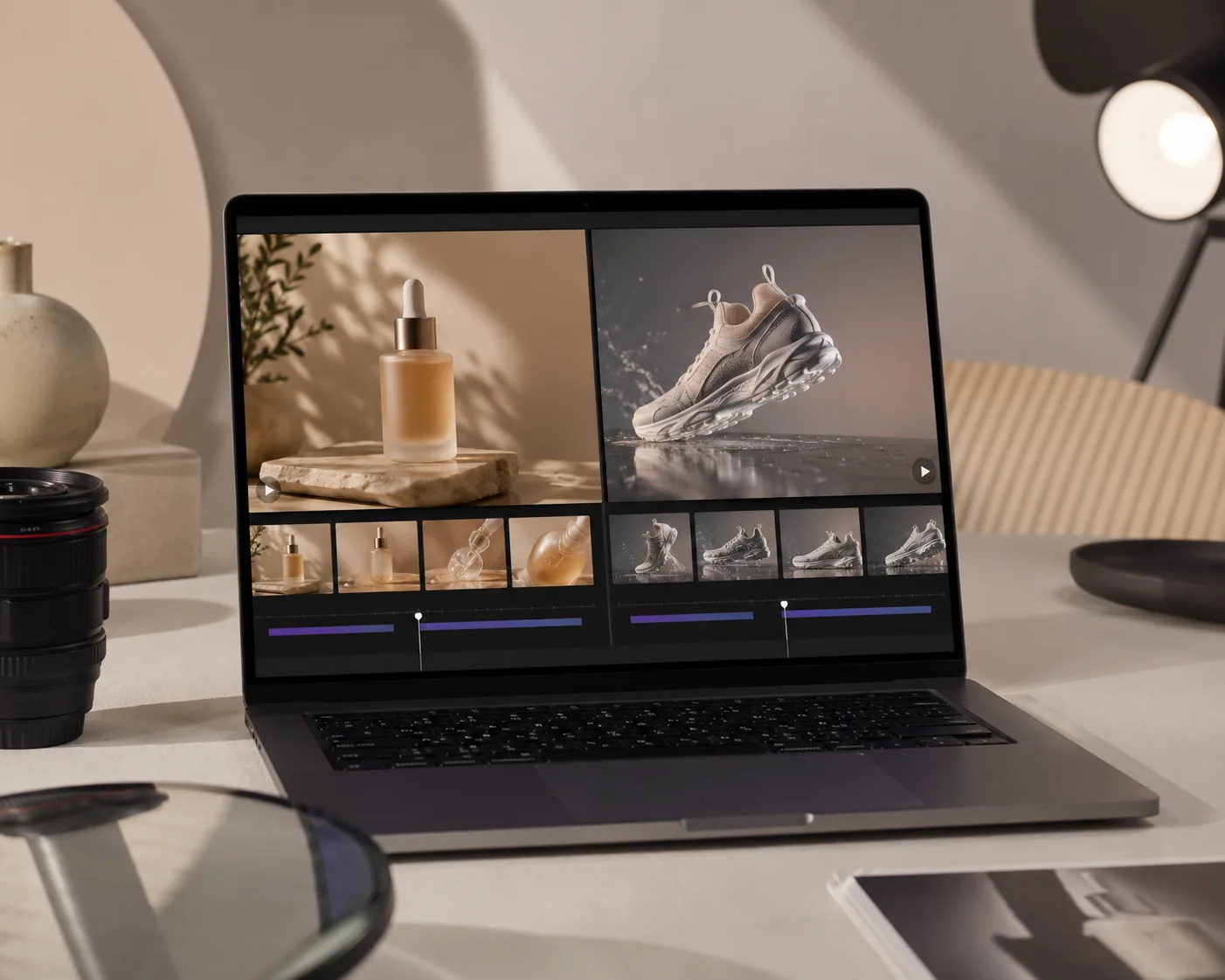
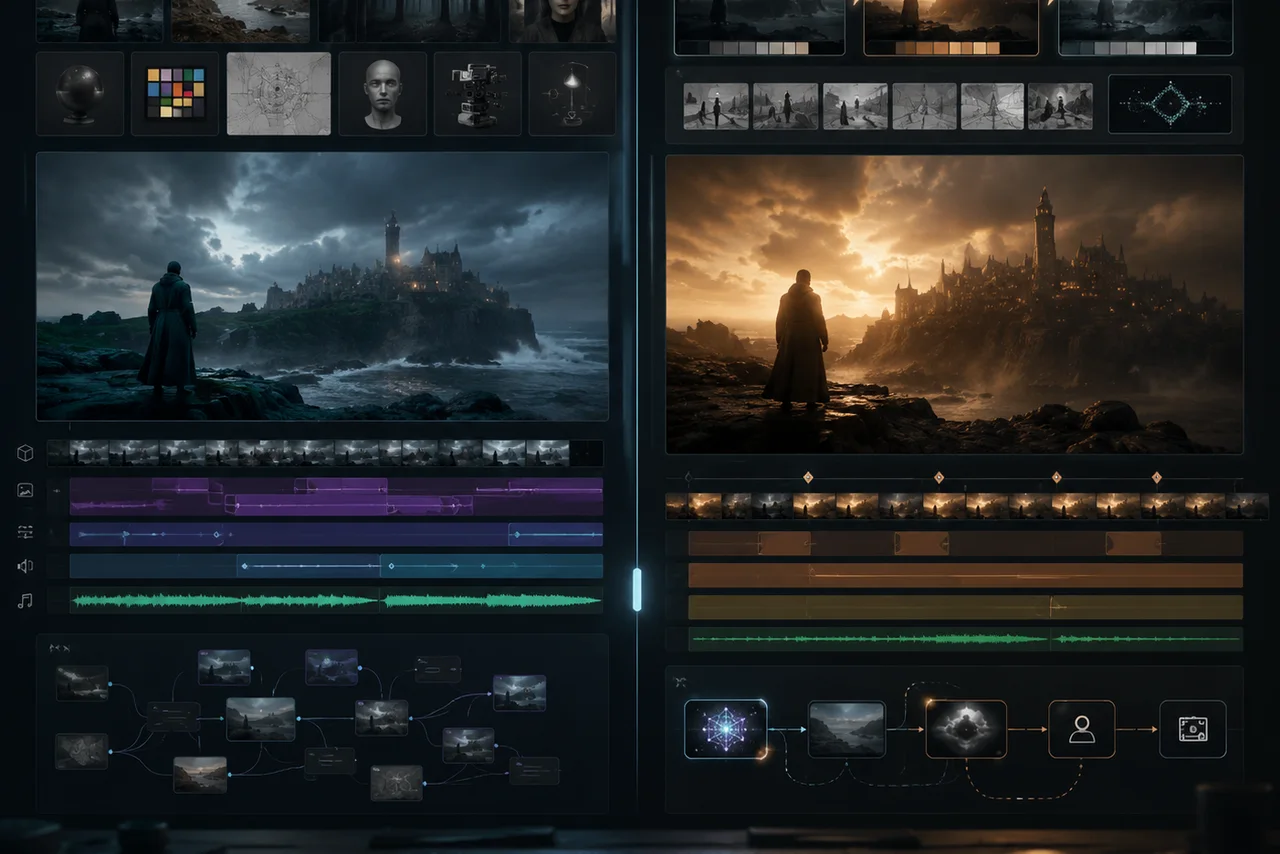
GuideTurn product photos into short motion ads with Seedance 2.5. Learn reference image setup, AI product video prompts, and shot planning.
 Guide
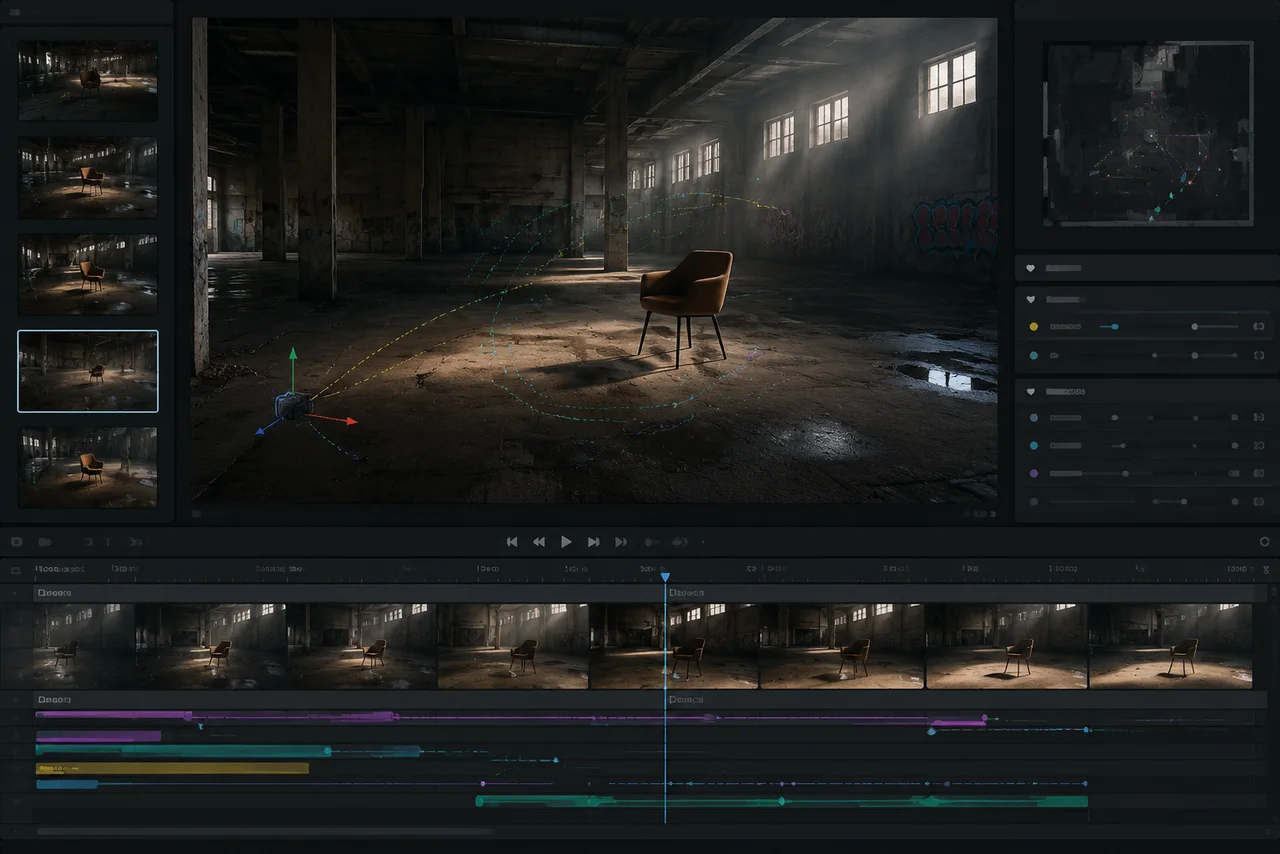
GuideCompare Seedance 2.5 vs Runway for short AI video workflows, references, motion, clip length, refinement, and model choice.
 Guide
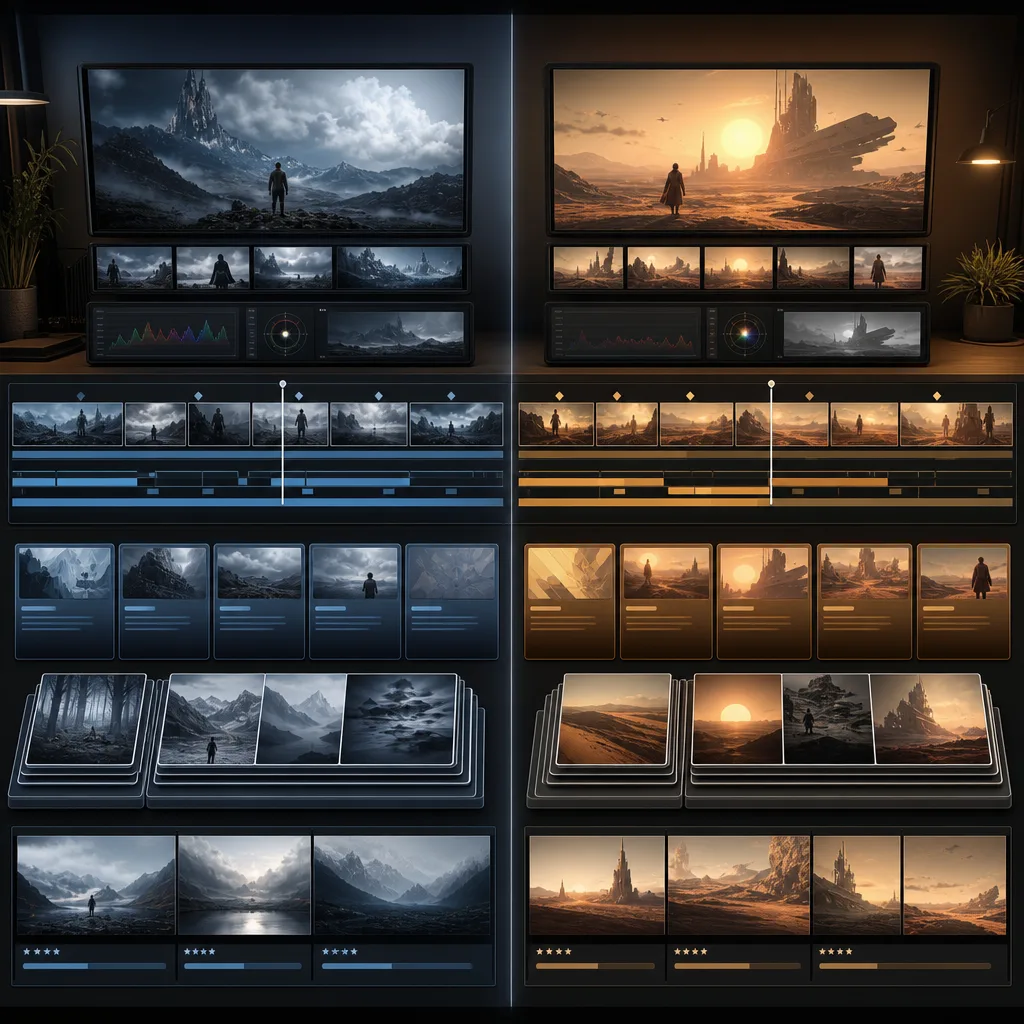
GuideUse Seedance realistic motion planning: start with a stable source, use one camera move, plan beats, and fix motion errors carefully.
 Guide
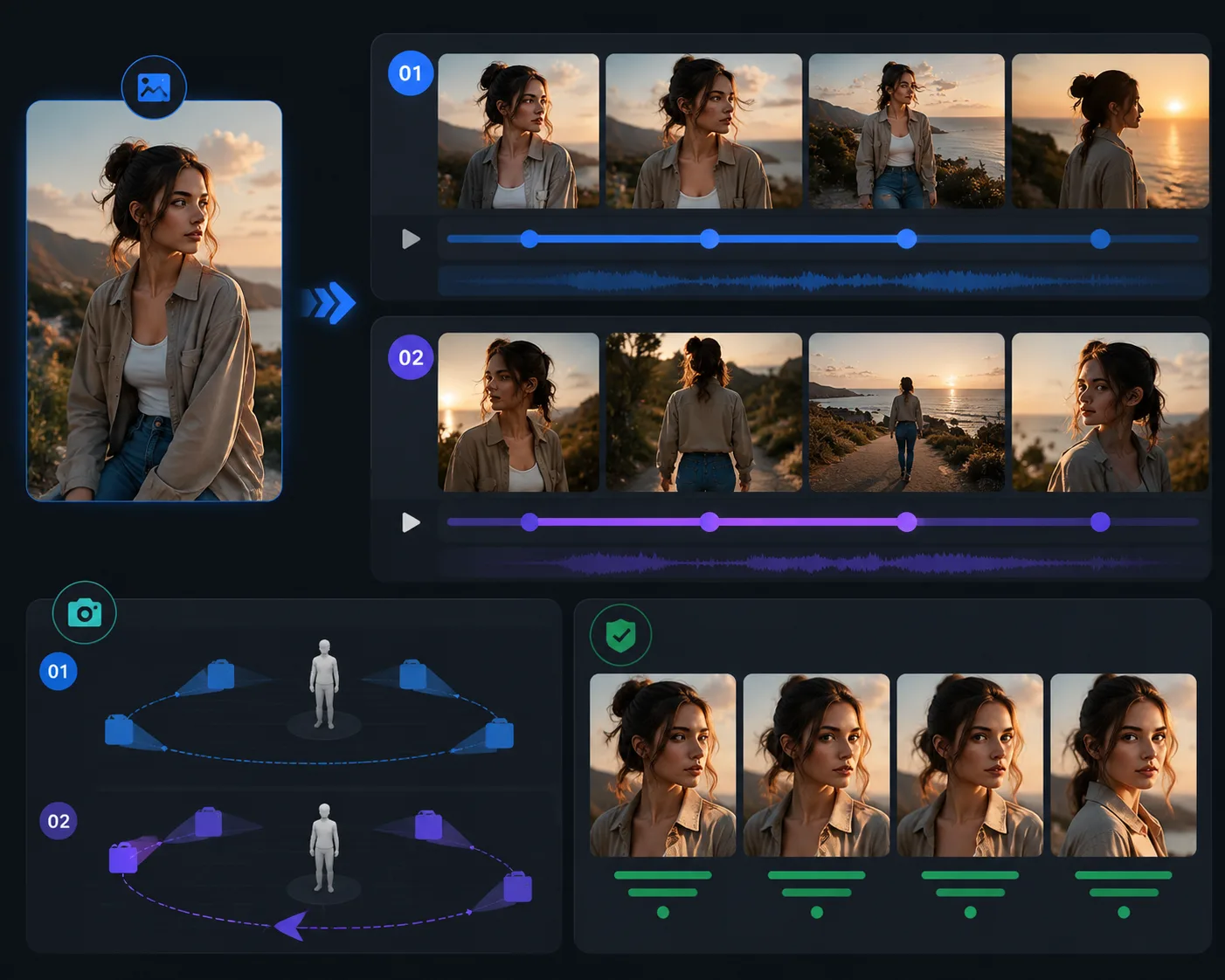
GuideCompare Seedance 2.5 vs Google Veo for AI video workflows, including clip length, references, audio, image-to-video, editing, and production use cases.
 Guide
GuideCompare Seedance 2.5 vs Kling for image-to-video, motion control, references, clip planning, audio, and creator workflows.
 Guide
GuideIs Seedance 2.5 free? Learn the current credit-based access model, pricing options, failed-render refunds, watermarks, and export settings before you generate.
 Guide
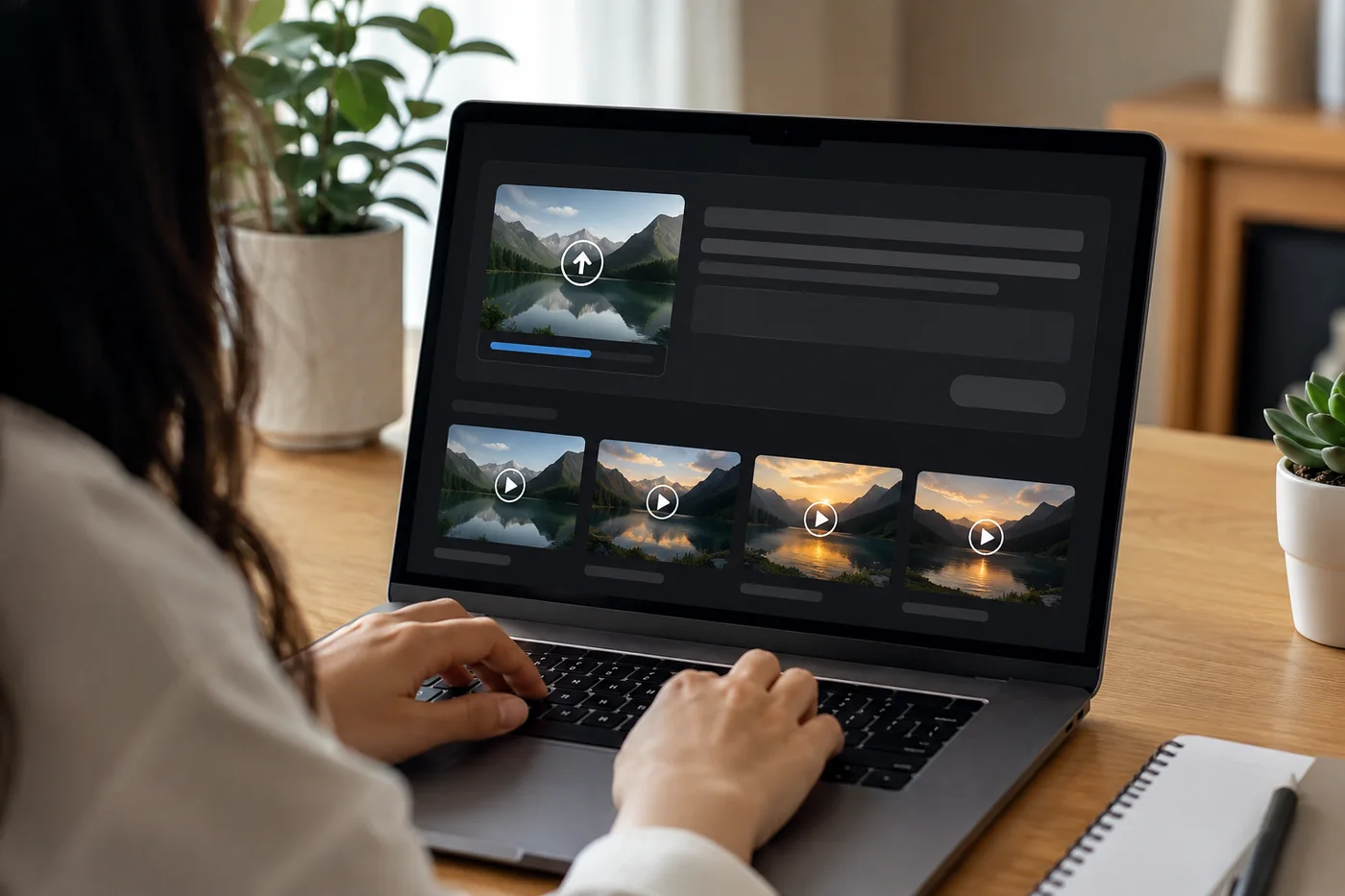
GuideLearn how to access Seedance 2.5 online in a browser, choose text-to-video or image-to-video, prepare references, and generate AI videos without local setup.
 Guide
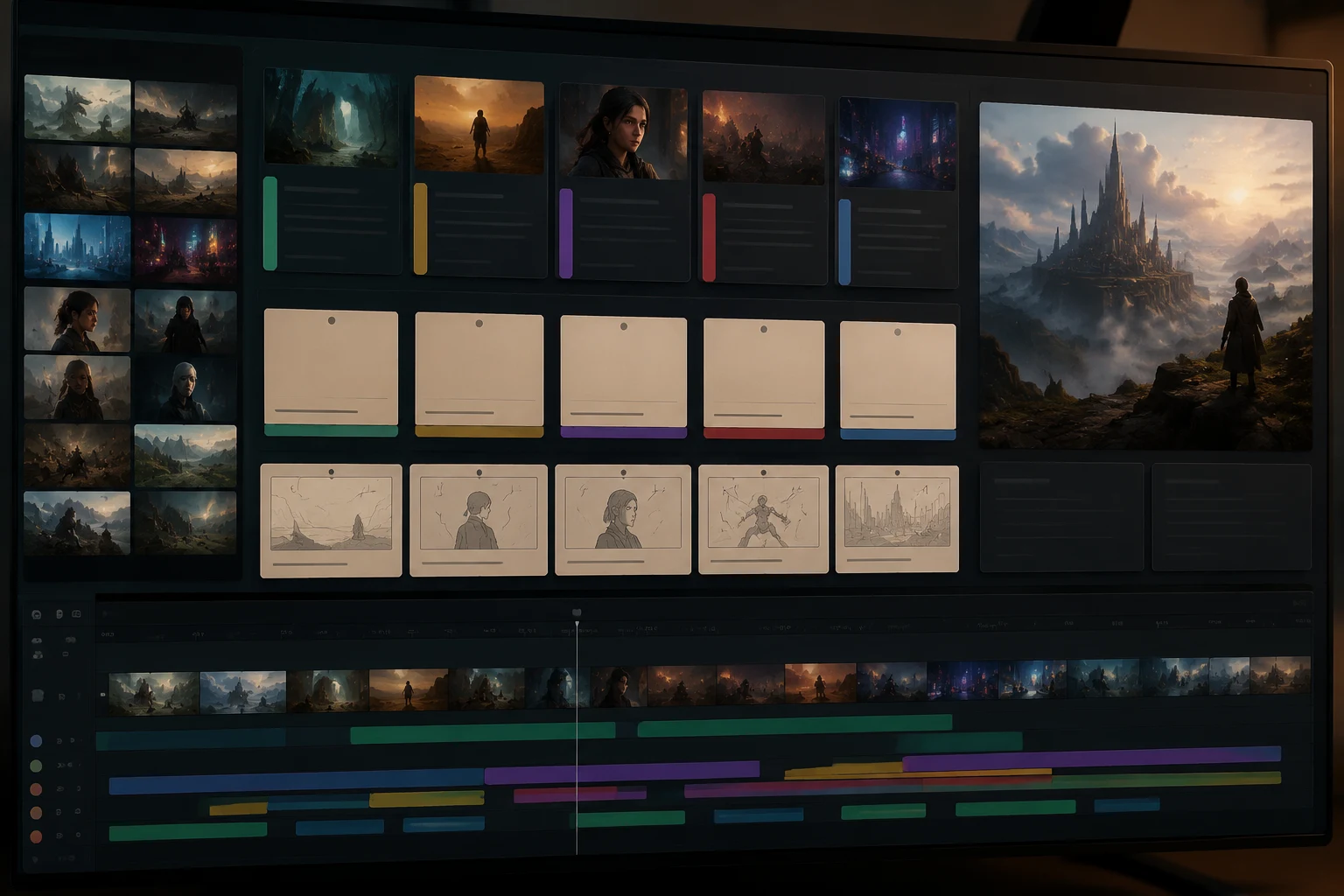
GuideUse these Seedance 2.5 prompt examples for 30-second scenes, product ads, reference-to-video, character consistency, local edits, and social clips.
 Guide
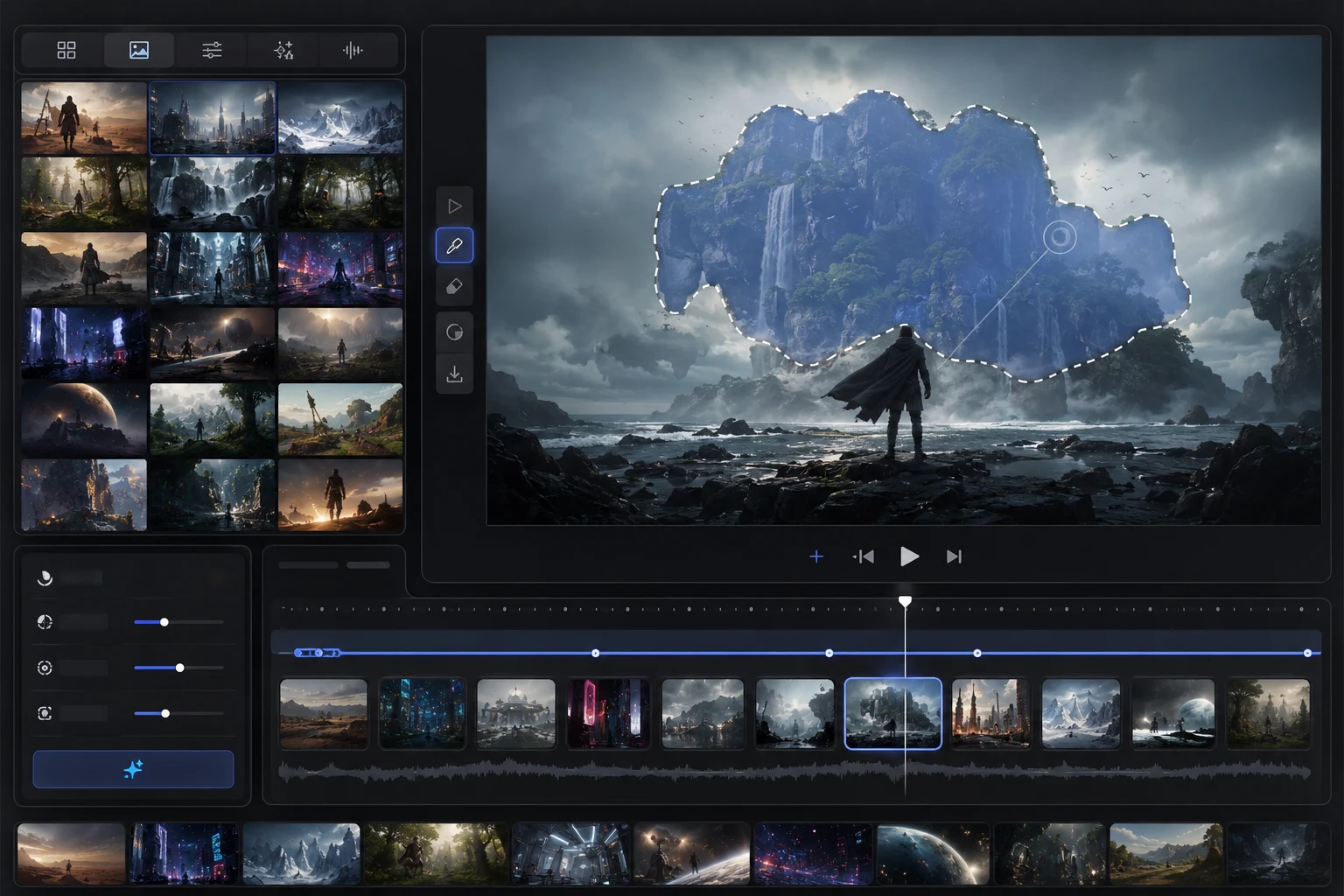
GuideSeedance 2.5 adds longer 30-second scenes, up to 50 references, reference-to-video workflows, local edits, and production control.
 Guide
GuideSeedance 2.5 camera movement prompts for better AI video: learn pan, zoom, dolly, orbit, tracking, tilt, and how to combine camera language safely.
 Guide
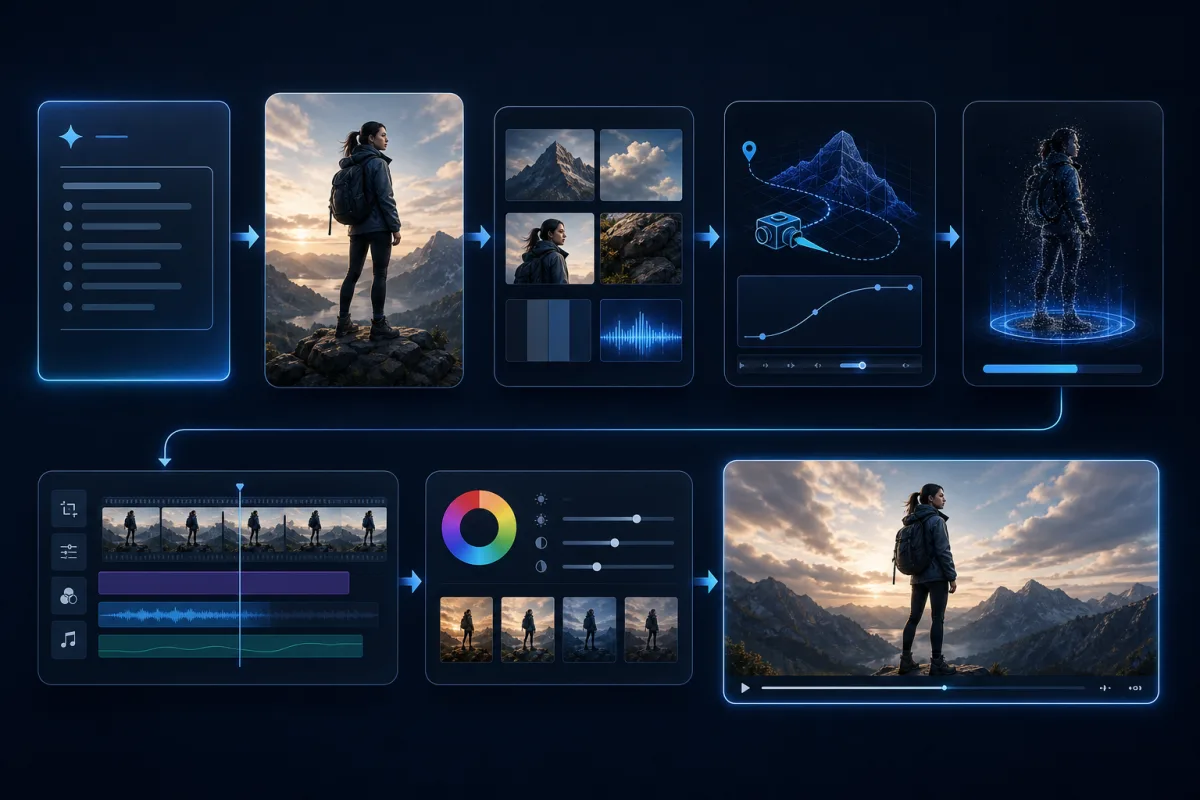
GuideUse Seedance 2.5 image-to-video to animate a reference image into a controlled clip. Learn the workflow, prompt formula, image checklist, and common fixes.
 Guide
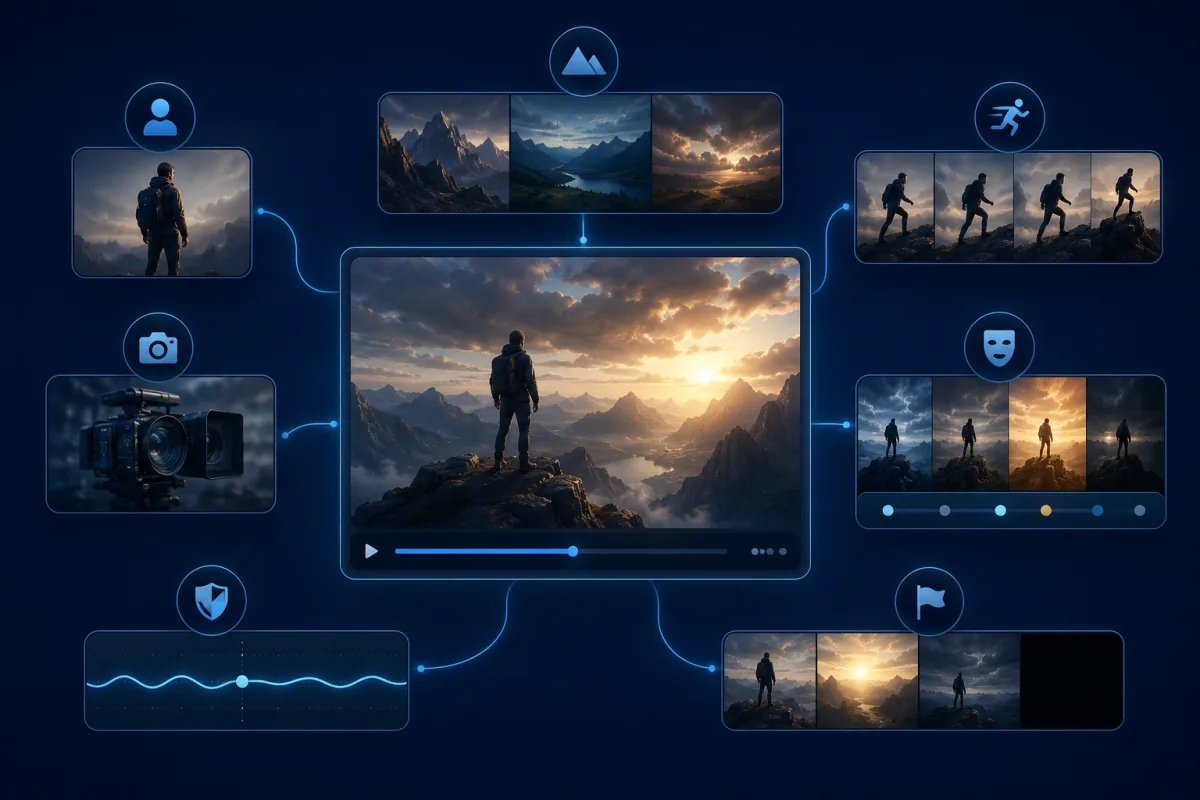
GuideSeedance 2.5 AI is built for longer, more controllable AI video. Learn what the model changes, how to plan a clip, and how to start from text or image prompts.
 Guide
GuideUse this Seedance 2.5 text-to-video prompt guide to write better AI video prompts for product clips, cinematic scenes, social ads, and storyboards.