
Seedance Camera-Move Review: Check Direction Before You Cut
Review a completed Seedance camera move for direction, stable framing, protected details, and a usable cut point before handoff.
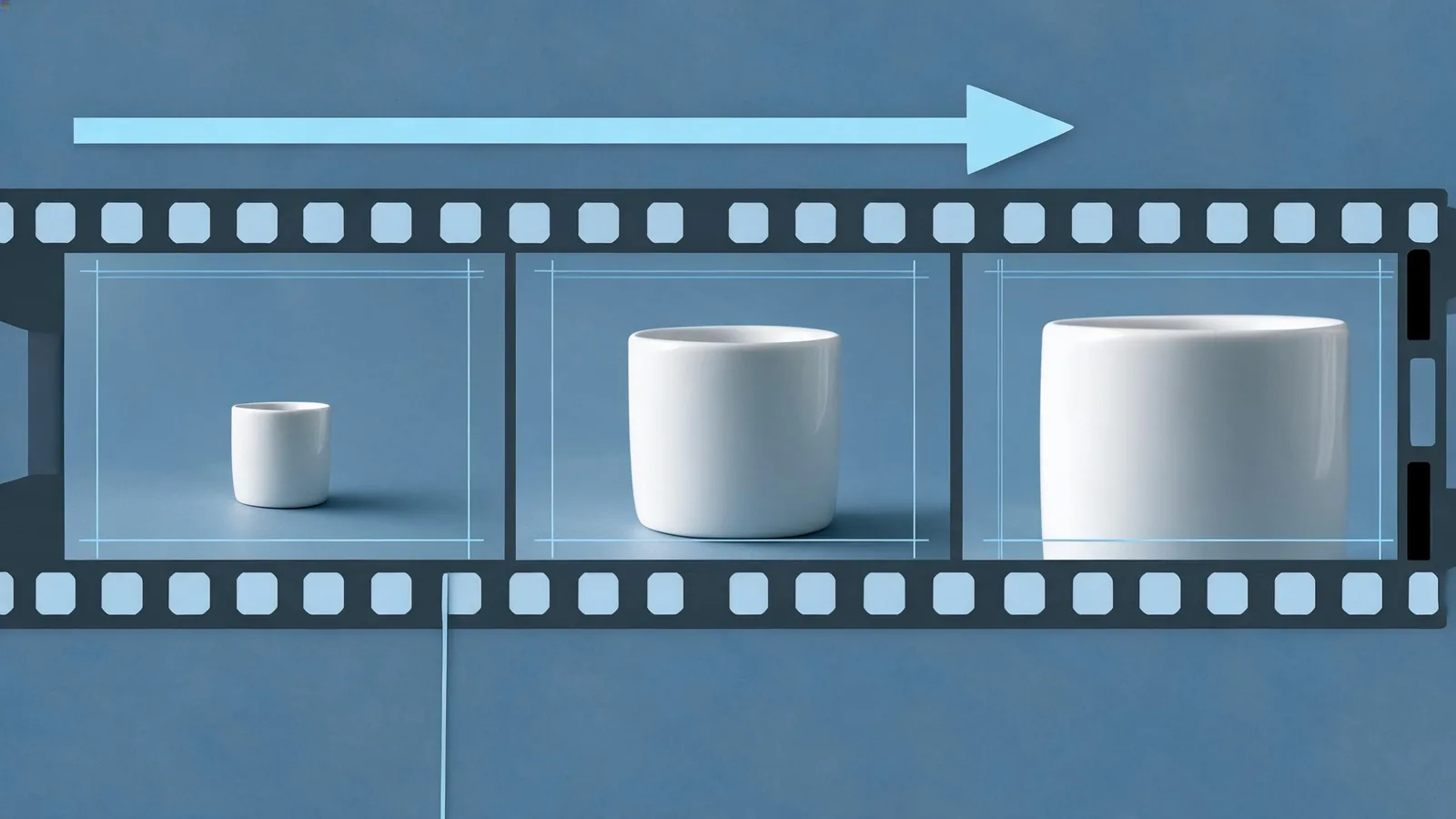
Review a Seedance camera move after the render by watching the opening, the hardest part of the motion, and the final second. Accept it only when the direction and pace are usable, the important subject and framing remain stable, and the clip ends at a clean cut point. If one condition fails, record it and change one likely cause in the next test.
Last updated: September 14, 2026 · about 8 min read
This guide begins after a clip exists. It is not another camera-language library: for prompt wording such as pan, zoom, dolly, orbit, tilt, and tracking, see Seedance 2.5 camera movement prompts. Here, the question is narrower: can this completed move be used or handed off without guessing?
That distinction matters. A prompt may correctly request a slow push-in, yet the rendered camera can drift, a protected object can deform, or the final frame can arrive with no room to cut. ByteDance’s Seedance 2.0 launch note discusses camera language and controllability, while also noting areas that still need refinement. Treat every completed render as something to inspect, not as proof that an instruction was fulfilled.
Review the whole shot before choosing a favorite frame
Play the clip once at normal speed with no pausing. Ask a plain question: does the move communicate the intended direction at a pace an editor could use? Then inspect three moments.
| Moment | What to inspect | A useful decision note |
|---|---|---|
| Opening | Starting framing, subject placement, and whether the move begins cleanly | “The bottle begins centered with enough side room for a title.” |
| Hardest movement | Direction, speed, subject geometry, contact points, reflections, and background lines | “The push-in is forward, but the cap changes shape at the midpoint.” |
| Final second | Stable composition, exit motion, and a cuttable hold | “The camera settles with a one-second centered hold; usable from 1.2–5.0.” |
Use observations, not invented causes. “The image warps at the midpoint” is reviewable. “The model ignored the prompt because it dislikes glass” is speculation. A short, concrete observation gives the next test a clear job.
Check direction and rate before aesthetic preference
Camera direction is easiest to assess with a stable point in the scene: the subject edge, a background line, or the amount of space around an object. For a push-in, the subject should become larger in a controlled way. For a pan or tracking move, judge whether the scene travels in the requested left/right relationship. For an orbit, watch whether perspective changes while the protected subject remains readable.
Rate matters as much as direction. A technically correct move may be too abrupt for a calm product shot, too slow to establish a social-video beat, or inconsistent enough to be hard to edit. Do not make up a frame-rate threshold; use the edit’s actual need. If you cannot state where the usable part begins and ends, it is not ready for handoff.
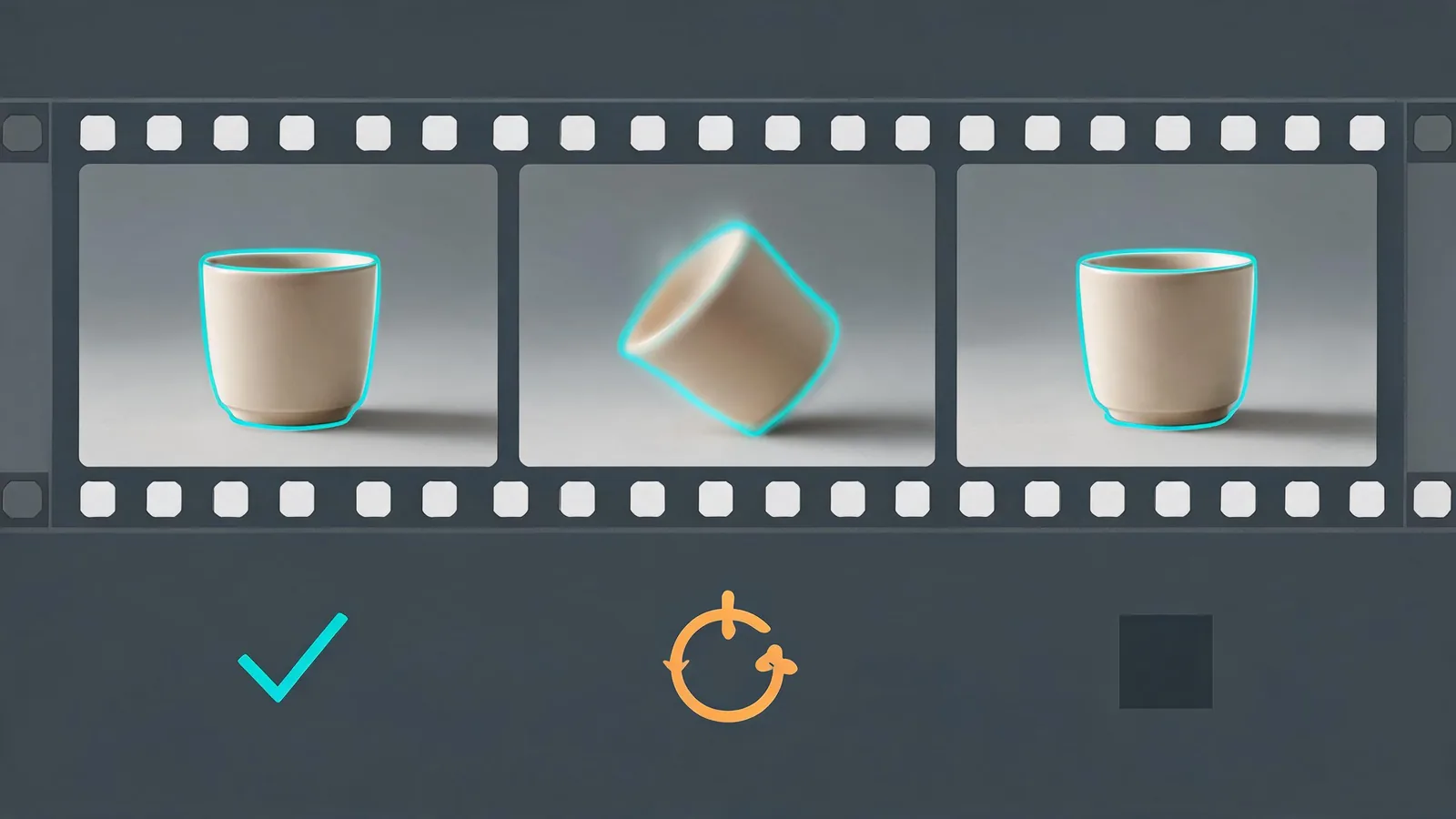
The review is sequential: direction first, then protected details and framing, then the actual place an editor can cut.
Protect the detail that makes the shot worth keeping
Before you judge polish, name the small set of details that must survive the move. A product shot might protect the silhouette, cap, label area, and contact shadow. A portrait might protect identity, hands, eyeline, and hairline. A location concept might protect horizon, architectural lines, or a licensed source composition.
Watch those details through motion, not just at the endpoints. Common reasons to revise include:
- a face, hand, bottle, or object changes geometry during the move;
- a reflection, shadow, or straight edge jumps in a distracting way;
- the camera reaches the intended subject but the framing crops a needed detail;
- extra people, logos, unreadable pseudo-text, or objects appear;
- a stable opening degrades before the shot reaches its planned cut.
Generated imagery should not carry exact wording, a legal claim, or a real-world assertion unless independently supported. Keep exact titles, prices, warnings, and product evidence in approved conventional design or editing assets. The product-video review checklist is useful when the protected detail is a product rather than a general scene.
Use a three-way decision that leaves evidence for the next person
After your review, select one action. It need not be complicated.
- Accept: The requested direction and pace work, protected details remain usable, and the end has a clean cut point. Record the usable range and intended limit.
- Revise: One visible fault has a testable correction. Keep the permitted source and baseline prompt, then change one likely cause—such as reducing the move, simplifying the action, or asking for a centered ending hold.
- Stop: The clip adds an unapproved person, undermines a required product detail, cannot support the intended factual context, or needs more changes than a controlled next test can clarify. Use a conventional edit or redesign the shot.
A compact fictional note could read:
Render:
cup-push-v03· Decision: revise. The movement is forward and the opening framing is usable, but the cup tilts at the midpoint and the final frame drifts right. Keep the same permitted source; next test uses a slower push-in and asks for a centered ending hold. Do not use the current render publicly.
This note does not claim why the artifact occurred. It preserves enough evidence for a fair follow-up.
Do not turn review into endless retrying
One revision should isolate one decision. If the direction is wrong, do not simultaneously swap the reference, introduce a new scene, double the action, and request a different style. You will not know what changed the outcome. The prompt test log provides a simple baseline-and-one-change record.
When a move remains unstable, simplify rather than escalating a vague prompt. A locked-off shot with subject motion can be more usable than an orbit around fine details. A shorter shot may create a clean cut where a longer move drifts. The avoid-warping guide offers input and motion checks for a protected product, face, or background.
If a failure might be technical rather than creative, capture the visible status, time, selected model, input IDs, and prompt version. The generation troubleshooting guide separates retry-worthy generation failures from problems that need a different source or brief. Do not try to work around moderation or permission concerns by repeatedly rewording the same unsafe request.
Hand off only the version that passed the stated check
An editor or client should receive the actual selected file or ID, the usable in/out range, the intended use, and known limitations. A camera move that works as a background concept may not be fit for a product demonstration, news-like claim, or use involving a real person. Confirm source permission, rights, exact claims, and destination requirements separately.
For a small team, attach the review note to the selected clip. For a larger edit, use the video editor handoff checklist. The point is not to make the record bureaucratic; it is to stop a later reviewer from mistaking a pretty frame or superseded render for an approved shot.
Frequently asked questions
What should I check first in a Seedance camera move?
First confirm that the camera actually moved in the requested direction and that its pace is usable for the intended cut. Then inspect the subject, framing, and final frame; a flattering still cannot prove that the full move works.
When should I revise a camera-move render instead of accepting it?
Revise when one visible fault has a clear next test, such as wrong direction, an unstable protected detail, framing drift, or no clean end hold. Preserve the approved input and change one likely cause so the comparison remains useful.
Does a usable camera move make generated footage safe to publish?
No. Visual usability is separate from permission, factual-claim, exact-text, brand, and destination-disclosure checks. Review those conditions independently before public or client use.
Related guides
- Open the Seedance AI video generator →
- Seedance 2.5 camera movement prompts
- Seedance prompt test log: compare renders fairly
- Seedance video editor handoff checklist
Cut only after the movement is proven usable
The camera instruction is only the start of the job. Watch the complete render, identify the usable range, and leave one testable next action when it fails. That makes the next move deliberate rather than another blind retry.