
Why Seedance 2.5 Generations Fail and How to Fix Prompts
Troubleshoot a Seedance 2.5 generation failure with a controlled checklist. Learn what to test for source mismatch, overloaded prompts, motion ambiguity, and service errors.
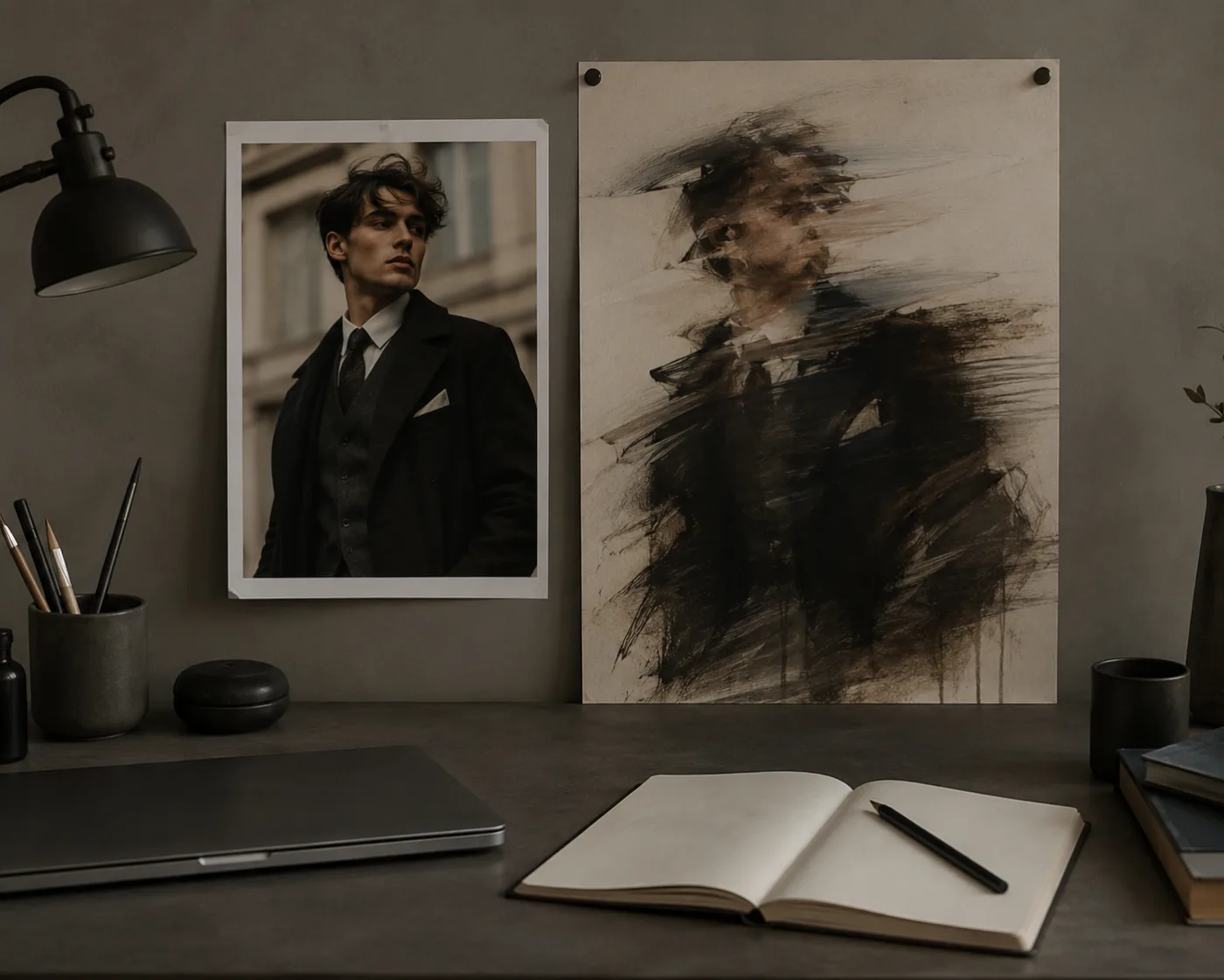
When a Seedance 2.5 generation fails or produces a weak clip, the fastest fix is to identify the symptom and change one variable at a time. An AI video prompt is easier to fix when it changes one source, motion, or camera variable at a time. Do not rewrite the prompt, replace the image, switch modes, and change the duration in one retry. Start with the source asset, simplify the requested motion, and use the Seedance 2.5 AI video generator for a short controlled test.
Last updated: July 16, 2026 - about 10 min read
"Generation failed" can describe two different problems. Sometimes a service request does not complete. Other times it completes but the result has drifting subjects, warped details, ignored camera motion, or a scene that no longer resembles the reference. The right next step depends on which kind of failure you are seeing.
This guide does not promise that every retry will work. It gives you a practical order of operations so each retry teaches you something useful.
First, separate a service error from a creative failure
If the interface reports a technical error, keep a note of the time, mode, and any visible error message. Check the product's current status or support path before repeatedly submitting the same request. If a clip completes but looks wrong, treat it as a creative or input problem first.
The distinction matters because a longer prompt will not repair a network interruption, and waiting for a transient service issue will not repair a tiny product label or a cluttered first frame. Put each failure in the right bucket before changing anything.
The symptom-to-next-test matrix
Use this table as the first troubleshooting step. It tells you what to simplify and what to keep stable on the next attempt.
| What you see | Likely first cause | Next controlled test | Do not change yet |
|---|---|---|---|
| Request stops or returns an error | Temporary service, upload, or request issue | Retry once later with the same simple input; keep the error note | Prompt style, camera direction, and source image all at once |
| Subject changes identity or shape | Source image is unclear or motion is too ambitious | Use a cleaner image and one small subject action | New setting, new clothes, and a second camera move |
| Hands, faces, labels, or edges warp | Tiny details or complex intersections are under stress | Crop to a clearer subject and reduce motion | Extra descriptive adjectives or a longer scene |
| Camera movement is ignored | Conflicting motion language | Ask for one move: slow push-in, pan, or orbit | Multiple moves plus action and scene change |
| Video feels flat but stable | Source composition has no room for motion | Use a still with depth or clean negative space | Faster action before the subject is stable |
| Prompt output is unrelated | Source and prompt describe different scenes | Rewrite the prompt to animate the existing image | A completely different reference and mode together |
The table's most important rule is the last column. Every failed render tempts you to change everything. Resist that impulse. A controlled retest gives you a cause; a total rewrite gives you another mystery.
Start from the first frame
Image-to-video inherits the strengths and problems of the source image. A clear product, portrait, character, or scene gives the model anchors for identity, lighting, composition, and color. A crowded image with tiny faces, unreadable packaging, heavy shadows, or conflicting objects gives it too many weak anchors.
Before you retry, inspect the still at the size you expect the viewer to see. Can you identify the main subject instantly? Are the relevant edges clear? Is there room for the movement you are asking for? If a person is already pressed to the edge of the frame, an orbit or large turn may ask the model to invent hidden body parts and background. If a bottle label is tiny, a moving close-up may turn it into noise.
The best fix is often not a better prompt. It is a cleaner first frame.
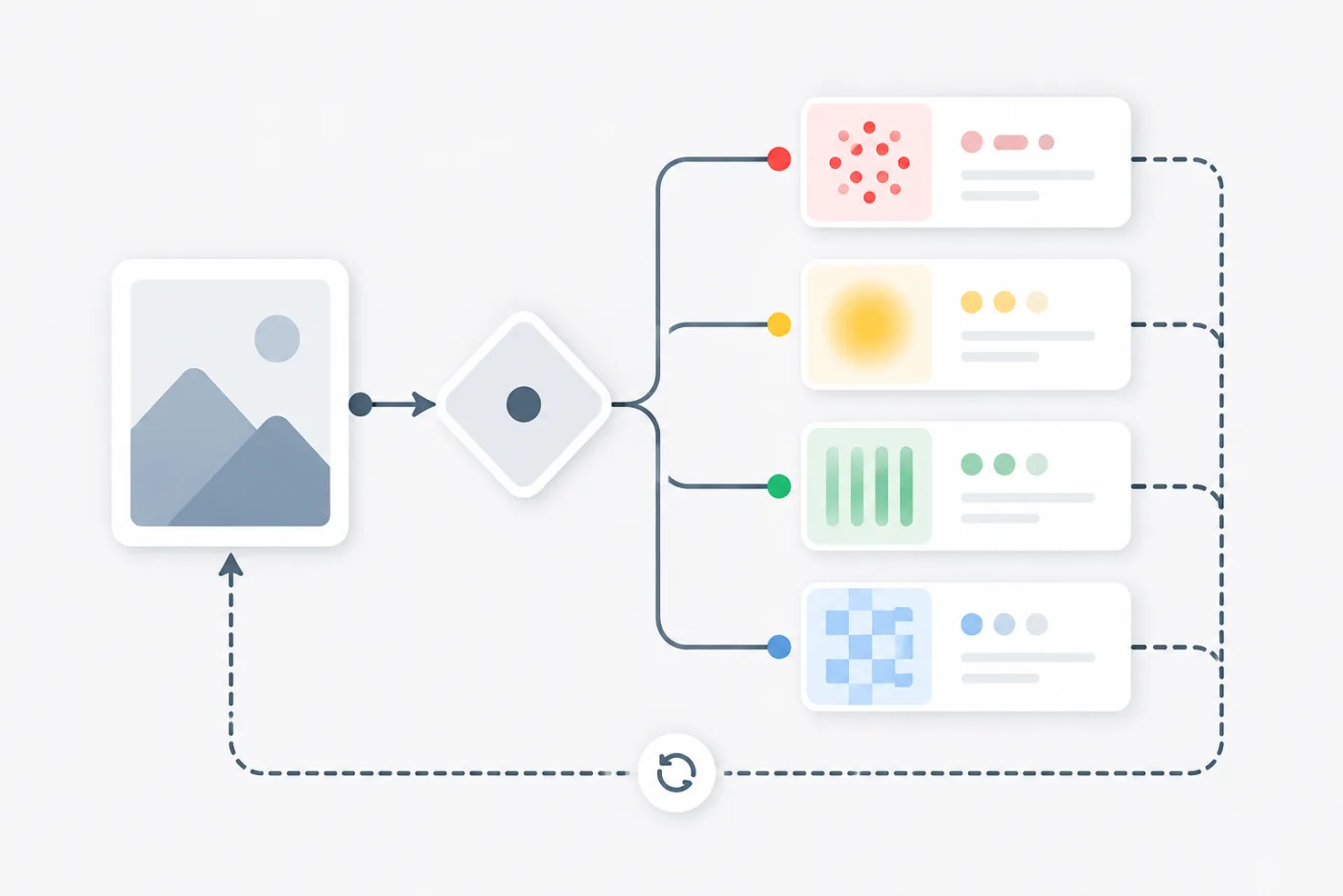
A quick source check is cheaper than repeated prompt rewrites: make the subject clear before asking it to move.
Simplify motion before adding detail
When a scene drifts, lower the number of things that have to happen. Keep one subject action and one camera move. "Slow camera push-in while the product remains centered and soft light moves across the surface" is a better first test than a prompt that asks for a product to spin, open, transform, move through a city, and end in a new location.
Motion language should not fight itself. A pan, zoom, orbit, dolly, and handheld shake all describe different camera behavior. Choose one. If you want a person to move, reduce the camera movement. If you want a prominent camera move, keep the subject action subtle. This is not an artistic limitation; it is a way to discover which part of the prompt the model can follow reliably.
For a reference image, describe what must stay stable before you describe what should animate. Name the subject, composition, colors, lighting, and important product or face details. Then add the motion. The order gives your prompt a clear hierarchy.
Build an AI video prompt that is easy to diagnose
Try a structure like this:
Keep the uploaded image's main subject, identity, composition, colors, and lighting. Animate [one subject action]. Use [one camera movement]. Keep [one or two protected details] stable. End on [a simple final frame].
For a product, that might be: "Keep the uploaded bottle centered with the same shape and color. Use a slow camera push-in while soft light shifts across the glass. Keep the cap and label area stable. End on a clean hero frame." For a portrait: "Keep the person, clothing, and background unchanged. Add a small natural head turn and subtle hair movement. Use a gentle camera drift. Keep the face stable. End with the person facing the camera."
The purpose is not to write a magical formula. It is to make a result diagnosable. If the subject drifts, you know the source or motion needs work. If the camera ignores the instruction, you know which instruction to simplify next.
When the completed clip looks wrong
Some failures are visual, not technical. A result may complete and still be unusable because of distorted hands, changing facial features, broken product geometry, strange background movement, or an exaggerated camera path. Review the first few seconds and the final useful frame, not just the thumbnail.
If the problem is local, reduce the stress on that local area. For hands, avoid a complex gesture or crop differently. For a product, make it larger in the source and use slower motion. For a face, begin from a clearer portrait with fewer obstructions and keep the expression change small. For background drift, simplify the environment or ask for a locked composition.
Do not attempt to correct a warped face by adding more unrelated style language. The problem is usually visual complexity, not a lack of adjectives.
Keep a tiny render log
You do not need a production spreadsheet to learn from retries. A short note is enough:
- Source image: product-on-table v2.
- Prompt change: removed orbit; kept slow push-in.
- Mode or duration: same as previous test.
- Result: product stable, label still soft.
- Next change: crop closer and keep text out of the decision frame.
This record prevents loops. It also helps a teammate understand why a chosen clip is the best available version rather than a random lucky render.
Know when not to retry
Stop and change the plan when the source asset does not support the goal. A wide catalog photo may not become a convincing close-up ad. A tiny group photo may not support a precise portrait animation. A concept that needs legible legal copy, exact packaging text, or a guaranteed product color should move to a traditional editor or a new product shoot.
AI video is strongest when it adds motion around a clear visual anchor. It is weaker when it has to invent every critical commercial detail. Switching methods at that point is good production judgment, not a failure to prompt well enough.
FAQ
Why did my Seedance generation fail?
The reason can be technical, such as a transient request or upload issue, or creative, such as a source image that is unclear or a prompt that asks for conflicting motion. Identify the symptom first, then make one controlled retry.
Should I make my prompt longer after a failure?
Usually no. Start by simplifying it. Protect the source image, request one subject action and one camera move, and change only one variable between attempts.
How do I avoid warped faces and hands?
Use a clear source image, keep the movement modest, reduce complex gestures, and inspect the face or hands before you make other changes. More camera motion often makes these areas harder to preserve.
What should I do when a completed video is unrelated to my image?
Make the prompt describe the uploaded image rather than a new scene. Preserve the subject, composition, colors, and lighting first, then add one motion instruction. If the source and prompt disagree, the model has to choose between them.
Let each retry answer one question
The best troubleshooting habit is simple: change one thing, then observe what changed. Start from a readable source image, protect the details that matter, choose one motion, and keep a short record of the result. That gives you a reliable way to improve the next Seedance 2.5 AI video generator test without burning attempts on random rewrites.