
Seedance AI Image-to-Video: Product Ad Review Checklist
Review a Seedance AI image-to-video product ad after rendering: check product continuity, claims, motion, crop, and the editor-ready handoff.
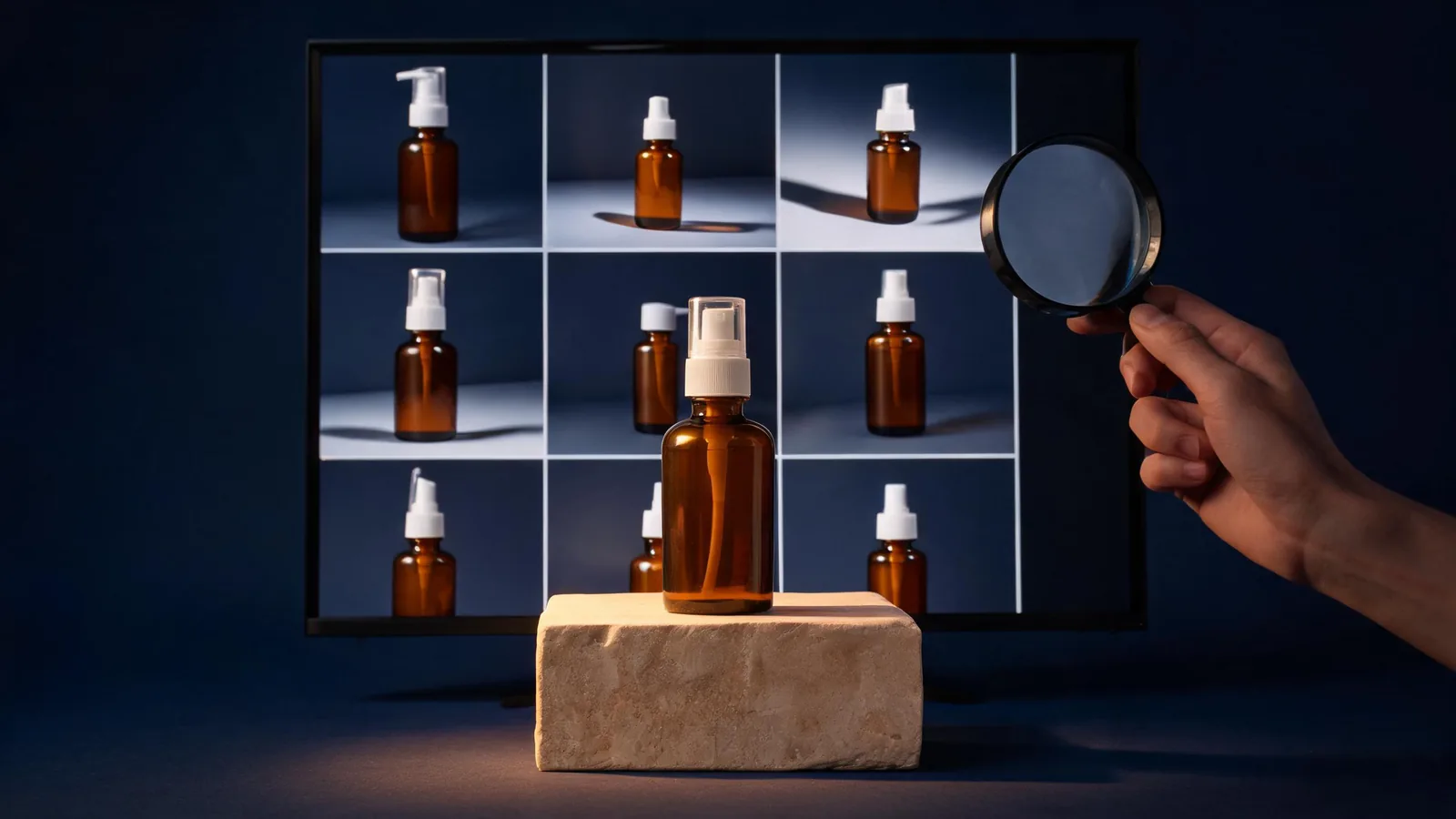
Review a Seedance AI image-to-video product ad after the render, not from its thumbnail: compare it with the approved source, check whether the product and message remain honest, then decide whether it is a concept, a rerender, or an editor-ready clip. A visually attractive clip can still be unusable if the product shape shifts, the label area becomes invented, the motion hides the item, or the overall frame implies a claim the team cannot support.
Updated September 7, 2026 · about 7 min read
This is the companion to Seedance 2.5 for product videos. That guide is about setting up a clean source photo and a restrained prompt before generation. This one serves the separate post-render decision: what to approve, reject, or hand off once the clip exists.
Start with the right decision
Do not ask, “Does it look good?” Ask what the clip is allowed to do.
| Decision | Pass condition | If it fails |
|---|---|---|
| Concept review | The motion, framing, and mood answer the creative question | Keep it internal and state what will change next |
| Editor handoff | The visual supports a cut without misrepresenting the product | Send the source, selected frames, and limitations with it |
| Product proof | The clip would need to prove exact features, results, or text | Use verified footage, approved stills, or conventional design instead |
An AI product clip is often strongest as a concept or a controlled visual element in an edited piece. It should not be asked to prove a measurable performance, precise packaging copy, a real endorsement, or a real-world demonstration it did not document.
Compare the whole clip with the approved source
Put the original source beside the rendered clip. Review the opening, middle, and intended exit frame—not only the most flattering still. For an unbranded product concept, look for continuity in the silhouette, key color relationship, cap or closure, surface, and placement. For an actual client product, add the brand’s own required review criteria.
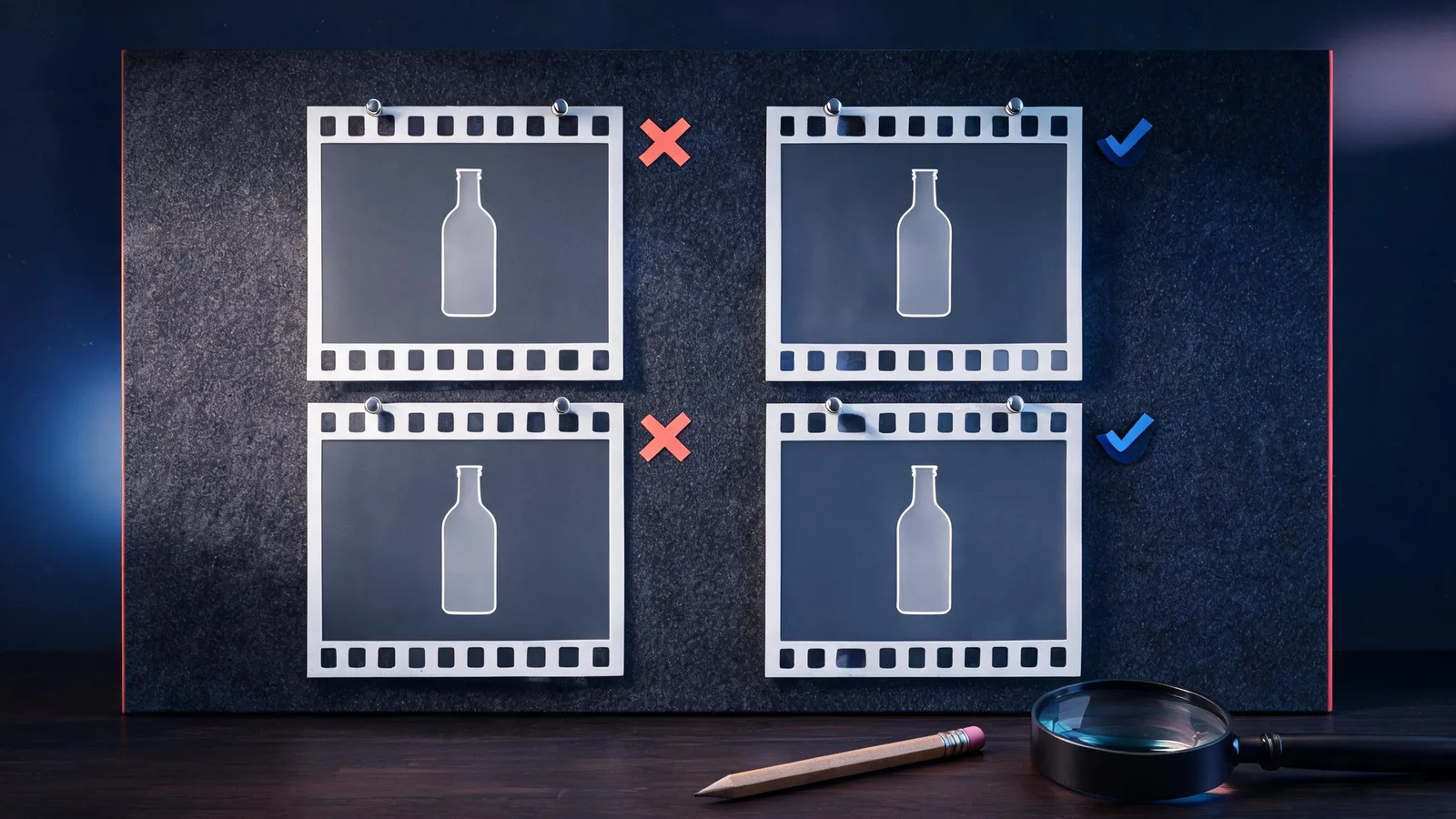
Use the source image as a comparison point. A good-looking frame is not a pass if the protected product detail changed.
Work through these checks in order:
- Identity: Is the product still recognizable in every critical frame? Check its shape, proportions, major color, cap or closure, and relation to the surface.
- Label and exact details: Is the label area blank, soft, altered, or readable? Do not treat generated lettering, packaging copy, ingredients, certifications, or prices as approved facts.
- Motion: Does one intended motion occur without an unintended bend, float, merge, extra object, or distracting camera move?
- Context: Did the clip add a person, use situation, location, logo-like mark, or implied endorsement that changes the approval question?
- Final frame: Is the frame usable for the planned cut, crop, or end card without covering the product or turning a concept image into a factual claim?
If an essential check fails, call the clip a near miss. Do not crop away the evidence of a changed product merely to move it forward.
Separate visual continuity from claim approval
Product imagery communicates more than words. A close-up, comparison, reaction, or before-and-after sequence can imply performance even when the prompt does not include a claim. The U.S. Federal Trade Commission says advertisers need a reasonable basis for objective express and implied claims before they are disseminated; it also evaluates the overall impression created by words and pictures. Read its advertising substantiation policy for the underlying principle. Rules differ by country and product category, so treat this as a practical editorial boundary, not legal advice.
For every approved render, identify which layer owns which decision:
| Layer | Owner | Example question |
|---|---|---|
| Visual quality | Creative reviewer | Is the product stable enough for this shot’s purpose? |
| Brand accuracy | Brand or client owner | Is the allowed product appearance and placement correct? |
| Factual claim | Qualified approver | Is the result implying a feature, result, price, or comparison that the campaign can support? |
| Rights and context | Project owner | Are the source, people, setting, music, and intended use cleared? |
| Final edit | Editor | Are the captions, legal copy, crop, and export added in the approved production tool? |
No generated frame substitutes for the underlying evidence behind a claim. Put exact price, offer, legal copy, ingredient, safety, and performance language into the reviewed editorial layer rather than trusting an image generator to reproduce it.
Score the clip without pretending the score proves quality
You do not need a fabricated quality score. Use a short pass / revise / stop decision for the clip’s actual purpose.
Pass for a concept only when the product remains broadly recognizable, the motion supports the intended idea, and nothing misleading or uncleared enters the frame.
Revise when one limited variable is wrong: perhaps the movement is too broad, the camera travels too far, or the protected area needs more space. Keep the successful source and brief, describe the exact failure, and change one thing in the next render. This is the same controlled-test discipline used in the Seedance prompt test log.
Stop and use another method when the clip needs exact product geometry, readable label copy, a verified outcome, a recognizable person’s consent, a sensitive claim, or a real event. A conventional product shot, approved still, motion graphic, or edit is safer when fidelity is the requirement rather than an aesthetic direction.
Prepare an editor-ready handoff
When a clip passes its visual review, send more than a video file. A short handoff prevents an editor or client from assuming it was approved for a purpose it was never meant to serve.
- Selected clip and source: identify the exact approved version and its original source image.
- Allowed use: for example, “background motion under approved headline,” not “product demonstration.”
- Protected details: name the part of the product that must not be cropped, recolored, or replaced.
- Remaining work: captions, price, legal copy, real product close-up, music rights, and final channel export.
- Known limitation: say whether the clip is a concept, a composite element, or a client-review draft.
This small record also makes a later rerender safer. If the client changes the source or approval purpose, return to the review rather than assuming the old clip still fits.
Limits and responsible use
Seedance2-5.video is an independent creative studio, not ByteDance’s official Seedance site. Results can vary, and this checklist does not guarantee product fidelity, legal clearance, platform compliance, or advertising substantiation. It is not legal advice.
Use material you are entitled to use. Be particularly careful with confidential product photography, recognizable people, client assets, packaging, regulated categories, testimonials, and real-world events. For the pre-render source check, use the original product-video planning guide. For a broader delivery review, read the commercial-use client video checklist.
Frequently asked questions
What should I review first in a Seedance product video?
Compare the output against the approved source before judging style: product shape, cap or closure, color, label area, and any protected feature. If a required detail changes, treat the clip as a concept or rerender it rather than trying to hide the drift.
Can a generated product video carry an exact product claim?
Do not rely on a generated visual alone to establish an exact performance, price, ingredient, safety, or legal claim. Keep factual claims in the approved copy and substantiation process, and use conventional production when the image must prove the fact.
When is a Seedance product clip ready for an editor?
It is ready when the product remains recognizable for the intended purpose, the motion and crop work for the delivery channel, no unsupported claim is implied, rights are clear, and the handoff states what still needs conventional editing or approval.
What should I do when only one part of the product video fails?
Log the exact failure, keep the successful conditions, and rerender with one controlled change. Do not quietly approve a near miss when the broken detail is central to the ad or the customer decision.