
Seedance 2.5 Image-to-Video: Turn a Reference Image Into Motion
Use Seedance 2.5 image-to-video to animate a reference image into a controlled clip. Learn the workflow, prompt formula, image checklist, and common fixes.
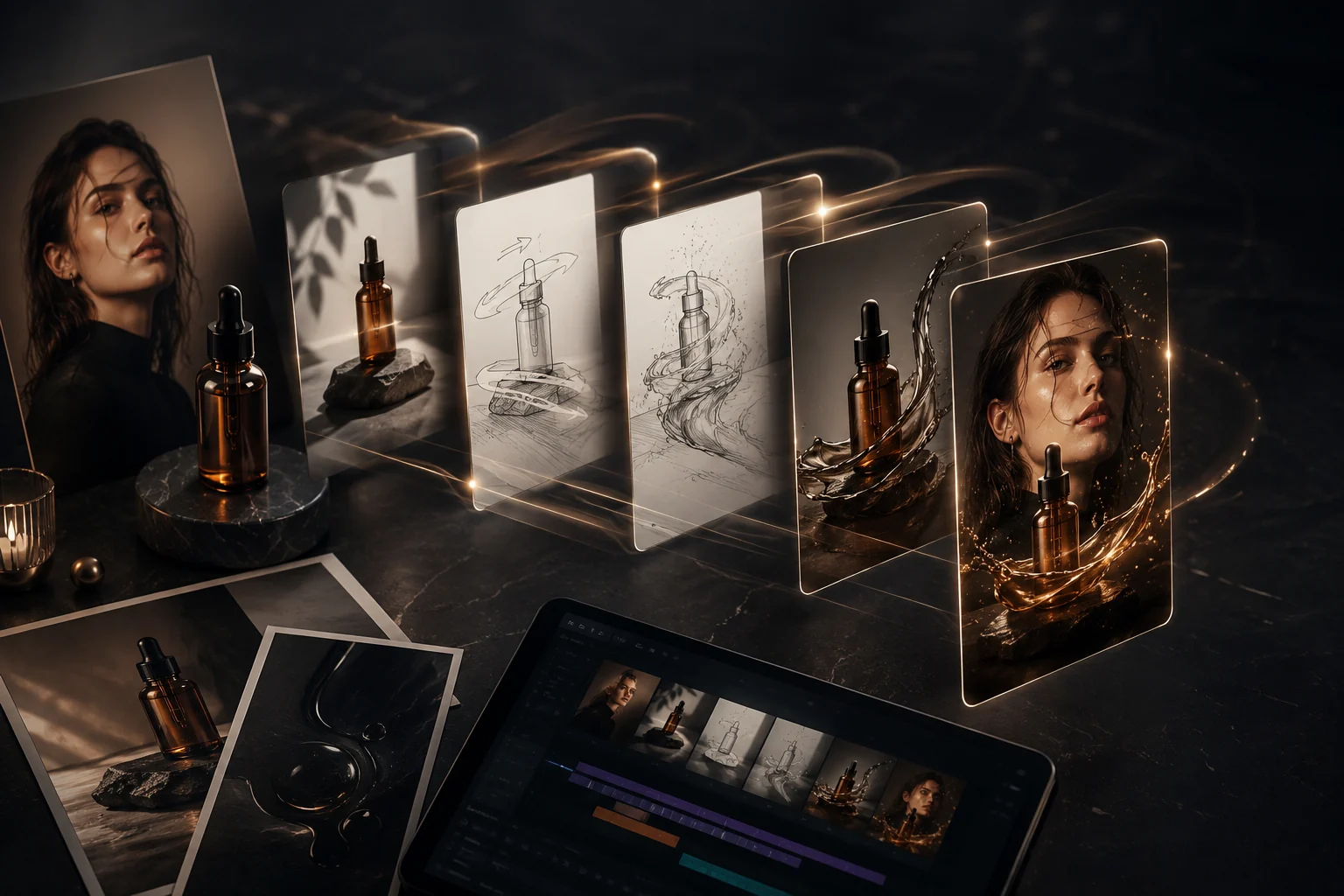
Seedance 2.5 image-to-video works best when you start with a strong reference image, then prompt the motion around that image instead of rewriting the whole scene. Upload the frame to a Seedance 2.5 AI video generator, describe one clear subject action and one camera move, and render a short test before scaling.
Last updated: July 1, 2026 - about 8 min read
Image-to-video is the safest workflow when the look already matters. If you have a product photo, character design, portrait, storyboard frame, or campaign visual, text-to-video gives the model too much room to invent. A reference image anchors composition, identity, colors, and product shape.
When to use image-to-video
Use image-to-video when the first frame is not negotiable.
| Input image | Best motion |
|---|---|
| Product photo | Slow push-in, rotation, light movement, steam, fabric sway |
| Portrait | Subtle expression, hair movement, camera drift |
| Character design | Action beat, pose shift, environmental motion |
| Real estate photo | Slow dolly, window light, gentle reveal |
| Food image | Steam, sauce pour, camera push, table movement |
Text-to-video is better when you only have an idea. For fixed visuals, use Seedance 2.5 image-to-video.
The 3-step workflow
- Pick a clean reference image. Use one clear subject, stable lighting, and enough space around the subject for motion. Avoid tiny faces, unreadable labels, and busy backgrounds.
- Prompt motion, not a new image. Say what should move: "slow camera push-in, jacket fabric moves slightly in the breeze, subject keeps the same pose." Do not describe a completely different outfit, face, or scene.
- Render short, inspect, then extend. Check whether the subject stays stable, the camera move follows the prompt, and important details remain intact.
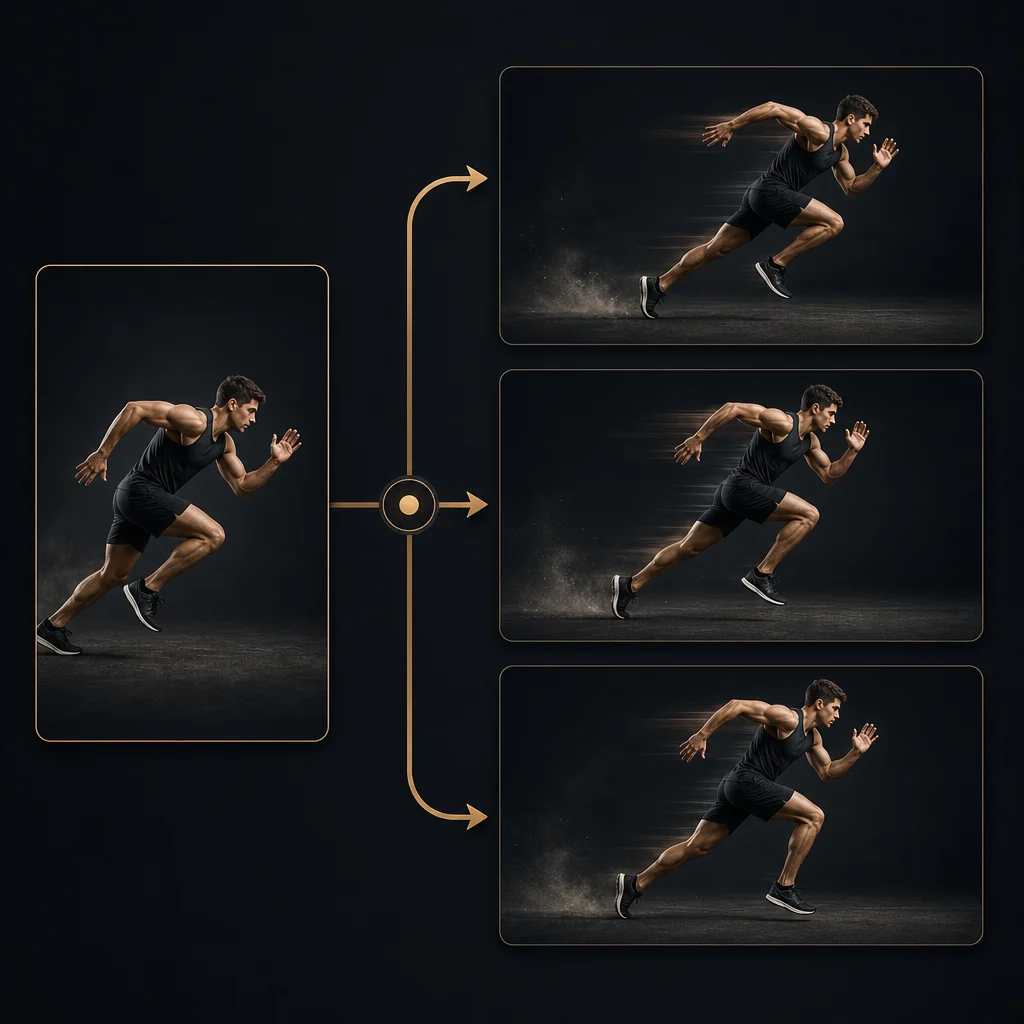
Illustration: a reference image turned into an image-to-video motion plan with camera direction.
Prompt formula for Seedance image-to-video
Use this structure:
Keep the uploaded image's subject, identity, composition, colors, and lighting. Animate [main subject action]. Add [camera movement]. Keep [protected details] stable. End on [final frame].
Example:
Keep the uploaded product bottle centered with the same label shape and glass reflections. Animate a slow camera push-in while soft morning light moves across the surface and faint mist drifts behind it. Keep the bottle shape and label stable. End on a clean hero shot.
Why it works:
- It protects the reference.
- It gives one camera move.
- It names the subject motion.
- It defines the ending.
Reference image checklist
Before uploading, check:
- Subject is sharp and large enough.
- Lighting is consistent and not blown out.
- Background is not busier than the subject.
- Hands, faces, product labels, and edges are readable.
- The crop leaves room for the motion you want.
- You own or have permission to use the image.
If the reference image has a problem, the video will animate the problem. Fix the still before prompting motion.
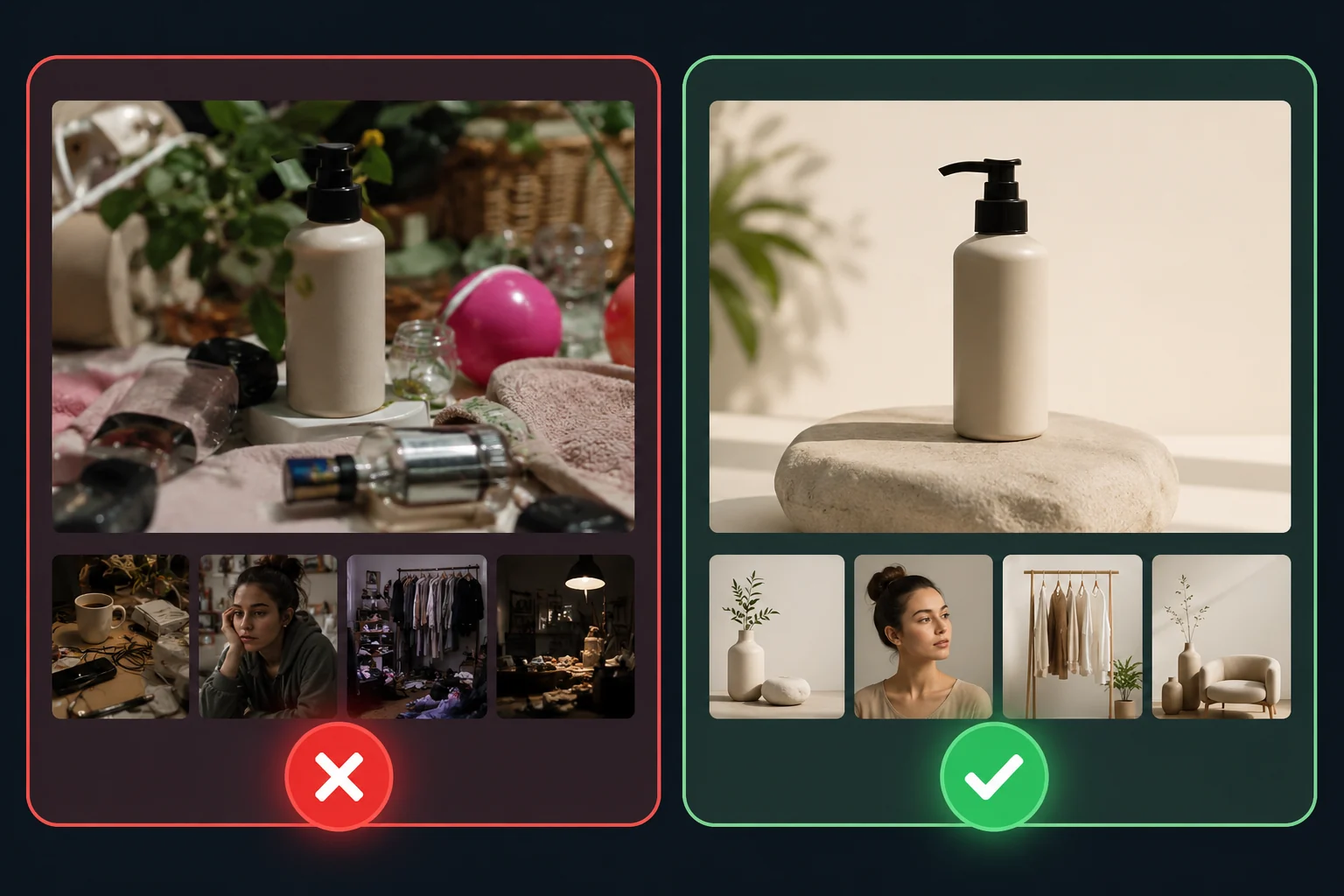
Illustration: weak and strong reference images compared for Seedance image-to-video prompting.
Common fixes
If the subject changes too much:
- Add "keep the same subject identity and composition."
- Reduce the motion.
- Use a closer crop.
If the camera move is ignored:
- Use one camera term only.
- Put it early in the prompt.
- Avoid mixing pan, orbit, zoom, and dolly in the same first test.
If details melt:
- Remove tiny text from the image.
- Avoid extreme motion.
- Use a cleaner reference.
Frequently asked questions
What is Seedance 2.5 image-to-video?
It is a workflow where you upload a reference image and generate a short video from it. The image anchors the subject, composition, and look, while the prompt controls motion, camera, and atmosphere.
Is image-to-video better than text-to-video?
It is better when you need visual consistency. Use image-to-video for products, portraits, brand assets, characters, and storyboard frames. Use text-to-video when you do not have a source image yet.
What should my prompt include?
Include the subject, one action, one camera movement, protected details, and the ending. Do not rewrite the entire image unless you want the model to drift from the reference.
Can I use product photos?
Yes, if you own the photo or have permission. Product photos work well when the product is clear, centered, and not covered in tiny unreadable text.
Related guides
- Seedance 2.5 AI video generator
- Seedance 2.5 text-to-video
- Seedance 2.5 image-to-video
- Generate a video
CTA
Start from a strong still. Upload one reference image to the Seedance 2.5 AI video generator, add one clear motion prompt, and render a short test before you build a longer clip.