
Seedance 2.0 Video Prompts: Check Before You Render
Audit copied Seedance 2.0 video prompts before you render: identify the mode, conflicts, input rights, and one bounded first test.
Before you render copied Seedance 2.0 video prompts, audit what the text assumes: the generation mode, source assets, one visible job, conflicting directions, rights to inputs, and a bounded first test. A long prompt can be useful inspiration, but it is not proof that the same settings, assets, or output will work in the workflow open in front of you.
Published September 27, 2026 · Practical pre-render audit
Search results for this query are crowded with prompt libraries, tutorials, and community collections. They can offer scene ideas, but most omit the conditions that make an example transferable: the exact mode, source assets, visible settings, edit pass, and acceptance criteria. This page answers the earlier decision: is this copied prompt ready to test? It is not a replacement for a prompt library or a general prompt-writing course.
The 60-second answer: turn the prompt into a test card
Copy the text into a note before you put it in a generator. Then reduce it to six answers:
| Audit question | A usable answer | Pause when the answer is missing |
|---|---|---|
| What mode does it assume? | Text-to-video, image-to-video, or a reference-led workflow | The prompt says “use this image” but you have no permitted source |
| What is the single job? | Keep a bottle recognizable during a slow push-in | It asks for a product reveal, transformation, dialogue, and chase at once |
| What controls the appearance? | One approved source image or plain text direction | Several references compete without assigned roles |
| What may move? | Steam rises; the camera holds | The motion, camera, and scene change fight each other |
| What must stay stable? | Bottle silhouette, cap, table edge | It demands that every tiny detail remain exact |
| What will pass? | The full clip holds the object shape and ends on a usable frame | “Looks cinematic” is the only criterion |
The current Seedance site describes text-to-video, image-to-video, and reference-guided workflows. Choose the one that matches the evidence you actually have; do not assume a copied prompt enables a hidden setting. The Seedance 2.0 first-test guide is a useful mode check when the source and desired output do not yet match.
1. Identify the prompt’s hidden input assumptions
Many copy-paste prompts sound like text-only instructions but quietly depend on a source image, a reference video, or a particular editor’s revision. Mark each noun that might be an input: a product photo, a recognizable person, a logo, recorded speech, a camera path, or a final frame.
For each item, write either available and permitted, replace, or remove. A public image or video thumbnail is not a license, and a prompt’s author cannot grant rights to media they did not create. The reference-image rights and quality checklist covers the separate question of whether an image is appropriate to upload.
If a prompt calls for a person, brand package, or real event, make the first test less ambitious. Use your own cleared source, an unbranded object, or a fictional scene. Generated footage should not be presented as evidence that a real event happened or that a product has a particular result.
2. Match the words to the live mode
A prompt written for an image-led sequence can become misleading when pasted into a text-led session. Likewise, a reference-heavy recipe is not automatically a text-to-video brief. Treat the model label and controls visible in the current interface as the authority for your session.
Use this quick translation instead of trying to preserve every phrase:
| If the copied prompt says | Write a neutral first-test brief |
|---|---|
| “Animate this exact product photo” | Use the approved image; request one small motion; protect silhouette and composition |
| “Match the movement from this clip” | State the intended motion in plain language, then confirm whether a permitted reference workflow is available |
| “Keep the character identical across cuts” | Specify the one identity detail you need to inspect; do not promise perfect consistency |
| “Use these settings” | Record only settings you can see and select now |
The live-controls check is designed for this moment: it helps separate a visible option from a feature claim copied from another host, version, or date.
3. Find conflicts before the model has to arbitrate them
The fastest audit is to circle pairs of instructions that cannot both be the priority. Common examples include:
- Locked camera and fast orbit.
- Keep the scene unchanged and transform the whole environment.
- One quiet product shot and several new props entering frame.
- Exact readable label and a moving, reflective close-up.
- Preserve identity and change facial features, age, or pose dramatically.
Choose the result that matters most and delete the competing demand. This is not about making prompts short for their own sake. It is about making the first output explainable. If motion is the question, simplify the camera. If the camera move is the question, keep the subject nearly still.
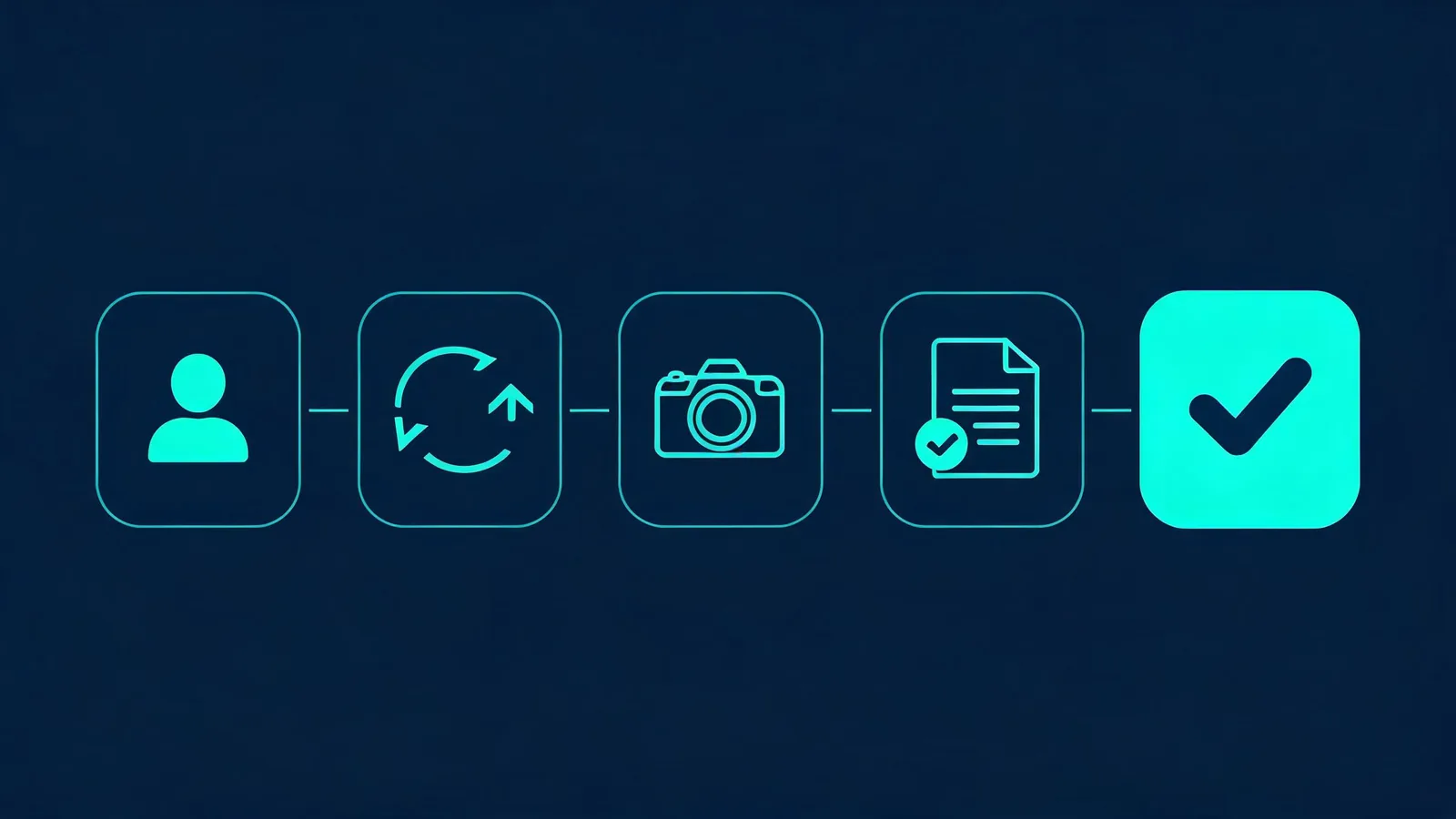
A copied prompt becomes useful only after its assumptions are visible to the reviewer.
4. Name a small protected-detail list
“Keep everything the same” is not a review instruction. Pick two or three details a viewer can actually inspect. For a product test, that could be the silhouette, cap, and light direction. For an approved portrait, it could be the person’s identity, clothing outline, and background. For a quiet interior, it could be straight architectural lines, the main object, and the horizon.
Avoid using generation for exact typography, legal copy, prices, medical statements, or product specifications. Put claims that must be accurate into normal production graphics and independently verify them. The U.S. Copyright Office’s AI initiative is a useful starting point for current public policy materials; it is not legal advice or a substitute for checking your rights in an input.
5. Make the first run deliberately small
A copied prompt earns a larger render only after it answers one question. Use one permitted source (or text only), one action, one camera behavior, and one end-frame expectation. Watch the full result rather than accepting a good thumbnail.
Write a compact record after the test:
Prompt version · current model/mode · permitted inputs · visible settings · one protected detail · full-output observation · one next change
For example: “The bottle silhouette held through the middle; the cap changed near the ending; next test removes the push-in.” That is more informative than adding another paragraph of adjectives. The Seedance prompt test log offers a simple way to compare such revisions without inventing a reason for every output difference.
A copy-paste audit example
Imagine you found this instruction: “Luxury fragrance bottle spins through a transforming marble gallery, macro close-up, fast orbit, no distortion, exact gold label, ending on a wide shot.” Do not render it unchanged.
First, identify why it is overloaded: a spin, a transformation, a macro shot, a fast orbit, exact text, and a distant ending all compete. Then create a neutral test card:
Approved unbranded bottle on a pale stone surface. One slow turn in place. Locked camera. Keep the bottle silhouette, cap, and side-light direction stable. No readable text, logos, extra objects, or scene change. End on a centered still hold.
This does not guarantee a result. It gives you a visible baseline. Once it holds together, change one element—perhaps the camera move or the background—rather than restoring every ambitious instruction at once.
Frequently asked questions
Can I use a Seedance 2.0 video prompt copied from a prompt library?
Yes, as a draft. First identify the mode and source assets it assumes, remove conflicts, confirm input rights, and test one bounded version with the controls you can see.
What should I check before rendering a copied video prompt?
Check the mode, the role of each reference, one subject and action, camera conflicts, protected details, input permission, and a pass-or-fail review condition.
Why should I test only one change first?
One bounded test gives a meaningful observation. If the source, camera, action, and style all change together, a weak output does not reveal what should be revised next.
Render the prompt you can explain
Keep the source, motion, camera, and acceptance check visible. When the first render is a controlled test rather than a borrowed promise, you can make a credible revision and open the Seedance studio with a clear next decision.