
Seedance 2.0 vs 2.5: Compare One Short Test Before You Switch
Compare Seedance 2.0 and 2.5 with one controlled short test, inspect the full clips, and choose the next workflow without treating a single render as a benchmark.
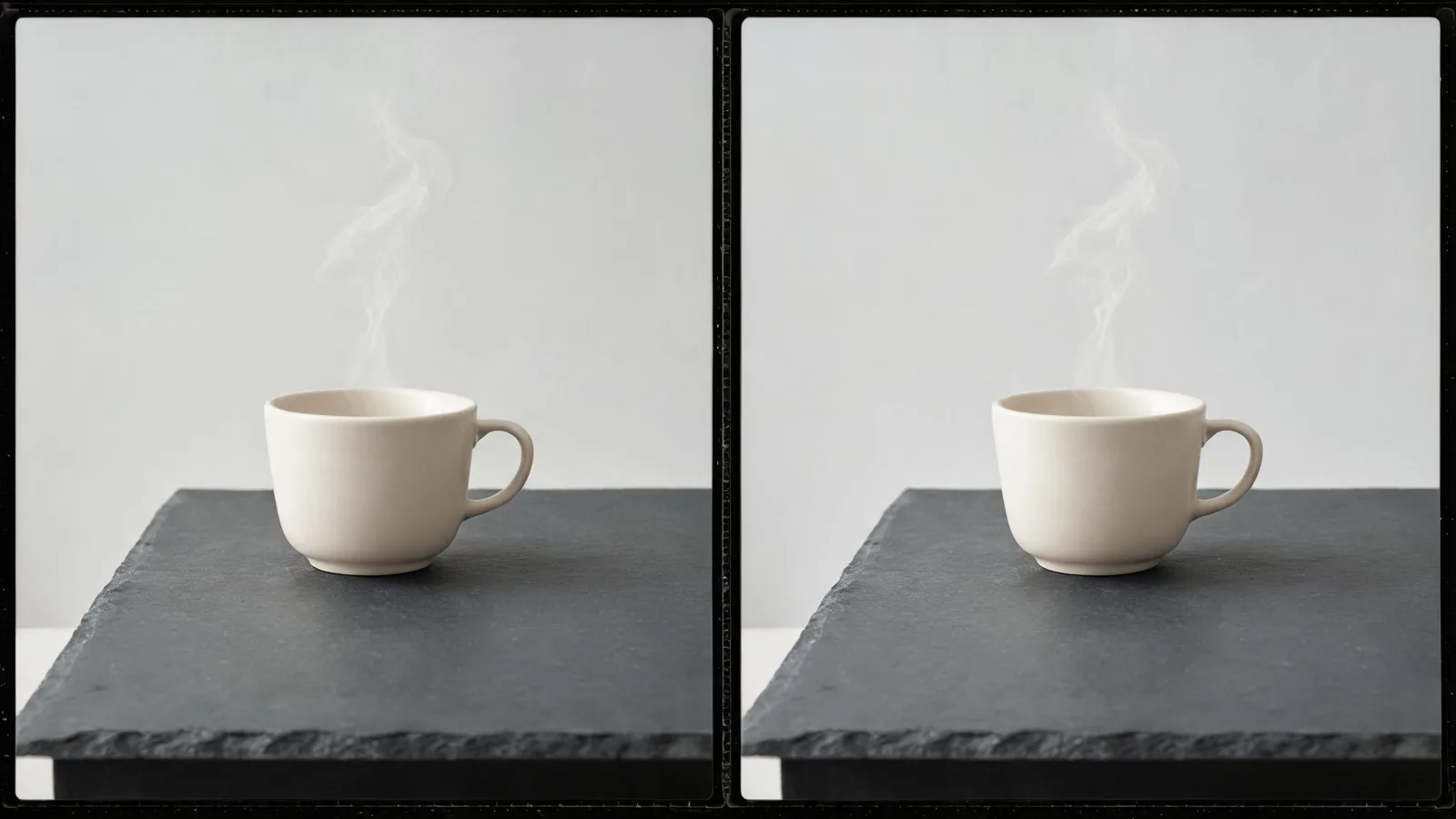
For a useful Seedance 2.0 vs 2.5 comparison, run one modest text-led scene with the same brief on both models, watch each full output, and choose the version that best serves one stated editing decision. Do not call either model the overall winner from a single attractive frame. The current Seedance studio lists both versions as available, but their visible limits differ enough that a short, matched test is a clearer starting point than a feature checklist alone.
Checked September 18, 2026 · controlled comparison guide
This guide is not a vendor benchmark and does not claim that one run predicts another. It gives a way to decide which currently visible workflow to use for one real task. For a third-party video comparison, see the video above; keep its conclusions separate from your own controlled test.
Start with the differences the studio actually shows
At the time of this check, both Seedance 2.0 and Seedance 2.5 are enabled in the studio. The studio lists Seedance 2.5 with 480p and 720p options, a 4–30 second range, automatic duration support, up to 30 image references, 10 video references, 10 audio references, web search, return-last-frame, and MP4 or MOV output. It lists Seedance 2.0 with 480p, 720p, and 1080p options, a 4–15 second range, up to nine image references, three video references, three audio references, and MP4 output.
Those are interface and registration facts, not promises about availability, output quality, credit cost, rights, or exact behavior. Read the selector before you submit: an account, provider, or product update can change what is usable.
| What you need to decide | A useful first question | Do not assume |
|---|---|---|
| Short text-led scene | Which complete clip best supports this one cut or concept? | That one model wins every subject or style |
| Reference-heavy plan | Does the visible reference allowance fit the approved inputs? | That more inputs automatically preserve every detail |
| Longer story beat | Does the selected duration fit the edit I am testing? | That a longer maximum creates a better story |
| Delivery constraint | Is the visible output format compatible with the planned handoff? | That a listed format settles quality, licensing, or platform rules |
ByteDance’s Seedance 2.0 launch note describes the earlier model’s multimodal inputs and up-to-15-second output. Its Seedance 2.5 announcement describes up-to-30-second single-pass clips, expanded reference inputs, and editing capabilities. Provider announcements explain their products; your own render still needs an editorial review.
Pick one small job before you compare
A fair first test does not need a dramatic scene. It needs one result an editor or creator can inspect without guessing. Choose a job such as a calm concept shot that must end with a clean hold, a simple action that must read without a camera change, an invented object moving in a plain setting, or a short atmosphere insert with a defined start and end.
Avoid a crowded prompt, a recognizable person, a client logo, a factual event, on-screen copy, or a complex sequence in the first pass. Those variables obscure the question and can create review, permission, or truthfulness problems independent of the model.
Write the question in one sentence. For example: “Which version makes a usable six-second insert of an unbranded ceramic cup with rising steam and a stable ending for a quiet edit?” That sentence defines the subject, action, cut need, and scope of the decision. It does not claim that either output has to be photorealistic or perfect.
Build one matched brief
Use the same prompt wording when both visible controls accept it. Keep it short enough to diagnose:
An unbranded ceramic cup on a plain table in soft window light. Steam rises gently. Slow push-in. Keep the cup centered and its shape stable. End on a still, clean frame. Do not add people, logos, or readable text.
Then make a simple test record before rendering.
| Record | Keep it matched | Note a mismatch honestly |
|---|---|---|
| Model | Seedance 2.0 / Seedance 2.5 | The selected version |
| Brief | Exact copied wording | Any required model-specific change |
| Inputs | None for this first text-led test | If an input is required or unavailable |
| Framing | Same visible aspect ratio | A control one version does not expose |
| Duration | Same short duration when available | The selected duration and why it differs |
| Review question | Same cut or concept decision | Any constraint that makes the test unequal |
Do not silently “improve” one prompt after seeing the other output. A revised version can be a useful next test, but it is no longer the first comparison. The Seedance prompt test log can help preserve the brief, change, observation, and next action.
A matched comparison controls the brief and review question; it does not turn two outputs into a universal benchmark.
Watch the entire clip before comparing details
Play both outputs once at normal speed. Only then pause at the opening, the main movement, and the final second. A promising thumbnail cannot show whether the action drifts, the camera goes the wrong direction, or the usable moment ends too abruptly.
| Review area | Ask this of both clips | Useful note |
|---|---|---|
| Opening | Is the subject recognizable and the framing ready for the edit? | “Cup starts centered with enough room for the intended crop.” |
| Main motion | Is the one requested action readable without a distracting change? | “Steam is visible; cup contour changes halfway through.” |
| Protected details | Did the small set of required details remain usable? | “No logo-like marks or extra objects appear.” |
| Ending | Is there a stable, cuttable final moment? | “Usable hold from 4.8–6.0 seconds.” |
| Fit for purpose | Does it answer the written job better? | “Version A needs one correction; version B supplies the cut.” |
Describe what you observe, not an imagined cause. “The handle changes shape” is an actionable review note. “This model is bad at cups” is not. For a deeper post-render process, use the camera-move review or the product-video review checklist, depending on the shot.
Choose the next action, not a permanent winner
There are four honest outcomes:
- Use one version for this job. One clip fits the stated edit and has passed the relevant source, claim, and delivery checks.
- Run a controlled revision. Both clips have one clear weakness; change only the likely cause, such as simplifying the motion or clarifying the ending.
- Change the workflow. Use a permitted reference-led test when a composition or non-sensitive object silhouette matters more than open-ended invention.
- Stop and use another production method. Do this when the deliverable needs exact wording, a logo, a real event, a contractual claim, a person’s verified action, or other details a generated clip should not be asked to prove.
The studio also lists Seedance 2.0 Fast separately with a “Faster · cheaper” badge. Keep it out of the first head-to-head unless speed or cost is your actual next question; mixing three models changes the decision you are trying to make.
Limitations and disclosure
Seedance2-5.video is an independent creative studio, not ByteDance’s official Seedance website. This article reflects the studio as checked on September 18, 2026. It does not promise model availability, price, credits, output quality, commercial rights, or the current terms of any provider. Recheck the live generator and the relevant provider information before a material upload, purchase, client delivery, or public claim.
Frequently asked questions
What is the fairest first Seedance 2.0 vs 2.5 comparison?
Use the same small text-led brief and review question for each model, then watch both complete clips. Decide which one serves the named job; do not announce a universal winner from one test.
Which settings should stay the same?
Keep the prompt, approved inputs, visible framing, planned duration where both models allow it, and the review method as close as possible. Record any unmatched control rather than treating the test as fully equal.
Does a longer duration limit prove a better result?
No. It is an available workflow option. The full clip must still support the intended action, continuity, cut point, and truthful use of your specific project.
What if neither first render is usable?
Record the exact issue, make one controlled revision, or use another production method. Do not keep expanding the prompt until a beautiful still hides the problem.