
Seedance Video Generator: Plan a One-Clip Test
Plan a useful first Seedance video generator test with one clip job, a modest motion brief, full-clip review, and an honest next decision.
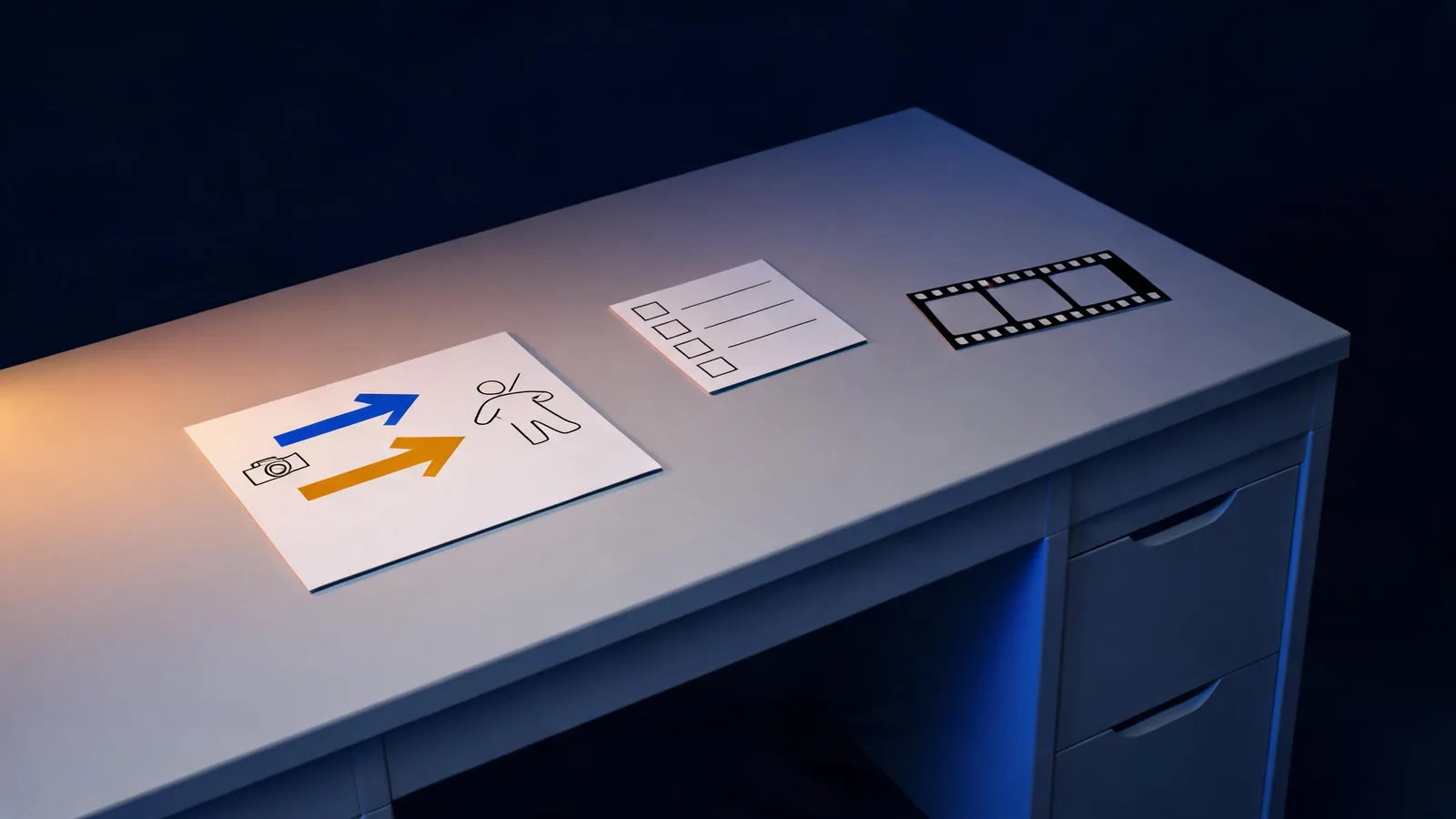
A useful Seedance video generator test is one small, reviewable clip: choose one job, use an authorized input, request one visible action and one camera direction, then watch the complete output before deciding what to change. Start with text-to-video when the scene is still an idea; use image-to-video when a permitted reference frame must anchor the result. The point of a first test is not to prove a model can make anything. It is to learn whether this specific shot is worth developing.
Updated September 4, 2026 · about 8 min read
Decide what the clip has to do
“Make a cinematic video” is too broad to review. Give the first clip one job that a collaborator can judge without guessing. It might be a clean ending for a cut, a short atmosphere shot, a stable product-placeholder motion, or a transition test between two approved ideas.
Write the decision in one sentence before opening the generator. For example: “Can this unbranded tabletop scene end with a clean two-second hold for an edit?” That wording tells you what success looks like and what does not matter yet. It also discourages a common trap: spending a render on a beautiful scene that has no usable role in the finished piece.
This guide focuses on a durable workflow rather than claiming a particular interface, price, or availability.
Make a four-part test brief
Keep the brief short enough that every part has a purpose.
| Brief part | Write | Review question |
|---|---|---|
| Clip job | The edit, story, or approval decision this clip supports | Would a reviewer know why this clip exists? |
| Starting point | An original idea or a permitted reference image | Does the input give the model a clear anchor? |
| One action | One change the viewer can see | Is the requested motion easy to recognize? |
| One camera direction | A modest camera behavior, or a locked view | Does the framing make the action easier to assess? |
For a text-led test, use a small invented scene: “A ceramic cup on a plain table; steam rises gently; slow push-in; keep the cup centered; finish with a stable hold.” For an image-led test, protect what the reference already establishes: “Keep the approved reference composition and object shape; add subtle window-light movement; use a slow push-in; end on the same centered framing.”
Neither is a promise that the result will be stable. They are compact requests that make an output easier to review. A crowded brief—several actions, a scene change, a fast orbit, tiny exact details, and on-screen copy—does not give you a reliable explanation when the output goes wrong.
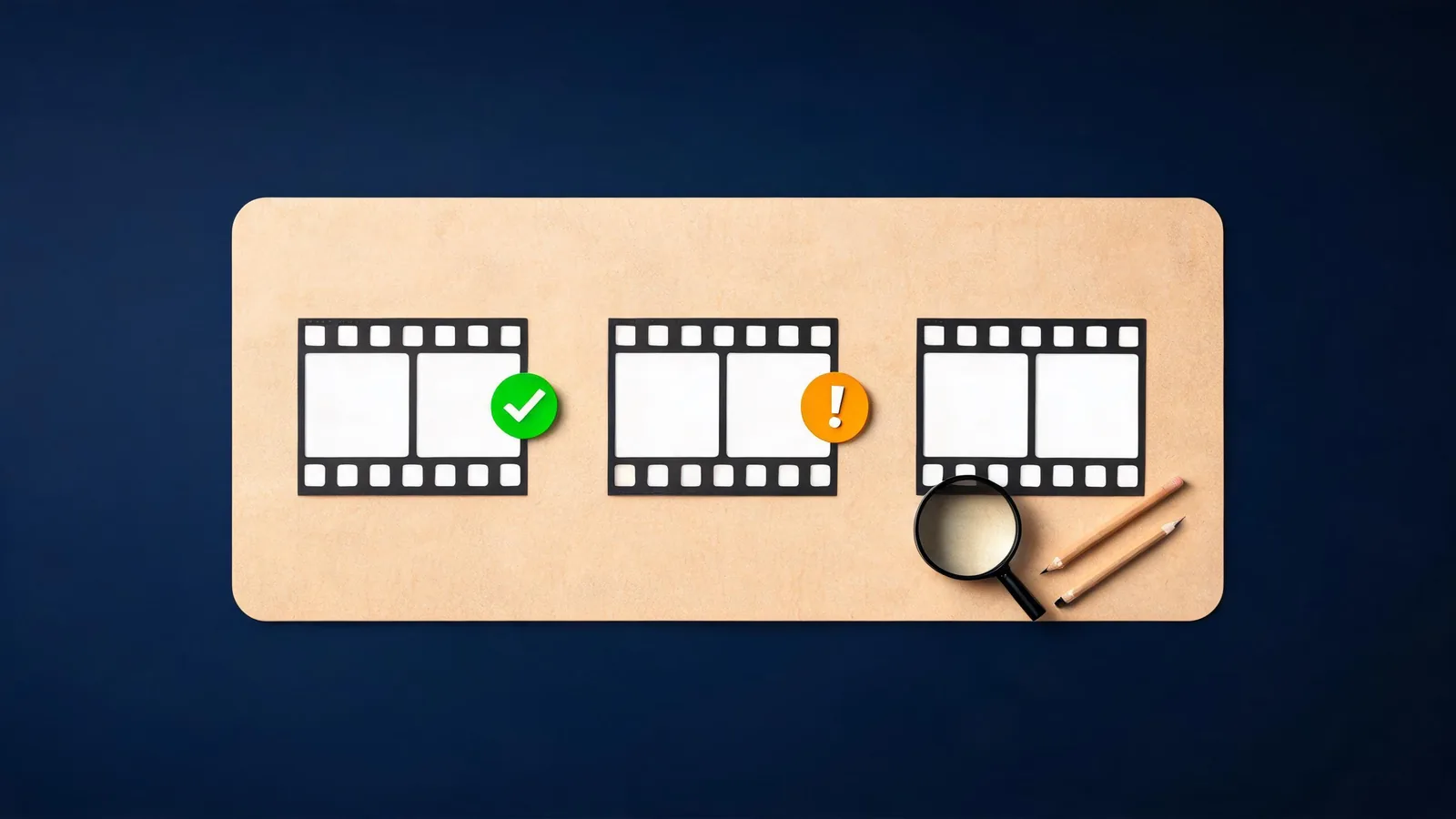
Review the start, the motion, and the ending rather than choosing a clip from one attractive frame.
Choose the right starting mode
Text-to-video and image-to-video serve different creative decisions.
| If your first question is… | Better starting point | Why |
|---|---|---|
| Can this scene idea read clearly? | Text-to-video | You are testing a concept, action, and atmosphere without treating a source image as fixed. |
| Can this approved composition stay recognizable while it moves? | Image-to-video | A permitted reference gives the test a visible starting point. |
| Can a face, product shape, or design detail be preserved? | Image-to-video, with a restrained action | The review can compare the complete output with the approved source. |
| Can the model invent an exact logo, claim, label, or legal line? | Neither as the final method | Generated video is not a substitute for verified copy or approved motion graphics. |
Use the site’s image-to-video guide for the basic reference-led workflow. Before uploading, use the reference-image rights and quality checklist: technical clarity and permission are separate checks. A sharp file that you are not allowed to animate is not a suitable test input.
Keep the first motion modest
The first render should answer one question, not stage an entire sequence. Prefer a slow push-in, small head turn, gentle fabric movement, steam, a brief reveal, or a locked shot with a single moving element. If your idea needs a jump, an angle change, a crowd, a new location, and readable packaging, split it into smaller clip decisions.
This is not a claim that one kind of motion always works better than another. It is a way to preserve an informative result. When the scene is small, you can tell whether the problem is the starting image, the action, the framing, or an unstable detail. When every variable changes at once, the next attempt is mostly guesswork.
For camera wording, start with the Seedance camera movement prompts guide. If the most important visual is a character, use the character consistency guide to define the protected details before you request motion.
Review the full clip in three passes
Do not decide from the thumbnail or first second. Watch the output normally once, then make three deliberately narrow passes:
- Beginning: Is the subject recognizable, and does the opening make sense for the planned edit?
- Motion: Did the requested action and camera behavior occur without introducing a distracting or claim-bearing change?
- Ending: Is the final frame usable, stable enough to cut from, and free of invented text or misleading detail?
Record one observation and one next action. “Nice” is not enough. Write something reviewable, such as “The cup remains recognizable, but the final hold is too short; repeat the same scene with only the ending instruction clarified.” If the object shape changes, do not solve it by adding five unrelated visual requests. First reduce motion, simplify the setting, or use a clearer permitted reference.
The prompt test log guide gives a lightweight way to keep those comparisons fair. It is particularly useful when more than one person is making decisions: the log should name the version, the one intentional change, the full-clip observation, and the next decision—not confidential input material.
Know when to use another production method
Stop generating and choose a different method when the shot must show an exact product feature, contractual claim, price, logo, legal copy, real event, or a person’s verified action. A plausible-looking output can still be wrong in a way viewers take seriously. Use approved footage, conventional motion graphics, or a separately verified asset where exactness is the requirement.
The NIST AI Risk Management Framework is a voluntary risk-management resource, not a creative rulebook. Its useful lesson here is simple: name the decision, document what you observed, and do not treat a generated result as proof. For a commercial or client project, get the relevant approvals and follow the live terms of the service you use.
Limitations and disclosure
Seedance2-5.video is an independent creative studio, not ByteDance’s official Seedance website; see the official-site check. This article does not promise access, a free allowance, a specific model version, output quality, or commercial rights. Interfaces, terms, and availability can change. Confirm the live generator and service pages immediately before a material upload, purchase, or delivery.
For primary model-release context, consult ByteDance Seed’s Seedance 2.5 announcement. This guide is a workflow for evaluating one output, not a substitute for that provider information, service-specific terms, legal advice, or human review.
Frequently asked questions
What is a good first test in a Seedance video generator?
Use one authorized subject, one visible action, one camera direction, and one review question. A small test gives you a clearer next decision than a crowded scene with several changes.
Should I use text-to-video or image-to-video for a first test?
Use text-to-video when you are testing an idea without a fixed opening frame. Use image-to-video when a permitted reference image contains a detail, composition, or identity that must remain recognizable.
What should I review before I keep a generated clip?
Watch the whole clip and inspect the beginning, the main motion, and the ending. Check whether the required subject is recognizable, the motion supports the intended edit, and the output creates no misleading claim or unapproved use.