
Seedance AI Image-to-Video: Choose a Usable Render
Compare Seedance AI image-to-video variations with the approved source, check drift and edit points, and select one usable render.
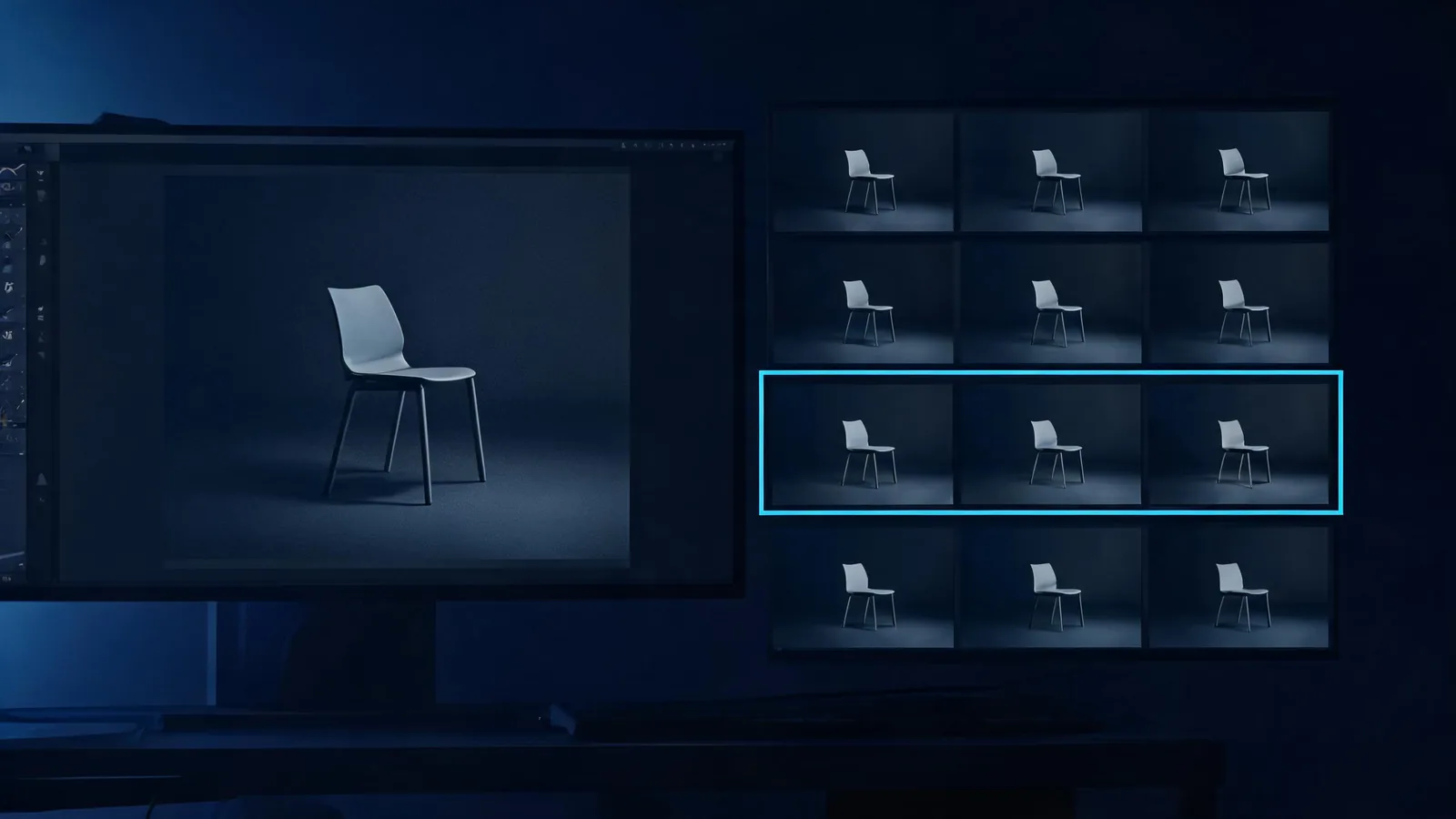
To choose a usable Seedance AI image-to-video render, compare completed variations with the approved source and the one job the clip must do. Pick the version that preserves the protected detail, gives an editor usable opening and ending frames, and carries the least unresolved risk—not simply the one with the most dramatic motion. Record that choice before another person has to guess which file is safe to use.
Updated September 9, 2026 · about 8 min read
The original Seedance image-to-video guide explains how to prepare a reference image, describe motion, and make a short render. This companion begins after that render exists. Its question is different: among the completed versions, which one is usable for the stated edit or concept decision?
That distinction matters. A variation can look impressive in a looping preview and still be the wrong source for an editor, a client discussion, or a publication. It may alter a protected object detail, begin or end awkwardly, introduce a misleading element, or lack a clear note about the source image.
Start with a selection brief, not a beauty contest
Before opening the generated clips, write five lines. This stops the team from retrofitting a reason to choose the flashiest output.
| Selection note | Example |
|---|---|
| Intended use | A two-second establishing beat for an internal product-concept edit |
| Approved source | Client-provided unbranded product still; concept review only |
| Protected detail | Bottle silhouette, blank label area, and tabletop position |
| Allowed movement | Gentle camera drift and small light change |
| Rejection rule | Reject any version that changes shape, adds readable marks, or lacks a clean exit |
The source note is not busywork. It tells the next reviewer whether the clip can be used at all and prevents a synthetic video from becoming detached from its approval context. If the source is a portrait, client asset, stock image, or reference supplied by someone else, confirm the allowed use first. The commercial-use client video checklist is a useful companion when the result could leave an internal concept stage.
Watch every candidate from first frame to last
Do not select from a thumbnail or a single good frame. Watch the full variation once without stopping, then again with the source beside it. A smooth middle section does not solve an altered first frame or a broken ending.
On the first pass, ask only: does this clip still do the job in the selection brief? On the second pass, inspect the details that could make it unusable.
- Opening frame: Can the clip enter the edit cleanly, or does it start mid-change or with an obvious artifact?
- Protected detail: Does the chosen object, setting, person, or negative space remain recognizable enough for the stated use?
- Motion: Is the movement understandable and proportionate to the brief, rather than merely busy?
- New material: Did the video introduce a logo-like mark, unreadable pseudo-text, unsupported claim, extra person, or unexpected event?
- Ending frame: Is there a clean point to cut away, hold, or transition—or does the shot collapse at the end?
The right choice is often a quieter variation. A small camera move that keeps the source recognisable can be more useful than a spectacular move that replaces the original decision with a new scene.
Compare against the source, not your memory
Put the approved still and candidates side by side. Name the protected details rather than relying on a vague feeling that something changed. If the source has a plain object shape, a particular crop, blank packaging space, or a person who is allowed to appear only in a narrow context, those are concrete comparison points.
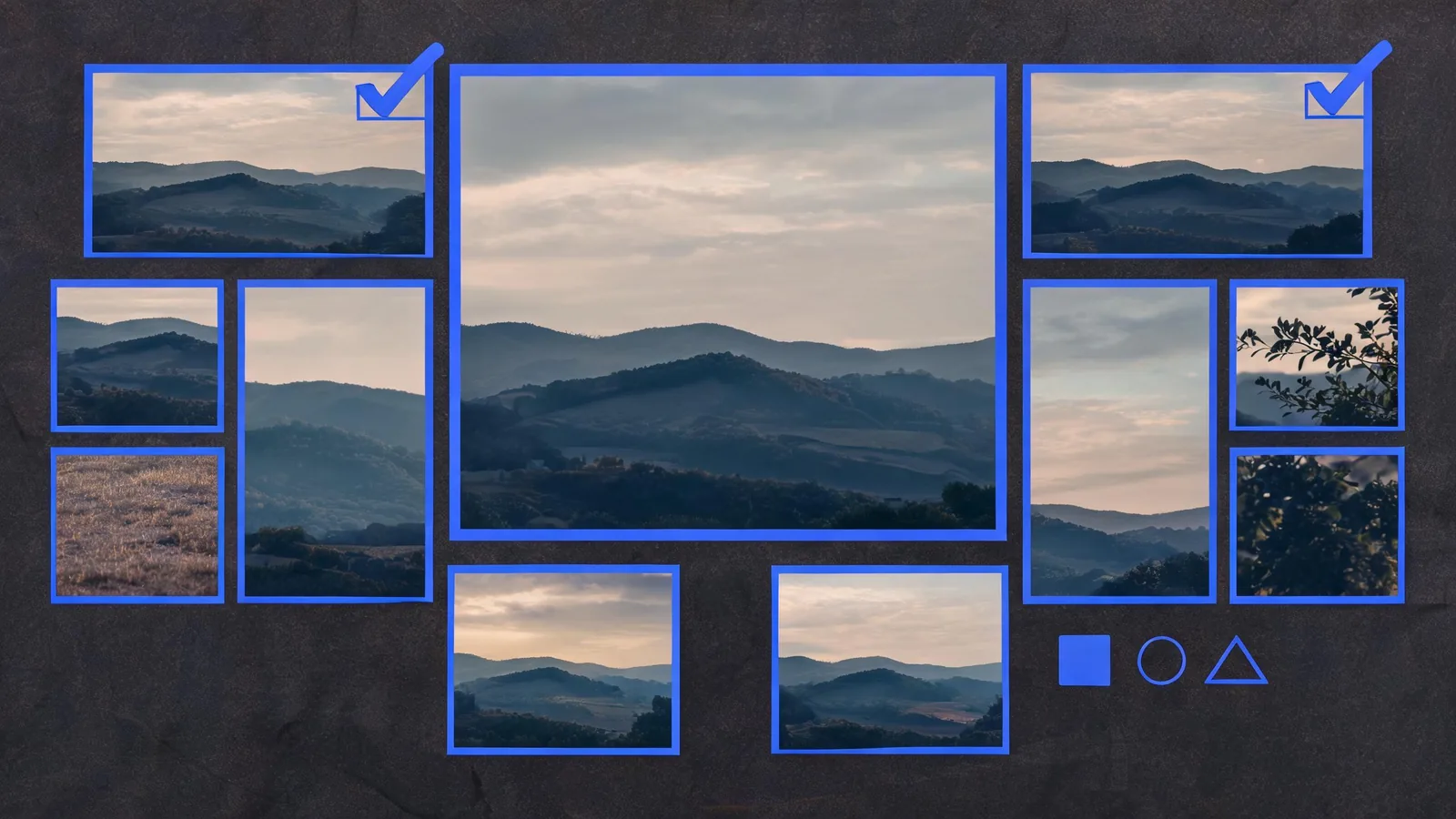
A contact sheet can reveal drift and weak edit points, but the final decision still requires watching each candidate as a complete clip.
Use this compact scorecard. It is a decision aid, not a claim that a generated video is objectively correct.
| Candidate | Source preserved? | Motion fits the job? | Clean in/out points? | New risk introduced? | Decision |
|---|---|---|---|---|---|
| A | Yes / no / uncertain | Yes / no / uncertain | Yes / no / uncertain | Note it | Select, revise, or reject |
| B | Yes / no / uncertain | Yes / no / uncertain | Yes / no / uncertain | Note it | Select, revise, or reject |
| C | Yes / no / uncertain | Yes / no / uncertain | Yes / no / uncertain | Note it | Select, revise, or reject |
Avoid inventing a percentage score. A single failed protected detail can outweigh a number of cosmetic strengths. “Reject: label area changed” is a more useful record than “8/10.”
Select only when the use is clear
A selected file should have a short record that a future editor or reviewer can understand without rewatching everything:
Selected:
product-still_drift-B_v03.mp4
Use: internal concept edit, one establishing beat
Source: client-provided still; permission recorded in project folder
Usable range: start through the clean hold before the final light change
Protected detail: unbranded bottle silhouette and blank label area remain acceptable
Limit: concept only; no product performance, availability, or packaging claim
If you cannot write a note like this, the variation is not ready to hand off. Send it back to revise, keep it as concept only, or mark it do not use. That is more honest than placing an ambiguous render in a folder called “final.”
For a team handoff after selection, use the Seedance video editor handoff checklist. It covers the selected file, source and permission note, delivery need, version identity, and limitation; this guide stays focused on deciding which variation earns that handoff.
Separate a creative choice from a factual claim
AI image-to-video can make an imagined action feel real. That is not evidence that an event happened, that a product performs a function, or that a depicted person agreed to appear. Treat a completed render as a creative output that needs human review.
Be especially cautious when the source contains or implies:
- a recognizable person, voice, or likeness;
- branded packaging, a logo, price, certification, or legal statement;
- a client product whose visible shape or label must be accurate;
- a location, news-like scene, medical result, or other content that could be read as documentary;
- an audience or platform where AI context and disclosure may matter.
The Seedance TikTok disclosure checklist addresses the later publication decision. For a current platform example, TikTok’s own AI-generated content guidance explains its labeling approach and prohibited uses. Neither source replaces client approval or legal review. Review the relevant rules at the time of posting, not from an old saved workflow.
When to render again
Do not rerender blindly because a result feels “off.” State what the next test should isolate. Change one visible variable: source crop, motion instruction, camera direction, or the protected-detail wording. Keep the selection brief and source stable when that is the thing you are testing.
| What failed | Next controlled action |
|---|---|
| Important shape or composition drifted | Return to the approved source and simplify the motion request |
| The motion is too large for the intended edit | Reduce the action or camera change; keep the source and crop constant |
| The clip has no usable end | Define the required hold or cut point before the next render |
| A new risky detail appeared | Remove the risky request, check the source, and do not try to prompt around a policy or rights issue |
| Several variables changed at once | Create a baseline and change only one visible condition next time |
For that logging process, see the Seedance prompt test log. It is not another selection checklist; it helps keep a new render test interpretable.
Limits and responsible use
Seedance2-5.video is an independent creative studio, not ByteDance’s official Seedance site. Generated clips can vary and may not preserve a source image, identity, product detail, text, or final frame. This review method does not guarantee rights clearance, brand approval, factual accuracy, platform compliance, or editability.
Use source images only when you have an appropriate right to use them, keep a traceable approval note, and do not present an AI render as a factual record. For a product or client video, a human should approve the complete selected file and its intended context before it is published or delivered.
Frequently asked questions
How do I choose the best Seedance image-to-video variation?
Compare each completed clip against the approved source and the stated shot purpose. Select the variation that preserves the protected detail, has believable enough motion for that purpose, and includes usable in and out points.
Should I choose the most dramatic Seedance render?
Not automatically. A dramatic render can be the wrong choice if it changes the product, person, setting, or intended use. Choose the clip that answers the brief with the least unresolved risk.
What makes an AI image-to-video clip unusable for editing?
Reject a clip when its important detail drifts, its opening or ending cannot support the intended cut, it introduces misleading content, or its rights and source context are not clear enough for the planned use.
Is this the same as writing an image-to-video prompt?
No. Prompting happens before rendering. This guide covers the separate post-render decision of comparing completed variations, recording one selection, and explaining what remains unresolved.