
Seedance 2 Prompts for B-Roll: Three Stable Patterns
Use Seedance 2 prompts for quiet B-roll by defining one subject, one motion, one camera move, and a protected ending frame.

The most dependable Seedance 2 prompt for B-roll is short and constrained: name one subject, one visible motion, one camera instruction, and what must remain stable until the last frame. Start with a quiet, dialogue-free shot rather than a whole story. If an object, person, or composition needs to stay recognizable, use image-to-video with a permitted source image and review the complete clip before you use it.
Last updated: August 30, 2026 · about 8 min read
The four-part B-roll prompt structure
“Cinematic” is not enough direction by itself. Give each phrase one clear job.
| Part | What to state | Example |
|---|---|---|
| Subject | The single thing the shot is about | A matte ceramic coffee cup on a wooden table |
| Motion | One movement that will be visible | Steam rises slowly from the cup |
| Camera | One camera behavior | A gentle push-in, then a stable hold |
| Protection | What should not change | Keep the cup shape, table edge, and quiet background stable |
This structure is intentionally conservative. It is a way to find out whether the subject, motion, and ending survive a simple clip before you add a new setting, fast movement, text, or a second action.
Generated B-roll is a visual draft, not proof that an event happened or that a product behaves as shown. Keep material claims, safety claims, and readable packaging out of the generated shot unless you can independently verify them.
Three Seedance 2 prompt patterns
1. Product atmosphere without invented detail
Use this when a product image needs one calm, non-technical atmosphere shot. Start with a supplied image when the product shape matters.
Use the uploaded image as the opening frame. A matte ceramic coffee cup sits on a wooden table at dawn. Steam rises slowly while the camera makes one gentle push-in. Keep the cup silhouette, handle, table edge, lighting direction, and background geometry stable. End on a centered still frame. No text, labels, extra objects, rotation, or shape change.
2. Environment B-roll with one movement
Use this for a place where no exact subject must be preserved.
A quiet rain-speckled window at early morning. Small droplets move slowly down the glass while soft city light stays out of focus in the distance. Locked-off camera, one continuous shot, calm natural color, stable window frame. End without a cut, person, or readable sign.
3. Hands-off lifestyle detail
Use this for an object-led moment, not a claim about a person or brand.
A folded linen shirt on a clean chair beside a sunlit window. A light breeze moves the curtain and slightly shifts one sleeve edge. Slow side-to-side camera drift, stable fabric texture and room geometry, one continuous shot. No person, logo, readable text, or extra objects.
For a broader prompt formula, the live Seedance 2.5 prompt guide explains why subject, motion, setting, camera, and mood should be stated as one readable scene rather than a pile of tags.
Make the ending frame part of the brief
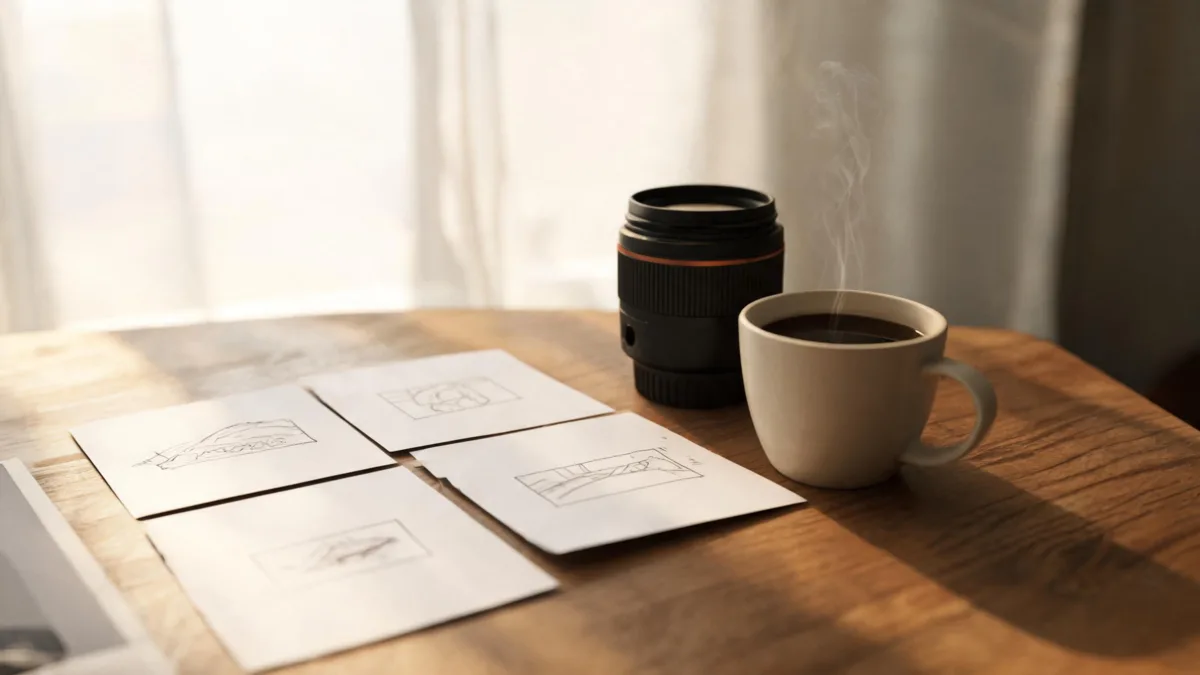
Plan the end of a B-roll shot before generation so the clip has a usable hold rather than a random final frame.
Many clips are hard to use because the final frame changes shape, introduces an object, or ends during a camera move. Ask for a hold explicitly.
| Intended use | Ending instruction | Review question |
|---|---|---|
| Social cutaway | End on a stable wide composition | Is there clean room for an editor's caption? |
| Product mood clip | Hold the object centered after motion stops | Did the shape and visible material stay consistent? |
| Website background | Finish on a calm frame without a jump | Does it loop or cut cleanly without a false claim? |
| Client concept | End on the planned composition | Is it clearly labeled as a concept when needed? |
If you need a specific product, person, or layout preserved, do not rely on text alone. Start with a permitted reference and use the Seedance image-to-video guide to keep the first frame and requested motion aligned.
A review pass before publishing
Watch the whole output at normal speed and then inspect the first and final frames. Stop the workflow if a result introduces an incorrect label, unstable object shape, a misleading event, an unlicensed likeness, or a detail a viewer could reasonably mistake for a fact.
Use a conventional editor for essential text, exact logos, legal copy, and verified product information. The U.S. Copyright Office's AI initiative is a useful current source for following policy materials around AI and creative work; it is not a substitute for checking the platform terms and the rights in your individual inputs.
Frequently asked questions
How long should a Seedance 2 B-roll prompt be?
Use only the detail that changes a visible decision: one subject, one motion, one camera instruction, and a short stability request. Add another detail only after a simple controlled test reveals what is missing.
Should I use text-to-video or image-to-video for B-roll?
Use text-to-video when the shot can be invented freely. Use image-to-video when a source image contains a person, product, composition, or other detail that must remain recognizable.
Why does my B-roll clip end on a bad frame?
The prompt may describe an opening and motion but not a finish. Add an explicit ending such as “end on a centered stable hold after the camera stops,” then review the output before editing it into a project.
Can I generate readable product text in B-roll?
Do not rely on it for exact text, labels, legal copy, or logos. Keep important wording in conventional post-production and use verified product information from the source of truth.
Related guides
- Generate an AI video with Seedance →
- Seedance 2.5 text-to-video prompt guide
- Seedance prompt storyboard
- How to avoid warping in Seedance 2.5
Start with one controllable shot
Build the first B-roll test around one visible motion and one usable ending. Once that holds together, add complexity deliberately rather than trying to rescue an overloaded prompt.