
Turn a Seedance 2.5 Prompt Into a Shot-by-Shot Storyboard
Turn one Seedance 2.5 prompt into a practical shot-by-shot storyboard. Plan subject, action, camera, and edit points before you generate.
A text-to-video generator works better when the story is already broken into shots. Instead of asking Seedance 2.5 for a complete sequence in one prompt, write a small storyboard: one subject, one action, one camera move, and one clean ending per shot. You can then generate and select short pieces in the Seedance 2.5 video generator and assemble them in an editor.
Last updated: July 15, 2026 - about 7 min read
Why a prompt needs a storyboard
One paragraph can describe a beautiful idea and still be a poor generation request. It may quietly include an establishing shot, an action beat, a close-up, a location change, and an ending. A model has to guess how those pieces connect. A storyboard turns those guesses into a sequence you can inspect and revise.
You do not need to draw. Write a three-to-five row table. Each row should answer four questions:
- What is the subject?
- What is the one visible action?
- Where is the camera?
- What makes the clip easy to cut?
Convert one idea into three short shots
Imagine the original prompt is: "A small ceramic cup sits on a sunlit table, the camera moves closer, steam rises, and the scene becomes warm and cinematic." That is not bad creative direction, but it contains more than one shot. Convert it like this:
| Shot | Subject and action | Camera | Cut point |
|---|---|---|---|
| 1. Establish | Ceramic cup on a sunlit table; steam rises gently | Locked wide frame | Light settles on the table |
| 2. Detail | Same cup; steam curls upward | Slow push-in | Cup remains still at the end |
| 3. Texture | Light catches the glaze; no new action | Close, fixed angle | Hold a clean final frame |
Each row becomes a separate prompt. Reusing the same subject, setting, and lighting words gives the individual tests a shared visual brief without pretending they will be identical.
Write prompts from the shot cards
For the second shot, write only what it needs:
Short cinematic video. A small ceramic cup on a sunlit wooden table, warm morning light, steam rising slowly. Camera: gentle push-in. Keep the cup shape, table, light direction, and background stable. No text, logo, scene change, or new objects. End on a still, clean close frame.
That prompt can be evaluated. If the steam looks wrong, change the steam treatment. If the cup bends, simplify the camera. You do not have to rework a whole imaginary film every time a detail fails.
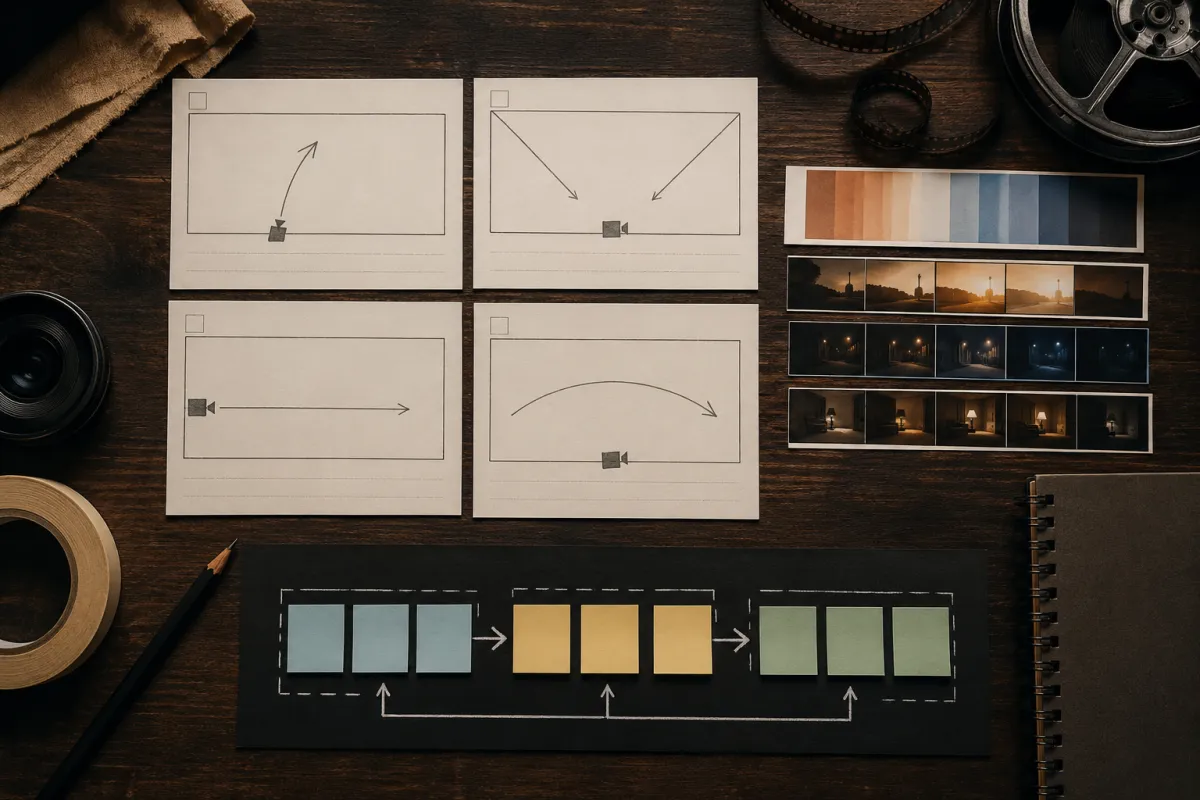
This AI-generated storyboard visual has a different purpose from the cover: it maps continuity and cut points before generation. It is not a claimed Seedance output.
Keep continuity notes outside the prose prompt
Add a compact continuity line to every shot card: subject, wardrobe or product, location, time of day, palette, and camera behavior. That line is for you as much as for the model. It helps you notice when shot three suddenly introduces a different jacket, a new prop, or a night-time color grade.
An AI video prompt becomes more reliable when it keeps the fixed information stable and changes only the intended action. For motion ideas, pair the storyboard with Seedance camera movement prompts rather than asking every shot to use a different cinematic move.
Plan the edit before you render
Every shot needs a clean beginning or ending. A subject settling into place, a moment of stillness, or a completed action gives you a natural cut. Avoid ending every prompt mid-turn or mid-zoom. The final sequence will feel more deliberate, and you will have room to add licensed audio, captions, and titles later in a conventional editor.
For a production-level check, see what makes Seedance 2.5 different. Use only assets you have rights to use, and do not rely on generated video for text or factual claims that must remain exact.
Frequently asked questions
What is an AI video storyboard prompt?
It is a planning method that turns one broad visual idea into short, individual prompts. Each prompt covers one subject, one action, one camera instruction, and one edit point.
How many shots should I storyboard first?
Start with three. That is enough to establish a scene, add a detail, and create a clean ending without creating too much continuity work.
Does a storyboard guarantee consistent AI video characters?
No. It improves planning and makes differences easier to spot, but generative video can still vary across runs. Reuse references and stable descriptors, then select and edit the best outputs.
Turn one vague prompt into three testable clips
Open Seedance 2.5, write the three shot cards first, and generate the sequence one controlled beat at a time.