
Seedance 2.5 Text-to-Video: Prompt Guide and Examples
Use this Seedance 2.5 text-to-video prompt guide to write better AI video prompts for product clips, cinematic scenes, social ads, and storyboards.
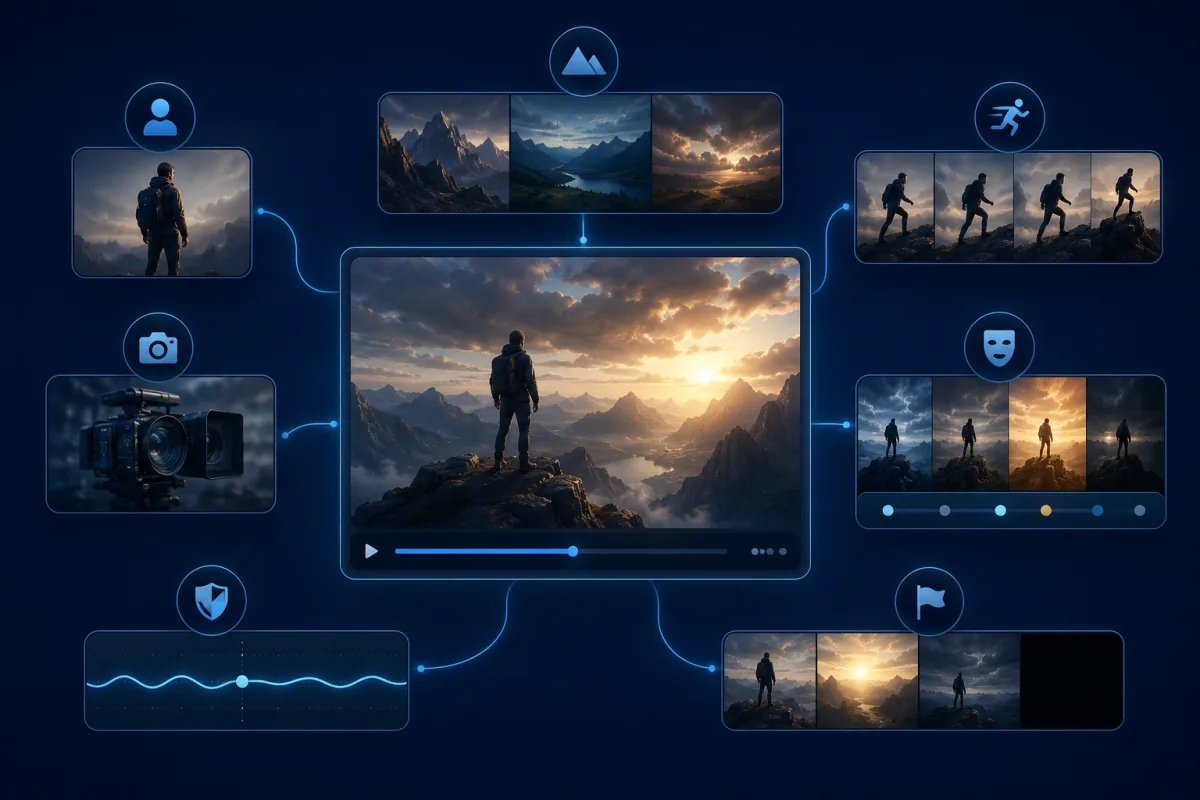
A good Seedance 2.5 text-to-video prompt reads like a small scene plan: subject, setting, action, camera, mood, duration, and ending. Do not write a pile of keywords. Tell the AI what should happen over time, then protect the details that must stay stable.
Last updated: June 30, 2026 - about 8 min read
Text-to-video is tempting because you can start from nothing. That freedom is also the problem. If the prompt is too broad, the model has to invent the subject, scene, motion, camera, style, and ending all at once.
Use this guide to turn a vague idea into a controlled video prompt.
The Seedance text-to-video prompt formula
Use this structure:
[Subject] in [setting]. [Action over time]. Camera [movement]. Mood and lighting: [style]. Keep [important details stable]. End with [final frame].
| Prompt element | Why it matters | Example |
|---|---|---|
| Subject | Defines the hero | "a matte black sneaker" |
| Setting | Grounds the scene | "on a wet city street at night" |
| Action | Creates the video | "rain ripples around the shoe" |
| Camera | Controls motion | "slow low-angle push-in" |
| Mood | Sets visual style | "cinematic neon reflections" |
| Stability line | Prevents drift | "keep the shoe shape consistent" |
| Ending | Makes it usable | "end on a clean product hero shot" |
Example 1: Product video prompt
Use this when you want a short product ad without a source image.
A matte black running shoe on a rain-slick city street at night. Neon reflections shimmer on the pavement. The camera starts low and slowly pushes toward the shoe as tiny water droplets bounce around it. Cinematic lighting, premium sports ad mood. Keep the shoe shape stable and realistic. End on a clean hero shot with the shoe centered.
Why it works:
- It keeps one product as the hero.
- It gives motion to the environment, not the product shape.
- It defines the camera.
- It protects the product from melting.
- It ends on a usable frame.
If you already have a real product photo, use Seedance image-to-video instead. Text-to-video invents the product; image-to-video preserves it.
Example 2: Cinematic portrait prompt
Portraits need restraint, even in text-to-video.
A close-up cinematic portrait of a young filmmaker standing under soft blue studio light. She looks toward camera with a calm expression as a gentle breeze moves a few strands of hair. Slow camera push-in, shallow depth of field, realistic skin texture. Keep the face natural and consistent. No exaggerated smile, no dramatic head turn. End on a steady close-up.
This prompt avoids the common portrait failure: too much performance. A small expression and controlled camera move usually look more real than a big emotional change.
Example 3: Social ad prompt
For short social ads, the first second needs a hook.
A colorful energy drink can lands softly on a bright studio surface. Condensation forms on the can while the camera makes a quick but smooth push-in. Fresh summer mood, crisp commercial lighting, high contrast colors. Keep the can shape stable and centered. End with a clean frame suitable for a caption overlay.
This structure works for TikTok, Reels, and Shorts because the subject appears immediately. The ending also leaves room for text outside the generated video.
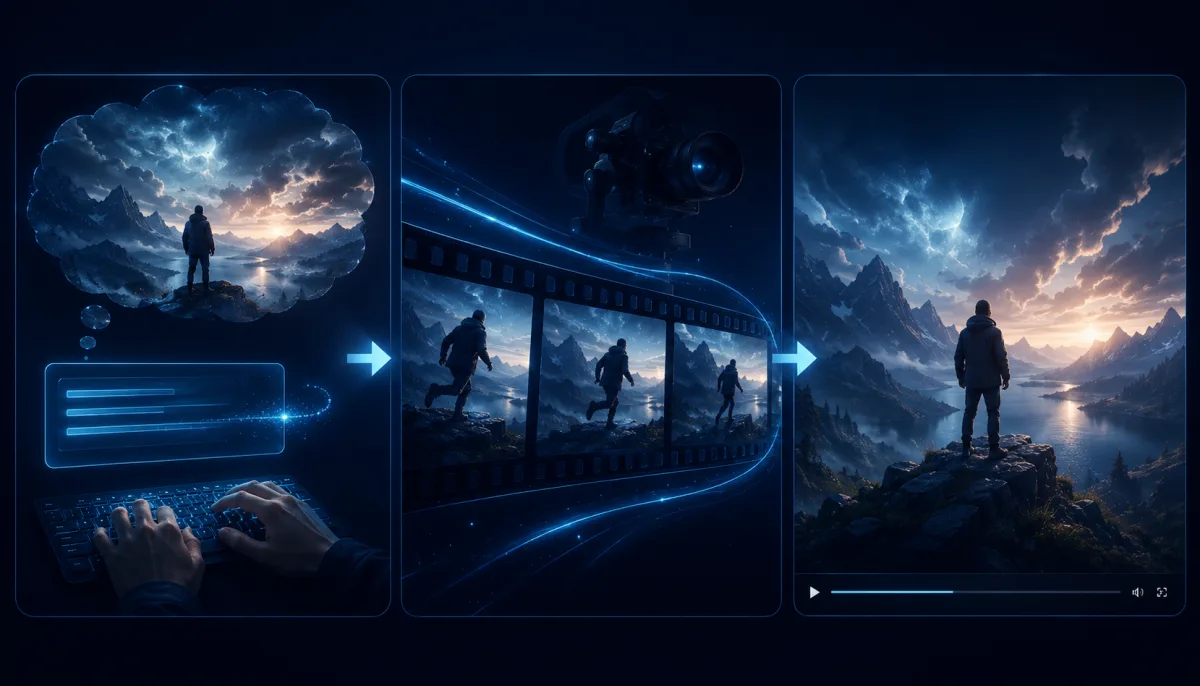 a three-shot storyboard that turns one text prompt into a usable short video structure.
Example 4: Travel scene prompt
Travel clips can use larger camera motion, but the horizon must stay stable.
A lone hiker stands on a mountain ridge at sunrise, looking across a valley filled with soft clouds. The camera slowly rises behind the hiker and reveals the wide landscape. Warm golden light, cinematic but natural, gentle wind moving the jacket and grass. Keep the horizon stable. End on the wide view.
The key phrase is "horizon stable." Without it, camera movement may bend the landscape.
Example 5: Explainer or educational clip
For explainers, keep the visual metaphor simple.
A clean 3D-style visual of a small idea spark turning into a flowing timeline of video frames. The camera glides gently along the timeline as frames light up one by one. Minimal studio background, soft blue light, professional technology style. Keep the shapes clean and readable. End on a clear wide view of the full timeline.
Avoid asking for readable text inside the video unless the tool specifically supports it. Generated text can be unreliable. Add captions in editing later.
Common prompt mistakes
| Mistake | Why it fails | Better version |
|---|---|---|
| "Make a cool AI video" | No subject or motion | Name subject, setting, and camera |
| Too many actions | Model changes everything | One main action per clip |
| No ending | Clip may stop awkwardly | "End on a clean hero shot" |
| Style only | Looks nice but has no event | Add action over time |
| No stability line | Subject drifts or warps | "Keep the product shape stable" |
If a prompt fails, rewrite the motion first. Do not just add more adjectives.
Text-to-video or image-to-video?
Use text-to-video when:
- You do not have a source image.
- The subject can be invented.
- You want a concept, scene, or mood test.
- Exact product or identity is not critical.
Use image-to-video when:
- You have a product photo, portrait, logo-free design frame, or concept image.
- The shape or identity must stay close.
- You want to animate a known asset.
Many creators use both: text-to-video for ideation, image-to-video for the final asset.
Frequently asked questions
How do I write a Seedance text-to-video prompt?
Write a small scene plan: subject, setting, action, camera movement, mood, stability line, and ending. The prompt should describe what happens over time, not just the visual style.
What is the best Seedance prompt format?
The safest format is: subject in setting, action over time, camera movement, mood and lighting, what to preserve, and final frame. This keeps the output focused and easier to judge.
Should I mention duration in the prompt?
Yes, when the clip has a sequence. For longer clips, think in beats: hook, motion, detail, payoff, and ending. Do not cram a full story into one sentence.
Can Seedance text-to-video make product ads?
Yes, but if you need an exact product, start from an image. Text-to-video is better for concept ads and invented products; image-to-video is better for real product photos.
Related guides
- Seedance 2.5 text-to-video
- Seedance 2.5 AI video generator
- Seedance 2.5 image-to-video
- Seedance 2.5 free
Start with a scene, not keywords
Open Seedance 2.5 text-to-video, write one scene with one camera move and one ending, then render a short test. The strongest prompts are usually the clearest, not the longest.