
Seedance 2.5 Camera Movement Prompts: Pan, Zoom, Dolly, Orbit
Seedance 2.5 camera movement prompts for better AI video: learn pan, zoom, dolly, orbit, tracking, tilt, and how to combine camera language safely.
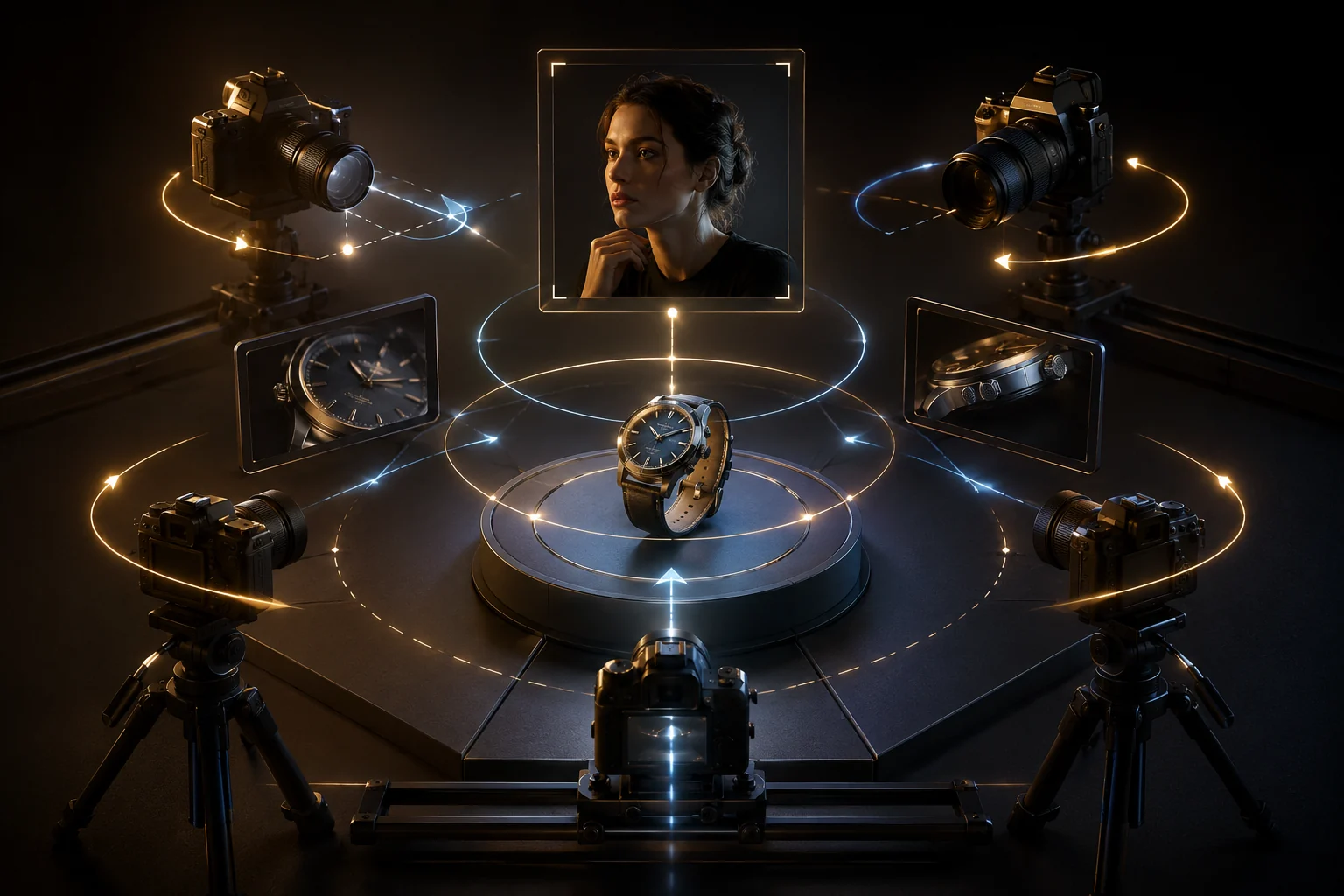
Seedance 2.5 camera movement prompts work best when you name one camera move, its direction, its speed, and what should stay stable. Start with pan, zoom, dolly, or orbit in the Seedance 2.5 AI video generator, then add more complex movement only after the basic shot behaves.
Last updated: July 1, 2026 - about 8 min read
Camera language turns an AI clip from "moving pixels" into a directed shot. The mistake beginners make is stacking every film word into one prompt: pan, zoom, orbit, handheld, cinematic, dolly, crane, dramatic. The model then guesses. Better prompts use one clear camera job.
The core camera moves
| Move | What it means | Good prompt phrase |
|---|---|---|
| Pan | Camera rotates left or right | "slow pan from left to right" |
| Tilt | Camera rotates up or down | "gentle tilt upward to reveal the skyline" |
| Zoom | Lens appears to move closer/farther | "slow zoom in on the product" |
| Dolly | Camera physically moves through space | "smooth dolly push-in toward the subject" |
| Orbit | Camera circles around the subject | "slow 20-degree orbit around the character" |
| Tracking | Camera follows the subject | "stable tracking shot following the runner" |
| Static | Camera stays still | "locked-off camera, only the subject moves" |
If you are unsure, start with dolly push-in. It is simple, cinematic, and less risky than a full orbit.
A safe prompt formula
Use this:
[Subject and scene]. [One camera move] at [speed/direction]. [Subject motion]. Keep [protected details] stable. End on [final frame].
Examples:
- Product: "Premium sneaker on a clean studio pedestal. Slow dolly push-in toward the shoe, soft side light moving across the leather. Keep logo shape and sole details stable. End on a centered hero shot."
- Portrait: "Close portrait in warm window light. Locked-off camera with a very slight push-in, subtle breathing and natural hair movement. Keep facial identity stable."
- Travel: "Mountain village at sunrise. Slow pan from left to right as mist moves through the valley. Keep buildings sharp and horizon stable."
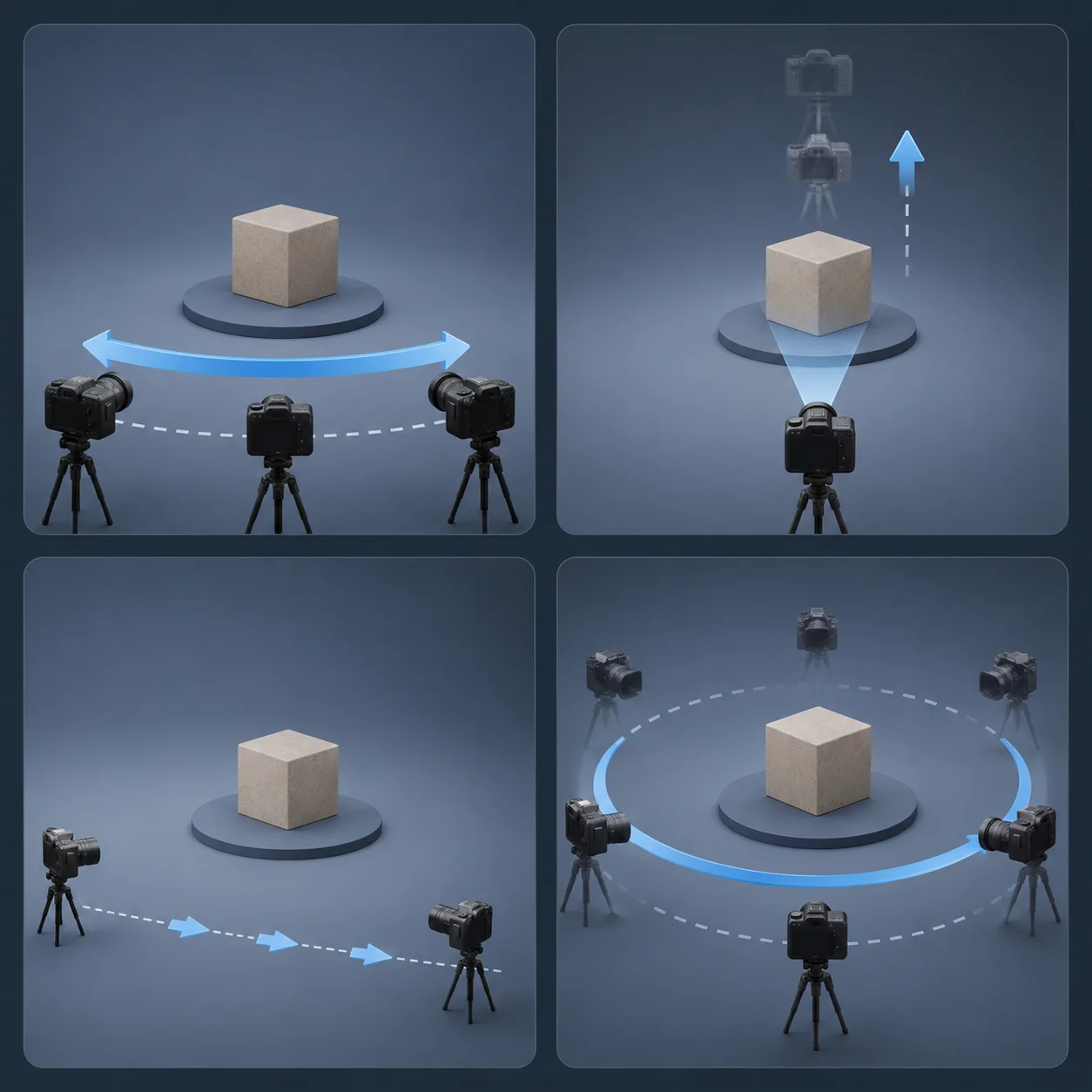
Illustration: pan, zoom, dolly, and orbit camera movements around a single subject.
How to combine camera moves without chaos
Combining moves can work, but only when the two moves support each other.
Good combinations:
- Dolly push-in + slight tilt up.
- Slow orbit + subtle subject turn.
- Tracking shot + subject walking forward.
- Static camera + strong subject motion.
Risky combinations:
- Fast orbit + zoom + subject turning + background changing.
- Handheld shake + tiny product label.
- Dolly zoom on a face with heavy expression change.
- Long camera move with multiple scene changes.
The first test should be simple. Once it works, increase complexity.
Prompt words that help
Add control words:
- slow - reduces chaotic motion.
- smooth - discourages jitter.
- subtle - protects faces and products.
- locked-off camera - keeps the camera still.
- centered subject - helps composition.
- keep identity/product shape stable - protects the important object.
Avoid vague words alone:
- cinematic
- dynamic
- epic
- viral
- professional
Those words describe taste, not motion. Pair them with a real camera instruction.
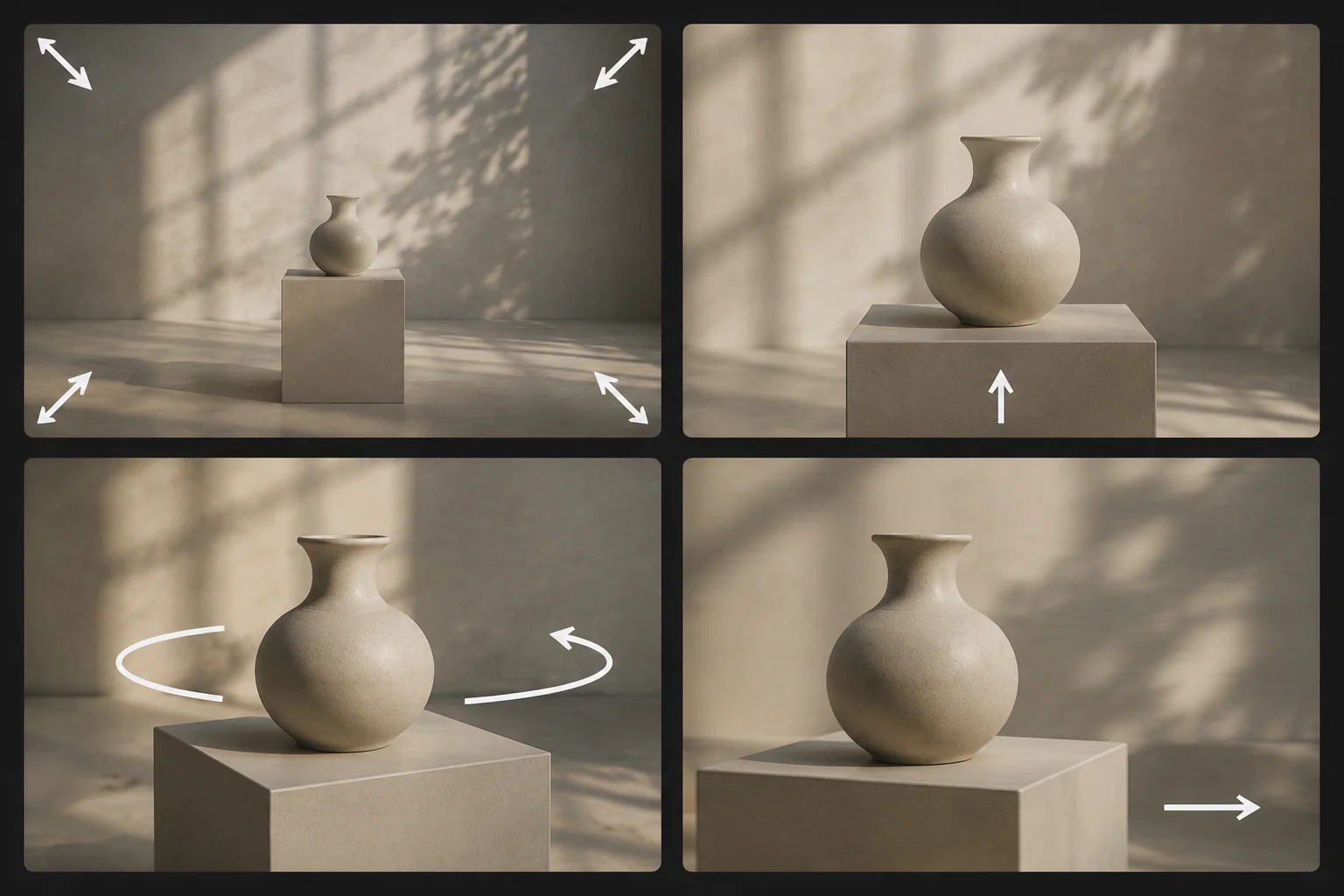
Illustration: four Seedance shot types, from locked-off framing to tracking movement.
Troubleshooting
If the camera does not move:
- Put the camera move in the first sentence.
- Remove other motion requests.
- Use a simpler movement like slow push-in.
If the subject warps:
- Reduce camera speed.
- Avoid orbit on faces or text-heavy products.
- Ask for a locked-off camera and subject-only motion.
If the clip feels like a slideshow:
- Add one clear camera move and one environmental motion.
- Example: "slow dolly push-in, steam rising behind the cup."
Frequently asked questions
What camera movement should I use first?
Start with a slow dolly push-in or a locked-off camera with subtle subject motion. Both are easy to control and work for product, portrait, and social clips.
What is the difference between zoom and dolly?
Zoom changes the apparent lens distance. Dolly means the camera moves through space. In AI prompts, dolly usually feels more cinematic, while zoom is simpler and more direct.
Can I use orbit prompts in Seedance?
Yes, but keep them slow and limited. A full fast orbit can warp faces, products, and backgrounds. Try a 15- to 30-degree orbit before asking for a full circle.
Why does my camera prompt get ignored?
The prompt may contain too many competing instructions. Use one camera move, one subject action, and one protected detail. Put the camera move early in the prompt.
Related guides
- Seedance 2.5 AI video generator
- Seedance 2.5 image-to-video
- Seedance 2.5 text-to-video
- Generate a video
CTA
Pick one camera move and make it clear. Open the Seedance 2.5 AI video generator, test a slow dolly push-in or locked-off shot, then add more complex camera language only after the first render holds together.