
Seedance Anime Video Review: Check Style and Continuity Before You Share
Review a completed Seedance anime-style video for original-character separation, continuity, readable action, final-frame use, and sharing risk.
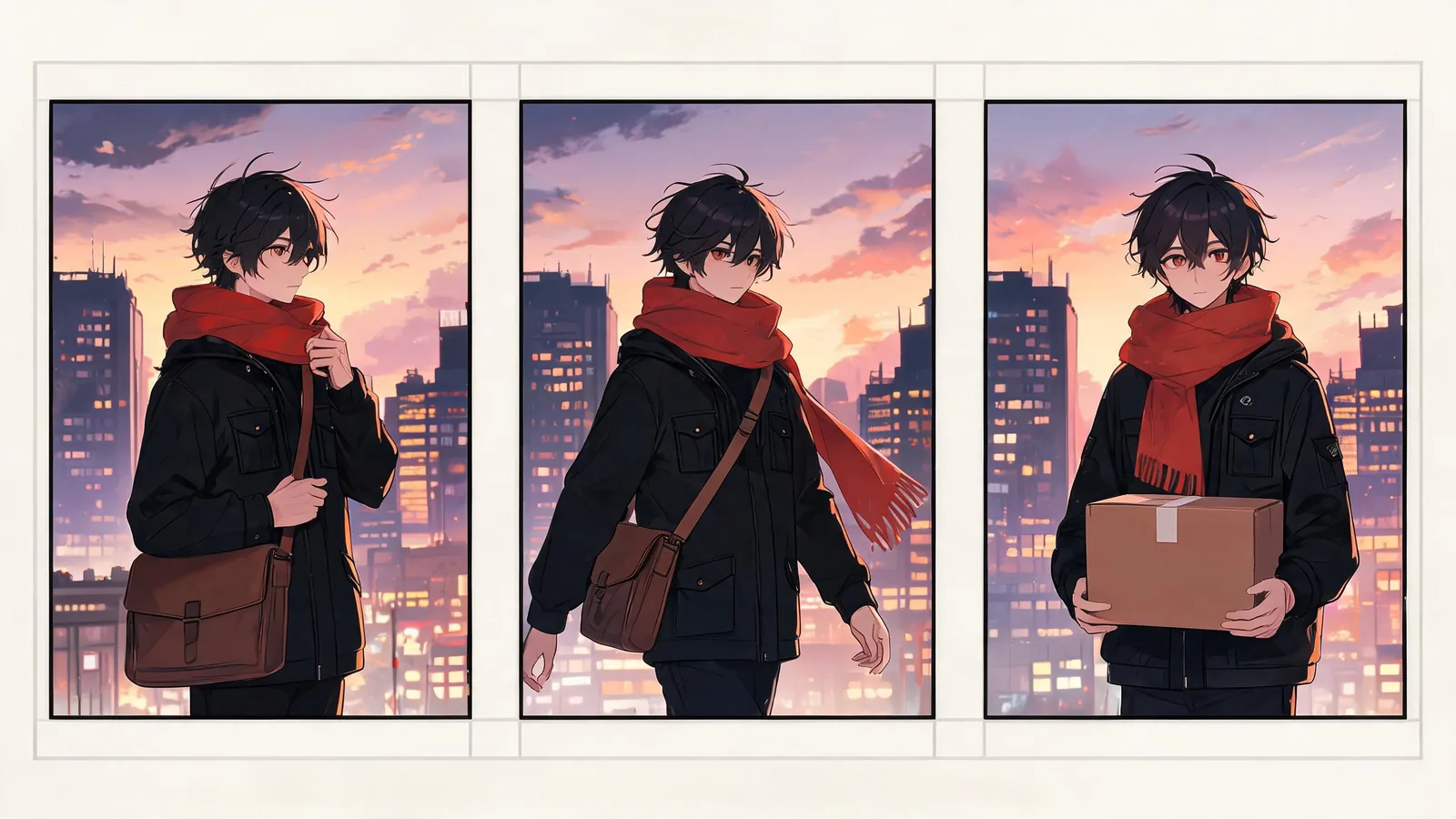
Review a Seedance anime-style video by watching it all the way through, then checking five things before you share it: original-character separation, stable identity and style, readable motion, a usable final frame, and the rights and context for the actual post. A beautiful thumbnail does not approve the rest of the clip, and an “anime” label does not make a recognizable franchise character or borrowed art safe to use.
Checked September 17, 2026 · post-render approval checklist
This is the post-render companion to Seedance 2.5 anime video prompts. The older guide is for creating an original anime-inspired subject, setting, motion, and prompt structure before generation. This page answers a different question after the render exists: is this particular clip stable and appropriate to share, hand to an editor, or use as a concept?
Start with the whole clip, not the cover frame
Play the finished file at normal speed once without pausing. On the second pass, note the first moment where the character, action, camera, or scene stops supporting the brief. A strong opening image can hide a changed face, altered outfit, extra figure, impossible movement, or a final frame that cannot be cut cleanly.
Keep your first review short and factual:
| Review area | Ask this | Approve only when |
|---|---|---|
| Main character | Is it still the original subject described in the approved brief? | Face, silhouette, outfit cues, and role stay coherent |
| Style | Does the line, palette, and environment remain intentionally related? | The clip reads as one original visual direction, not a collage |
| Action | Can a viewer understand the one intended action? | Motion is readable without implying something that did not happen |
| Scene and props | Did important objects or locations mutate unexpectedly? | Any changed detail is harmless or has been removed from the usable cut |
| Ending | Does the last frame support the planned edit or post? | It holds cleanly and does not introduce a new error |
This is a quality-control review, not a score that proves a model is dependable. Keep a note of the review date, selected file, and the purpose you approved.
1. Check whether the character is still original
Anime-inspired is a broad visual direction, not a permission slip to reproduce a named franchise, a protected character, a studio’s signature character design, or someone else’s illustration. Compare the completed clip to the original brief and approved inputs—not just to your intentions while writing the prompt.
Pause the share if a render gains distinctive clothing, a recognizable hairstyle, a familiar symbol, a franchise-specific setting, or a close lookalike that you did not approve. The right next step may be a new original brief, a different source, or a human rights review. Do not crop out a single obvious symbol and assume the remaining resemblance is resolved.
The U.S. Copyright Office’s AI materials are useful general background on AI-generated material, but they do not replace legal advice for your jurisdiction or project. For a campaign depending on a recognizable character, client asset, or exclusivity, get qualified review before release.
2. Compare continuity against a small source-of-truth card
You do not need a huge character bible for one clip. Use four or five features that were truly part of the approved concept. For an original courier, for example: dark bob haircut, amber scarf, blue jacket, round shoulder bag, and a warm dusk palette.
Review those anchors at the opening, middle, and final seconds. A small sample catches more than a vague “looks consistent” judgment.
| Anchor | Opening | Middle | Ending | Decision |
|---|---|---|---|---|
| Character silhouette | Match / drift | Match / drift | Match / drift | Keep, cut, or rerun |
| Outfit and props | Match / drift | Match / drift | Match / drift | Keep, cut, or rerun |
| Palette and line treatment | Match / drift | Match / drift | Match / drift | Keep, cut, or rerun |
| Intended action | Clear / unclear | Clear / unclear | Clear / unclear | Keep, cut, or rerun |
| Final-frame purpose | — | — | Usable / unusable | Keep, cut, or rerun |
Use a plain note rather than pretending a generated result preserves every detail perfectly. If a change would confuse the audience, weaken a product concept, or alter the character’s identity, the clip is not approved for that job.
3. Review motion and camera direction separately
Stylized motion can be expressive, but it still needs to support the story beat. Look for an unexpected camera turn, a jumpy action, a warped hand or object, an extra character, a disappearing prop, or a cut that turns a modest action into something the brief did not claim.
For a short social clip, it can be enough to identify one clean usable range. For a client concept or sequence, review every required beat and preserve the timecodes. Do not turn a useful two-second passage into evidence that the whole file is ready.
If you must rerun, change one reviewable variable: simplify the action, use a clearer permitted source, reduce the camera movement, or protect the detail that drifted. The prompt test log helps keep the next attempt explainable rather than random.
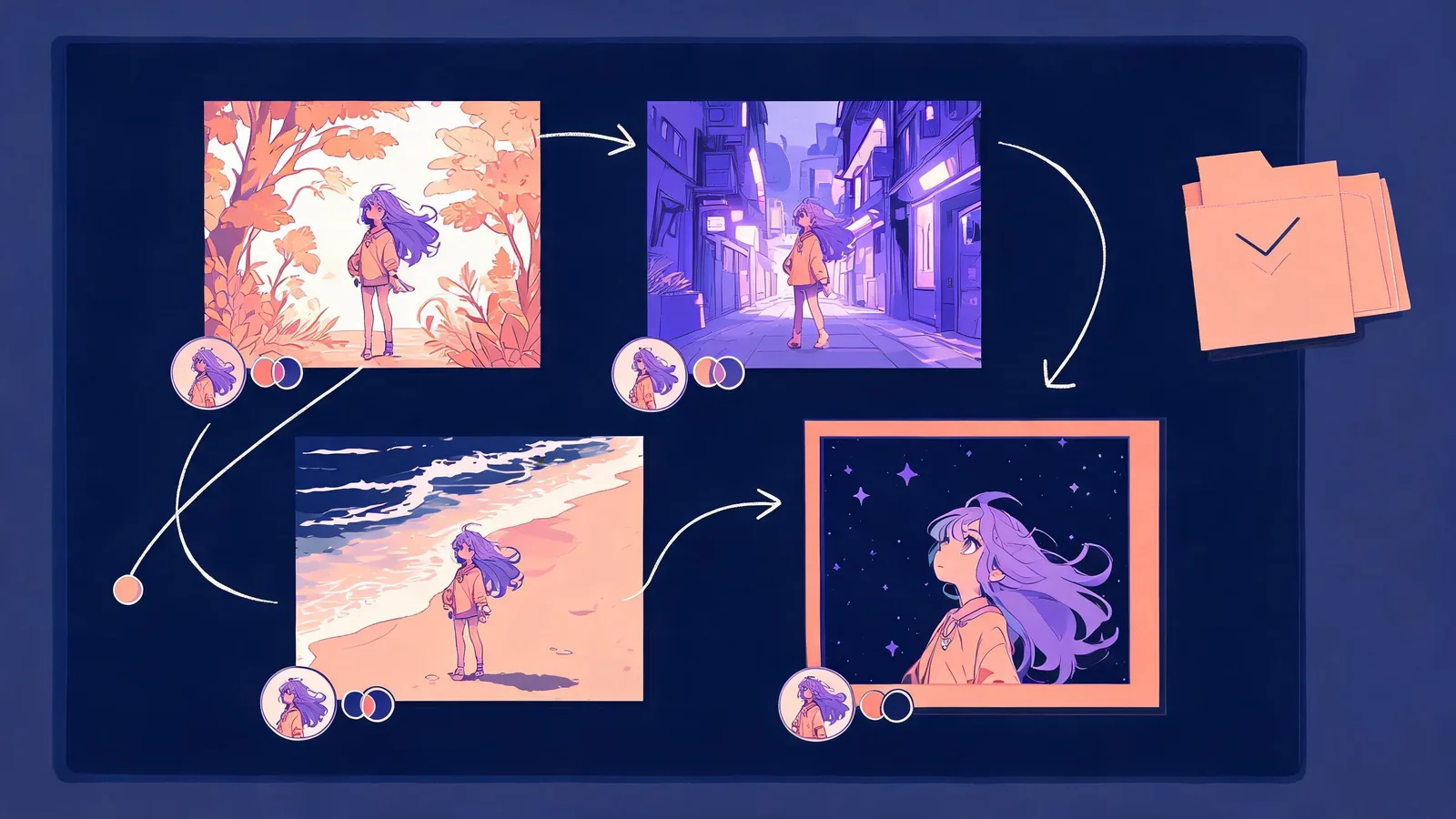
The illustration shows an editorial review method. It is not a Seedance interface, a benchmark result, or a depiction of any licensed anime character.
4. Decide whether the intended share changes the risk
The same render can be fine for a private experiment and wrong for a public post, client presentation, paid advertisement, or factual-looking context. Before approval, state what the clip is allowed to be.
- Original concept test: Label it as a concept where context could otherwise make it look like a real event or approved asset.
- Social post: Check the platform’s current synthetic-media, music, disclosure, and community rules before uploading.
- Client mockup: Keep source permissions, approval boundaries, and known visual limitations with the handoff.
- Product or factual claim: Do not use a generated anime-style clip to prove a product feature, event, testimonial, or result that you cannot support separately.
For any version you plan to export, run the watermark and export check too. A clean-looking frame does not tell you the current export condition or whether the project’s inputs were cleared for the planned distribution.
A practical pass / revise / stop decision
Make the final decision visible to the next person:
| Outcome | Use when | Next action |
|---|---|---|
| Pass | The full intended range is original, coherent, permitted, and fit for the stated use | Save the selected file and review note |
| Revise | One bounded issue has a clear, legitimate fix | Change one variable and review the next full clip |
| Cut | A short range is usable and the planned edit may truthfully use only that range | Document exact in/out points and what remains excluded |
| Stop | The result resembles protected material, lacks permission, creates a misleading implication, or has no accountable fix | Do not publish it; choose a new original direction or seek review |
This protects your own judgment as much as the viewer. It is normal for a generated clip to fail a particular purpose. Keeping the rejected version out of the delivery folder is often the faster and more honest production choice.
Limitations and disclosure
This guide cannot determine whether a particular character, source image, or distribution is legally cleared. It does not establish copyright ownership, platform compliance, or a model’s current behavior. It gives a repeatable editorial review so that a compelling frame does not stand in for source permission, full-clip continuity, or a truthful share context.
Frequently asked questions
What should I review in a Seedance anime video before sharing it?
Review the full clip for original-character separation, identity and style continuity, readable action, object and scene drift, final-frame usefulness, source permissions, and the context attached to the finished post.
Is this a replacement for an anime prompt guide?
No. Prompt guidance helps before a render exists. This is a post-render approval process for the actual file you may share or hand off.
What if only one section of the clip looks good?
Approve only that section when the planned edit can use it truthfully and you record its exact in/out points. Otherwise revise the brief or discard the render; do not let a thumbnail approve the entire video.
Can I use a generated anime clip in a client project?
Only after the inputs, intended use, actual export conditions, and client approvals have been checked. Keep it framed as the approved type of asset—such as an original concept—rather than as proof of a real event or an unverified product claim.