
Seedance 2.5 Review: Verify a Demo Before You Pay
A practical Seedance 2.5 review framework for deciding what a public demo proves, what it does not, and which conditions to verify before buying credits.
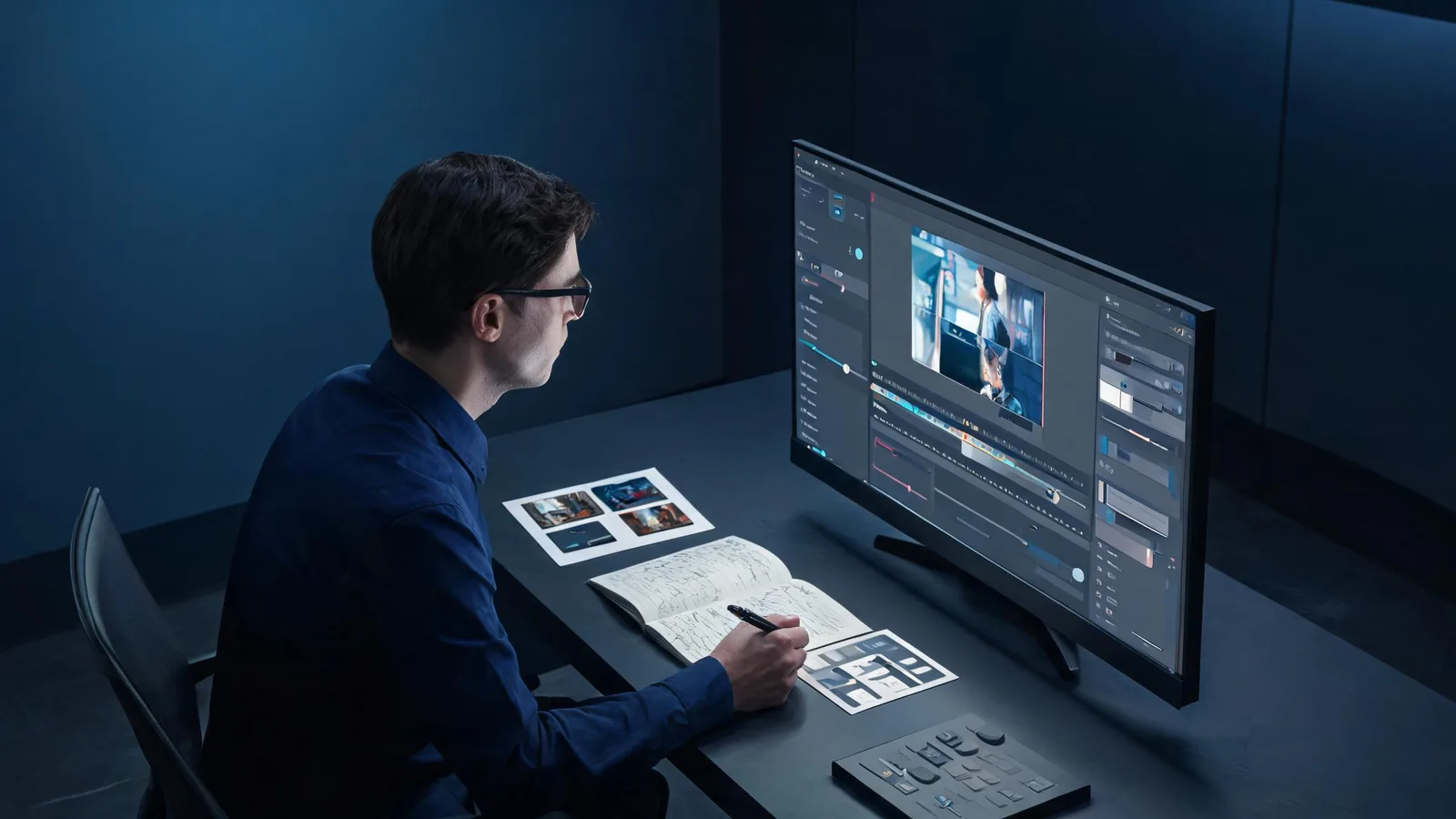
A Seedance 2.5 demo can show that one clip was made under some conditions. Before you pay, verify the provider, model label, visible settings, source assets, edits, and the exact task you need it to handle. Then run a small test of your own.
Updated September 15, 2026 · A companion to our workflow review
Public demos are valuable discovery material, but they are selected outputs. They rarely show every failed attempt, the rights status of every input, the full prompt, or the post-production work. That does not make a demo deceptive; it defines the limit of the evidence.
This guide answers a narrower question than our original Seedance 2.5 review. That article covers a broad workflow and its limits. This companion is for a pre-purchase decision: whether a specific public demo supports the capability you need to buy for.
The short rule: match the claim to the evidence
Write the claim you are considering in one sentence. “This tool makes a beautiful film” is too broad to test. “It can keep this approved product shape recognizable while making a slow six-second camera move” is a claim you can evaluate.
Then label the evidence honestly:
| What you have | What it can support | What it cannot support alone |
|---|---|---|
| A public finished clip | That a result with visible qualities exists | Reliability, typical cost, repeatability, or your rights to use its assets |
| A demo with prompt and settings | A reproducible starting condition | Performance on different inputs, models, or providers |
| A maker’s test notes | How that person evaluated one workflow | A neutral benchmark without comparable conditions |
| Your own logged test | Evidence for your exact permitted inputs and current controls | A guarantee about future versions or unrelated jobs |
The conclusion should be proportional. A clean product demo may justify a small test. It does not justify promising a client that every product label or motion will remain exact.
Verify the six conditions behind a demo
1. Identify the provider and model
Seedance availability, model labels, controls, and credit rules can differ by provider. A demo title may say “Seedance 2.5” while the creator used a platform with its own input rules, presets, editing tools, or subscription terms.
Before treating the clip as buying evidence, find the named provider and check what you can select in the current interface. For this hosted workflow, the Seedance 2.5 studio and pricing page are the current first-party checks. If the demo is from another provider, check that provider’s current documentation and terms instead.
2. Inspect the source conditions
Ask what went into the output:
- Is the source image, video, audio, or reference stack shown?
- Are the assets simple or unusually favorable to the task?
- Is the person, logo, product, music, or location cleared for the intended use?
- Does the subject already have the composition, lighting, and negative space the motion needs?
A strong source can be a valid creative choice. It just means the demo does not automatically predict performance on a crowded phone photo, a complex product pack, or a different character.
3. Look for settings and prompt boundaries
The most useful demo states the duration, aspect ratio, motion request, reference roles, and any important settings. You do not need every adjective to judge it; you need enough context to understand what was constrained.
If a clip includes exact typography, a precise logo, or a critical factual statement, ask whether those elements were generated, composited later, or simply not tested. Treat undecipherable small text as a limitation until it is proven otherwise.
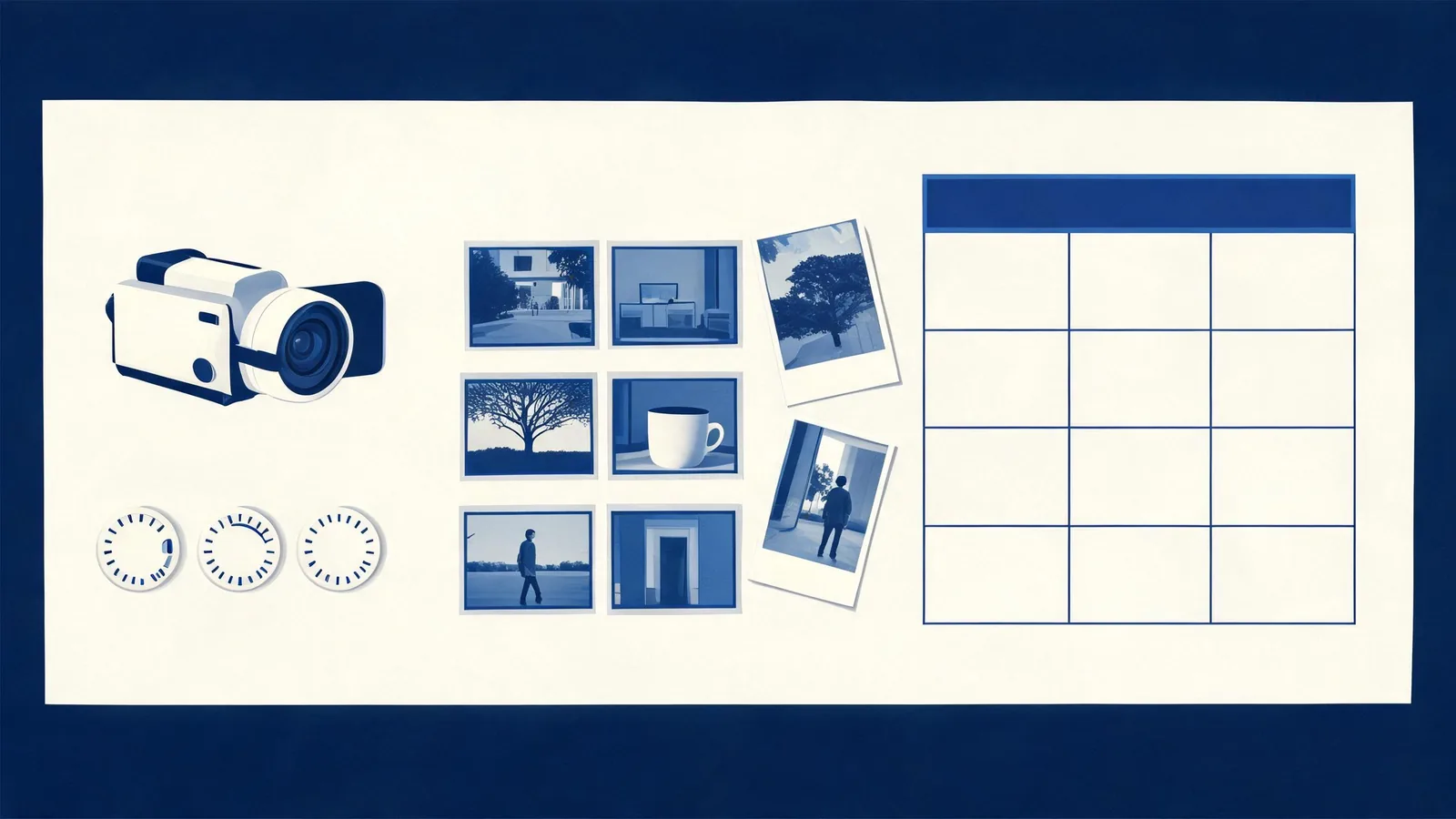
A review should keep the source conditions and limitations next to the appealing final frame.
4. Separate generation from editing
A finished demo may include trimming, sound design, color work, compositing, or multiple takes. Those steps can be appropriate production practice. The issue is whether you can tell which part the model produced.
Make two columns in your notes: generated in the model and finished outside the model. If the creator does not disclose the boundary, do not attribute the final polish to the model. Plan a small test that makes the boundary visible.
5. Review the whole clip, not a highlight frame
Play the output from beginning to end. Check the details that matter to your job:
- Subject and product identity remain credible.
- Motion follows the requested action without avoidable geometry changes.
- Camera movement serves the shot instead of hiding instability.
- Lighting, background, and key details remain coherent.
- The ending is usable for the edit or the handoff.
- Any audio or dialogue is appropriate for the intended use and clearly within its rights context.
The Seedance video review checklist gives a fuller render-by-render pass. For a live project, also use the client-video limitations checklist before making a delivery claim.
6. Test the one decision that affects purchase
Do not begin by reproducing a creator’s most elaborate scene. Choose the smallest test that answers the buying question.
| Purchase question | Small test | A useful pass condition |
|---|---|---|
| Can it animate my product image? | One approved product image, one small action, one short move | Shape, key detail, and background remain acceptable through the full output |
| Can it hold a character? | One cleared reference and a simple turn or gesture | Identity and major wardrobe cues stay consistent enough for the intended use |
| Can it make a longer shot? | A short beat plan with a defined end state | Timing remains understandable and the final frame is edit-ready |
| Can it support a client concept? | One non-sensitive proof of concept | The output is clearly labeled as exploratory and passes rights, claim, and quality review |
Use the lowest-risk available setting that answers the question, then keep the test record. If it fails, the failure tells you whether to change the source, simplify motion, choose a different workflow, or decide the capability is not yet a buying reason.
A note on review integrity
Name the source and date of a public demo. State whether it is a vendor example, creator test, sponsored video, or your own run. Include what you could not verify. This practice aligns with the general risk-management emphasis on documenting context and limits in the NIST AI Risk Management Framework.
It is also fair to write “unknown.” Unknown source conditions, unknown edits, or unknown current pricing are not evidence of failure; they are reasons to avoid a stronger conclusion.
Frequently asked questions
Does a Seedance 2.5 demo prove the model will work for my project?
No. A demo can show one visible output under some conditions. It is useful evidence only when the model, platform, inputs, settings, edits, and limitations are clear enough for you to test a comparable job.
What should I verify before paying for Seedance credits?
Verify the exact provider, current model label, selectable controls, input requirements, visible pricing and terms, and the one capability your project depends on. Then run a small permitted test and review the complete output.
How do I compare two AI video demos fairly?
Use the same permitted source assets, the same short brief, comparable settings, and the same review criteria. Record any edits or retries. A comparison without those conditions is directional, not a buying conclusion.
Let the demo set up a test, not settle the decision
A strong demo earns a closer look. It does not replace a small, documented run using your own cleared inputs and current controls. Open the Seedance studio when you have a precise question to test—and write down what the result can, and cannot, prove.