
Seedance 2.5 Review: Workflow Tests, Strengths, and Limits
A practical Seedance 2.5 review of its live modes, references, 30-second workflow, output controls, testing method, strengths, and limits.
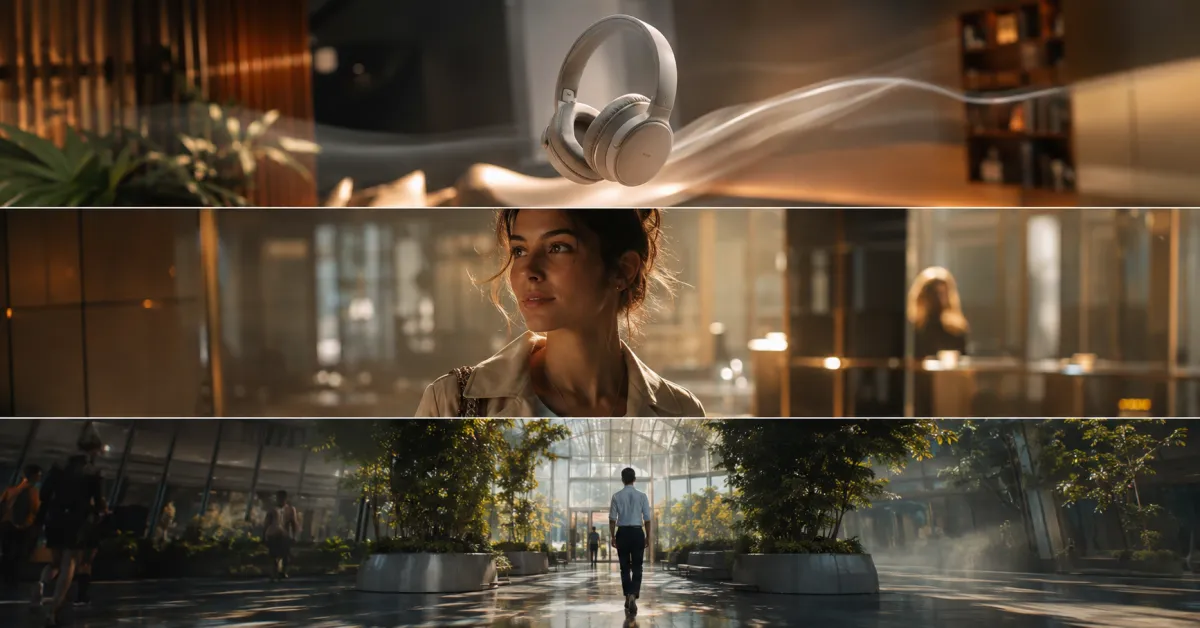
Seedance 2.5 is most compelling when a video needs more guidance than one short prompt can provide. The live workflow supports text, a starting image, and multimodal references, with 480p or 720p output and clips up to 30 seconds. Its flexibility is the strength; the cost and diagnostic burden of a complex generation are the main limits.
Last updated: August 10, 2026 · ~9 min read
This is a workflow review, not a beauty-reel benchmark. We checked the current product contract, controls, validation, and failure handling. One handpicked demo cannot prove universal motion quality.
For readers comparing versions, this Seedance 2 review focuses on the current 2.5 workflow while keeping older-version questions separate.
Seedance 2.5 review: the short verdict
Use Seedance 2.5 when you need one or more of these:
- A continuous shot longer than the common 5–10 second test clip.
- A source image that should become the opening frame.
- Several images, video, or audio references guiding one generation.
- A final-frame asset to help plan the next shot.
- MP4 or MOV delivery from the same studio.
Use a cheaper model when the idea is vague. Seedance 2.5 offers more control, but also more ways for references to conflict.
Our verdict: strong for planned, reference-heavy shots; wasteful for undirected experimentation. Write the shot brief before paying for the longest render.
Seedance 2.5 review of the live workflow
As of this review date, the model is live in the Seedance 2.5 studio with the following current limits:
| Control | Current Seedance 2.5 support | Practical consequence |
|---|---|---|
| Resolution | 480p or 720p | Test at 480p; reserve 720p for a direction worth keeping |
| Duration | 4–30 seconds, plus auto length | Longer clips need a beat plan, not a longer adjective list |
| Reference images | Up to 30 | Use only references with a clear job |
| Reference video/audio | Supported within model-specific limits | Check duration and file size before upload |
| Prompt | Up to the current long-form model limit | Structure instructions; do not fill space for its own sake |
| Web search | Supported | Helpful for context, not a substitute for verified brand facts |
| Last frame | Can be returned with the video | Useful for continuity planning and extensions |
| Output | MP4 or MOV | Choose around the downstream editor |
Those are interface capabilities, not promises. A supported reference can still be weak or contradictory, and not every idea needs 30 seconds.
How we structure a fair Seedance 2.5 workflow test
A useful review needs repeatable scenes and acceptance criteria. Use three tests rather than one cinematic prompt.
Test 1: one-image motion preservation
Start with a clean product, portrait, or illustration. Ask for one subject action and one camera move. The test checks whether the opening composition remains recognizable, whether major edges stay stable, and whether the motion feels intentional.
Example:
Keep the uploaded ceramic bottle centered with the same silhouette, color, cap, label area, and tabletop. Add a slow camera push-in while a soft reflection moves across the glass. Keep the background locked. End on a clean centered product frame.
If the bottle changes shape, reduce motion or improve the source. If the camera does not move, simplify the protected-detail list.
Test 2: character and environment continuity
Use references with separate roles: one for the person or character, one for wardrobe, and one for environment. The test is not “did the model copy all three images?” It is whether identity, clothing cues, and location remain coherent through the requested action.
Do not add ten images because the interface allows thirty. Every reference needs an explicit role.
Test 3: a longer beat-based shot
For a 15–30 second generation, write three or four beats with an ending frame. Keep the scene continuous rather than demanding unrelated locations.
- Opening composition and subject state.
- First action and camera movement.
- Change in light, expression, or object position.
- Final composition that can cut cleanly to the next shot.
The test checks pacing, continuity, and whether the ending serves the edit. A long clip with six useful seconds is not better than a planned short one.
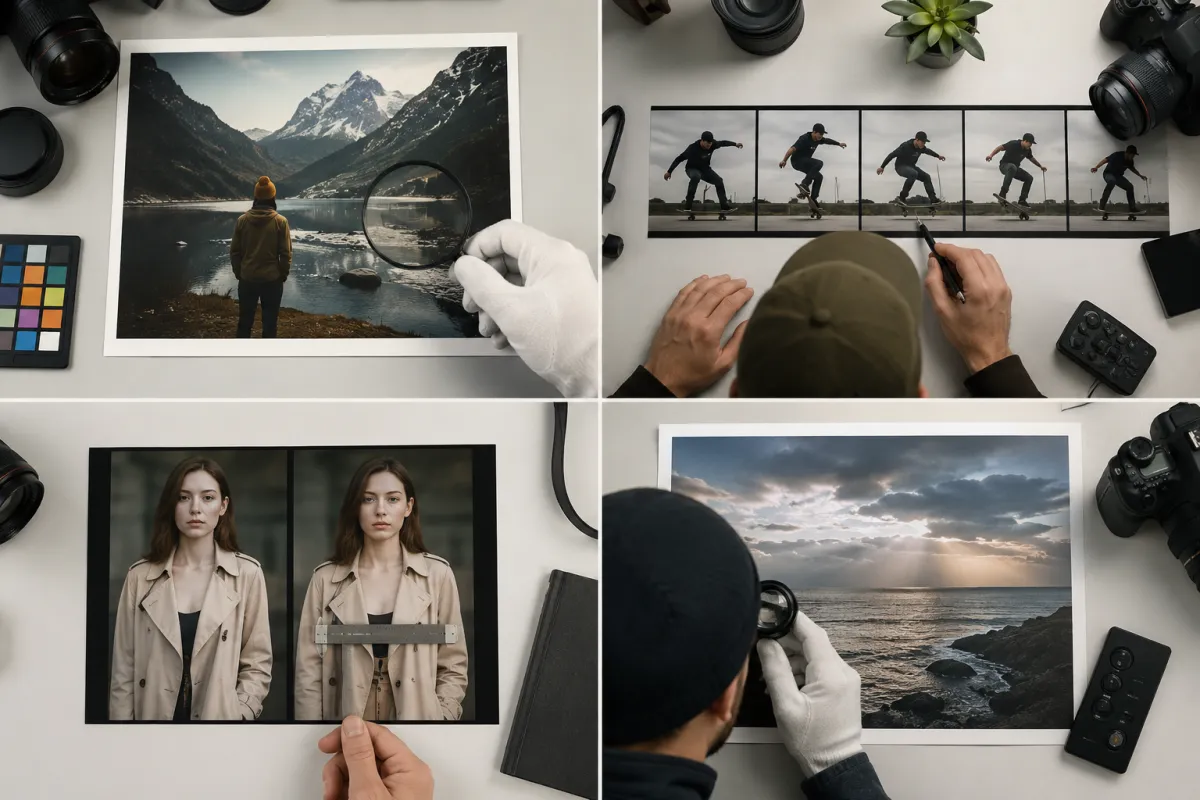
Conceptual evaluation matrix, not a claimed product output: score the workflow in separate dimensions instead of judging one thumbnail.
Strength 1: more room for a complete shot
That longer planning window is the first meaningful result in this Seedance 2 review: duration helps only when the prompt assigns the extra seconds a job.
The 30-second ceiling gives an explainer, product reveal, or slow dramatic move time to develop without stitching separate clips.
The advantage appears only when the prompt has timing. Break the shot into beats and describe the end state. Repeating “smooth, cinematic, high quality” can turn extra duration into drift or repetition.
The aspect-ratio and duration guide helps choose the shortest length that still fits the motion.
Strength 2: references can carry production intent
This part of the Seedance review matters for teams with approved source assets, because role clarity is more useful than simply uploading more files.
Reference images, video, and audio can convey what text handles poorly: a character, product silhouette, palette, environment, movement rhythm, or sound cue.
Give every reference a job. Label them in your notes:
- Identity: the person or character to preserve.
- Product: shape, color, material, and important details.
- Environment: location and lighting direction.
- Motion: pacing or action example.
- Audio: rhythm, ambience, or dialogue reference when supported.
If references disagree on clothing, face, or setting, remove the weaker one before rewriting the prompt.
The reference-image quality checklist covers rights and source preparation before upload.
Strength 3: the last frame helps the next edit
The last-frame asset lets you inspect the ending composition and use it as a continuity reference for the next shot.
It does not guarantee a seamless extension: velocity, lighting, audio, and invented detail can jump at the boundary.
Limit 1: the current 2.5 output choices stop at 720p
For a buyer reading a Seedance 2 review, this is a practical delivery constraint rather than a footnote.
The live Seedance 2.5 contract currently offers 480p and 720p. Do not publish a 1080p or 4K claim for this model based on another Seedance version, a rumor, or a future roadmap. If a delivery needs higher resolution, test whether a separate upscale preserves the details that matter and label the workflow honestly.
For social drafts and composition tests, 480p can be enough; 720p is the sharper native choice. Always inspect the export at its delivery size.
Limit 2: long and reference-heavy renders cost more to learn from
Credits scale with the settings shown in the studio. A 30-second 720p experiment consumes far more budget than a short 480p test. This makes test design part of the creative process.
Start with the lowest-cost version that answers the current question. Test camera direction with a short clip; give a three-beat sequence only enough time for those beats. Move to final settings after the direction survives the cheap test.
See the current pricing page for live web-credit costs. Those credits are not the same thing as a provider's API price.
Limit 3: more controls create more failure modes
A generation can fail technically or creatively. Treat those categories separately.
| Symptom | First check | Next controlled change |
|---|---|---|
| Request rejected | File type, size, duration, credits, safety rules | Correct the specific validation issue |
| Task fails upstream | Provider status and returned error | Retry according to the product policy; do not rewrite every input first |
| Subject drifts | Source clarity and amount of motion | Reduce motion or replace the weakest reference |
| References blend incorrectly | Conflicting roles | Remove one reference and state each remaining role |
| Final frame is unusable | Ending instruction too vague | Specify subject position, camera distance, and stable end state |
| Long clip stalls creatively | No beat plan | Shorten it or add timed actions with one continuous setting |
The Seedance generation failed guide provides a symptom-by-symptom troubleshooting path.
Where Seedance 2.5 fits best
The current workflow is well matched to:
- Product reveals with a defined opening and closing composition.
- Character or fashion clips guided by several approved references.
- Slow cinematic shots that need more than a few seconds to develop.
- Previsualization where the last frame informs the next shot.
- Creator workflows that want one browser studio instead of direct API integration.
It is a weaker fit for exact typography, legally critical copy, branded details, or deterministic frame-by-frame control. Composite exact text and logos afterward in a conventional editor.
Seedance 2.5 review checklist
Review a clip in this order:
- Source fidelity: subject, product, and palette still match the approved references.
- Motion: one clear action and camera behavior are visible without distracting warping.
- Continuity: face, body, geometry, light, and background do not jump without reason.
- Timing: the useful action begins soon enough and the clip does not pad the ending.
- Final frame: the ending can cut to the next shot or stand as a clean finish.
- Audio: dialogue, ambience, and rhythm match the intended use when audio is part of the job.
- Rights and safety: all source media is authorized and the output is appropriate for publication.
- Export: resolution, aspect ratio, file type, and playback work in the destination platform.
Write down the failed check before rerunning. “Fix background drift” is a production note; “make it better” is not.
Frequently asked questions
Is Seedance 2.5 available now?
Yes. The model is selectable in the live Seedance 2.5 studio. Availability at other providers, exact model IDs, and pricing may differ, so check each provider's current documentation.
What resolution does Seedance 2.5 support here?
The current studio exposes 480p and 720p for Seedance 2.5. It does not advertise native 1080p or 4K for this model. Other model versions have different resolution options.
Can Seedance 2.5 make a 30-second video?
The current workflow supports output from 4 to 30 seconds, including an auto-length option. A long clip still needs a beat plan, and the useful duration may be shorter than the maximum.
Is Seedance 2.5 good for image-to-video?
It is a strong workflow candidate when you have a clear source image and need controlled motion, additional references, or a longer continuous shot. Test with one modest action first and judge identity, geometry, motion, and the final frame separately.
Related guides
- Open the Seedance 2.5 studio →
- Seedance 2.5 image-to-video workflow
- Seedance 2.5 text-to-video workflow
- Write a structured Seedance prompt
- Choose duration and aspect ratio
- Troubleshoot a failed generation
The model rewards planning more than prompt length
This Seedance 2.5 review finds a larger box: longer shots, more references, and a useful last-frame option. Put less ambiguity inside it. Open the studio, test one question at a time, and reserve the longest render for a direction that works.