
Seedance Aspect Ratio and Duration Guide: Pick the Format Before You Generate
Choose a useful aspect ratio and clip duration for an image-to-video workflow before you spend a generation. Match the format to the job, then keep the prompt simple.
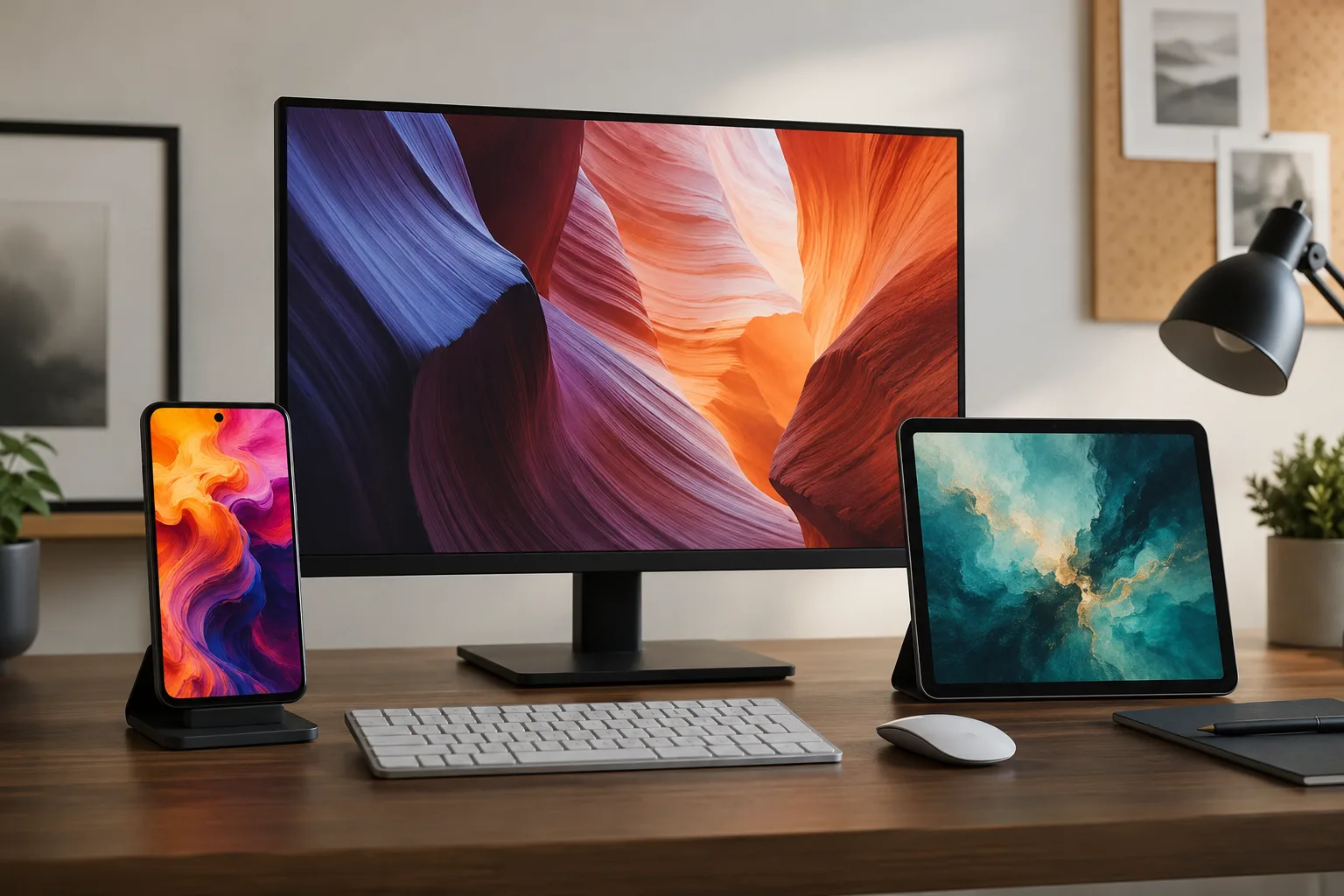
Choose the destination before you generate. A vertical social clip, a wide product demo, and a square feed post need different framing, pacing, and source images. In an image to video AI workflow, aspect ratio and duration are not finishing details. They shape what the model has room to show.
Last updated: July 10, 2026 - about 6 min read
The available controls can vary by the active mode, resolution, and generator interface. Treat the settings you see in the current tool as the source of truth. On supported modes, the site presents short clips and format choices; if an option is not shown, do not assume it is available.
Quick answer
Pick the platform first, then choose the shortest duration that gives the action time to happen. Use a portrait frame for a person, a product reveal, or a vertical feed. Use a landscape frame when the setting, camera travel, or product environment matters. Use a square frame only when the composition stays centered and simple.
Do not ask one short clip to show an establishing shot, a full action, a dramatic camera move, and an ending card. Split that idea into shots instead.
Match the frame to the job
| Output goal | Useful frame direction | What to protect in the source image |
|---|---|---|
| Reels, Shorts, TikTok | Vertical | Headroom, full subject, room above and below the action |
| Product demo or website hero | Landscape | Product context, negative space, wider camera movement |
| Feed post or simple looping asset | Square | Centered subject, symmetrical composition, minimal edge detail |
The important part is not the label on the frame. It is whether the source image has enough room for the crop. A wide product photo can lose the key detail when forced into a tall frame. A portrait can look cramped in a wide frame if the model has to invent too much background.
Start from the final crop
Before you upload an image, imagine the final frame as a border around the source. Ask three questions:
- What must remain visible from the first frame to the last?
- Where is the motion likely to travel?
- What can safely be cropped away?
For a vertical clip, leave room above a person's head and below their hands if either may move. For a product, leave space in the direction of the intended camera move. For a landscape scene, do not place the key object against the far left or right edge.
This is why the same image can work in one format and fail in another. The image may be attractive, but it may not be a good starting frame for the motion you want.
Choose the shortest useful duration
Short clips are easier to control. They give the motion one job: a small camera push, a hand movement, a fabric ripple, a product reveal, or a person turning slightly. Longer ideas need more continuity, more staging, and more chances for the scene to drift.
Use a short duration when:
- The action is a single beat.
- The camera has one simple move.
- You are testing a prompt or image.
- The clip will be part of a larger edit.
Use more time only when the action genuinely needs it. A walk through a room, a product sequence with multiple beats, or a scene that needs a beginning and an end may need several short shots stitched together instead of one overloaded generation.
For longer planning, use the long-form AI video generator guide to break the idea into scenes before you generate.
Keep the prompt aligned with the format
The prompt should tell the model what changes inside the chosen frame. It does not need to repeat every visual detail from the source image.
For a vertical product reveal:
slow upward camera push toward the product, soft light reflection moving across the surface, one gentle fabric movement, keep the product centered
For a wide interior scene:
slow lateral camera move across the room, window light shifting softly, no new people entering the frame, keep the main furniture stable
For a square looping asset:
subtle steam rising from the cup, locked camera, gentle ambient motion, keep the subject centered
One subject, one action, and one camera instruction are usually easier to evaluate than a long wish list. The camera movement prompt guide can help you select a single move rather than stacking several.
Common format mistakes
Starting from a crop that is already too tight
If a face, product, or hand is pressed against an edge in the source, the model has little room to move without inventing new content. Choose a looser source or simplify the action.
Making the clip longer instead of making it clearer
More seconds do not fix a vague prompt. If the desired action is unclear, reduce the duration, make the motion specific, and test again.
Using the same composition for every channel
A landscape product scene may be beautiful on a site and awkward in a vertical feed. Make one format-specific shot rather than forcing a single image into every placement.
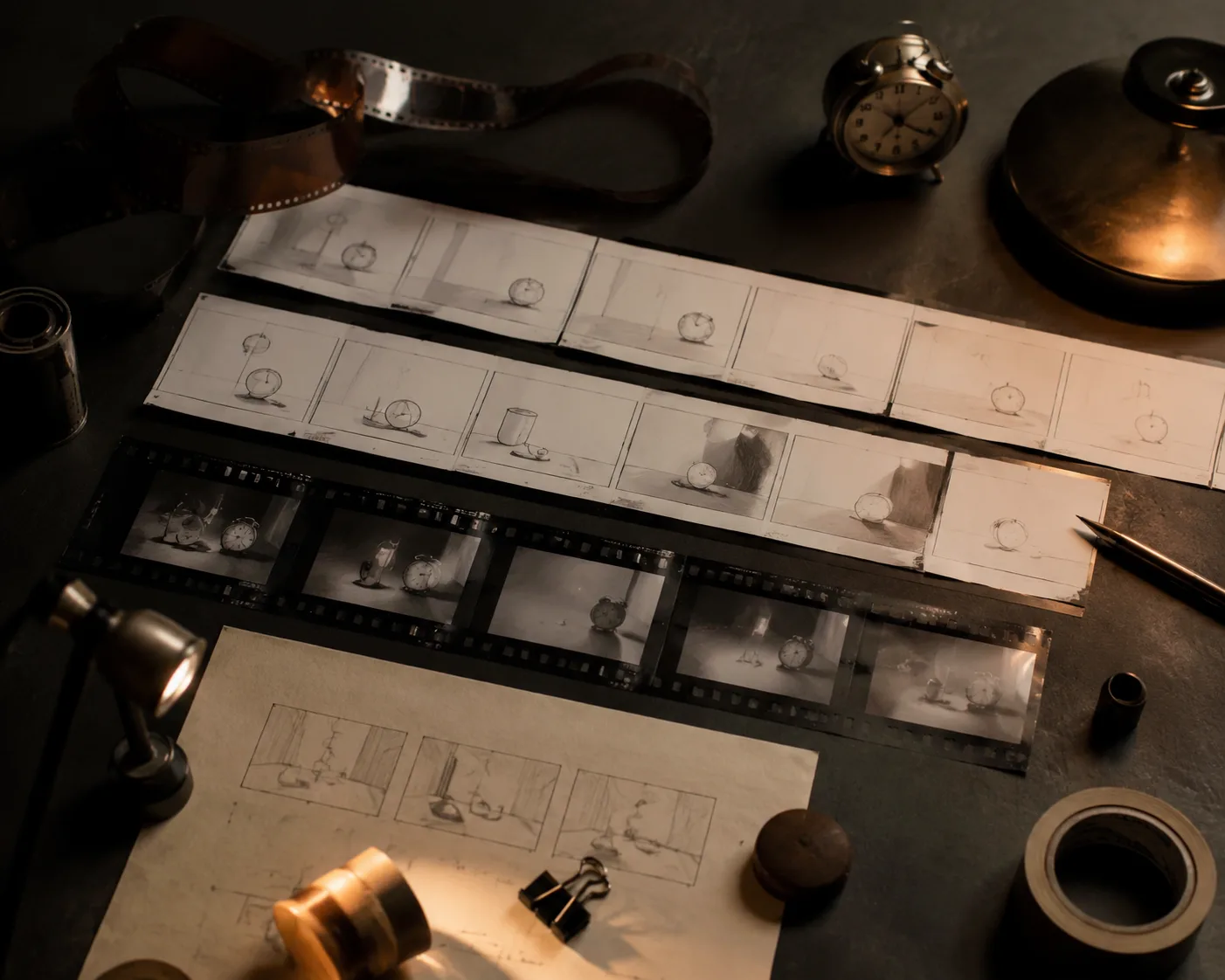
Short, clearly staged shots are easier to control and easier to reuse in an edit.
Final checklist
Before you generate, confirm:
- The current mode actually offers the format and duration you intend to use.
- The source image leaves room for the crop and movement.
- The frame matches the publishing destination.
- The prompt has one main action and one camera direction.
- The duration is only as long as the action needs.
- You have a second short shot planned if the idea has more than one beat.
An image-to-video workflow becomes more predictable when you make the format decision early. Pick the canvas, stage one clear action inside it, and let the next shot carry the next idea.
FAQ
What is the best aspect ratio for short social video?
Vertical is usually the most natural starting point for a full-screen short-form feed, provided the source image leaves enough room above, below, and around the subject.
Should I make a longer video to get a better result?
Not necessarily. A short, clear motion often produces a more controllable result. Split a larger story into separate shots when it has multiple actions.
Can I use one image for vertical and landscape video?
Sometimes, but only if the source has enough extra space around the important subject. Otherwise, make format-specific source images or accept a simpler motion.