
Long Form AI Video Generator: Prompts, Scenes, and Limits
Plan a long form AI video generator workflow with Seedance 2.5: split prompts into scenes, use image to video AI references, and edit clips together.
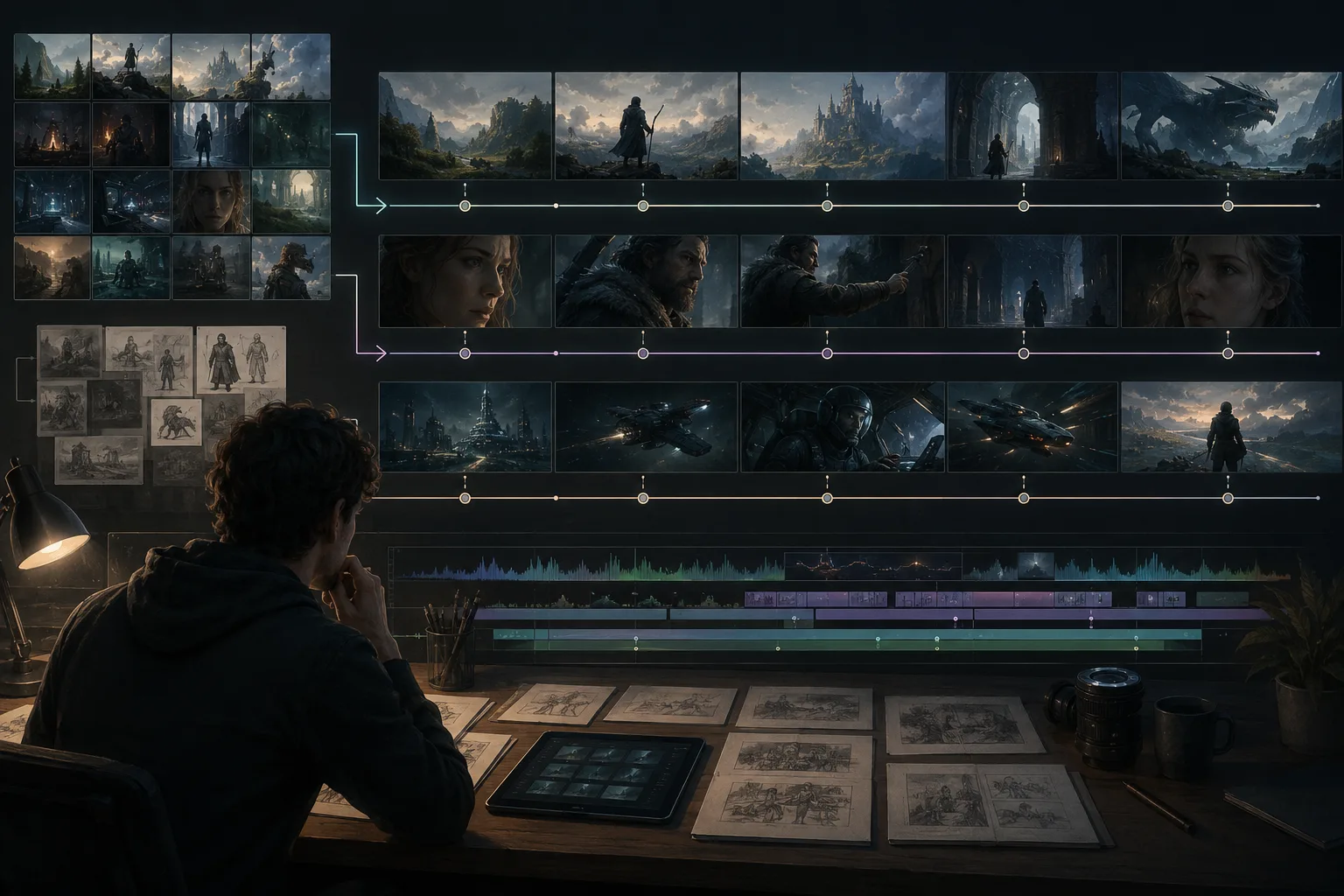
A long form AI video generator is not one giant prompt. It is a scene-planning workflow. If you want a longer Seedance 2.5 video, think in shots: opening frame, subject, action, camera move, continuity notes, and final frame. The Seedance 2.5 AI video generator can help you build usable clips, but the quality depends on how you break the idea into parts.
Last updated: July 9, 2026 - about 8 min read
The mistake is asking for a full story in one pass:
Make a three-minute cinematic product launch video with multiple locations, the same actor, voiceover, exact logo, captions, transitions, dramatic music, and perfect ending.
That is not a prompt. It is a production brief. Turn it into scenes first.
In practice, a long form AI video generator works best when you mix short text-to-video scenes with image to video AI clips. Reference images give Seedance 2.5 something stable to carry from one shot to the next.
Quick answer
For longer AI videos, use this workflow:
- Write the video goal in one sentence.
- Break it into 4-8 short scenes.
- Give each scene one subject, one action, one camera move, and one final frame.
- Use reference images when identity, product, outfit, or location must stay stable.
- Generate short clips.
- Edit the cleanest clips together.
- Add text, voiceover, captions, and music after the visuals are stable.
Seedance 2.5 is strongest when each clip has a clear job. The long video comes from planning and editing, not from overloading one prompt.
So the goal is not to find a magic long form AI video generator button. The goal is to build a repeatable scene workflow that keeps each clip simple enough to control.
Long video vs long prompt
Long videos need structure. Long prompts usually create confusion.
| Bad approach | Better approach |
|---|---|
| One prompt describes the entire film | One brief plus separate scene prompts |
| Many actions happen at once | One main motion per clip |
| Exact text inside the render | Add captions after generation |
| New setting every sentence | Stable setting per scene |
| No final-frame instruction | Each clip ends on an editable frame |
The goal is to make clips that cut together. A beautiful first second is not enough if the ending cannot be edited.
Build a scene map
Start with a simple map.
| Scene | Purpose | Visual idea |
|---|---|---|
| 1 | Hook | Strong opening image or product hero |
| 2 | Context | Show setting, problem, or mood |
| 3 | Detail | Close-up of product, face, food, object, or action |
| 4 | Motion | Main transformation or key movement |
| 5 | Proof | Result, comparison, or use case |
| 6 | Ending | Clean final frame for CTA or caption |
You do not need every scene. A 20-40 second social video might only need four. A longer explainer might need eight or more.
Use reference images carefully
Reference images matter when continuity matters.
Use them for:
- Same person across scenes.
- Same product shape.
- Same outfit.
- Same interior or location.
- Same brand color palette.
- Same character silhouette.
Do not use them as a magic fix for an unfocused prompt. A reference image anchors appearance. The prompt still controls motion.
For image-based clips, the Seedance 2.5 image-to-video guide is the best companion. For identity and recurring subjects, use the character consistency guide.
Use image to video AI whenever the same product, person, room, or outfit must survive across scenes. Use text-to-video when the scene can be invented without strict continuity.
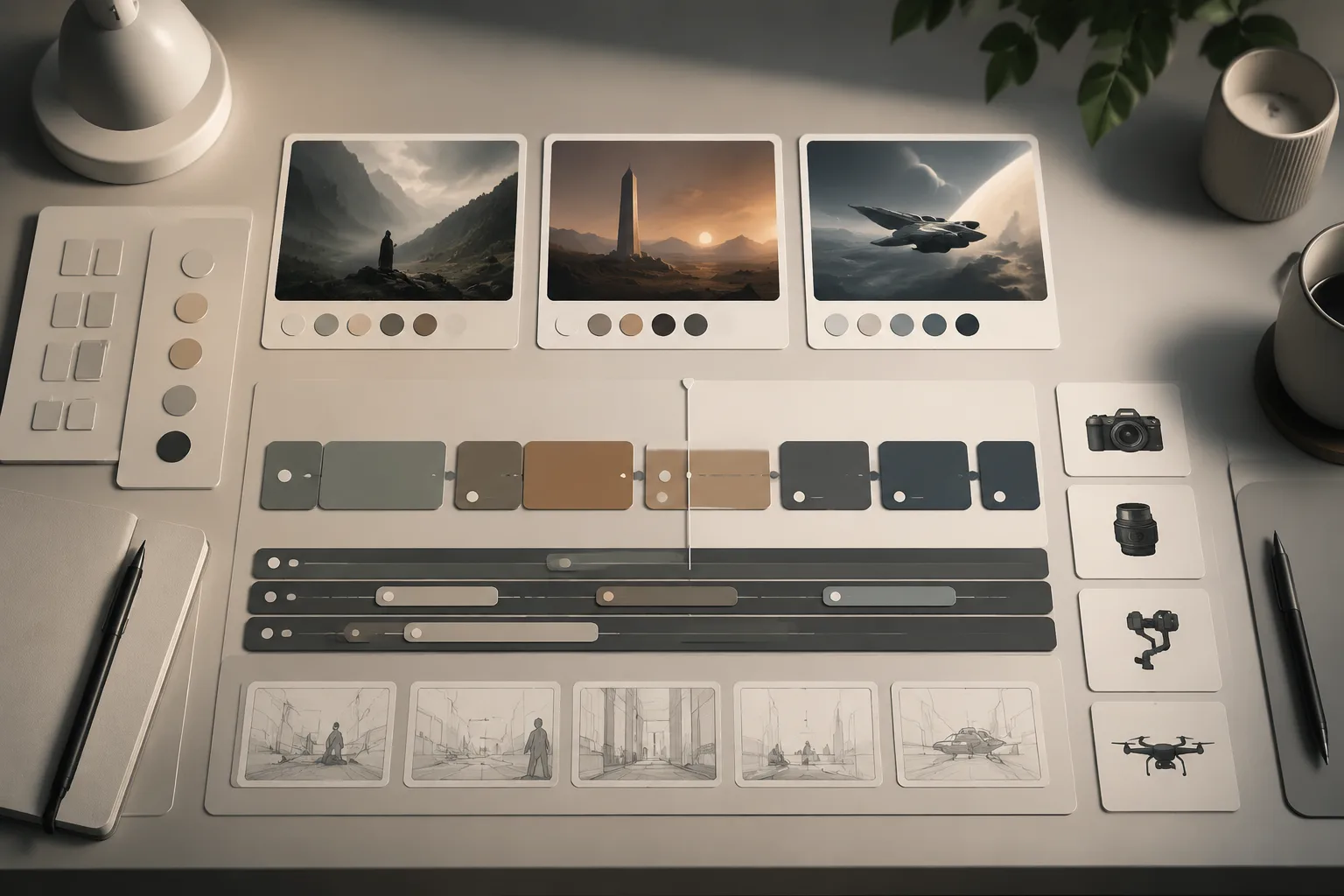
Plan continuity before rendering: reference image, subject, action, camera, and final frame.
Prompt formula for each scene
Use the same structure for every scene:
Scene [number]. Use [reference image or described subject]. Create a short [aspect ratio] video. Purpose: [hook/context/detail/proof/ending]. Subject: [who or what]. Action: [one motion]. Camera: [one move]. Lighting: [style]. Keep [continuity details] stable. Avoid [known risks]. End on [specific final frame].
Example opening:
Scene 1. Use the product reference image. Create a short vertical video. Purpose: hook. A matte black speaker sits on a walnut desk at night. A soft light sweep moves across the grille while the camera slowly pushes in. Keep speaker shape, color, desk, plant, and background stable. Avoid readable text, extra objects, or warped edges. End on a centered product hero frame.
Example detail:
Scene 2. Use the same product reference. Create a short vertical detail shot. Camera moves from the side toward the control button. Warm desk light reflects across the surface. Keep product shape, button position, color, and desk texture stable. Avoid new labels or changing design. End on a close detail frame.
Those two clips can cut together because the subject, lighting, and final frames are planned.
This is the practical long form AI video generator pattern: one short scene, one stable reference, one edit-friendly ending.
Keep continuity notes short
Continuity notes should be specific:
- Same red jacket.
- Same matte black speaker.
- Same white kitchen counter.
- Same rainy city background.
- Same short brown hairstyle.
- Same warm cafe lighting.
Avoid vague notes:
- Make it consistent.
- Same vibe.
- Keep everything perfect.
- Cinematic masterpiece.
The model needs objects, colors, camera, and motion. Mood words help, but they do not replace scene direction.
What to add after generation
Do not ask the AI render to solve everything. Add these in editing:
- Captions.
- Prices.
- Legal text.
- Final logos.
- Voiceover.
- Music.
- Cuts and transitions.
- Product claim text.
This separation keeps the generated visuals cleaner. It also makes changes cheaper. If the price changes, you should not need to regenerate the entire clip.
For brand work, image to video AI is especially useful because you can preserve product shape and add the changing text later in the edit.
Scene types that work well
For Seedance 2.5, these scene types are easier to control:
- Slow product push-in.
- Portrait with small head turn.
- Food steam or light sweep.
- Travel photo with gentle camera drift.
- Fashion fabric movement.
- Interior room with slow pan.
- Close detail shot.
- Final hero frame.
Harder scene types:
- Fast action with many limbs.
- Exact readable text.
- Large crowds.
- Complex hand interactions.
- Multiple identity changes.
- Long dialogue inside the render.
Plan around strengths first. Save difficult shots for later tests.
Long AI video checklist
Before generating, confirm:
- Every scene has one purpose.
- Every scene has one main motion.
- Reference images are clean and consistent.
- Text is added later, not inside the render.
- Final frames are planned for editing.
- The same subject is not redesigned every scene.
- The video can still work if one scene is cut.
That last point matters. Long videos become easier when every clip can stand alone.
When one prompt is enough
Use one prompt when the output is a single short clip: a product hero, portrait, food shot, travel moment, or simple scene. Use a scene plan when the video needs a beginning, middle, and ending.
If you need examples, start with the Seedance 2.5 prompt examples and then convert the strongest prompt into a scene map.
That conversion is what makes Seedance 2.5 feel more like a long form AI video generator: the longer result comes from several controlled image to video AI or text-to-video clips, not one oversized render.
FAQ
Can Seedance 2.5 create long AI videos?
Use Seedance 2.5 as part of a long-video workflow: plan scenes, generate short controlled clips, and edit them together. Do not rely on one oversized prompt for the whole video.
Why do long AI video prompts fail?
They usually ask for too many actions, settings, characters, text elements, and transitions at once. Breaking the idea into scenes gives the model less to invent.
Should I use text-to-video or image-to-video for long videos?
Use text-to-video for original scenes where exact identity does not matter. Use image-to-video and reference images when product shape, character identity, outfit, or location must stay stable.
If continuity matters, start with image to video AI and keep the reference frame clean. If novelty matters more than consistency, text-to-video is usually faster.