
Seedance 2.5 Prompt Examples: Longer Scenes, 50 References, and Local Edits
Use these Seedance 2.5 prompt examples for 30-second scenes, product ads, reference-to-video, character consistency, local edits, and social clips.
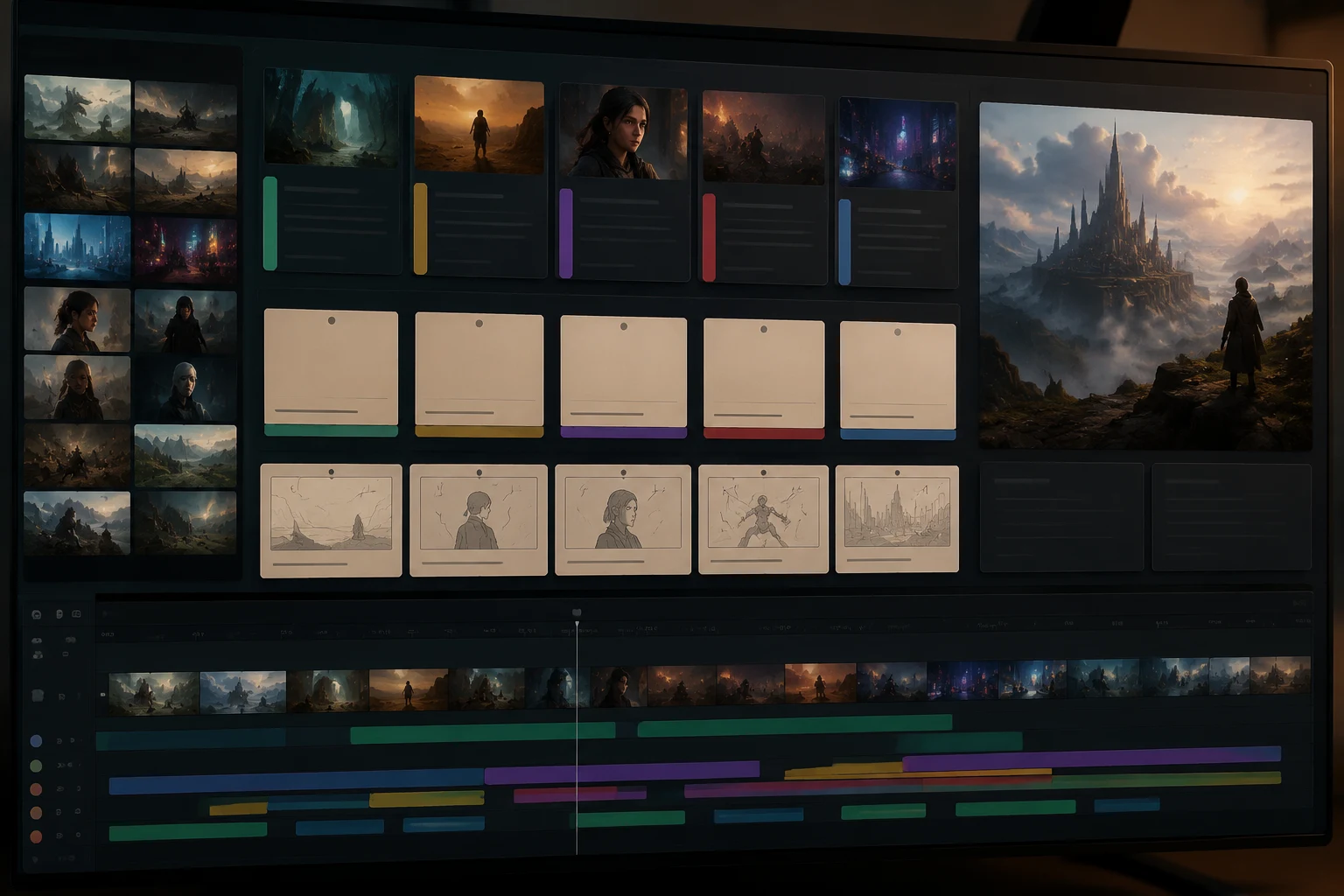
The best Seedance 2.5 prompts read like production notes, not keyword piles. For short clips, one subject and one camera move may be enough. For Seedance 2.5's longer and reference-heavy workflows, write prompts with a beat map, reference roles, protected details, local-edit instructions, and a final frame. Use the examples below in the Seedance 2.5 AI video generator, then shorten or expand them based on the clip you are making.
Last updated: July 2, 2026 - about 15 min read
This article is not another basic "subject + setting + camera" guide. We already cover the starter formula in the Seedance 2.5 text-to-video prompt guide. Here, the focus is Seedance 2.5-specific prompting: longer scenes, many references, local edits, 30-second structure, and practical examples you can adapt.
Seedance 2.5 prompts should tell the model what to preserve, what to move, how long the scene should develop, and how the clip should end.
The Seedance 2.5 production prompt formula
Use this master structure:
Use the uploaded references to preserve [reference roles]. Create a [duration] [format] video for [use case/platform]. Beat 1: [hook]. Beat 2: [development]. Beat 3: [detail]. Beat 4: [payoff]. Camera: [one camera plan]. Motion: [one or two controlled actions]. Keep [protected details] stable. End on [final frame]. Avoid [known failure].
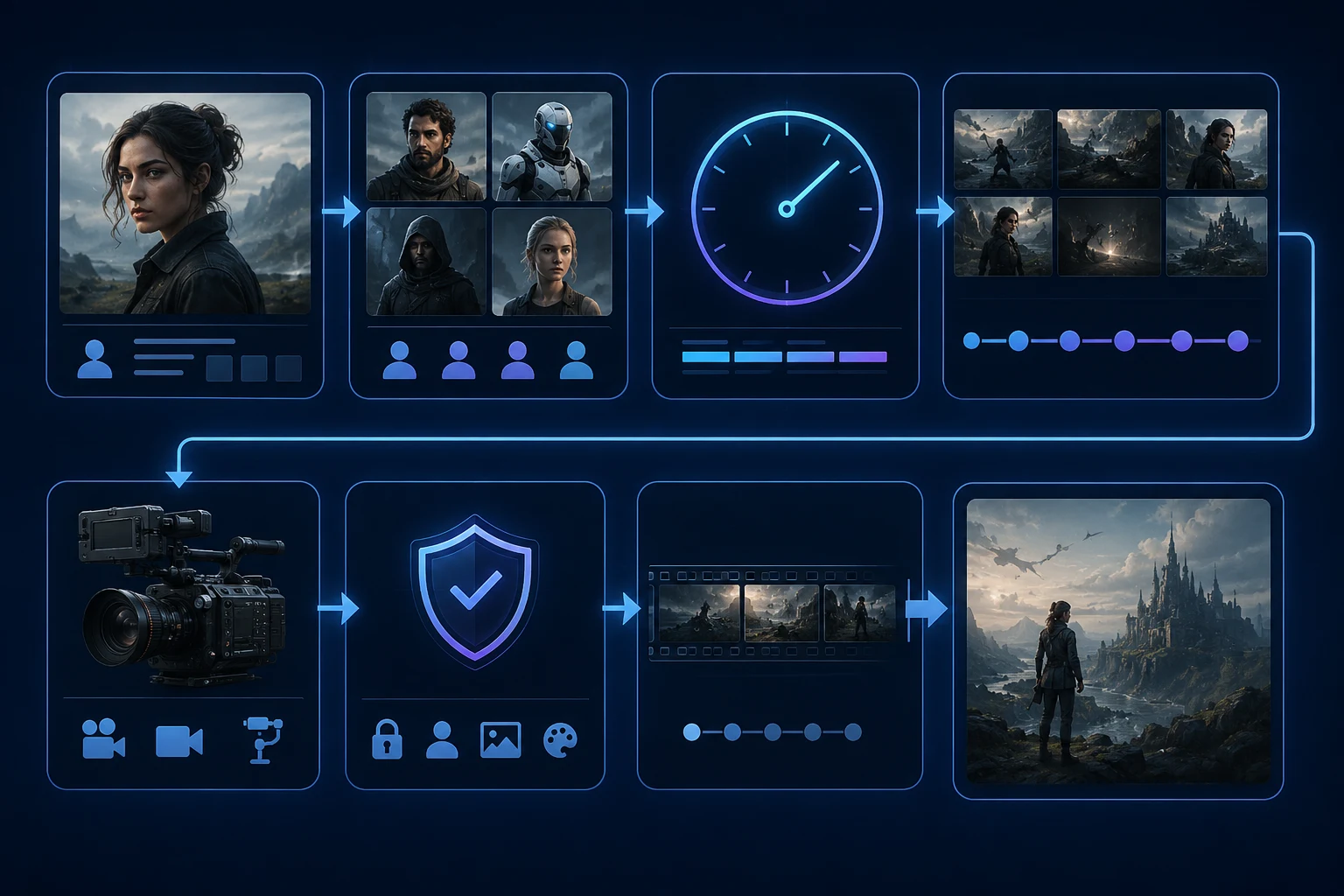
| Prompt block | What it controls | Example |
|---|---|---|
| Reference roles | Which uploaded assets matter | "Use image 1 for product shape, image 2 for lighting, image 3 for background" |
| Duration | How much story can fit | "Create a 30-second vertical clip" |
| Beat map | What happens over time | "0-5s hook, 5-12s motion, 12-20s detail..." |
| Camera | How the viewer moves | "smooth dolly push-in only" |
| Motion | What changes inside the scene | "mist drifts, light sweeps across glass" |
| Protected details | What must stay stable | "keep face identity, product shape, label area, and background stable" |
| Ending | How the clip becomes usable | "end on a clean centered frame for text overlay" |
| Avoid line | What not to do | "avoid rotating the product or changing the face" |
The prompt can be long. The important thing is that each sentence has a job.
How long should a Seedance 2.5 prompt be?
The right prompt length depends on the video length and the number of constraints. A short prompt is not automatically weak, and a long prompt is not automatically better. The best Seedance 2.5 prompt examples are long only when the scene needs duration, reference roles, protected details, or a local-edit plan.
Use this rule of thumb:
| Clip type | Prompt length | What to include |
|---|---|---|
| 5-8 second simple motion | 3-5 sentences | Subject, camera move, one motion, protected details, ending |
| 8-12 second product clip | 5-7 sentences | Product reference, camera, lighting, label/shape protection, ending |
| 20-30 second scene | 8-12 sentences | Beat map, reference roles, camera plan, protected details, avoid |
| Reference-heavy campaign | 10+ sentences/table | Reference roles, continuity rules, final frame, edit strategy |
| Local edit after render | 2-4 sentences | Region, time range, exact fix, what must stay unchanged |
If you are writing your first Seedance 2.5 prompt, start with the shorter structure. Once the result is close, add only the missing constraints. For example, do not add five camera moves because the first clip felt plain. Add one clearer camera move, one protected detail, or one better final frame.
A good prompt should answer five questions:
- What should the model preserve?
- What should move?
- How long does the scene need to develop?
- What should not change?
- What should the final frame look like?
That is why these Seedance 2.5 prompt examples keep repeating reference roles, camera control, protected details, and endings. Those parts are not decoration. They are the control surface.
When a prompt fails, shorten before you expand. Remove contradictory style words, remove extra camera moves, and turn vague goals into specific checks:
- Instead of "make it cinematic," write the light, lens feeling, and camera path.
- Instead of "make the product premium," protect the product shape, material, and final hero frame.
- Instead of "make the person emotional," choose one expression and one action.
- Instead of "fix the video," name the region and time range for the local edit.
The examples below are deliberately detailed because they show the full production pattern. In daily use, you can copy the structure and cut any block that does not apply to your clip.
Think of these as Seedance prompt examples with a checklist attached. The reusable part is not the exact wording; it is the order of decisions. Start with the asset you need to preserve, then choose duration, then choose one camera behavior, then define the final frame. If the first render is close, write a local edit instead of expanding the original prompt. That habit keeps Seedance 2.5 prompt examples practical rather than bloated.
For teams, save the best prompt as a reusable brief. Keep one version for product clips, one for character clips, and one for local edits. Over time, the strongest Seedance prompt examples become house style: same reference naming, same protected-detail language, and the same rule that every video ends on a usable frame.
Example 1: 30-second product ad
Use this when you have product references and want a full social ad, not just a short product spin.
Reference setup
- Image 1: product front.
- Image 2: product side or packaging.
- Image 3: campaign lighting/mood.
- Image 4: final frame or composition.
Prompt
Use the uploaded references to preserve the skincare bottle shape, cap, glass material, warm stone background, and soft morning lighting. Create a 30-second vertical product video for Instagram Reels. 0-3s: start on a close centered hero shot of the bottle. 3-8s: smooth slow dolly push-in as warm light moves across the glass. 8-15s: soft mist drifts behind the product and tiny water droplets become visible. 15-22s: camera shifts slightly to reveal the cap and bottle curve, but the label area stays front-facing and stable. 22-27s: final premium product reveal with clean highlights. 27-30s: hold a centered hero frame with empty space above for caption text. Keep product shape, cap, label area, background, and lighting stable. Avoid full rotation, unreadable text, or changing the product design.
Why it works
- It assigns reference roles.
- It uses a 30-second beat map.
- It keeps the camera simple.
- It protects the product.
- It asks for a final frame that can be used in an ad.
Example 2: character consistency with many references
Use this when the same character must stay recognizable.
Reference setup
- Image 1: front face portrait.
- Image 2: side face or three-quarter angle.
- Image 3: outfit.
- Image 4: environment.
- Image 5: color palette.
Prompt
Use the uploaded references to preserve the same character identity, face shape, hairstyle, outfit colors, and rainy city environment. Create a 20-second cinematic vertical scene. 0-4s: the character stands under a transparent umbrella on a quiet neon street. 4-10s: slow camera push-in as rain falls behind her and reflections move on the pavement. 10-16s: she turns her head slightly toward the camera with a calm expression, no dramatic smile. 16-20s: hold a close portrait with the umbrella and neon reflections visible. Camera: smooth slow push-in only. Keep face identity, hair, outfit, umbrella shape, and background style stable. Avoid changing age, facial features, outfit color, or umbrella design.
If identity drifts
Run a local edit:
Fix only the face identity drift in the middle section. Match the uploaded face reference more closely. Keep the pose, umbrella, lighting, hair, rain, camera motion, and background unchanged.
Example 3: reference-to-video fashion clip
Use this when clothing, styling, and movement all matter.
Reference setup
- Outfit front.
- Outfit back or detail.
- Model pose.
- Moodboard.
- End-frame composition.
Prompt
Use the references to preserve the black tailored coat, silver buttons, straight-leg trousers, clean studio backdrop, and editorial fashion lighting. Create a 30-second vertical fashion video. 0-5s: model stands still in a full-body frame. 5-12s: slow dolly push-in while the coat fabric moves subtly as if from a soft studio fan. 12-18s: model makes one small half-turn to show the coat shape, not a full spin. 18-24s: camera holds on the upper body and button detail. 24-30s: return to a clean full-body hero pose with room for caption. Keep face, body proportions, coat structure, buttons, and trouser shape stable. Avoid changing the outfit, adding accessories, or making the fabric melt.
Why it works
Fashion prompts fail when the motion is too ambitious. This prompt uses one half-turn, one push-in, and protected garment details.
Example 4: 30-second beat map for a short story
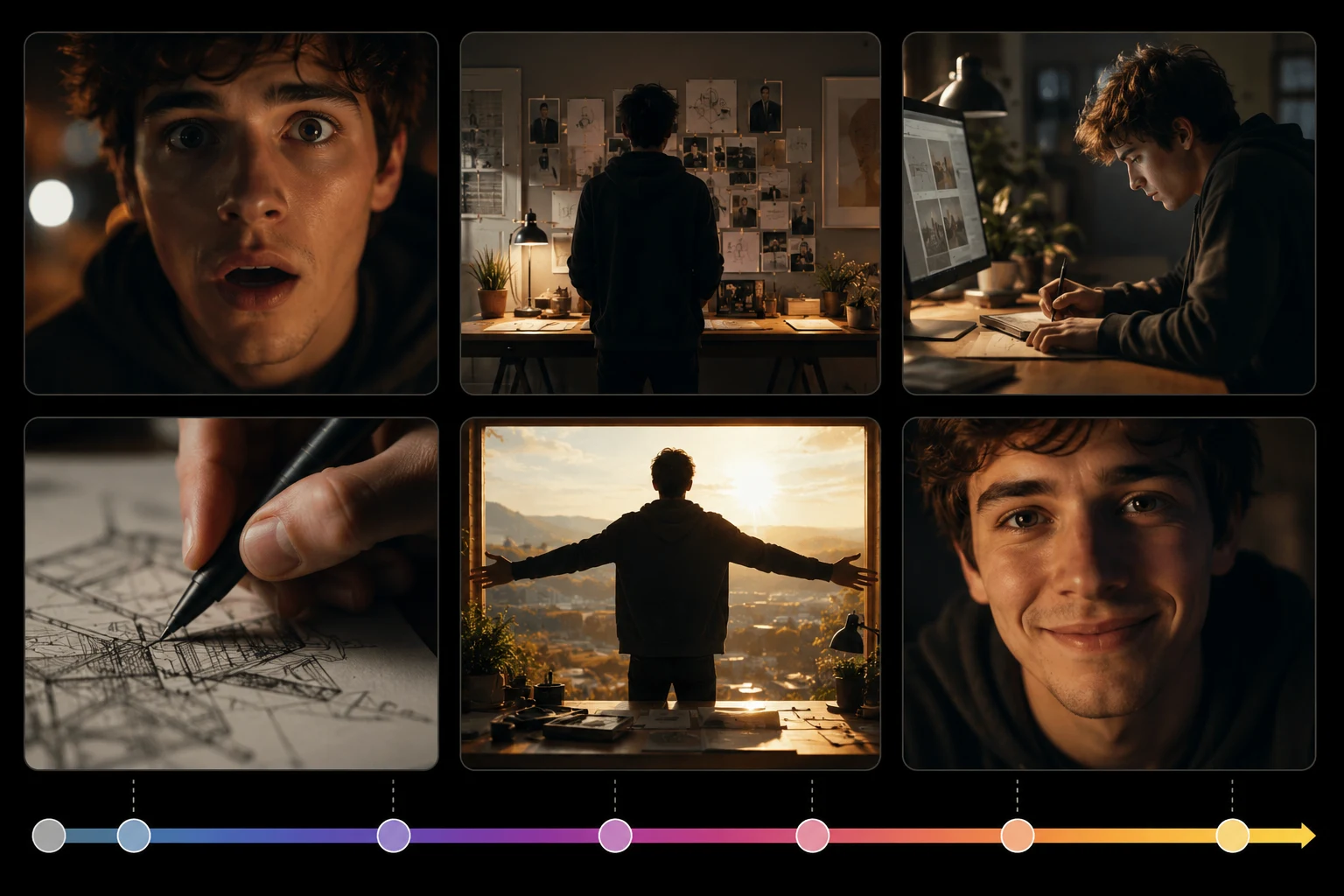
Longer clips need time structure. Use this when the scene has a beginning, middle, and ending.
Prompt
Create a 30-second cinematic vertical short scene. A young inventor works alone in a small workshop at night, building a glowing mechanical bird. 0-4s: close-up of hands placing the final piece, warm desk lamp light. 4-9s: slow camera pulls back to reveal the inventor's focused face and the cluttered workbench. 9-15s: the mechanical bird flickers to life, tiny wing movements and soft blue glow. 15-22s: the bird lifts slightly from the table while papers move in the air. 22-27s: the inventor smiles subtly, no exaggerated expression. 27-30s: hold on the glowing bird hovering above the workbench. Camera: slow controlled pullback then locked-off. Keep hands natural, face consistent, workshop layout stable, and bird design consistent. Avoid extra characters, scene changes, or chaotic flying motion.
Notes
- This is not trying to make a full film.
- It is one contained moment.
- The ending is specific.
- The "avoid" line prevents the model from over-expanding the scene.
Example 5: local edit prompt for a hand problem
Use this after a render is almost good but one hand looks wrong.
Prompt
Local edit only: fix the subject's right hand between seconds 8 and 13. The hand should have natural fingers, relaxed posture, and correct contact with the jacket sleeve. Keep the face, hair, jacket color, body pose, camera movement, lighting, background, and all other areas unchanged. Do not regenerate the full scene.
Why it works
It names:
- Region.
- Time range.
- Desired correction.
- Protected areas.
- Instruction not to rebuild everything.
Example 6: local edit prompt for product shape
Use this when a bottle, shoe, bag, or device changes shape mid-clip.
Prompt
Local edit only: stabilize the product body and cap from seconds 12 to 18. Match the uploaded product reference more closely. Keep the product centered with the same silhouette, cap size, glass material, and label area. Preserve the camera motion, lighting, background, and mist. Do not rotate the product or change its design.
For product work, local edits should be narrow. Do not ask the local edit to also improve lighting, add text, and change the camera.
Example 7: image-to-video portrait with subtle motion
Use this for realistic human clips.
Prompt
Use the uploaded portrait as the identity and first-frame reference. Create an 8-second vertical portrait video. Locked-off camera with a very slight slow push-in. The subject blinks once, takes a calm breath, and a few strands of hair move gently in soft window light. Keep face identity, skin texture, hairstyle, clothing, background, and lighting stable. No head turn, no big smile, no hand movement. End on a steady natural close-up.
Why it works
Portraits fail when you ask for too much performance. A blink, breath, and subtle hair movement is enough.
Example 8: camera-controlled product turn without full rotation
Use this when you want dimension but need to preserve the product.
Prompt
Use the uploaded product image to preserve the exact shape, color, and front-facing design. Create a 10-second product clip. Camera performs a slow 15-degree partial orbit to the right, not a full rotation. Soft studio light moves across the product surface. Keep the label area mostly facing forward, product silhouette stable, and background clean. End on a premium hero angle. Avoid showing the back side or inventing unreadable text.
If the product is text-heavy, skip orbit and use a slow push-in.
Example 9: explainer visual without generated text
Use this when the idea matters more than a specific real subject.
Prompt
Create a 20-second vertical explainer visual about turning one image into a finished AI video. 0-5s: a single glowing image card appears on a clean dark studio background. 5-10s: the card expands into a row of video frames. 10-15s: motion arrows show camera, subject, and lighting control. 15-20s: the frames combine into one polished video screen. Minimal technology style, clean blue and white lighting, smooth camera glide. Do not generate readable text inside the video. Leave space for captions to be added later in editing.
Why it works
Generated text inside video can be unreliable. For explainers, prompt visuals and add the actual words later.
Example 10: social hook with a strong final frame
Use this when the clip needs to stop the scroll.
Prompt
Create a 12-second vertical social video. Start with a plain uploaded room photo. In the first 2 seconds, warm golden light enters the room and the camera begins a smooth push-in. 2-7s: the room transforms subtly into a cozy evening reading setup with a blanket, lamp glow, and soft shadows. 7-10s: camera settles on the chair and lamp. 10-12s: hold a clean final frame with empty space at the top for caption. Keep room layout realistic, no people, no warped furniture, no unreadable text.
The final hold is what makes it usable on TikTok, Reels, or Shorts.
Reference stack examples
Do not upload references randomly. Use a table like this before rendering:
| Project | References to upload | What to say in prompt |
|---|---|---|
| Product ad | Product front, product side, moodboard, final frame | "Use image 1 for product shape, image 2 for side detail, image 3 for lighting, image 4 for final composition" |
| Character scene | Face, outfit, environment, color palette | "Use image 1 for identity, image 2 for clothing, image 3 for setting, image 4 for color mood" |
| Fashion video | Full outfit, fabric detail, pose, lighting | "Preserve coat structure, fabric texture, body proportions, and studio lighting" |
| Travel clip | Landscape photo, camera mood, end-frame crop | "Preserve mountain layout and horizon; use reference 2 for warm sunrise style" |
| Explainer | Style board, icon style, background | "Use references for clean visual style only; do not preserve a specific object" |
More references help only if you label their roles.
Local edit workflow
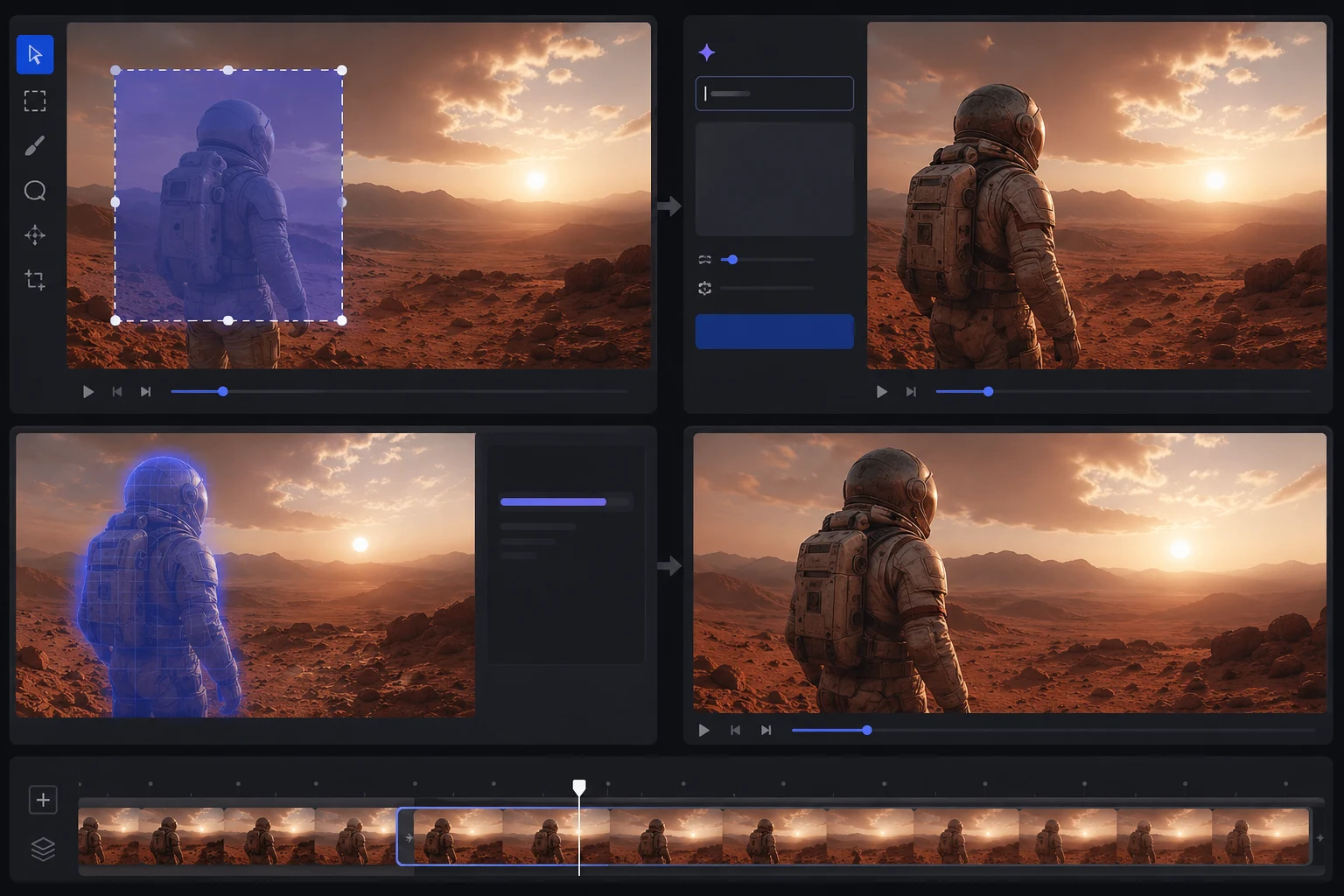
Use this checklist after each render:
| Area | Check | Local edit wording |
|---|---|---|
| Face | Did identity drift? | "Fix only face identity; match uploaded portrait; keep everything else unchanged" |
| Hands | Are fingers natural? | "Fix only the hand posture; natural fingers; preserve sleeve and body pose" |
| Product | Did shape change? | "Stabilize product silhouette and cap; match reference" |
| Background | Did objects appear? | "Remove only the unwanted object; keep camera and lighting unchanged" |
| Final frame | Is there room for captions? | "Clean up final frame; keep subject centered and leave top space empty" |
| Motion | Is camera too fast? | "Reduce camera speed only; keep subject and scene unchanged" |
Local edits should be boring and specific. That is the point.
Common Seedance 2.5 prompt mistakes
| Mistake | Why it fails | Better approach |
|---|---|---|
| Uploading too many unrelated references | Model gets conflicting identity/style signals | Group references by role |
| Asking for a 30-second clip with no beats | Scene drifts or repeats | Write time-coded sections |
| Combining orbit, zoom, pan, and tracking | Camera becomes unstable | Pick one main camera plan |
| Asking for readable text in the generated video | Text may distort | Add text in editing |
| No protected details | Faces/products drift | Name what must stay stable |
| No ending | Clip stops awkwardly | Prompt the final frame |
| Local edit too broad | Good parts change | Fix one region or one issue |
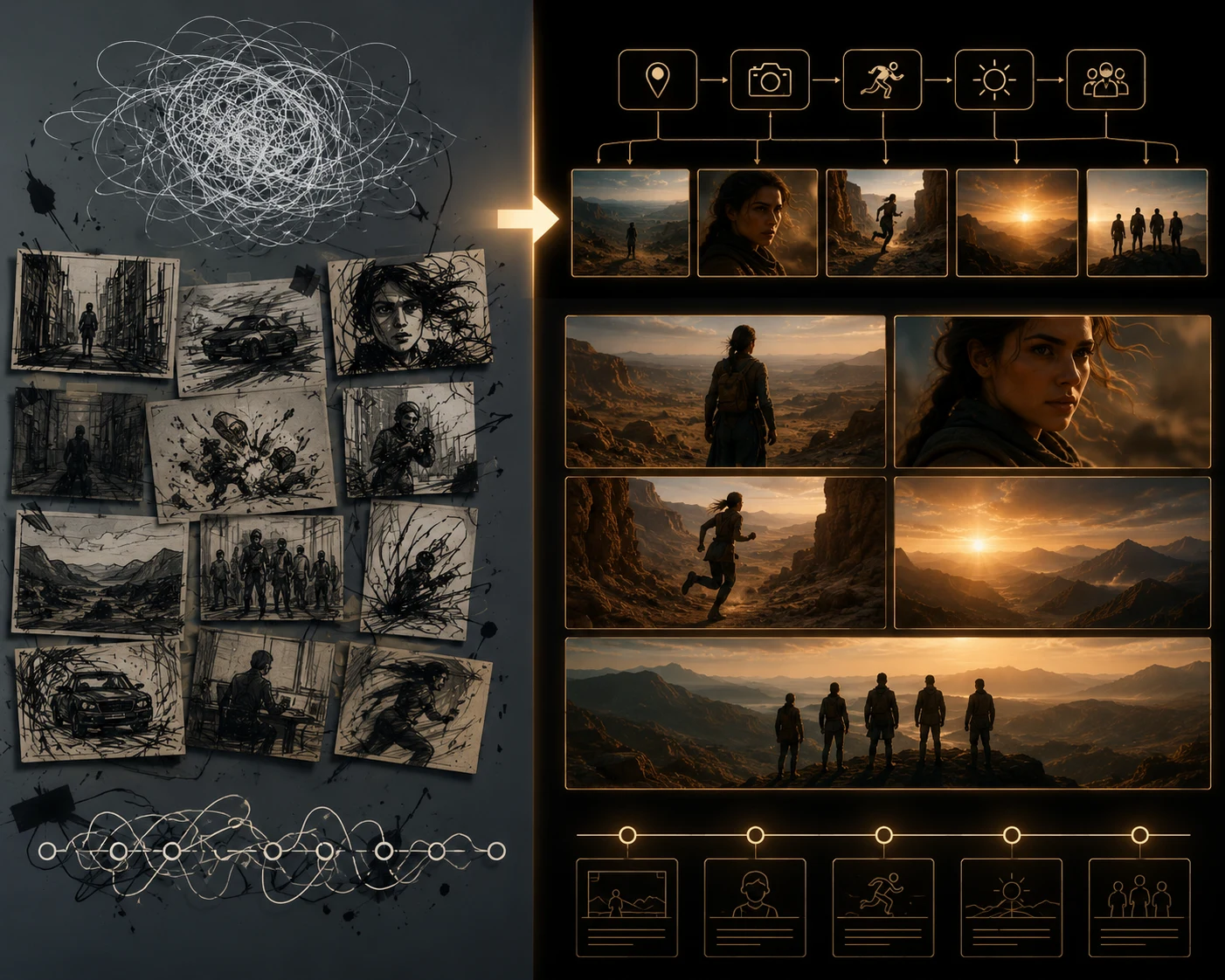
Prompt repair is usually about removing ambiguity: one subject, one motion plan, protected details, and a clear final frame.
How to shorten these prompts
If you are making a short 5-8 second clip, do not use the full 30-second structure. Use this shorter pattern:
Use the uploaded image to preserve [subject]. Create an 8-second vertical clip. Camera: [one move]. Motion: [one action]. Keep [details] stable. End on [final frame]. Avoid [failure].
Example:
Use the uploaded product image to preserve the bottle shape and label area. Create an 8-second vertical clip. Camera: slow push-in. Motion: soft mist behind the bottle and light moving across glass. Keep product shape, cap, and label stable. End on a centered hero frame. Avoid rotation.
Frequently asked questions
What is the best Seedance 2.5 prompt format?
For Seedance 2.5, the best prompt format includes reference roles, duration, beat map, one camera plan, controlled motion, protected details, final frame, and an avoid line. Short clips can use a simpler version.
How do I prompt a 30-second Seedance 2.5 video?
Write the video as timed beats: hook, setup, motion, detail, payoff, and final hold. A 30-second prompt should describe what happens over time instead of stuffing many unrelated actions into one sentence.
How should I use 50 references in Seedance 2.5?
Do not upload 50 random images. Group references by job: identity, product, outfit, environment, style, motion, and ending. Then tell the model what each reference should control.
What should I put in a local edit prompt?
Name the region, time range if relevant, exact fix, and everything that must stay unchanged. Local edit prompts should be narrow: fix one problem without regenerating the whole clip.
Should I include camera movement in every prompt?
Yes, but keep it simple. Use one main camera movement such as locked-off, slow zoom, dolly push-in, pan, tilt, or small orbit. Too many camera moves create instability.
Related guides
- Seedance 2.5 AI video generator
- What's special about Seedance 2.5?
- Seedance 2.5 text-to-video prompt guide
- Seedance 2.5 image-to-video
- Seedance 2.5 camera movement prompts
- Seedance 2.5 text-to-video
Prompt like a director, revise like an editor
Seedance 2.5 gives you more room: longer scenes, more references, and local edits. Use that room deliberately. Open the Seedance 2.5 AI video generator, assign each reference a job, write a beat map, protect the details that matter, and use local edits for the few seconds that need repair.