
Seedance vs Google Veo: One-Clip Review Scorecard
Compare one matched Seedance and Google Veo clip with a repeatable review scorecard for brief fit, motion, continuity, audio, final frame, and retry decision.
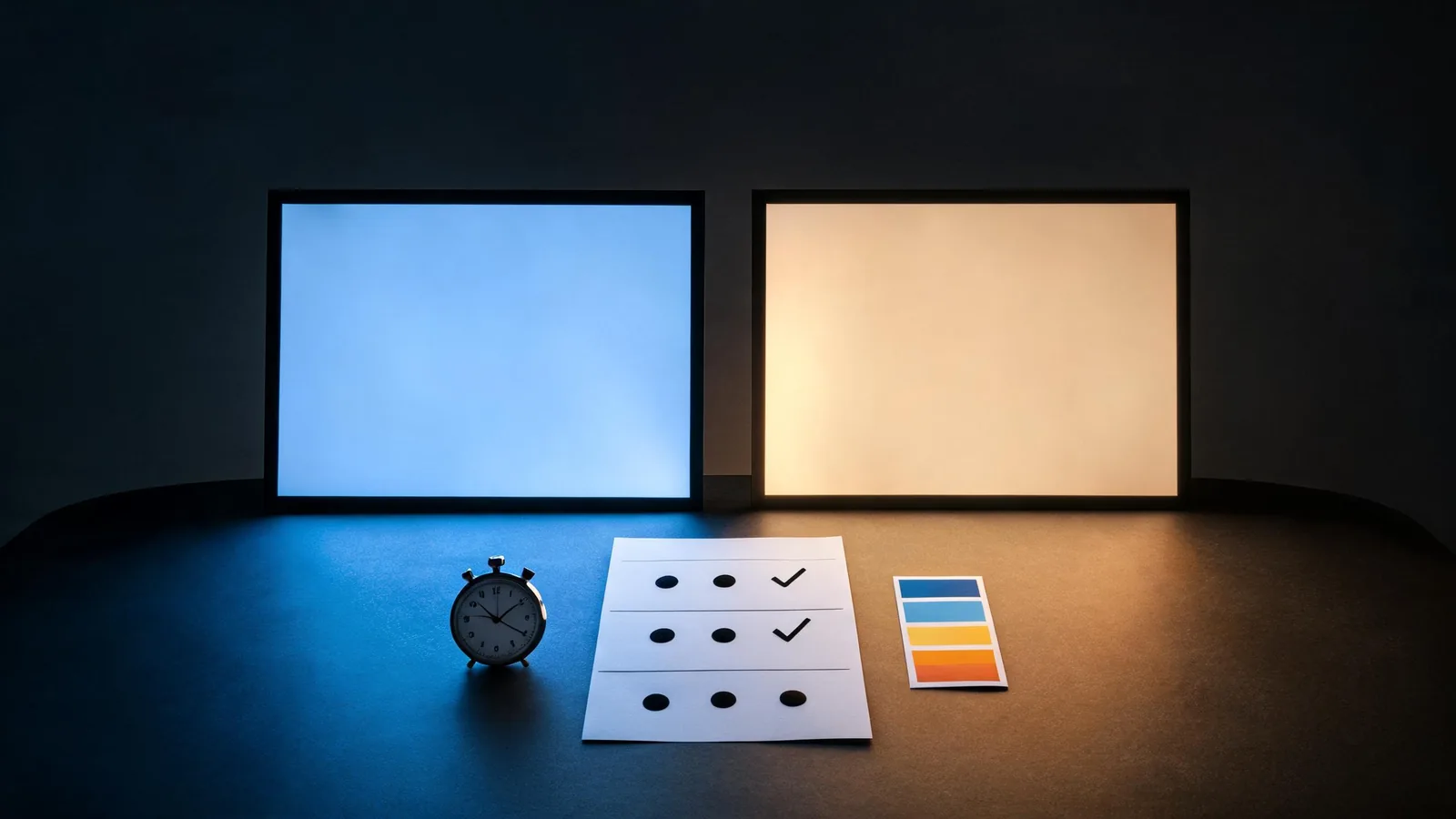
To compare Seedance and Google Veo with one clip, give both current interfaces the same small brief, save the visible settings, then score the completed outputs for brief fidelity, continuity, motion, final-frame usability, and the cost of a fair retry. A one-clip scorecard does not crown a permanent winner; it tells you whether either workflow deserves the next test for your job.
Checked September 10, 2026 · post-render evaluation guide
This article is the companion to the older Seedance 2.5 vs Google Veo workflow comparison. That page helps choose a workflow before generating. This one answers a different question after both renders exist: how should one person review one matched pair without mistaking a striking frame for a dependable result?
Model versions, product surfaces, regions, accounts, pricing, and controls change quickly. Google’s Veo documentation describes the capabilities available through its API, but the interface you can use today is the source of truth for your actual test. Record what it displays rather than carrying features or prices from an old comparison into a new decision.
Set up one honest matched brief
Choose a brief both tools can plausibly accept today. The first comparison should be short and uncomplicated enough that you can tell where an output diverges. Do not force equivalence by adding features that one interface does not expose.
A fair baseline might be:
A small unbranded red bicycle is parked beside a quiet concrete wall in soft morning light. One dry leaf moves across the ground. Use a medium-wide locked shot. Keep the bicycle frame, wheel shape, wall texture, and light direction stable. End with the bicycle fully in frame. No readable text, logos, people, or scene change.
This is not an attempt to find the most cinematic result. It makes the decision points observable: Is the bicycle stable? Does one small motion occur? Is the camera actually locked? Can an editor use the last frame? Avoid brand marks, exact lettering, a recognizable person, complex dialogue, safety claims, and several scene changes. Those requirements make a one-clip test less comparable and may create rights or accuracy issues.
Before you render, write down the choices each interface displays. On the Seedance side, identify the Seedance AI model label exactly as the current interface presents it; do not infer a version from an older article.
| Record | Why it belongs in the test note |
|---|---|
| Date and access surface | A result is tied to a particular moment and product route. |
| Model label and version, if shown | A model family name alone may not identify the exact option. |
| Prompt, language, and aspect ratio | The comparison needs the same instruction and destination format. |
| Duration and resolution, if selectable | Different outputs can change what is practical to judge. |
| Input media and references | A text-only test should not quietly become a reference-led test. |
| Displayed cost, queue note, or restriction | The retry decision must reflect the real path you have. |
If the two current tools cannot accept a materially similar brief, that is a finding. Do not hide it by pretending a different duration, a restricted setting, or an unavailable reference is identical. State that the workflows were not comparable for this task and choose a smaller baseline or stop.
Score the completed clips, not the promise
Watch both clips at normal speed, then replay the start, the main action, and the final frame. Give each category 0, 1, or 2 points. The score makes your observation explicit; it does not turn a personal preference into a scientific benchmark.
| Category | 0 points | 1 point | 2 points |
|---|---|---|---|
| Brief fidelity | The central scene or requested action is missing | The broad idea appears with a notable mismatch | The requested scene and one action are clear |
| Subject continuity | The main object materially changes or disappears | Minor drift is present but the object remains readable | The important shape and placement remain stable |
| Motion and camera | Distracting jumps or contradictory movement | Motion works but contains a noticeable artifact | Motion and the stated camera behavior support the brief |
| Final frame | It cannot be cut from or misses the subject | It is usable with a compromise | It gives a stable, editorially useful hold |
| Audio, only if both outputs include it | Audio conflicts with the scene or is unusable | Audio is acceptable but not useful | Audio supports the scene without distracting artifacts |
| Retry practicality | A comparable next test is not practical | A retry is possible with a clear trade-off | A retry is practical for the project’s budget and schedule |
Leave the audio row blank if one of the matched outputs does not include audio. Do not penalize a workflow for an optional feature you did not test on equal terms. Instead, write a note such as: “Audio not scored; the compared settings were not equivalent.” The same rule applies to references, extensions, editing tools, and any setting you did not use.

A scorecard is useful only when it names what was actually visible in the completed clips.
Add a short evidence note beside the score
Numbers alone are too easy to overread. For every score below two, add a sentence describing the frame or behavior that caused it. A note such as “the bicycle wheel changed shape during the leaf motion” is useful. “Looked worse” is not.
Use this copyable review note:
| Field | Seedance clip | Google Veo clip |
|---|---|---|
| Visible settings recorded | [your note] | [your note] |
| Brief fidelity (0–2) | [score + observed reason] | [score + observed reason] |
| Continuity (0–2) | [score + observed reason] | [score + observed reason] |
| Motion and camera (0–2) | [score + observed reason] | [score + observed reason] |
| Final frame (0–2) | [score + observed reason] | [score + observed reason] |
| Audio, if comparable (0–2) | [score + observed reason] | [score + observed reason] |
| Retry practicality (0–2) | [score + visible cost/time note] | [score + visible cost/time note] |
The record is especially valuable when a colleague asks why you chose a second test. It keeps the decision grounded in what you generated rather than a model’s promotional clip, an old review, or a single attractive still.
Decide what the first pair actually tells you
Treat the total as a prompt for the next decision, not the decision itself.
- One clip is clearly usable: preserve the settings and run one controlled variation only if the project needs it. Do not turn a useful baseline into a large batch without a reason.
- Both clips have one isolated weakness: rerun only if you can change one comparable variable, such as a shorter action or a locked camera. Keep the rest of the test note intact.
- The clips answer different briefs: do not score them as a winner and loser. Rebuild the test around a smaller common brief.
- Neither clip is suitable: use conventional footage, approved stills, or motion design if the job requires exact text, a real-world claim, a specific likeness, or reliable product detail.
The source article’s workflow discussion is still useful before this stage. Return to Seedance 2.5 vs Google Veo if you are deciding whether long-form planning, reference use, native audio, or API access belongs in your project. Use this scorecard only after you have outputs to inspect.
Keep the review honest and safe
One comparison does not establish that a model is objectively better, that a result will repeat, or that a future release will behave the same way. It is a narrow observation from one brief, one account context, and one date. Keep the original prompt and completed files, and disclose synthetic media where context requires it.
Use only input material you are authorized to use. Do not treat generated visuals as proof of a real event, product performance, endorsement, or testimony. A review scorecard is a production aid, not legal advice or a commercial-clearance process. Before a client delivery, use the commercial-use client video checklist.
Frequently asked questions
How can I compare Seedance and Google Veo fairly?
Use one small matched brief that both current interfaces can accept. Record the displayed settings, prompt, and any restrictions, then score the completed clips against the same visible criteria.
What should I score in a one-clip AI video review?
Score brief fidelity, main-subject continuity, motion and camera coherence, final-frame usability, and retry practicality. Score audio only when both outputs include comparable audio.
Does a one-clip scorecard prove one model is better?
No. It creates a transparent first decision for one brief and one set of controls. It is not a permanent benchmark and does not predict a different project.