
Seedance 2.5 vs Google Veo: Which AI Video Model Fits Your Use Case?
Compare Seedance 2.5 vs Google Veo for AI video workflows, including clip length, references, audio, image-to-video, editing, and production use cases.
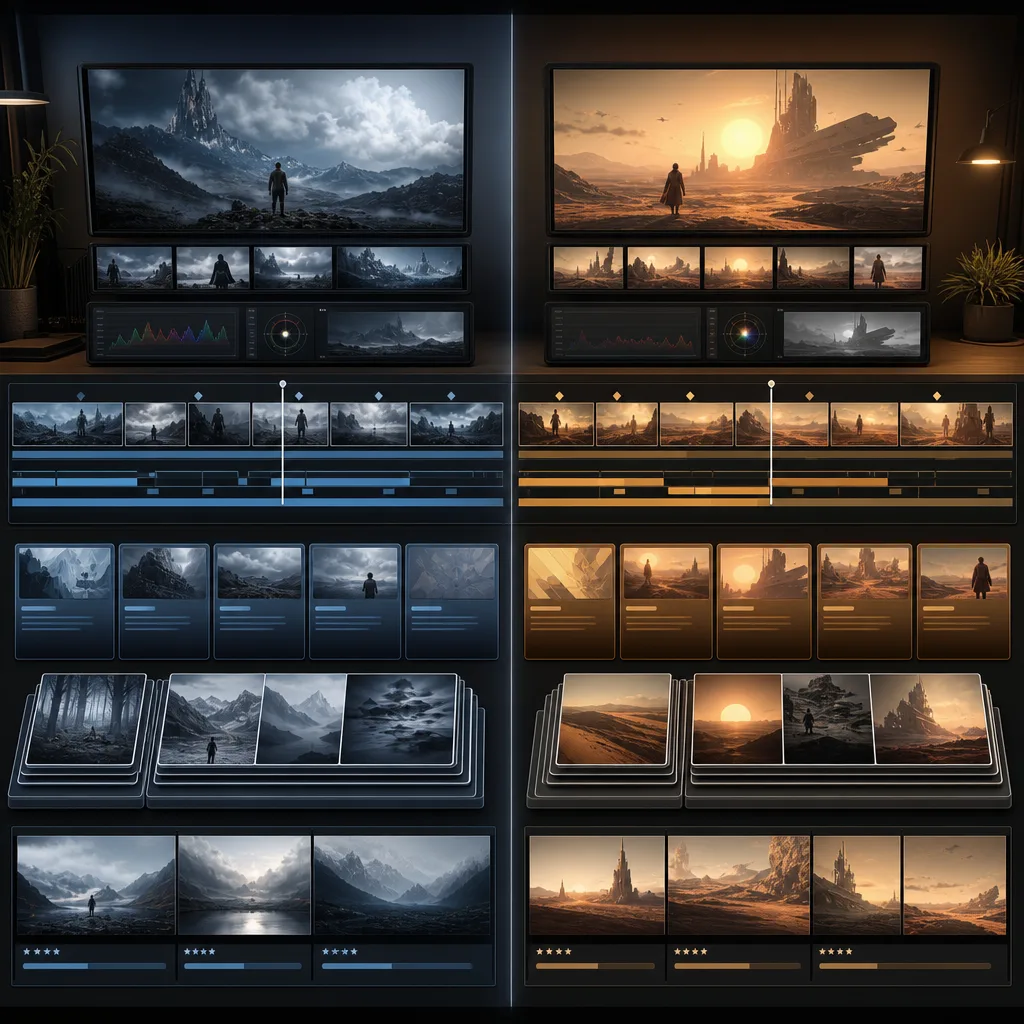
Seedance 2.5 vs Google Veo is not a simple winner-takes-all comparison. As of July 4, 2026, Seedance 2.5 is the more obvious fit when your brief needs longer native scenes, a large reference stack, and targeted refinement. Google Veo is a strong fit when you care about Google's video ecosystem, native audio in Veo 3.1, cinematic realism, and API access through Gemini.
Last updated: July 4, 2026 - about 9 min read
The useful question is not "which model is better?" The useful question is: which model matches the job you are trying to finish?
A creator making a 30-second product scene with many references has a different need from a developer generating short clips with native audio. A marketer comparing first-frame and last-frame control has a different need from a social creator trying to keep a character consistent across a longer beat.
This guide compares Seedance 2.5 vs Google Veo through workflow fit: clip length, references, image-to-video, audio, editing, access, and review process.
Quick answer
Choose Seedance 2.5 when you need:
- A native 30-second scene.
- Many references across images, videos, or audio.
- Product, character, or style consistency from a larger brief.
- Local or targeted refinement instead of restarting the full clip.
- A workflow centered on Seedance 2.5 AI video generation.
Choose Google Veo when you need:
- Short clips with native audio through Veo 3.1.
- Gemini API integration.
- Google's video tooling and model ecosystem.
- Strong cinematic realism and prompt-following benchmarks from Google's published materials.
- Image-based direction with a smaller set of references.
If you are comparing pages rather than models, the product page Seedance 2.5 vs Veo gives the shorter landing-page version. This article is the deeper workflow guide.
Feature comparison
| Area | Seedance 2.5 | Google Veo |
|---|---|---|
| Best-known current angle | Longer native scenes, broad reference input, controllable refinement | Cinematic generation, native audio, Gemini API access |
| Clip length focus | Native 30-second single segment is a headline feature | Google AI docs describe Veo 3.1 generation as 8-second videos |
| References | Up to 50 joined inputs across images, videos, and audio | Veo 3.1 docs describe image-based direction with up to three reference images |
| Audio | Seedance materials discuss audio/video input direction, but check the product surface you use | Veo 3.1 docs emphasize natively generated audio |
| Editing | More controllable follow-up edits and local refinement are part of the Seedance 2.5 pitch | Veo includes capabilities such as extension, first/last frame control, and object insertion in Google's materials |
| Good first use case | 30-second product, character, or story scene with references | Short cinematic clip, API workflow, or audio-video generation |
Do not treat the table as a permanent benchmark. AI video products move quickly. Treat it as a practical snapshot for planning a render today.
Where Seedance 2.5 has the clearer fit
Seedance 2.5 is strongest when the brief has production constraints. If you need a clip to preserve a product shape, character identity, style reference, ending frame, and several visual cues, a larger reference workflow matters.
Good Seedance 2.5 jobs:
- A 30-second product ad with reference images for packaging, lighting, and end frame.
- A consistent character scene with face, outfit, style, and background references.
- A social clip that needs a beginning, middle, payoff, and clean final frame.
- An image-to-video workflow where the reference image should stay central.
- A revision loop where one local problem should be fixed without throwing away the whole direction.
The guide on what is special about Seedance 2.5 goes deeper into the 30-second and reference-stack workflow.
Where Google Veo has the clearer fit
Google Veo is compelling when native audio, Google's API path, and Google's cinematic model work are the main reasons you are choosing. Google's Veo 3.1 documentation describes 8-second video generation with native audio, portrait and landscape outputs, video extension, first/last-frame generation, and image-based direction with up to three reference images.
Good Veo jobs:
- Short cinematic clips where audio is part of the generated result.
- Gemini API workflows for developers.
- Tests that depend on Google's model ecosystem.
- Short clips where first and last frame control matters more than a large reference stack.
- Creative animation or cinematic realism experiments.
If you need a longer production scene, compare the cost and edit loop carefully. A model that is excellent for short clips may still require stitching or multiple passes for a longer social asset.
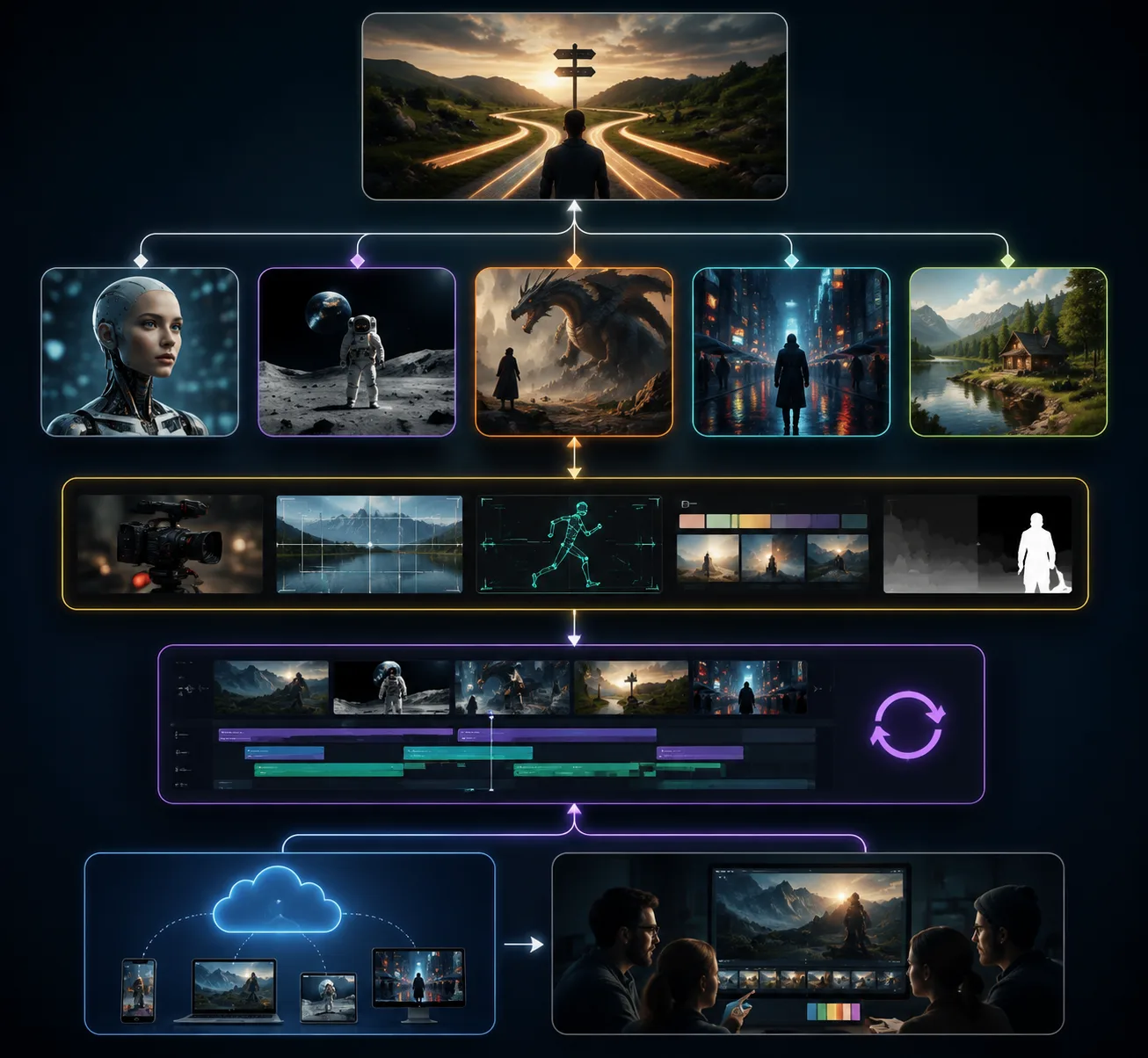
The better choice depends on the job: native length, reference count, audio, editing, and how much review the asset needs.
Image-to-video comparison
For image-to-video, both workflows can be useful. The difference is how much context you need around the image.
Use Seedance 2.5 when the source image is part of a larger creative brief. For example, a product shot may need packaging references, a style board, an environment reference, and a final composition. Seedance 2.5's reference-heavy positioning is useful when the image cannot carry the entire brief alone.
Use Veo when the image-to-video job is smaller and the Google workflow fits your stack. The official docs describe image-based direction and first/last frame generation, which can be useful for short controlled clips.
For Seedance-specific prompting, use the Seedance 2.5 image-to-video guide and Seedance 2.5 prompt examples.
Prompting difference
Seedance 2.5 prompts should read like production notes:
Create a 30-second vertical product video. Use the uploaded product, packaging, lighting, and end-frame references. 0-3s: clean hero start. 3-10s: slow dolly push-in. 10-20s: show product detail and environment movement. 20-27s: payoff reveal. 27-30s: hold a clean final frame. Keep product shape, lighting, and brand colors stable.
Veo prompts can be more compact when the target is a shorter cinematic clip with sound:
Generate an 8-second cinematic shot of a glass bottle on a stone counter at sunrise, slow push-in, soft reflections, subtle room tone, and gentle glass clink audio.
Both can fail if the prompt is vague. Both benefit from controlled camera language. The difference is how much structure you need for the clip length and asset stack.
Cost and review considerations
Model pricing and access can change, so do not make a permanent choice based on one article. Instead, estimate the review loop:
- How many draft renders will you need?
- How expensive is a failed result?
- Does the clip need audio?
- Does the clip need 30 seconds in one segment?
- Can you fix a local issue, or do you have to regenerate?
- Will the output need human review before publishing?
For brand or paid media, the model is only one part of the workflow. You still need rights review, prompt logs, visual QA, and final export checks.
Decision guide
| If your brief says... | Start with |
|---|---|
| "I need a 30-second product or character scene." | Seedance 2.5 |
| "I need native audio in a short generated clip." | Google Veo |
| "I have many references that need to work together." | Seedance 2.5 |
| "I am building through the Gemini API." | Google Veo |
| "I need to refine one problem area after generation." | Seedance 2.5 |
| "I need a short cinematic test quickly." | Either, based on access and cost |
Frequently asked questions
Is Seedance 2.5 better than Google Veo?
Not universally. Seedance 2.5 is a better fit for longer native scenes, large reference stacks, and targeted refinement. Google Veo is a strong fit for short cinematic clips, native audio, and Gemini API workflows.
Does Google Veo support audio?
Google's Veo 3.1 documentation describes video generation with natively generated audio. Check the exact model variant and product surface you are using because availability can vary.
Does Seedance 2.5 support longer clips than Veo?
Seedance 2.5 materials highlight native 30-second single-segment generation. Google's Veo 3.1 API documentation describes 8-second generated videos, so for native length, Seedance 2.5 has the clearer headline fit.
Which is better for image-to-video?
Use Seedance 2.5 when the image belongs to a larger reference-heavy brief. Use Google Veo when you want a shorter Google-powered image-to-video clip with the capabilities available in your Veo surface.
Sources checked
Bottom line
Use Seedance 2.5 when the clip needs production structure: longer scene planning, many references, and a revision loop. Use Google Veo when the project fits Google's short-form video generation strengths, native audio, and Gemini API workflow.