
Cinematic Seedance 2.5 Prompts for Short AI Videos
Use cinematic Seedance 2.5 prompts for short AI videos. Learn shot structure, camera movement, lighting, final-frame control, and prompt examples.
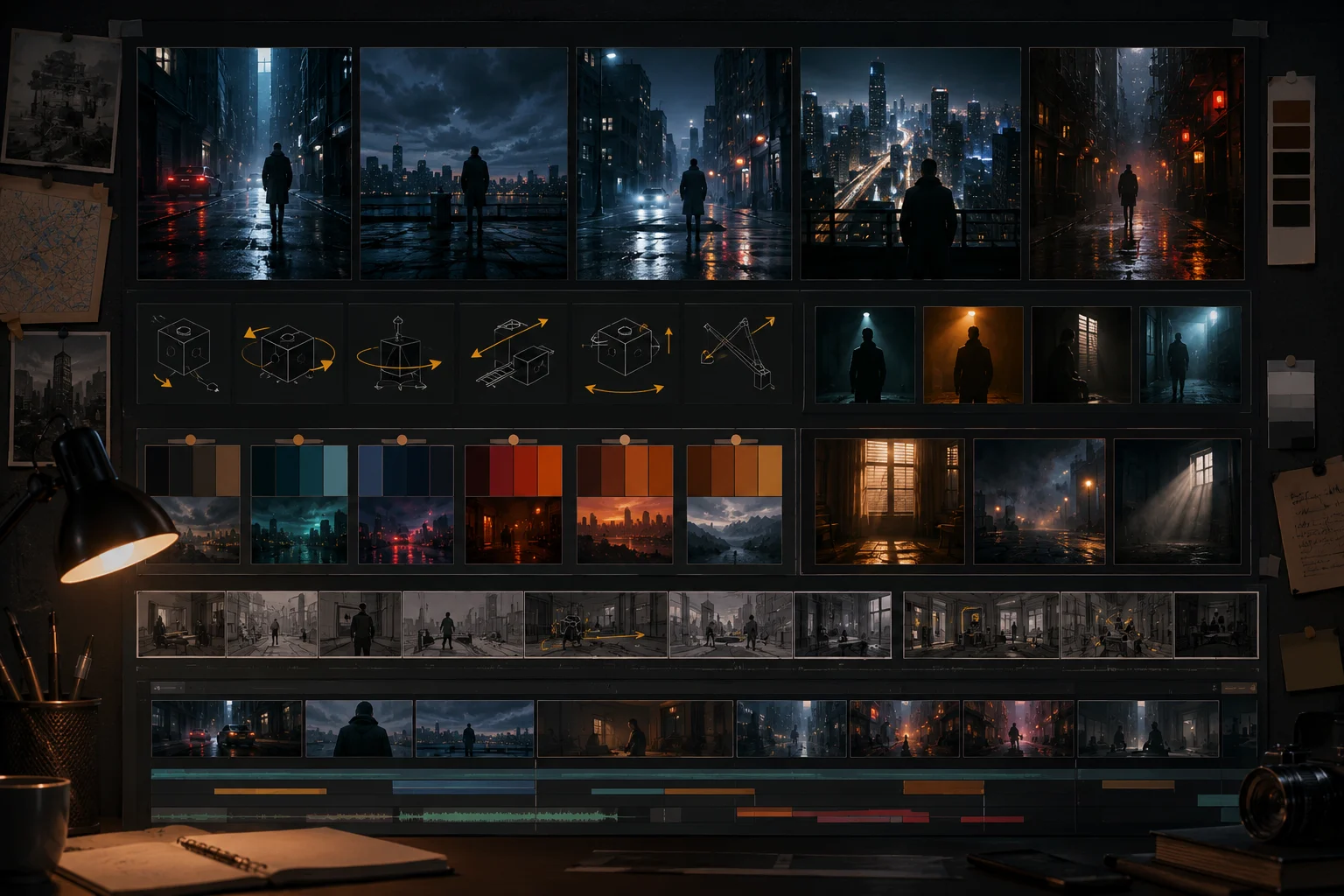
Cinematic Seedance 2.5 prompts work when they describe a shot, not a mood board. A strong prompt gives the Seedance 2.5 AI video generator a subject, setting, camera move, lighting plan, motion beat, and final frame. The goal is not to sound like a film critic. The goal is to make a short clip that holds together.
Last updated: July 8, 2026 - about 8 min read
Many cinematic AI video prompt examples are overloaded: "ultra realistic, award-winning, 8K, dramatic, emotional, breathtaking, epic, masterpiece." That language can influence style, but it does not direct motion. If the prompt does not say what happens, the model has to invent the shot.
This guide gives you cinematic prompt blocks that are specific enough to use, but still flexible enough for different subjects. Use these Seedance cinematic prompts as starting points, then adjust the subject, location, camera move, and final frame to match your own clip. The same structure works whether you are testing Seedance 2.5 prompts in text mode or using a reference image as the first frame.
Quick answer
Use this Seedance 2.5 cinematic prompt formula:
Create a short cinematic video. Subject: [who or what]. Setting: [where and when]. Action: [one main motion]. Camera: [one move]. Lighting: [source, mood, contrast]. Keep [identity, product, outfit, prop, background] stable. Avoid [warping, extra objects, unreadable text, sudden scene changes]. End on [usable final frame].
Example:
Create a short cinematic vertical video. A woman in a red coat stands under a glass bus stop during light rain at night. She looks up as headlights pass across the wet street. Camera slowly pushes in from waist-up to close portrait. Lighting is cool blue city light with a warm reflection on her face. Keep face, red coat, bus stop, rain, and street background stable. Avoid extra people, distorted hands, readable text, or sudden scene changes. End on a calm close portrait with rain behind her.
That prompt works because every sentence has a job.
The six parts of a cinematic AI video prompt
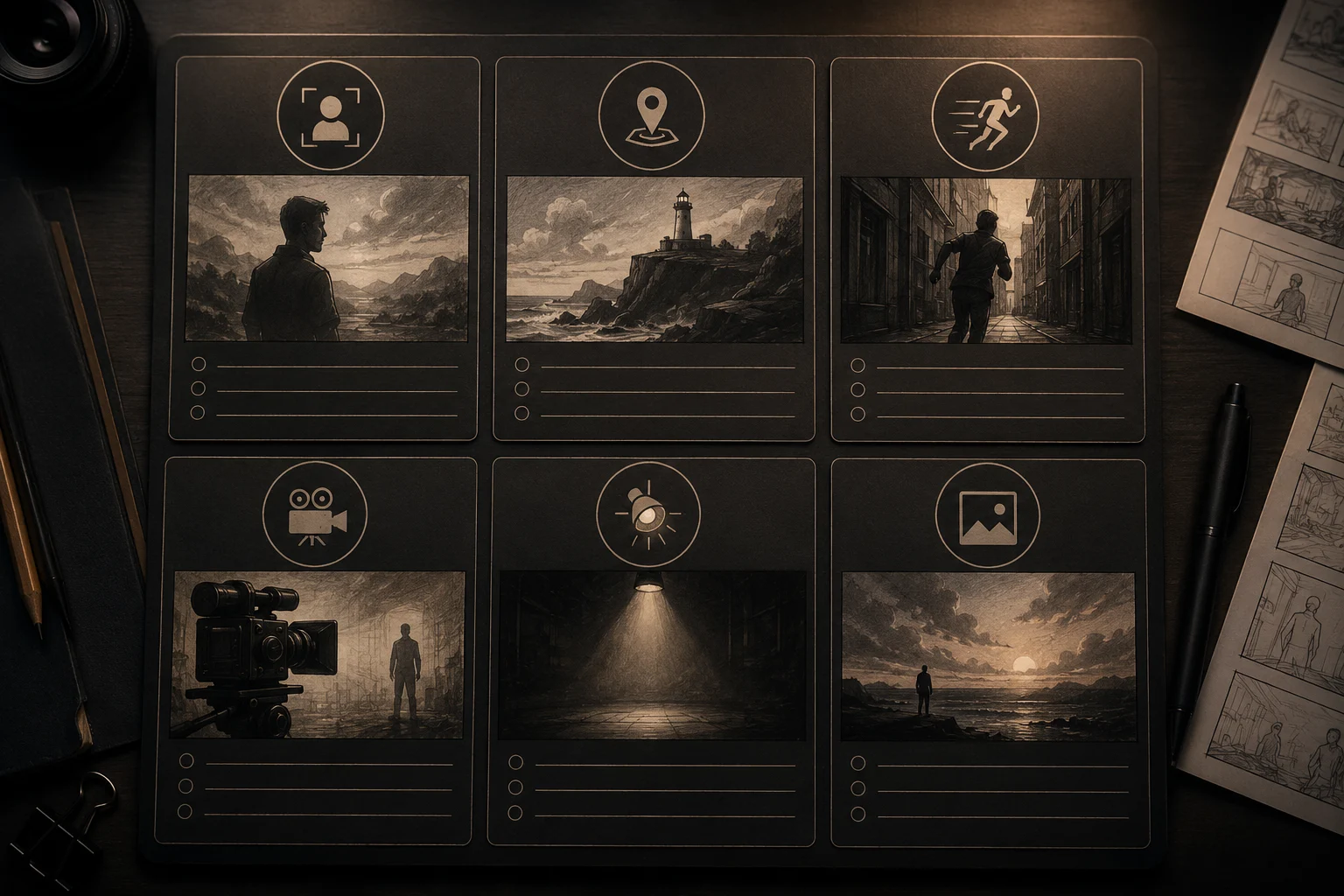
A cinematic prompt is easier to control when subject, setting, motion, camera, lighting, and final frame are separated.
| Prompt part | What it does | Example |
|---|---|---|
| Subject | Defines the anchor | A cyclist, a bottle, a street musician |
| Setting | Gives the scene a stage | Rainy street, studio table, desert road |
| Action | Controls motion | Turns head, steam rises, fabric moves |
| Camera | Directs viewpoint | Slow push-in, side pan, orbit |
| Lighting | Creates mood | Warm rim light, soft window light |
| Final frame | Makes the clip usable | End on centered product hero |
If a render feels chaotic, shorten the action and camera sections first. Most failures come from too many moving parts. A text to video generator needs temporal instructions, not just style words.
Prompt 1: cinematic portrait
Use this when the subject is a person and identity should stay stable.
Create a short cinematic portrait video. A young architect stands inside an unfinished concrete building at golden hour, holding a rolled blueprint at her side. Dust floats in the warm light. Motion: she turns her eyes slightly toward camera while her jacket moves softly in the breeze. Camera: slow push-in from medium shot to close portrait. Lighting: warm sunlight through tall windows with soft shadow on the background. Keep face identity, jacket, blueprint, concrete columns, and warm light stable. Avoid extra people, distorted hands, unreadable text, or sudden outfit changes. End on a steady close portrait.
Why it works:
- One person.
- One environment.
- One main action.
- One camera move.
- Protected details.
Prompt 2: cinematic product shot
Use this for a product that needs motion without losing shape.
Create a short cinematic product video. A matte black wireless speaker sits on a dark walnut desk beside a small plant and a notebook. Motion: a soft light sweep moves across the speaker grille while dust particles drift in the air. Camera: slow low-angle push-in. Lighting: warm desk lamp from the left, cool moonlight from the window behind. Keep speaker shape, color, grille texture, desk, plant, and notebook stable. Avoid readable text, extra objects, warped edges, or changing product design. End on a centered product hero frame.
For product prompts, protect shape before mood. A beautiful clip that changes the product is not useful.
Prompt 3: cinematic food scene
Food works well when the motion is physical and small.
Create a short cinematic food video. A bowl of ramen sits on a wooden counter in a small late-night shop. Motion: steam rises slowly, broth glows under warm light, and a soft reflection moves across the bowl. Camera: gentle table-level push-in. Lighting: warm overhead lamp with cool rainy window light in the background. Keep bowl shape, noodles, chopsticks, counter, and shop background stable. Avoid adding hands, readable signs, extra bowls, or changing the food. End on a close appetizing frame.
Do not ask for cooking, serving, eating, camera orbit, and text overlay in the same first render. Get the bowl right.
Prompt 4: cinematic travel clip
Use this for landscapes and destination photos.
Create a short cinematic travel video. A narrow stone street in an old coastal town leads toward the sea at sunrise. Motion: laundry moves gently overhead, warm light grows across the stone walls, and a few distant birds cross the sky. Camera: slow forward dolly down the street. Lighting: soft sunrise gold with blue shadows. Keep street layout, buildings, sea view, and color palette stable. Avoid extra crowds, readable signs, warped windows, or sudden weather changes. End facing the bright sea at the end of the street.
This prompt works because the camera has one path and the background motion is light.
Prompt 5: cinematic fashion shot
Use this when fabric and styling matter.
Create a short cinematic fashion video. A model in a cream trench coat stands on a quiet city corner after rain. Motion: the coat hem moves gently, hair shifts in a soft breeze, and reflections shimmer on the pavement. Camera: slow side-to-front drift. Lighting: overcast soft light with a warm shop-window glow. Keep face, trench coat, shoes, street corner, and wet pavement stable. Avoid extra fingers, outfit changes, readable text, or sudden background changes. End on a clean three-quarter fashion frame.
For fashion, say which parts must stay stable: face, coat, color, shoes, pose, background.
Camera moves that stay controlled
Good first camera moves:
- Slow push-in.
- Gentle side pan.
- Locked camera with subject motion.
- Slow orbit around a product.
- Table-level push for food.
- Tiny handheld drift for realism.
Riskier moves:
- Fast zoom.
- Long tracking shot through multiple spaces.
- Drone move from ground to sky.
- Whip pan.
- Full 360 around a person.
- Scene transition inside one short clip.
If the subject must stay recognizable, use a restrained camera move.
Lighting language that actually helps
Use lighting terms that describe the source and direction:
- Warm window light from the left.
- Cool blue city light behind the subject.
- Soft overcast daylight.
- Golden hour rim light.
- Low-key studio light with gentle reflection.
- Warm practical lamp in the background.
Avoid stacking too many cinematic adjectives without instruction. "Epic, beautiful, cinematic, dramatic" is less helpful than "warm rim light on the right side of the face, cool shadows in the background."
Final-frame control
Always say how the clip should end. That makes the output easier to use in Shorts, Reels, ads, and thumbnails.
Useful endings:
- End on a steady close portrait.
- End on a centered product hero frame.
- End with the street opening to the sea.
- End on the bowl close to camera with steam rising.
- End on a clean three-quarter fashion frame.
A good final frame turns the video into a usable asset. A messy final frame makes the clip harder to post.
Related Seedance guides
- Seedance 2.5 text-to-video prompt guide
- Seedance 2.5 prompt examples
- Seedance 2.5 camera movement prompts
- Seedance 2.5 image-to-video guide
Start with one shot
Open the Seedance 2.5 AI video generator, write one cinematic AI video prompt, and keep it grounded in subject, setting, action, camera, lighting, and final frame. The strongest AI video prompt is usually the one that knows exactly what the clip should do.