
Seedance 2.5 vs Kling: Image-to-Video and Motion Compared
Compare Seedance 2.5 vs Kling for image-to-video, motion control, references, clip planning, audio, and creator workflows.
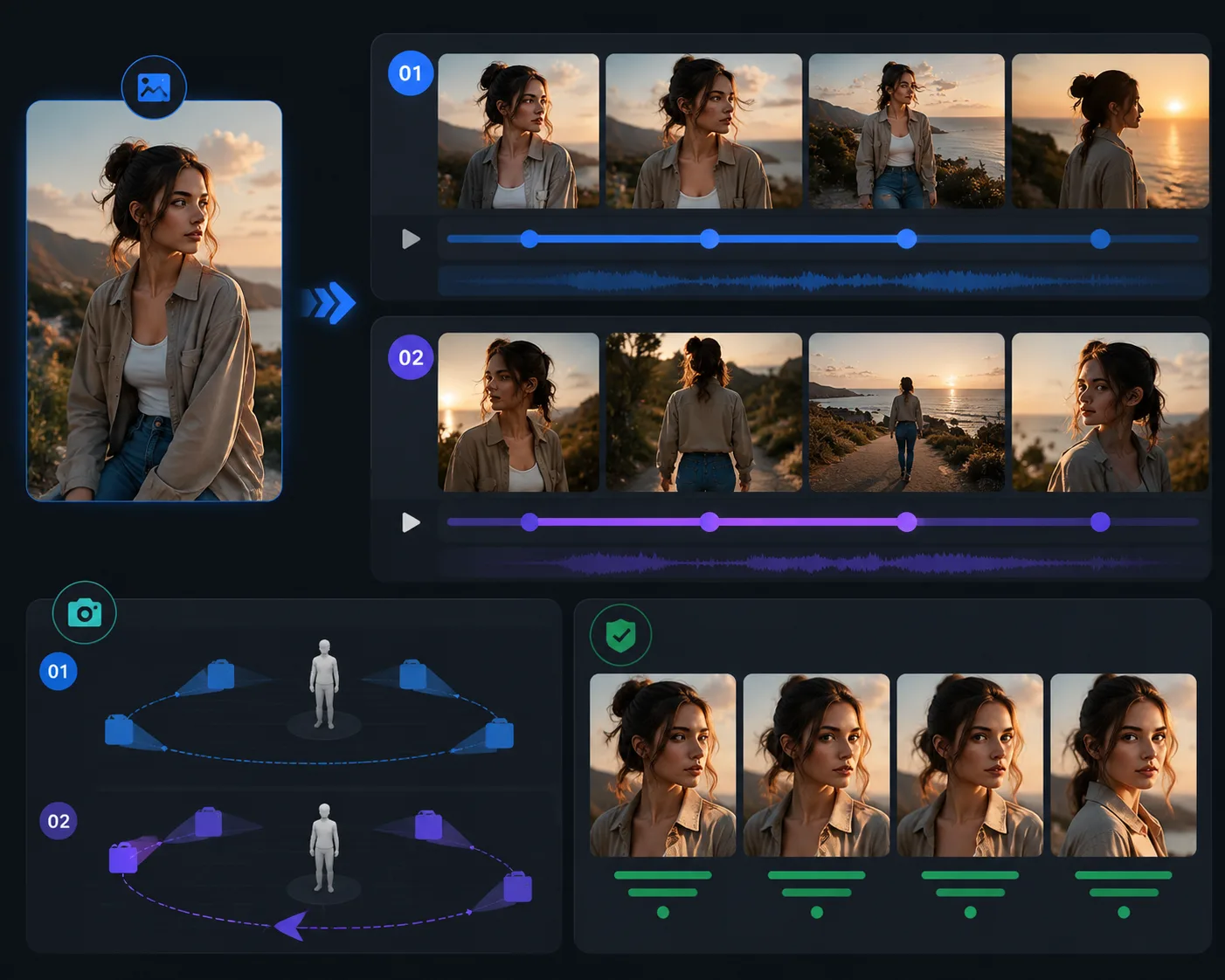
Seedance 2.5 vs Kling is mainly a workflow choice. As of July 4, 2026, Seedance 2.5 is easier to frame around longer 30-second scenes, many joined references, and targeted refinement. Kling is a strong creative studio choice when you want its current video generation, image-to-video, motion control, and multimodal editing tools inside the Kling ecosystem.
Last updated: July 4, 2026 - about 8 min read
Both model families matter for creators who want motion from images, characters, products, or written scenes. But the decision should not start with brand preference. It should start with the job:
- Do you need one longer scene or several short tests?
- Is the source image the main constraint?
- Do you need many references?
- Is motion control more important than local repair?
- Does the team already work inside Kling or Seedance?
This guide compares Seedance 2.5 vs Kling through image-to-video, motion, reference control, editing, and review.
Quick answer
Choose Seedance 2.5 when you need:
- A 30-second single-segment scene.
- Up to 50 joined reference inputs.
- Product, character, style, scene, or sound references working together.
- Local or targeted refinement after the first render.
- A workflow centered on Seedance 2.5 image-to-video.
Choose Kling when you need:
- A creative studio with video generation, image-to-video, motion control, image generation, sound tools, and effects in one ecosystem.
- A workflow built around Kling's current Video 3.0 / Omni direction.
- Fast creative testing inside Kling's app or API platform.
- Motion-focused experiments where Kling's tools already fit your team.
Neither answer is permanent. AI video products change quickly. Use the model that reduces failed renders for the job in front of you.
Feature comparison
| Area | Seedance 2.5 | Kling |
|---|---|---|
| Current positioning | Longer native scenes, many references, controllable refinement | Creative studio with video, image, sound, effects, and motion tools |
| Clip planning | Native 30-second single segment is a headline use case | Strong for shorter creative tests and tool-driven workflows |
| References | Up to 50 joined inputs across images, videos, and audio | Kling ecosystem includes multimodal generation and identity/motion tools |
| Motion | Prompt camera and scene beats across a longer segment | Motion control and template-like tools are central to the Kling workflow |
| Editing | Targeted refinement and local changes are part of the Seedance 2.5 pitch | Kling promotes integrated creative tools, effects, and generation workflows |
| Best first test | Product or character scene with multiple references | Image-to-video or motion-control test in Kling's creative studio |
The table is about workflow fit, not a lab benchmark. For final choice, test your own images and prompts.
Image-to-video: what changes
Image-to-video is where the comparison gets practical. Both workflows can animate a still image, but the failure mode is usually the same: the source image does not give the model enough information.
Use this source checklist before testing either model:
- The main subject is sharp.
- Hands, product edges, face, or character details are visible.
- The crop leaves room for motion.
- Lighting is stable.
- The background is not fighting the subject.
- You have rights to use the image.
If the image is weak, neither model can fully rescue it. Fix the still before comparing outputs.
Where Seedance 2.5 fits better
Seedance 2.5 is easier to recommend when the image is only one part of the brief. A product video might need product photos, package references, a style board, a final frame, a motion reference, and audio cues. A character scene might need face, outfit, background, lighting, and ending pose references.
Those jobs benefit from a larger reference workflow and a longer scene plan. A 30-second clip needs a beat map:
| Time | Job |
|---|---|
| 0-3s | Hook and subject read |
| 3-8s | Establish product, character, or setting |
| 8-15s | Develop motion |
| 15-22s | Show detail or story turn |
| 22-27s | Payoff |
| 27-30s | Hold a usable final frame |
For this type of job, read Seedance 2.5 prompt examples before you render.
Where Kling fits better
Kling is useful when you want to work inside a broad creative studio and move quickly between video generation, image-to-video, motion control, image generation, sound tools, and effects. Its official site currently surfaces Video 3.0, Video 3.0 Omni, image-to-video, motion control, and related creative tools.
That makes Kling attractive for creators who want to experiment with motion patterns, effects, and short social concepts without building a longer production brief first. If your team already has Kling habits, templates, or account access, the switching cost may matter more than a feature checklist.
Motion comparison
Motion is not only "does the subject move?" It is whether the subject moves without breaking.
Watch for:
- Limb stability.
- Face consistency.
- Product shape.
- Clothing or object edges.
- Camera smoothness.
- Ending frame usability.
Seedance 2.5 prompts should define motion over a longer arc. Kling tests can start with a narrower motion pattern or tool-driven motion control. In both cases, use one camera move first.
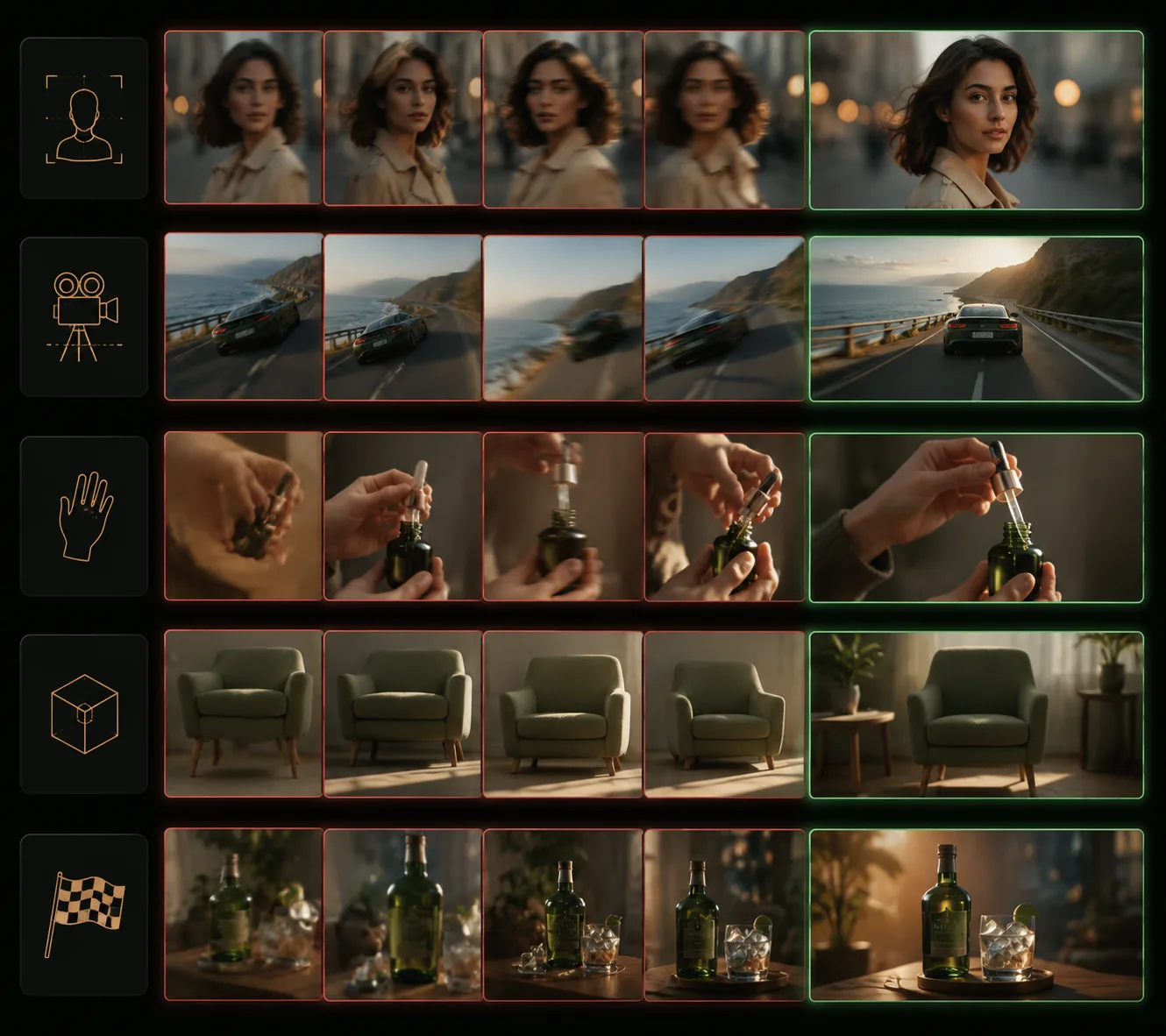
A model comparison is only useful if you review the same prompt, same source, same length goal, and same quality criteria.
Same source, fair test
To compare Seedance 2.5 vs Kling fairly, use the same input and evaluation rules.
Test plan:
- Choose one clean source image.
- Write one preservation-first prompt.
- Generate a short simple motion in both tools.
- Generate a more ambitious camera or action test.
- Compare subject stability, motion, detail, and final frame.
- Record which failure you can fix faster.
Prompt:
Keep the uploaded subject, identity, composition, color palette, and lighting stable. Animate a slow camera push-in with subtle natural movement. Keep hands, face, product shape, and background stable. End on a clean hero frame.
Do not compare a careful Seedance prompt with a vague Kling prompt, or the reverse. That tests prompt quality, not model fit.
Decision guide
| If your brief says... | Start with |
|---|---|
| "I need a 30-second scene with references." | Seedance 2.5 |
| "I want quick motion-control experiments." | Kling |
| "I need a product or character to stay consistent across a longer arc." | Seedance 2.5 |
| "I already use Kling's creative studio and effects." | Kling |
| "I need local refinement after one bad detail." | Seedance 2.5 |
| "I need to compare many short motion styles." | Kling |
Frequently asked questions
Is Seedance 2.5 better than Kling?
Not universally. Seedance 2.5 is easier to frame around longer 30-second scenes, many joined references, and targeted refinement. Kling is strong when its creative studio, motion control, and tool ecosystem fit your workflow.
Which is better for image-to-video?
Use Seedance 2.5 when the source image is part of a larger reference-heavy brief. Use Kling when you want quick image-to-video or motion-control testing inside the Kling ecosystem.
Which should I use for product videos?
Start with Seedance 2.5 if the product needs many references, a 30-second scene, or local refinement. Start with Kling if you are testing short motion ideas or already work inside Kling's toolset.
How should I compare them fairly?
Use the same source image, same preservation prompt, same motion goal, and the same review checklist. Compare stability, motion, detail, final frame, and how easily you can fix failures.
Sources checked
- Seedance 2.5 AI Video
- Kling AI official site
- Google DeepMind Veo page, used as a benchmark-style comparison reference
Bottom line
Choose Seedance 2.5 when the clip needs a longer planned scene, many references, and a refinement loop. Choose Kling when you want a broad creative studio and motion-control workflow that fits fast experimentation.