
How to Access Seedance 2: Available Routes Explained
Learn where to access Seedance 2.0 through a creator app or API, what each route supports, and what to check before generating.

You can access Seedance 2.0 through a creator platform that lists the model, such as Runway, or through BytePlus ModelArk for an API-oriented workflow. The exact availability, plan, region, and input limits depend on the provider. If you want a browser-based Seedance 2.5 workflow instead, our Seedance video generator is a separate hosted option. Check the live model name before paying or generating.
Last updated: August 28, 2026 · about 10 min read
“Access Seedance 2” can mean a simple web interface, a third-party creator workspace, or an API. Pick the route that matches the work.
Where can you access Seedance 2.0 right now?
There is no single universal login that covers every Seedance integration. The clearest current routes found in this research are a supported third-party creative platform and BytePlus's developer platform.
| Access route | Best for | What the current source confirms | What to verify before use |
|---|---|---|---|
| Runway | Creators who want a visual workspace | Runway documents Seedance 2.0 in its web app for Standard plans or higher | Plan, resolution mode, credits, queue, and current model availability |
| BytePlus ModelArk | Developers and API-led teams | BytePlus publishes a Dreamina Seedance 2.0 series tutorial in ModelArk | Account/region eligibility, endpoint, pricing, quotas, and data handling |
| Seedance 2.5 Video | Creators who want our hosted 2.5-oriented browser workflow | This is our product and a separate route, not the official ByteDance consumer app | Current model label, credit cost, duration, input fields, and terms on the live page |
This article does not claim that every site using the word “Seedance” is official or that every wrapper serves the same model build. Confirm the provider, exact model identifier, and live generation settings before uploading private media.
The fastest route: use a supported creator platform
Runway's current help page says Seedance 2.0 is available to Standard-plan users and above. In its web app, the documented path is to search beneath the creation bar or choose Video, then select Seedance 2.0 from the model dropdown.
Runway currently documents three creation modes:
- References for assigning roles to image, video, and audio inputs.
- Start/End frames for image-to-video or keyframe control.
- Text to Video for starting without media inputs.
Its August 2026 documentation lists 5–15 second output, 480p, 720p, or 1080p resolutions, and text, image, video, and audio inputs. The same page says 1080p is available in Credits Mode rather than Explore Mode. These are Runway's implementation details, not universal Seedance limits, and they may change.
Step-by-step in a creator app
- Open the provider's model selector and search for the exact text Seedance 2.0.
- Confirm your plan includes the model before adding credits.
- Choose text-to-video, start/end frames, or reference mode based on the inputs you actually have.
- Upload only media you own or are authorized to use.
- Check duration, aspect ratio, resolution, and estimated cost.
- Generate a short draft before spending on a high-resolution final.
- Review the complete output for faces, hands, audio, text-like artifacts, continuity, and policy compliance.
If the model does not appear, do not assume a similarly named option is identical. Check the platform's help center, account tier, region, and status page.
The developer route: use BytePlus ModelArk
BytePlus currently publishes a Dreamina Seedance 2.0 series tutorial under ModelArk and links to its API Explorer and SDK resources. That is the more natural starting point for a team that needs repeatable requests, stored parameters, application integration, or higher-volume testing.
An API route adds responsibilities that a creator interface hides:
| API decision | Why it matters |
|---|---|
| Authentication and secret storage | Keys belong on a trusted server, never in browser code or a public repository |
| Input hosting and retention | Uploaded media may contain people, products, or private client assets |
| Asynchronous job handling | Video generation commonly requires submit, poll or callback, then download |
| Cost and rate limits | A retry loop can spend money faster than a manual interface |
| Output expiration | Generated URLs may be temporary and need safe storage |
| Safety and consent checks | Automation does not remove your duty to review source rights and output |
Before implementing, use the current BytePlus documentation, not a copied request from a forum post. Endpoint names, model IDs, request schemas, and availability are time-sensitive.
Watch a current access walkthrough
The video below provides a visual walkthrough of finding and using Seedance 2.0. It had roughly 77,000 views when checked in August 2026, enough to serve as a useful supporting demonstration. Interfaces change quickly, so verify every pricing and access claim against the provider's live page.
We embedded this because it directly addresses access and workflow. We would omit a popular but unrelated video rather than add one only to increase time on page.
Which Seedance access route should you choose?
Choose by the job, not by whichever page has the loudest “free” label.
| Your situation | Best first route | Reason |
|---|---|---|
| You want to make one clip without coding | Creator platform | Visual inputs, settings, history, and review are already organized |
| You need text, image, video, and audio references in one workspace | Provider that documents those inputs | The implementation and limits are visible before generation |
| You are building a product or automated workflow | BytePlus/API route | Programmatic requests and job handling are the central requirement |
| You specifically want our hosted Seedance 2.5 experience | Seedance 2.5 Video | It is our product's current browser workflow, clearly disclosed |
| You only need a quick prompt test | Lowest-cost supported interface | A short draft reveals more than paying for a large run immediately |
Do not confuse Seedance 2.0, Seedance 2.5, Seedance Lite, and a provider's custom preset. A platform may expose one model, several versions, or a wrapper with its own limits. Record the visible model name in your project notes so a later comparison is reproducible.
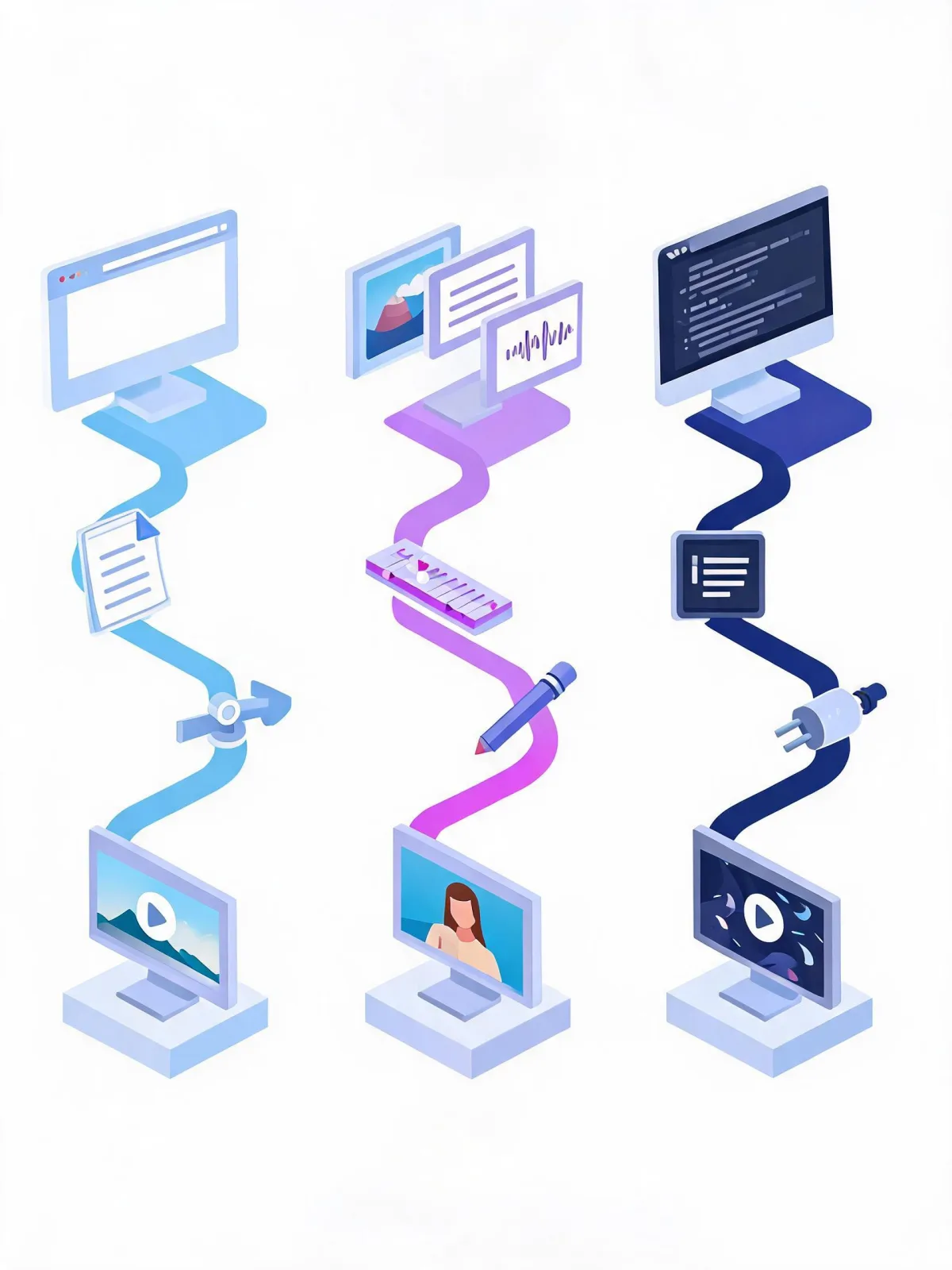
The best route is the simplest one that exposes the controls, cost, and model version your project needs.
What “free access” usually means
Search results frequently promise free or unlimited access. Treat those words as a claim to verify, not a permanent feature.
“Free” may mean:
- A one-time trial or welcome credits.
- A daily allowance with queues or lower resolution.
- An Explore mode with restrictions.
- A free interface that charges for downloads or premium settings.
- A temporary promotion.
Runway's current Seedance 2.0 documentation says Explore Mode supports unlimited 480p and 720p generations while 1080p uses Credits Mode, but it also says the model itself requires Standard or higher. Read both conditions together. Another provider can have a completely different plan.
Use the Seedance pricing page for our product's current credits, and always trust the cost shown immediately before a generation over an old blog screenshot.
Prepare your first Seedance 2.0 test
A good first test should answer one question and be cheap enough to repeat.
Text-to-video test
Use one subject, one action, one camera move, and one ending:
A ceramic coffee cup on a wooden table at sunrise. Steam rises slowly while the camera makes a gentle push-in. Warm window light moves across the cup. Single continuous shot. End on a stable centered frame.
Image-to-video test
Use a clean starting image and tell the model what must remain stable:
Use the uploaded image as the opening frame. Keep the person's identity, clothing, and room unchanged. The person looks toward the window and takes one slow step forward while the camera pans slightly right. Natural motion, stable face and hands, one continuous shot.
Reference-mode test
Assign a clear job to every input:
Use Image 1 for the character identity, Image 2 for the room, and Audio 1 for pacing. The character walks to the desk and opens the notebook. Preserve the face, outfit colors, desk layout, and lighting. End with the notebook centered.
For more structure, see the Seedance 2.5 text-to-video prompt guide and Seedance prompt examples. The model version differs, so adapt rather than copy blindly.
Access and safety checklist
Before the first paid render, confirm:
- The page names the exact Seedance version you intend to use.
- The provider is identifiable and publishes current terms and privacy information.
- Your account tier and region have access.
- You understand duration, resolution, aspect ratio, credits, and queue rules.
- Every face, voice, reference clip, and audio track is yours or authorized.
- API keys remain server-side.
- You have a plan for output review, storage, and deletion.
If the project involves a real person's likeness or voice, get clear consent and avoid deceptive impersonation. Access to a model is not permission to use someone else's identity or media.
FAQ
Can I use Seedance 2.0 for free?
It depends on the provider. Runway currently documents Explore Mode behavior but requires a Standard plan or higher for Seedance 2.0. Other providers have their own trials, credits, and restrictions. Check the live pricing screen.
Is there an official Seedance 2.0 API?
BytePlus ModelArk publishes a Dreamina Seedance 2.0 series tutorial and developer resources. Verify the current model ID, region, pricing, and request schema in BytePlus documentation before building.
Why can’t I find Seedance 2.0 in my account?
The model may depend on plan, region, staged rollout, or current provider availability. Search the exact model name and check the provider's current help center rather than selecting a similarly named model.
Is Seedance 2.5 the same as Seedance 2.0?
No. They are different version labels and may have different capabilities and provider implementations. Our site focuses on a hosted Seedance 2.5 workflow; it should not be presented as the official 2.0 interface.
Should I use a web app or API?
Use a web app for manual creation and a fast first test. Use an API when you need repeatability, integration, job tracking, or volume and can manage credentials, cost controls, storage, and safety review.
Related guides
- Open the Seedance 2.5 video generator →
- Write Seedance 2.5 text-to-video prompts
- Compare Seedance 2.5 and Kling
- Read the ByteDance Seedance model guide
Start with one short, authorized test, record the model version and settings, and only then scale the workflow.