
Seedance AI Video Generator: Approve a Real Estate Concept Clip
Approve or reject a Seedance AI video generator real-estate concept clip after rendering: trace it to verified media, catch factual drift, and define its scope.
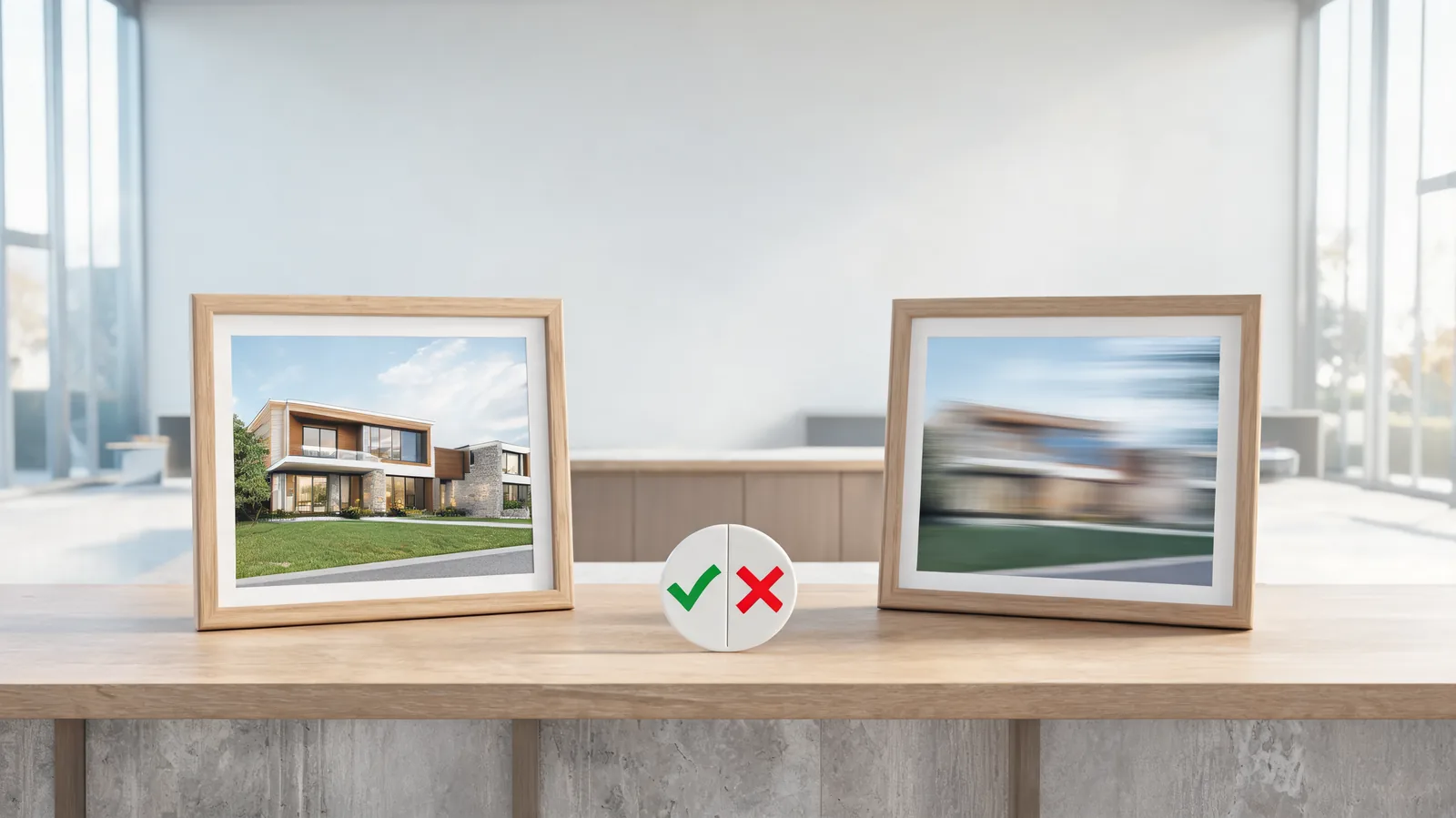
Approve a Seedance real-estate concept clip only after you can trace it to verified source media, compare the full output for factual drift, state its limited purpose, and record where it may be shown. If it adds a room, view, finish, fixture, person, or other detail that a buyer could take as real, reject it or replace that moment with verified photography or footage. A smooth clip is not a substitute for a truthful property record.
Published September 28, 2026 · Post-render listing-team approval guide
This is a companion to the earlier real-estate video prompt guide. That guide begins before generation: choose a verified photo, keep the shot restrained, and do not request unseen property features. This page begins after a clip exists. Its question is different: can a listing team use this specific output as a clearly limited concept, or should it be stopped before it reaches a buyer-facing channel?
The distinction matters because generated property media can look convincing while changing a factual detail. The National Association of REALTORS® notes that AI use in real estate requires thoughtful guardrails, and its AI resources collect material on both adoption and risk. This is practical editorial guidance, not legal advice. Confirm the current rules, brokerage policy, MLS requirements, platform terms, and local disclosure obligations that apply to the actual listing.
Start the approval with a source-to-clip match
Do not review a generated clip by itself. Put the exact source photo or footage beside it and name what the source can prove. A photo of a kitchen can support a limited concept motion of that kitchen; it cannot prove the next room, a view outside the frame, an upgraded appliance, or a larger floor plan.
| Record | What to capture | Why it matters |
|---|---|---|
| Verified source | File or approved listing-media reference, rights note, and date | A reviewer needs a factual baseline, not a memory of the image |
| Generated candidate | File name or version, generation date, and full clip | Stops a chosen still from standing in for the actual output |
| Intended use | Internal review, clearly labeled social concept, or another defined scope | A concept for a mood discussion is not automatically listing media |
| Protected facts | Visible rooms, windows, fixtures, boundaries, finishes, and view | Makes material drift easier to catch |
| Decision owner | The person authorized to accept, reject, or request real media | Keeps an attractive preview from becoming an unowned decision |
If the team cannot identify the source, the permission, or the planned channel, pause. That is not a paperwork problem; it means the clip cannot be reviewed against a stable truth. Do not use a generated frame to reconstruct a missing fact later.
Watch for factual drift across the full output
Play the clip at normal speed before stopping on individual frames. Then compare the opening, the most active portion, and the final frame with the verified source. Small visual shifts can matter in property marketing when they alter what a viewer thinks is present.
Reject or replace a clip when it:
- adds, removes, or relocates a window, door, fireplace, balcony, appliance, fixture, or room boundary;
- changes the exterior, landscaping, neighboring context, view, daylight direction, or apparent lot relationship in a misleading way;
- changes a material finish, furnishing, accessibility feature, size cue, or condition that a buyer may interpret as factual;
- introduces people, vehicles, signs, logos, readable text, or a location implication that was not approved;
- makes a concept feel like an authentic walkthrough, inspection record, or proof of a property feature.
Some differences are not material to a narrowly labeled concept: a restrained camera drift over the same verified interior, for example, may be acceptable if every relevant feature remains faithful and the permitted use is clear. Do not turn that into a blanket rule. The decision belongs to the actual source, audience, and claim being made.

A concept clip earns approval only after a reviewer can link every important visual claim back to verified source media.
Choose a limited publishing scope, or do not publish it
An approved concept needs a stated job. “Marketing” is too broad. Say whether it is an internal mood reference, a producer’s edit test, a broker-reviewed social concept with clear disclosure, or something else that has been specifically approved. The intended use determines what the team must preserve and how prominently it must separate concept material from verified listing media.
| Possible decision | When it can fit | Required limit |
|---|---|---|
| Internal concept only | The clip helps choose a real shoot or edit direction | Keep it out of buyer-facing distribution |
| Clearly labeled concept post | The source supports the visible subject and the team has approved the label and channel | Keep the label and the verified listing reference with the post |
| Use only as background texture | No property feature, layout, or selling claim depends on the clip | Do not cut it beside unqualified factual claims |
| Reject and replace | A material fact drifted or the audience could rely on the image | Use real photo, video, floor plan, or verified copy instead |
Clear labeling is not a cure for a false visual claim. If the clip shows a feature that is not verified, the safer fix is to remove the clip or replace it with truthful media—not to add a smaller disclaimer. Keep the original and generated versions separate so an editor does not later mistake the synthetic candidate for approved listing footage.
Make an approval note that another person can understand
Use plain observations, not an argument that a model is generally reliable. A useful note can be short:
Candidate:
kitchen-concept-v02· Source: approved kitchen still dated September 28 · Decision: reject for public use. The opening holds the cabinet layout, but the middle adds a second window and the ending changes the island proportions. Use the verified still or schedule real video for this sequence.
If the candidate is approved for a limited concept use, record the permitted channel, audience, approved label, reviewer, date, known limitations, and the exact source it came from. Retain that record alongside the file. A later editor should not have to infer whether a visually polished clip was factual footage, a rejected experiment, or a limited concept.
For broader client-facing media checks, see the commercial-use client video checklist. For the separate question of whether the rendered camera motion itself is usable, see Seedance camera-move review. Neither replaces a property-specific factual comparison.
Escalate instead of improvising when the claim is important
Choose verified conventional media when a frame needs to establish a room count, layout, square footage, amenity, condition, boundary, view, accessibility feature, or any detail a buyer might rely upon. The same applies when source rights, consent, client authorization, or an applicable rule is unclear.
Do not use a synthetic clip to solve the absence of a property image. A missing real shot is production information: it may call for a new shoot, an approved floor plan, a factual caption, or a decision not to make that claim. The image-upload privacy checklist is a useful earlier stop when the source contains private, client, or recognizable-person information.
Frequently asked questions
Can I approve a generated real-estate clip because it looks like the source photo?
No. Compare the whole clip with the verified source and reject it if it adds, removes, or changes a material property detail, changes the meaning of the image, or could be mistaken for real walkthrough footage. A plausible still is not enough.
What should accompany an approved property concept clip?
Keep the verified source reference, clip version or file, reviewer and date, observed limitations, the permitted channel and audience, and the exact disclosure or label the team will use. Confirm current local and platform requirements separately.
When should a real-estate AI concept clip be replaced with real media?
Use real photography or video when the clip would need to prove a room, feature, view, layout, finish, condition, amenity, or other fact a buyer may rely on. Do not use a concept render to fill a missing factual shot.
Approve the evidence, not the attractive frame
The best post-render decision is specific: keep this version only for this limited purpose, or replace it with verified media because a real property fact must carry the shot. That protects buyers, clients, and the next person who touches the listing. If a controlled concept test is still appropriate, open the Seedance studio only with a verified source and a review owner already in place.