
Hailuo vs Seedance: Brief-Translation Checklist for a Fair Test
Translate a Hailuo video brief into a small Seedance test without copying hidden assumptions: preserve the goal, map inputs, and set acceptance criteria first.
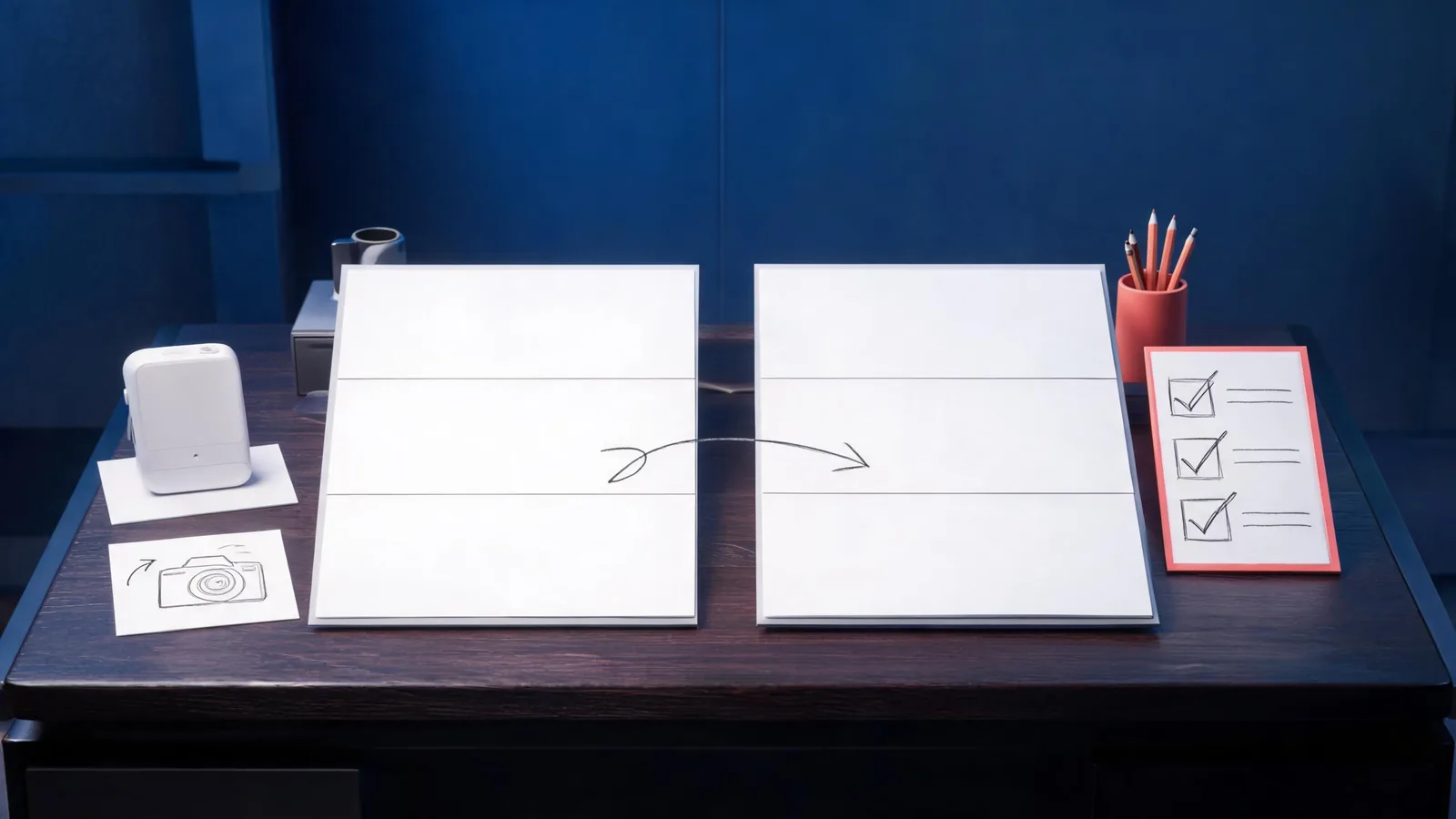
To translate a Hailuo brief into a Seedance test, preserve the job—not the wording. Keep the permitted source, shot purpose, main action, frame, and review rule stable; then rebuild the input and setting choices from the controls that are actually live in Seedance. This produces a fair decision without pretending two tools share the same hidden parameters.
Published September 23, 2026 · about 9 min read
This companion is for a team that already has a Hailuo brief and wants a disciplined Seedance test. It does not name a universal winner or replace the earlier matched first-test comparison. That page asks which tool fits a first project. This one asks a narrower workflow question: how do you translate an existing brief without copying assumptions that belong to the original tool?
Hailuo’s own prompt anatomy guide frames a prompt as a set of deliberate decisions. That is the useful overlap. The exact control names, input handling, access, and output behavior still need to be checked in the current product you intend to use.
Start with a brief that survives the move
Before opening either generator, write the brief in tool-neutral language. Avoid a list of settings or brand-specific syntax. A portable brief can be read by a producer, editor, or another tool without losing the decision it is meant to make.
| Brief field | Keep this stable | Do not assume transfers unchanged |
|---|---|---|
| Purpose | The message or decision the clip must support | A showcase-style result proves the purpose was met |
| Source | The same permitted still, footage, or text premise | Both tools interpret references or assets in the same way |
| Main action | One visible action with a defined direction and pace | A motion phrase maps to identical camera or subject behavior |
| Frame and ending | Intended aspect ratio, composition priority, and edit point | A numeric duration or final-frame control is available everywhere |
| Acceptance rule | The concrete condition that makes a clip usable | A pretty thumbnail is enough evidence |
For example, replace “use the Hailuo setting that made the character feel premium” with: “a permitted product bottle remains recognizable while the camera makes a slow three-quarter push-in; the last second must hold cleanly for an editor’s cut.” The second version gives Seedance a clear creative target without importing a setting it may not expose.
Build a Seedance test card from the Hailuo brief
Translate each part once. The point is not to reproduce every word; it is to make the next render explain itself.
- Name the baseline. Save the Hailuo brief, source, prompt, and review note as the original. Do not overwrite it after seeing the Seedance output.
- Choose one Seedance input path. Decide whether the new test is text-led, image-led, or reference-led based on the assets and controls you can see. Seedance documentation distinguishes these paths because an image can anchor appearance while a reference workflow may assign different roles to assets. See the Seedance 2.0 guide for the current conceptual model.
- Rewrite the prompt as direction. State subject, action, environment, visual treatment, camera behavior, and any limits. Remove opaque syntax and unexplained numbers from the Hailuo version.
- Record the live settings. Note the model, mode, available duration, frame, resolution, and displayed estimate before you submit. The live-controls checklist keeps this factual rather than assumed.
- Set a single acceptance rule. Choose one thing the output must preserve: product silhouette, character identity, a camera path, or an edit-ready ending. A long scorecard too early produces vague conclusions.
The translated test card might read: “Use the approved product still. Keep the label area and silhouette stable. Create a gentle forward camera move with small reflected-light changes; no new objects enter. End on a clean, centered frame suitable for a one-second hold. Accept only if the product remains recognizable at normal playback.” That is enough to test intent without promising a specific result.
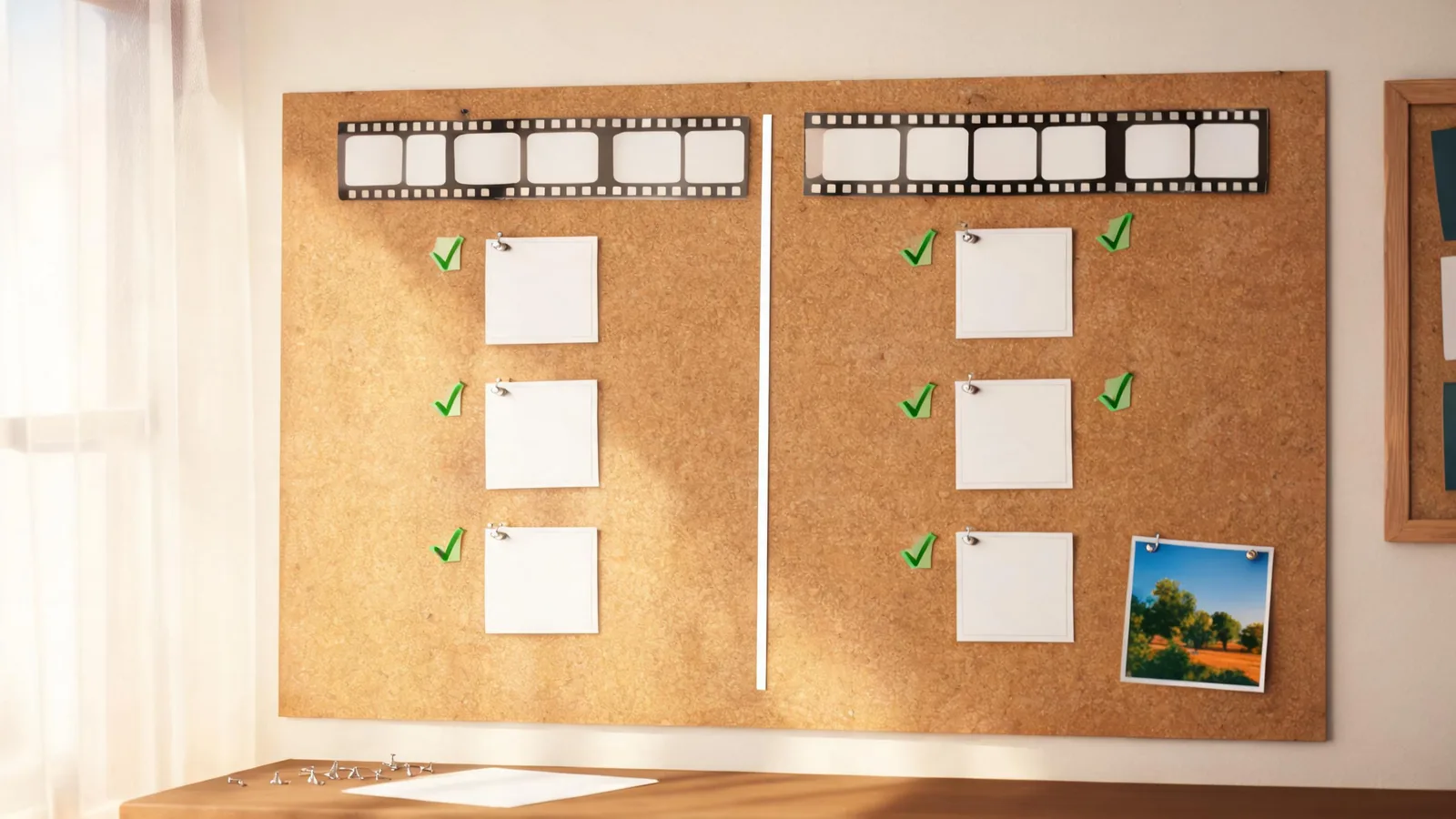
Keep the Hailuo baseline and the Seedance test card separate so later edits do not rewrite the evidence.
Map assumptions before you compare an output
A direct prompt paste can create an unfair result because it hides a change in inputs. If Hailuo used a particular image pipeline, duration, or reference behavior, Seedance may need a different setup to answer the same creative question. That is not a failure by either tool; it is a comparison condition that should be recorded.
Use this short mapping pass before calling either result better:
- Inputs: Did both tests use the same permitted source? If not, state why the source had to change.
- Instruction: Is the same main action present, expressed in plain language?
- Motion: Was the camera or subject movement equally restrained in both tests?
- Time and frame: Are the outputs comparable enough for the intended edit decision?
- Review: Did you inspect the complete clip at normal speed and the planned end frame?
Do not turn a missing control into a guessed substitute. If you cannot reproduce a condition, label the test “not comparable for that condition” and test a smaller shared goal instead. This is particularly important when a brief depends on provider-specific pricing, model availability, voice behavior, or an asset feature that has changed since the original test.
Use two passes, not a winner declaration
The first pass is a preservation test: same allowed source, one clear action, mild movement, and a usable ending. Its job is to reveal basic subject stability and whether the brief is intelligible in each workflow.
The second pass is optional. Add one requirement only after the baseline has a clear outcome. For a product clip, that may be a gentle lateral camera move. For a character scene, it may be a single turn or a simple interaction. Keep the other fields stable. A second pass is not an excuse to add every style note, action, and transition from a full campaign brief.
Write the decision in production terms:
| Review finding | Next step |
|---|---|
| The source stays coherent and the ending is usable | Keep the test card; move to the next planned requirement. |
| The main subject drifts during mild motion | Simplify the motion or improve the permitted source before adding complexity. |
| A required condition cannot be mapped | Mark that condition non-comparable; do not call one result a broad winner. |
| The output looks attractive but misses the purpose | Reject it for this brief and state the exact missing requirement. |
For a separate controlled comparison framework, return to Seedance vs Hailuo: a matched first test. For moving an established project from another tool rather than comparing one short test, the Runway migration checklist shows why a baseline and rollback note matter.
Limits and disclosure
This workflow does not claim that Seedance and Hailuo have equivalent models, policies, output quality, pricing, or commercial terms. Product controls can change, and a result from one account is not a benchmark for another. Review current terms, account access, source permissions, and the visible estimate in the tool you are using.
Seedance2-5.video is an independent creative studio, not ByteDance’s official Seedance website. The Hailuo source linked above is used to explain prompt-planning concepts, not to make claims about Hailuo’s current product contract. The test card is an editorial method; it cannot guarantee a particular generated clip.
Frequently asked questions
Can I paste a Hailuo prompt directly into Seedance?
Reuse the creative intent, but do not presume model-specific settings, reference syntax, durations, or provider controls transfer. Rewrite it as a Seedance test card and confirm the live controls before generating.
What should stay the same in a Hailuo-to-Seedance test?
Keep the permitted source, shot purpose, main action, delivery frame, and acceptance rule stable. Map inputs and settings separately rather than forcing matching parameter names.
How many test renders make a fair comparison?
Start with one restrained baseline in each workflow. Add a second test only if it answers a known question, such as whether one additional movement requirement remains usable.
Translate the brief, then test the smallest claim
Open the Seedance studio with a permitted source and a tool-neutral test card. Preserve the Hailuo brief as the baseline, change only what the live Seedance controls require, and keep an outcome that an editor can review rather than a claim that one tool won everywhere.