
Seedance vs Runway: Project Migration Checklist Before You Switch
Move an AI video project from Runway to Seedance carefully: preserve sources, rights, a baseline, acceptance criteria, a parallel handoff, and a rollback path.
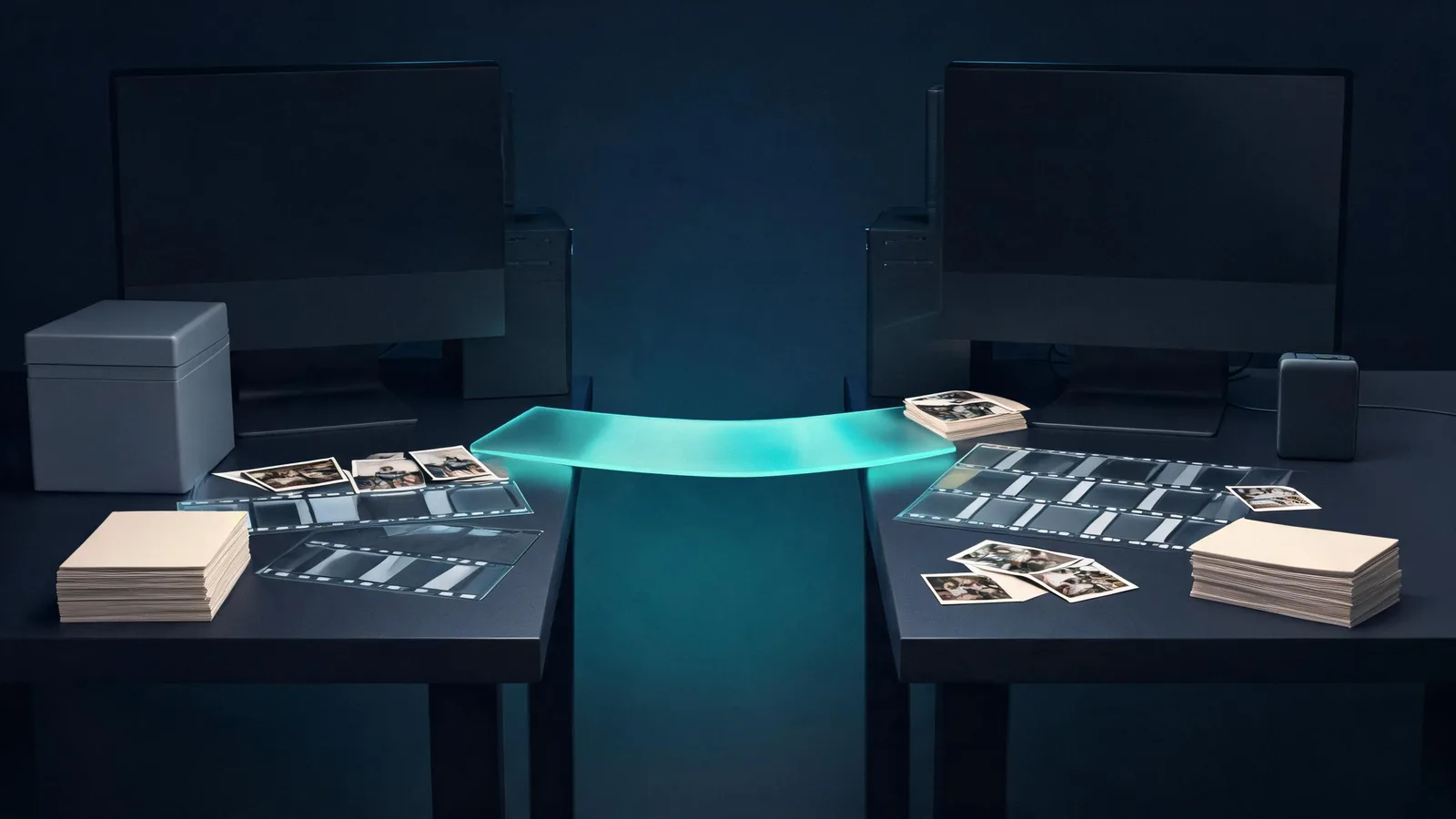
Before moving a Runway project to Seedance, keep the original project live, retain only the source assets and exports you are allowed to use, define acceptance criteria, and run one small parallel handoff with a rollback path. Do not switch a whole campaign because of a single attractive render. A safe migration tests whether one bounded shot can meet the same approved purpose while preserving the records, rights, and review points the team needs.
Checked September 11, 2026 · transition decision checklist
This is a companion to the broad Seedance 2.5 vs Runway workflow comparison, not a rewritten head-to-head feature table. That article helps choose a workflow for a shot. This one answers a different question: how can a team with an existing Runway project test a switch without losing its source history or treating the new output as an automatic replacement?
There is no basis here to claim a winner, a universal price difference, or that one platform can import another platform’s project file. This is a conservative project-handoff process.
Do not migrate a project file; migrate a defined decision
Start by naming one small job that is worth testing. Good first candidates are a non-sensitive product-concept shot, an atmospheric cutaway, or a fictional scene with no exact typography. Avoid the campaign’s only approved master, a deliverable with unclear rights, a person without documented permission, or a clip that must reproduce exact copy.
The test asks a narrow question: can a new Seedance workflow produce a reviewable alternative for this one purpose? It does not ask whether the new render is the same as the old one, whether every setting translates, or whether the team should close the original account.
| Pick for the parallel test | Leave in the original workflow for now |
|---|---|
| One bounded clip with a known purpose | The only approved campaign master |
| A permitted source and clear visual constraints | Confidential or rights-uncertain material |
| A prompt that can be simplified into one motion and camera choice | Exact text, legal copy, or regulated claims |
| A reviewable final-frame need | An unrepeatable deadline with no rollback time |
This keeps the switch reversible. It also stops a strong thumbnail from becoming an unsupported argument to move every asset at once.
Inventory the source, not just the generated result
A generated clip is only one part of a project. Before copying a prompt or uploading an asset somewhere else, build a compact handoff record. Use files you own or are authorized to use, and read the current account rules for the platform where those files were created or stored. Runway’s Terms of Use are one official starting point; they are not a substitute for your client agreement or legal advice.
| Handoff item | What to preserve | Why it belongs in the record |
|---|---|---|
| Original source files | The permitted stills, footage, audio, and project-side copies | A preview may not be a usable source or proof of permission |
| Rights and consent note | Owner, allowed purpose, restrictions, and approval date | The next tool does not inherit permission automatically |
| Baseline output | The selected original clip and its delivery version | It gives reviewers a real reference without overwriting it |
| Prompt and settings note | The readable brief, model/mode shown, date, and visible controls | A copied prompt alone rarely captures the whole setup |
| Delivery need | Aspect ratio, destination, timing, safe-area, and final-frame use | It prevents a technically nice result from failing the edit |
Make the record factual. “Looks cinematic” is not an acceptance criterion. “The unbranded bottle silhouette stays recognizable, one slow camera move is visible, the ending holds for two seconds, and no invented copy appears” is something a reviewer can evaluate.
Freeze a baseline before you test
Save the chosen original output and document why it was approved. Do not edit, delete, redirect, or republish the source comparison page or the old project because a handoff is being explored. The baseline is your rollback path.
Then make a one-page acceptance brief. It should contain the shot purpose, the three or four details that must survive, one motion or camera priority, prohibited implications, and the person who can accept or reject the result. A small brief turns a subjective platform debate into a reviewable project choice.
For example:
Purpose: a concept cutaway for an internal product review. Keep the plain container silhouette, side-light direction, and three-quarter composition. Show only one slow push-in. End on a steady, editable hold. Do not generate readable packaging, a logo, people, or a performance claim. The creative lead reviews visual fit; the project owner confirms source permission.
The example deliberately leaves out a brand name and exact packaging. If exact identity, a factual claim, or regulated copy is essential, use a conventional production process rather than treating a generative handoff as a reliable reproduction method.
A migration is safer when the original record, a defined test, and a separate rollback copy remain visible.
Run one parallel handoff in Seedance
Open the Seedance studio and first confirm the controls that are presently visible to the account. Select the mode that matches the source you have permission to use. Do not assume an option mentioned in an older article, a different provider, or another account will be present.
Use the source record to write a shorter, preservation-first prompt. Keep one subject, one intended movement, one camera behavior, and a settled ending. Treat the run as a concept test. If a project needs an image-led baseline, the Seedance image-to-video guide explains how to prepare a source and review motion without promising exact preservation.
Runway-to-Seedance is not necessarily a one-to-one transfer. Model behavior, interface controls, queue behavior, credits, and available settings may differ. A good handoff log names those differences rather than disguising them as model quality.
| Compare after the complete output is available | Ask this instead of “Which is better?” |
|---|---|
| Brief fidelity | Did the result answer the one planned visual question? |
| Protected details | Did the agreed composition, object relationship, or palette remain usable? |
| Motion and camera | Did the requested motion stay understandable without unrelated changes? |
| Final frame | Can an editor actually hold, cut from, or transition out of it? |
| Risk and rights | Did the output add text, a logo-like mark, a person, or a claim that requires rejection? |
Do not score one result as an objective benchmark. A passing parallel handoff only establishes that this bounded work can move to the next test. It does not establish that all existing Runway projects should move.
Decide, then keep the rollback path
At review, make one of three decisions:
- Keep the original workflow. Use this when the test fails a protected detail, source-rights, final-frame, or delivery criterion.
- Repeat one controlled test. Change one observable variable, such as the camera instruction or source crop, while keeping the rest of the brief fixed.
- Expand carefully. Only after the first handoff meets its criteria should the team select another similarly bounded shot.
Store the result beside the baseline, not over it. Record the reason for the decision and any known limitation. For client-facing work, the Seedance video editor handoff checklist helps preserve the source note, usable range, version, and limitation for the editor.
Rights, limits, and disclosure
Seedance2-5.video is an independent creative platform, not Runway or ByteDance. Its live availability, accounts, credits, export conditions, and provider behavior can change. Confirm the actual terms and on-screen conditions before using a project asset or making a commercial delivery decision.
Generated video should not be presented as proof of a real event, product performance, consent, or endorsement. Keep the original source, consent, and approval notes with the project. This checklist is a production-control aid, not legal advice; for a high-risk campaign, unresolved licensing question, or sensitive person, involve the responsible client representative and qualified counsel.
Frequently asked questions
Should I move an entire Runway project to Seedance at once?
No. Keep the original project intact, export or retain the assets you are permitted to use, and run one small parallel handoff first. A migration is a reversible workflow decision, not a claim that one tool will match every result.
What should I preserve before switching an AI-video project?
Keep the original source files, rights and consent notes, selected baseline output, prompt and settings record, delivery requirements, and approval criteria. Do not rely on a generated preview or a copied prompt as the only project record.
How do I decide whether the Seedance handoff passed?
Use criteria written before the test: protected visual details, the requested motion, final-frame usefulness, rights and claim review, and delivery fit. If a criterion fails, retain the original workflow and change only the next test variable.