
Seedance 2.5 vs Runway: AI Video Workflow Comparison
Compare Seedance 2.5 vs Runway for short AI video workflows, references, motion, clip length, refinement, and model choice.
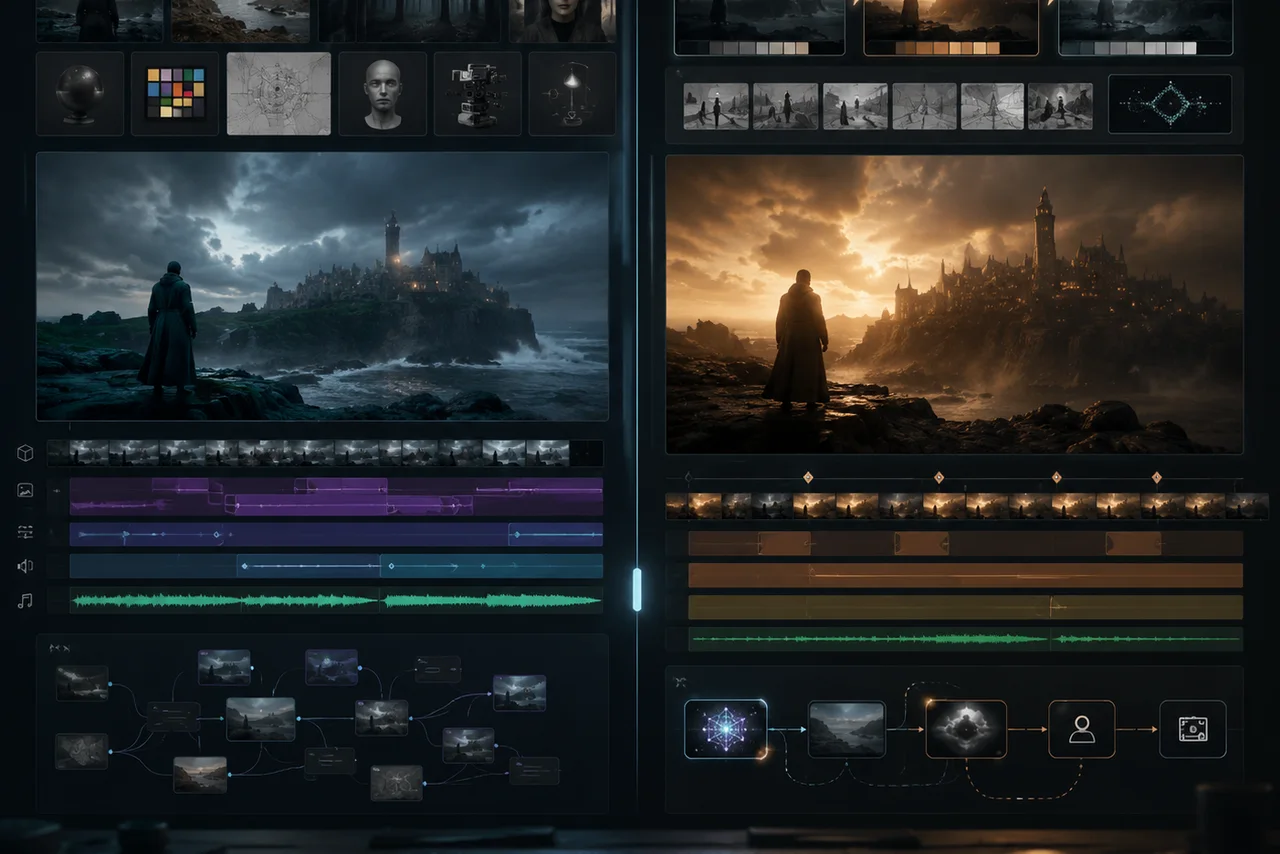
Seedance 2.5 vs Runway is not a simple winner-takes-all comparison. As of July 5, 2026, Seedance 2.5 is easier to frame around 30-second single-segment scenes, up to 50 joined references, continuation, and targeted refinement. Runway is broader: its official pages position Gen-4 and Gen-4.5 around consistency, realistic motion, prompt adherence, visual fidelity, and a mature creator platform.
Last updated: July 5, 2026 - about 8 min read
If you are choosing an AI video generator for short videos, start with the job, not the brand. A product scene, a character clip, a social ad, and a film-style concept do not need the same workflow. The common seedance vs runway search is really a workflow question: which system gets the specific clip finished with fewer failed renders?
This guide compares Seedance 2.5 vs Runway through the questions that usually decide the result: how many references you need, how long the scene should be, how much control you need after the first render, and how quickly your team can review failures. In plain seedance vs runway terms, Seedance is easier to frame around one reference-heavy scene, while Runway is easier to frame as a broader platform decision.
Quick answer
Choose Seedance 2.5 when you need:
- A longer single scene planned around a 30-second arc.
- Many joined references: product, person, setting, motion, audio, style, or final frame.
- A workflow that expects continuation and local refinement after the first render.
- A reference-heavy AI video generator for product, character, or story scenes.
Choose Runway when you need:
- A broad creative platform with multiple video and world-model products.
- Gen-4 or Gen-4.5 style workflows focused on consistency, visual fidelity, prompt adherence, and cinematic motion.
- A mature interface for teams already working inside Runway.
- A platform where Seedance 2.0 is also available as one option.
Neither choice is permanent. AI video models change fast. Test the same prompt and source assets in both workflows before moving a campaign or production pipeline.
Feature comparison
| Area | Seedance 2.5 | Runway |
|---|---|---|
| Best use case | Longer reference-heavy short videos | Broad creator platform and cinematic generation workflows |
| Scene length framing | Native 30-second single-segment positioning | Runway's Seedance 2.0 page lists up to 15 seconds per video; Gen workflows vary by product |
| References | Up to 50 joined reference assets across images, video, and audio | Runway emphasizes visual references, characters, objects, locations, and creator workflows |
| Motion | Plan one longer arc with controlled camera and subject motion | Strong official positioning around realistic motion, prompt adherence, and world consistency |
| Refinement | Continuation and targeted/local edits are part of the Seedance 2.5 pitch | Platform-level editing and generation tools depend on the selected Runway product |
| Best first test | One product or character scene with many references | One cinematic prompt and one image-to-video or world-consistency test |
This table is about workflow fit. It is not a benchmark. A fair Seedance 2.5 vs Runway test needs the same source, prompt, duration target, and quality rubric.
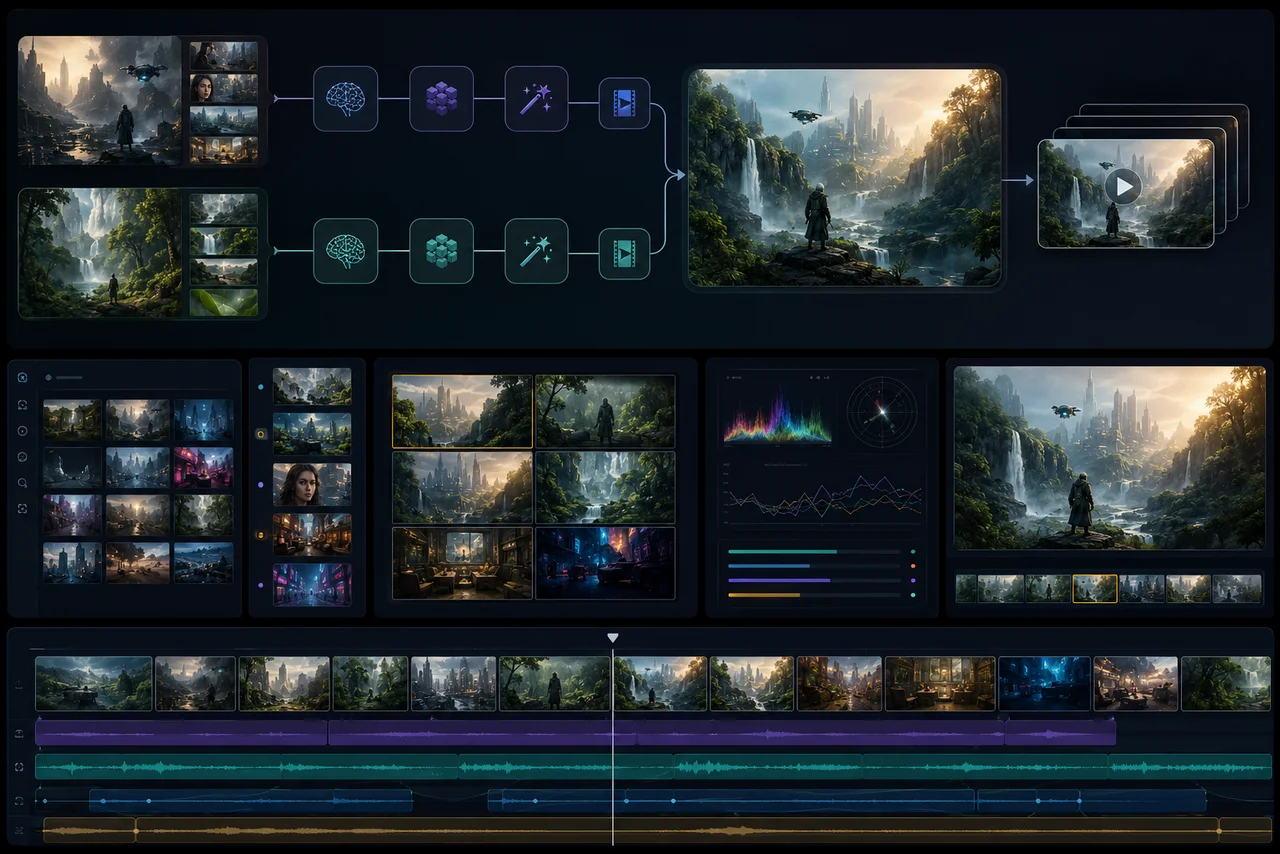
Compare workflows with the same source assets, not with one careful prompt and one vague prompt.
Where Seedance 2.5 fits better
Seedance 2.5 is strongest when the brief has many moving parts. A simple prompt can make a nice clip, but the real value appears when the AI video generator needs more context.
Use Seedance 2.5 when the brief includes:
- A product image and package reference.
- A person, outfit, or character reference.
- A style board or lighting reference.
- A motion reference.
- A final frame or ending pose.
- A longer 30-second beat map.
- A local fix after the first render.
For example, a product launch video might need a clean hero shot, a hand interaction, a background style, a brand palette, a camera push, and an ending frame. That is more than one image prompt. The Seedance 2.5 workflow is built around giving the model more of the production brief at once.
Where Runway fits better
Runway is attractive when you want a larger creative platform. Its official site currently highlights Gen-4.5 as a video model focused on motion quality, prompt adherence, and visual fidelity. The Gen-4 research page emphasizes consistency for characters, objects, locations, and world environments. Runway also has a product page for Seedance 2.0 on Runway, which positions it as a three-step workflow with text, image, video, or audio references and up to 15 seconds per video.
That matters if your team already reviews, stores, and edits work inside Runway. The best AI video generator is sometimes the one that reduces handoff friction, even if a different model looks better in one isolated sample.
Short-video decision guide
Use this when the brief is still blurry.
| Your brief says... | Start with |
|---|---|
| "We need one longer social scene with setup and payoff." | Seedance 2.5 |
| "We need many references to hold the same product or person." | Seedance 2.5 |
| "We already work in Runway and want cinematic tests fast." | Runway |
| "We need world consistency across characters, places, or objects." | Runway Gen workflow |
| "We need to refine one bad region without throwing away the idea." | Seedance 2.5 |
| "We want to compare several creative models in one platform." | Runway |
For more competitor context, see Seedance 2.5 vs Kling and Seedance 2.5 vs Google Veo.
How to run a fair Seedance 2.5 vs Runway test
Do not compare random outputs. Use a controlled test. A fair seedance vs runway test should remove as many variables as possible.
- Choose one clean source image or reference set.
- Write one preservation-first prompt.
- Define the output goal: 5 seconds, 10 seconds, or 30 seconds.
- Generate the simplest motion first.
- Generate one harder motion second.
- Score stability, motion, subject identity, product shape, camera smoothness, and final frame.
Prompt to start:
Keep the uploaded subject, identity, product shape, lighting, and color palette stable. Create a slow cinematic camera push-in with subtle natural motion. Avoid warping hands, face, product edges, or background. End on a clean hero frame.
The winner is not the model that makes the flashiest first clip. It is the workflow that gives you the most usable clip with the fewest failed renders. That is the only seedance vs runway result that matters for production.
Sources checked
Frequently asked questions
Is Seedance 2.5 better than Runway?
Not universally. Seedance 2.5 is easier to frame around 30-second reference-heavy scenes and targeted refinement. Runway is broader and may fit teams that already use its creator platform, Gen models, and editing workflow.
Which is better for short AI videos?
Use Seedance 2.5 when the short video needs a longer planned arc or many references. Use Runway when you want a mature creative platform, cinematic model tests, or workflows your team already runs there.
Is Seedance available on Runway?
Runway has an official Seedance 2.0 product page. That is different from Seedance 2.5, so check the current model and feature set before comparing outputs.
How should I compare Seedance 2.5 vs Runway?
Use the same source assets, prompt, duration target, and review criteria. Score subject stability, motion, prompt adherence, final-frame usability, and how easily you can fix failures.
Which AI video generator should product teams test first?
Start with Seedance 2.5 if the product video needs many references, a longer scene, or local refinement. Start with Runway if your team already has Runway workflows or wants broader cinematic model testing.