
Seedance Cinematic Shot List: Plan Clips Before Prompts
Build a Seedance cinematic shot list before prompting: choose purpose, framing, motion, continuity, and a usable ending for each clip.
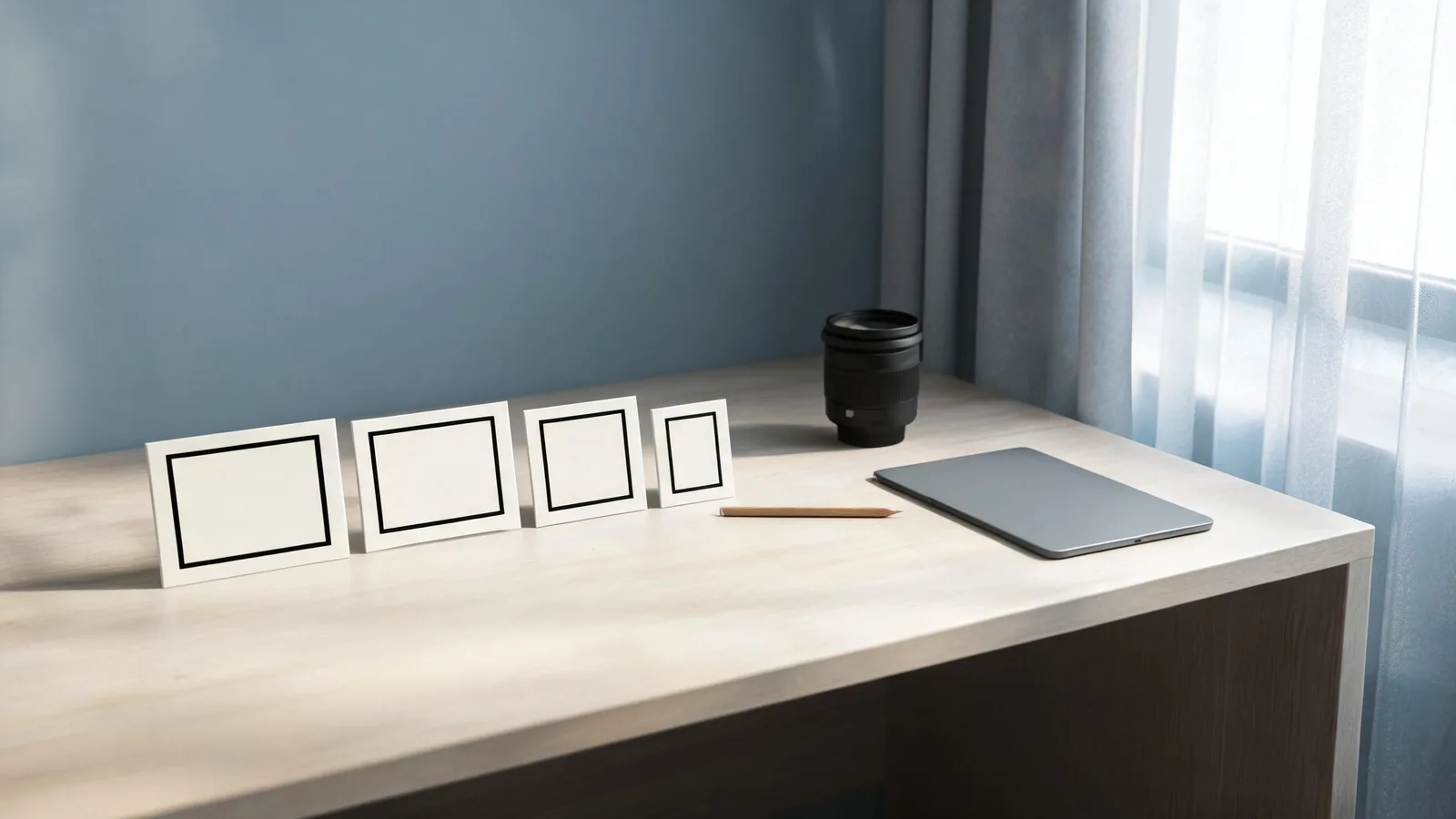
Make a Seedance cinematic shot list before you write prompts: give each clip one purpose, one framing choice, one visible action, one camera behavior, and a final frame the edit can use. Start with a five-shot sequence—establish, orient, show the key action, reveal a detail, then hold on a finish. This pre-prompt decision is different from writing cinematic prompt language: it tells you whether a shot deserves to be generated at all.
Updated September 1, 2026 · about 8 min read
Why a shot list comes before the prompt
The existing cinematic prompts guide explains how to describe a shot. This companion answers an earlier production decision: which shots are needed, what each needs to communicate, and how they will cut together.
Without that decision, a prompt can become a pile of camera terms. "Cinematic," "dramatic," "slow orbit," "wide shot," and "close-up" may all sound attractive, but they do not tell the model or the editor what matters first. A shot list reduces the brief to visible choices that can be reviewed.
Before you make one, define the boundary: a generated clip is a concept or production element, not evidence that an event occurred. Do not use a cinematic treatment to imply a customer claim, an endorsement, a historical event, or real documentary footage unless you can independently support it.
The six fields for every clip
Keep the list in a document, not only in your head. One short row per shot is enough.
| Field | Question to answer |
|---|---|
| Purpose | What should the viewer understand or notice here? |
| Framing | Wide, medium, close, or detail—and why? |
| Subject and action | What is the one visible change? |
| Camera | Static, push-in, track, or another single behavior? |
| Continuity | Which source, light, wardrobe, object, or direction must stay consistent? |
| End frame | What clear composition should the next edit receive? |
If a row needs several actions, split it. If the purpose is vague, it is probably an atmosphere shot, not a missing plot point. That is a useful distinction: an atmosphere shot can be generated from a simple unbranded scene, while a factual claim may need real approved footage instead.
A five-shot starter sequence
This sequence is deliberately generic. Adapt it to a product concept, a fictional scene, or a permitted client visual without inventing properties, people, or results.
1. Establish the space
Use a wide frame to place the viewer in a simple environment. The shot does not need fast motion.
Wide view of a quiet sunlit studio table near a window. Soft daylight crosses the surface. Locked camera, one continuous shot, stable room geometry, no readable text or logos. End on the centered table.
The purpose is orientation, not drama. A stable wide opener also gives an editor clean space for an independently verified title card.
2. Orient to the subject
Move to a medium frame only when it introduces the object, person, or decision that matters. With a recognizable source, use a permitted reference and identify only the details the viewer actually needs to recognize.
Medium view of the approved unbranded object on the table. A soft reflection shifts slightly across its surface. Gentle camera hold. Preserve silhouette, material edge, and table position. End with the object centered.
For a real product, do not ask the generated clip to render exact labeling, ingredients, safety information, or performance. Put verified facts in normal product photography, copy, or conventional post-production.
3. Show one action
The action shot earns its place by showing a single change: an object rotates slightly, a curtain moves, a person with permission takes one small step, or a light changes. Keep the camera calmer than the action when possible.
The curtain beside the window moves gently in a light breeze while the table and object remain still. Slow, natural movement, locked camera, stable lighting direction, one continuous shot. End when the curtain settles.
If motion produces warping or a jump, do not add extra negative wording first. Reduce the action or choose a cleaner source. The warping diagnostic guide is useful when an object, face, or background fails the full-frame review.
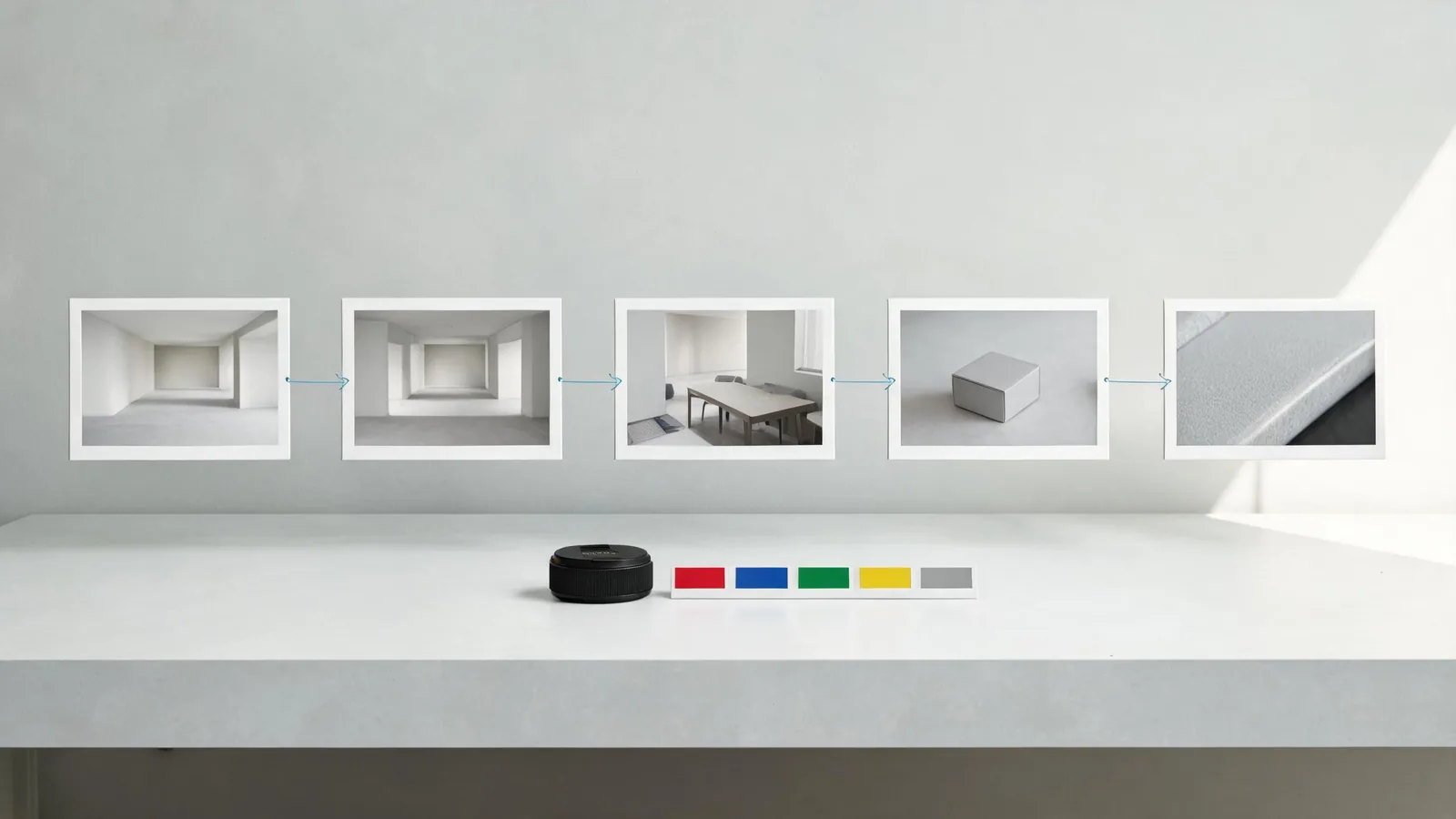
An editorial planning illustration, not a claimed Seedance output or a fixed formula for every project.
4. Reveal the detail
A detail shot should answer a visual question that the wider frame could not. It might show texture, a hand's safe non-identifying interaction with an object, or light moving across a generic surface. It should not invent a critical claim.
Close detail of a plain material surface in natural side light. One slow highlight moves across the texture. Keep material edges stable, no text, no logo, no added objects. Finish on a sharp still frame.
The end hold matters. It provides a cut point and lets you inspect whether the close-up created strange geometry that a quick playback would hide.
5. Finish with a usable hold
The final shot is not automatically the biggest one. It is the frame that gives the editor an honest ending: a return to the established space, a simple object hold, or a calm resolved composition. Say it plainly.
Return to a clean wide view of the studio table in the same daylight. The scene is still and centered. Hold the final composition without a cut, new object, text, or camera move.
If the ending cannot take a title, a cut, or a transition, the sequence is not complete. Revise the final row rather than forcing the editor to hide an unstable frame.
Continuity notes make prompts shorter
The list is also a continuity contract. Carry only the details that must persist from one clip to the next:
- the permitted source image or approved asset version;
- left/right screen direction;
- key object shape and placement;
- light direction and time-of-day impression;
- wardrobe or set details that are approved and relevant;
- the state of the object at the last usable frame.
Avoid treating every pixel as a rule. A shot that protects too many details can be harder to interpret and review. Protect the details the next edit needs, then compare the opening and ending frames at full size.
A pre-generation checklist
Before creating a shot, ask:
- Does this clip have a purpose that a previous or next clip does not already cover?
- Is the subject an approved input or an invented, non-misleading scene?
- Is there one visible action and one camera behavior?
- Have I stated the few continuity details that matter?
- Does the end frame give the editor a clean, stable decision point?
- Could a viewer mistake the clip for a factual event, documented product behavior, or endorsement? If so, revise the concept, use verified footage, or disclose the generated nature clearly.
The U.S. Copyright Office's AI initiative provides background on active AI and copyright policy questions. It does not replace your permission check, contract review, or legal advice for a specific input or release.
Frequently asked questions
Should I generate the whole shot list in one request?
Usually, start by testing each important shot separately. A sequence with several unrelated locations, actions, or camera moves gives you fewer ways to identify what went wrong. Once a simple handoff is stable, you can evaluate whether a combined request is worth testing.
How do I turn the list into prompts?
Write one prompt per row: subject and setting first, one action, one camera instruction, the important continuity notes, and the ending frame. The prompt preflight checklist helps check the brief before a render.
What makes a shot list cinematic?
Intentional framing and edit logic, not a long list of adjectives. A quiet wide, readable action, meaningful detail, and stable final hold can feel more considered than a fast sequence with no continuity.
Start with the edit, not the adjective
Write five rows for a small scene, then remove any row that does not help the viewer orient, understand an action, or leave on a usable frame. When the sequence is clear on paper, open Seedance and test the simplest row first. Keep successful settings in the list so the next clip inherits real review evidence rather than guesswork.