
Seedance vs PixVerse: Keep a Decision Record After a Fair Test
After a matched Seedance and PixVerse test, record the settings, full-output observations, decision reason, and one follow-up before changing a team workflow.

After a fair Seedance vs PixVerse test, keep a decision record that says what was tested, what the complete clips showed, why the team selected or rejected a workflow, and what one follow-up would change the decision. That record is more useful than a generic winner because interfaces, account access, models, and project needs can change.
Published September 24, 2026 · about 9 min read
The older Seedance vs PixVerse matched-test guide explains how to prepare the same permitted source and prompt. This companion begins after that test. It does not rerun the setup or name a universal winner. Its job is to help a team preserve the evidence behind a limited project decision, so a later handoff does not become “we liked the other one better.”
The comparison video above is one creator’s test. It is not a benchmark for your work. Its result can depend on a different version, provider, plan, source, prompt, and review standard.
The decision record: minimum useful fields
Create one row per submitted render, then one short decision note for the test set. Keep source files in the approved project location; the record can use filenames or asset IDs instead of duplicating potentially sensitive material.
| Field | Record | Why it matters |
|---|---|---|
| Scope | The clip’s intended use and the one question being tested | Stops a social draft from becoming evidence for a client deliverable. |
| Conditions | Date, service, model, visible settings, aspect ratio, duration, and quote | Makes it clear whether a later test is actually comparable. |
| Inputs | Permitted source ID, crop, prompt version, and reference roles | Helps reproduce the creative brief without exposing unnecessary files. |
| Output review | Notes from the opening, difficult movement, and final second | Prevents a strong thumbnail from carrying the decision. |
| Decision | Select, reject, or keep testing, with one concrete reason | Gives the next person an actionable handoff. |
| Limitation | What this test did not establish | Keeps a narrow result from becoming an overclaim. |
| Next test | One change and the decision it is meant to answer | Avoids random re-renders. |
The record is not paperwork for its own sake. It protects the team from losing the conditions that made a clip acceptable or unusable. It also distinguishes a workflow choice from a claim about either product’s inherent quality.
Review the whole output before writing the verdict
Do not write “better motion” after seeing a favorite frame. Watch each clip at normal speed, then return to three points: the opening frame, the part where the request is hardest, and the final second. Use observations that another reviewer can locate.
Useful notes sound like this:
- “The product silhouette stays recognizable until the mid-shot turn; the label area becomes unreadable after that.”
- “The requested push-in appears, but the ending has no stable frame for the planned title card.”
- “The clip is acceptable for an internal concept review, not for a product claim or final client delivery.”
Less useful notes are “cleaner,” “more cinematic,” or “won.” Those may be legitimate reactions, but they need a reference point: cleaner at which moment, for which intended edit, and according to which reviewer? If your team uses numeric scores, define the rubric before testing and preserve it. Do not invent a precise total after seeing the outputs.
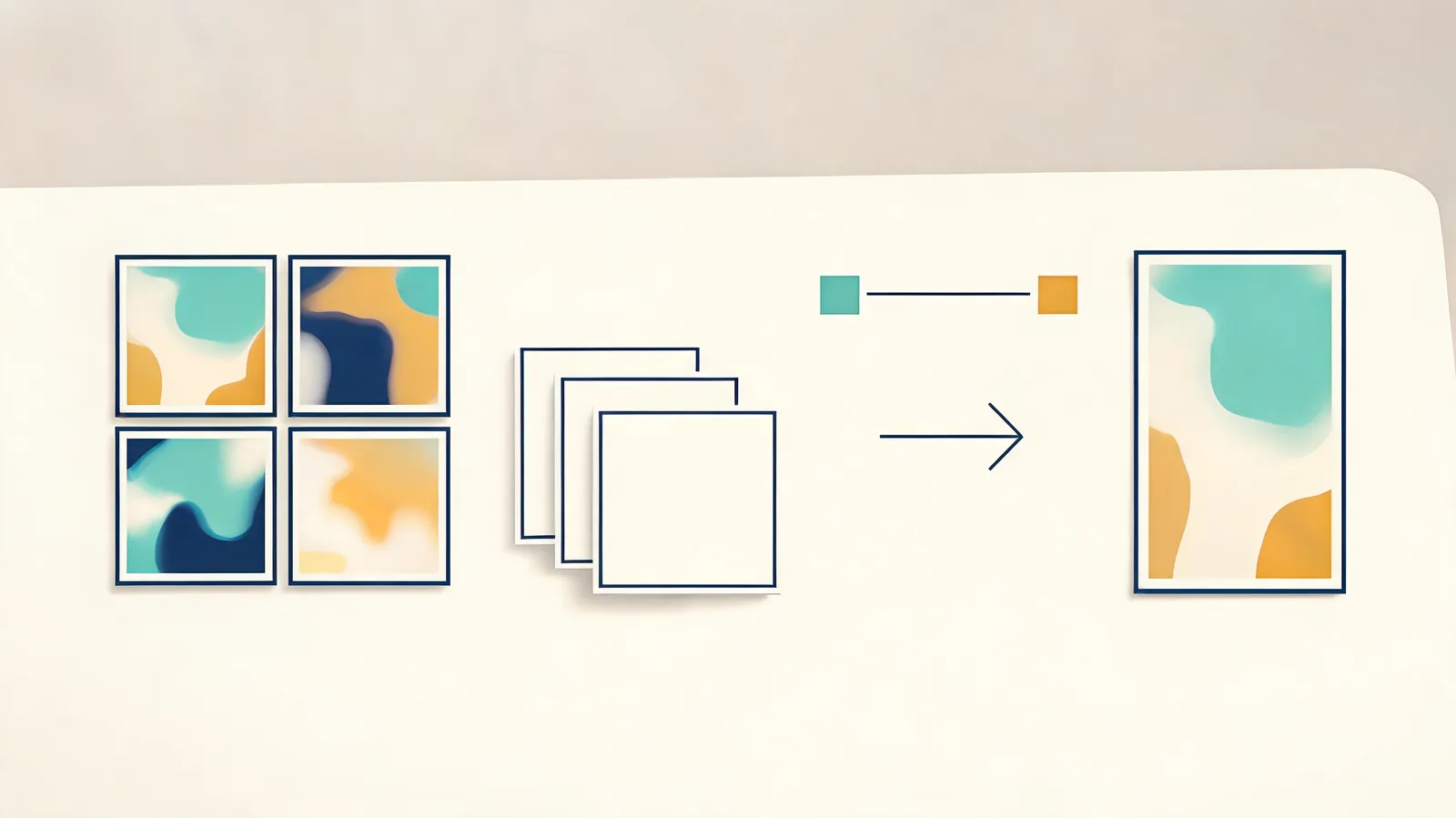
Editorial illustration. It does not show either service’s interface, output quality, or a measured comparison result.
Write a decision that can survive a handoff
The decision should be narrow enough to be true. A useful template is:
For [project / deliverable], use [selected workflow] for [specific reason observed under these conditions]. Do not infer [unstudied claim]. Before changing the production process, run [one defined follow-up].
For example:
For this eight-second concept reveal, keep the workflow that produced an edit-ready final hold from the approved source. This result does not establish a general quality ranking or commercial clearance. Before using it for the full campaign, test the same source at the final aspect ratio with the required end card area.
That wording avoids a false permanent conclusion. It also leaves room for a different answer on a different job: a portrait, a product, a fast social cut, and a complex multi-subject scene can expose different risks.
If you reject both outputs, say so. “Neither clip met the acceptance rule because the critical product detail drifted” is a valid decision. The next test may be a cleaner source, a simpler motion request, or a conventional edit—not another attempt with a slightly altered adjective.
Preserve the rejected clip and the limitation
Keep rejected outputs with the record when your storage and privacy rules allow it. They show what did not work under the stated conditions and make it less likely that a team repeats the same attempt without recognizing it. Label them as rejected or exploratory, not as approved campaign material.
Also write what the test cannot answer. A matched test does not establish current prices, all model capabilities, reliability across every prompt, rights to source material, or a result for a different account tier. Product pages and terms can change; verify those directly at the relevant service before making a purchase or delivery commitment.
The official PixVerse site is an appropriate place to check its current product information. For the Seedance side, use this studio’s generator, pricing, and visible account controls. Neither service’s marketing page substitutes for a review of the exact output you intend to use.
Choose one follow-up, not a new tournament
The best follow-up answers the uncertainty that remains after the first review. Change one material condition at a time.
| If the record says… | Run this next | Do not change at the same time |
|---|---|---|
| The source identity drifted | Use a cleaner approved source with the same simple motion | Source, prompt, duration, and camera behavior together |
| The ending is not usable | Keep the source and prompt; ask for a defined hold | The creative concept and acceptance rule |
| The output is hard to review | Shorten the action and name one protected detail | Every reference asset |
| Account access is unclear | Verify the current selected model, offer, quote, and terms | The conclusion from the creative test |
This is a post-test record, not a way to avoid testing. If a proposed workflow will carry a paid campaign, sensitive likeness, product claim, or public-facing realism, increase the review standard. Check permissions, labels or disclosures where appropriate, factual claims, and the final exported file. The Seedance limitations checklist is a useful starting point for client-facing risk, while the prompt test log helps document controlled iterations.
Limitations and disclosure
This article does not evaluate Seedance or PixVerse output quality, pricing, plan access, or legal terms. It provides a documentation workflow for a team’s own permitted comparison. Model labels, service controls, and plans change quickly; record the visible conditions on the test date and re-check them before a later decision. This is not legal advice.
Frequently asked questions
What belongs in a Seedance vs PixVerse decision record?
Record the date, service and model, permitted source and crop, prompt version, visible settings and quote, full-output observations, reviewer, decision, limitation, and one follow-up test.
Should a team choose a winner after one comparison render?
No. A single render can support a narrow project decision, but it should not become a permanent product verdict. Keep the scope and limitations in the record, then run one focused follow-up if a decision remains uncertain.
Can a decision record use exact score totals?
Only if the team has defined and consistently applied the scoring method. Short written observations are often more useful than invented precision, especially when the result is subjective.
Why keep the rejected output?
The rejected output shows the conditions behind the decision, prevents accidental repetition, and helps a future reviewer see whether a later result is genuinely different.
Related guides
- Run the Seedance generator →
- Seedance vs PixVerse: compare with one fair test
- Seedance prompt test log: compare renders fairly
- Seedance limitations: checks before a client video
Make the next choice explainable
Do the matched test first, then preserve the facts behind the team’s decision: conditions, full-output observations, one bounded conclusion, one limitation, and one next test. That is enough to improve a workflow without pretending that one creative experiment settled a changing market.