
Seedance Realistic Motion: Make AI Video Feel Real
Use Seedance realistic motion planning: start with a stable source, use one camera move, plan beats, and fix motion errors carefully.
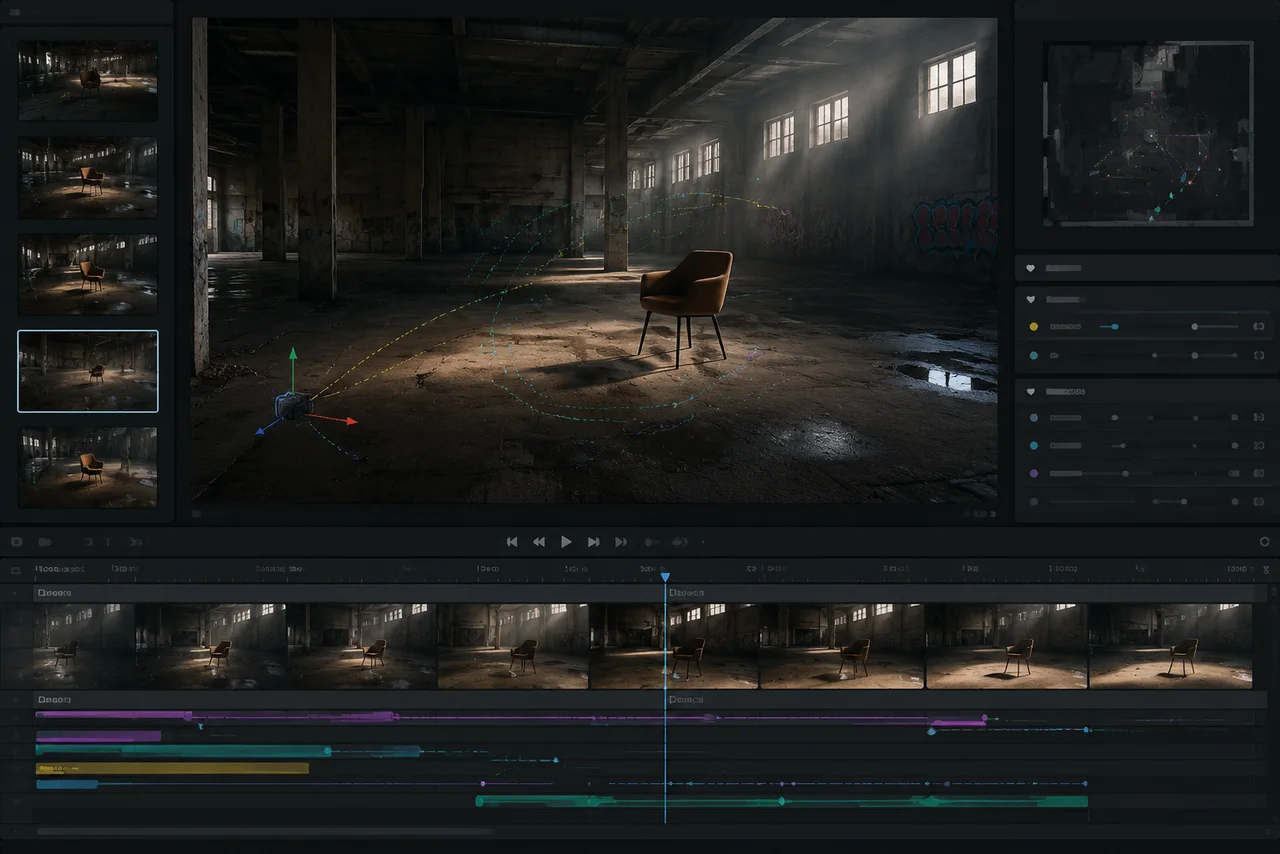
To make realistic motion with Seedance 2.5, start with a clean source, ask for one natural action, use one camera move, protect the subject, and review the final frame before scaling up. A realistic AI video generator is only as good as the motion plan you give it.
Last updated: July 5, 2026 - about 8 min read
Most unrealistic AI video does not fail because the prompt is too short. It fails because the prompt asks for too many things at once: fast camera movement, big body action, changing lighting, moving hands, product rotation, and a new background. The model has no stable anchor, so the frame starts to bend. A Seedance realistic motion workflow begins by removing that chaos.
Seedance 2.5 is positioned around longer scenes, reference inputs, continuation, and refinement. That helps, but realistic motion still needs a disciplined brief. Think of Seedance realistic motion as shot planning before generation.
Quick rule: one motion, one camera, one protected subject
Use this as the baseline:
- One subject: person, product, animal, room, vehicle, or object.
- One motion: walk, turn, blink, pour, rotate, drift, lift, or breathe.
- One camera move: locked shot, slow push-in, pan, orbit, or dolly.
- One protected detail: face, hands, logo, product shape, outfit, or final pose.
The more of these you stack, the more likely the video looks fake. Realistic motion is usually smaller than you think.
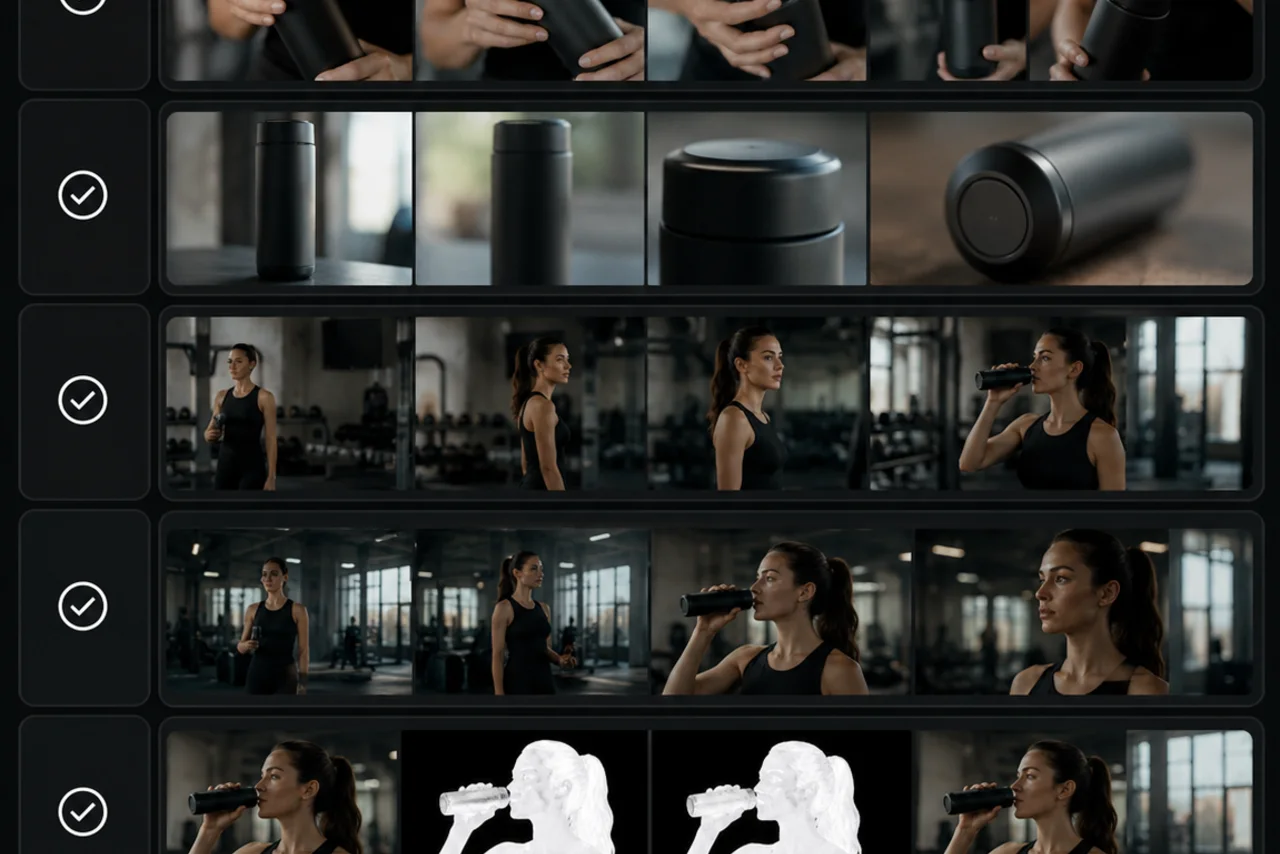
Review motion like a production shot: subject stability, camera path, detail preservation, and final-frame usability.
Start with a source the model can hold
A realistic AI video generator needs a stable starting frame. Seedance 2.5 can use references, but references do not fix a bad source.
Use source images or references with:
- Clear subject edges.
- Sharp face, product, hands, or object detail.
- Enough space around the subject for movement.
- Simple lighting.
- No cropped-off limbs or missing product corners.
- No tiny readable text that must stay perfect during motion.
If you are animating a product, keep the logo facing the camera and use a small light sweep instead of a full spin. If you are animating a person, keep hands away from the face and avoid fast gestures in the first test.
Write motion as a physical instruction
Weak prompt:
Make this look cinematic and realistic.
Better prompt:
Keep the subject's face, outfit, lighting, and background stable. The camera makes a slow 10 percent push-in while the subject turns their head slightly toward the window and breathes naturally. No hand movement. End on a clean still frame.
The second prompt works because it names:
- What must stay the same.
- What moves.
- How far it moves.
- What must not move.
- What the ending should look like.
That is the difference between a vague AI video generator prompt and a realistic motion prompt.
Use a 30-second beat map only when needed
Seedance 2.5's 30-second scene framing is useful, but it can also tempt you to overfill the prompt. A longer scene needs more structure, not more chaos.
| Time | Job | Motion rule |
|---|---|---|
| 0-3s | Hook | Hold the subject clearly |
| 3-8s | Setup | Add one slow camera move |
| 8-15s | Development | Let the subject perform one action |
| 15-22s | Detail | Show product, face, place, or texture |
| 22-27s | Payoff | Resolve the action |
| 27-30s | Hold | End on a usable final frame |
If the scene breaks, shorten the test. A stable 5-second test teaches more than a broken 30-second render.
Common motion failures and fixes
| Failure | What caused it | Fix |
|---|---|---|
| Hands warp | Too much gesture detail | Hide hands, slow the gesture, or keep hands still |
| Face drifts | Weak identity anchor or big head turn | Use a stronger face reference and smaller movement |
| Product label smears | Text moved or rotated too far | Keep label facing front and move light instead |
| Background melts | Camera move too large | Use locked shot or slow push-in |
| Final frame unusable | Prompt did not specify the ending | Ask for a clean final hero frame |
| Motion feels floaty | No physical anchor | Add weight, contact, gravity, or surface detail |
Do not fix every failure in one prompt. Change one variable, render again, and compare. That is how you learn which part of the motion broke.
Reference planning for realistic motion
References are not decoration. Each one should have a job. Seedance realistic motion improves when each reference tells the model what to preserve, what to move, or where to end.
| Reference | Job |
|---|---|
| Subject reference | Keep the person, product, or object consistent |
| Style reference | Set lighting, color, lens, and mood |
| Motion reference | Show the type of movement |
| Final-frame reference | Tell the model where the shot should end |
| Audio or rhythm reference | Support pacing when the scene needs sound or beats |
If a reference does not have a job, leave it out. Too many unfocused references can confuse the scene.
For more structure, read Seedance 2.5 prompt examples and Seedance 2.5 camera movement prompts.
A practical realistic-motion prompt
Use this template:
Keep [subject] consistent with the reference image. Preserve [face/product shape/outfit/logo], lighting, colors, and background. Create [one action] with [one camera move]. Motion should be slow, physically grounded, and subtle. Avoid [known failure]. End on [final frame].
Example:
Keep the skincare bottle consistent with the reference image. Preserve the bottle shape, front label placement, cap, glass texture, lighting, and white background. Create a slow studio light sweep with a very slight 10-degree turn. Motion should be subtle and physically grounded. Avoid label warping or edge melting. End on a clean product hero frame.
That is realistic motion: limited, specific, and reviewable. For Seedance realistic motion, the best prompt is usually the one that protects more details than it changes.
Sources checked
Frequently asked questions
How do I make Seedance motion look more realistic?
Use one clear subject, one natural action, one camera move, and one protected detail. Keep the motion small, define what must stay stable, and end on a clean final frame.
Why does AI video motion look fake?
AI video motion looks fake when the prompt asks for too much movement, the source image lacks detail, or the model has no stable anchor. Hands, faces, text, and product edges are the first places to break.
Is Seedance 2.5 a realistic AI video generator?
Seedance 2.5 is positioned for longer scenes, references, continuation, and refinement, which can support realistic motion. The final result still depends on source quality, prompt control, and review.
Should I use a long Seedance 2.5 prompt?
Use a specific prompt, not a bloated one. Name the subject, protected details, one action, one camera move, failure to avoid, and final frame. Extra adjectives do less than clear motion instructions.
What is the best first test for realistic motion?
Start with a 4- or 5-second test using a locked camera or slow push-in. If the subject stays stable, add one more motion variable. If it breaks, reduce motion before extending the clip.