
Seedance Character Handoff Sheet for Series Clips
Use a Seedance character handoff sheet to give a small team the same approved reference, protected details, shot purpose, and review rule.
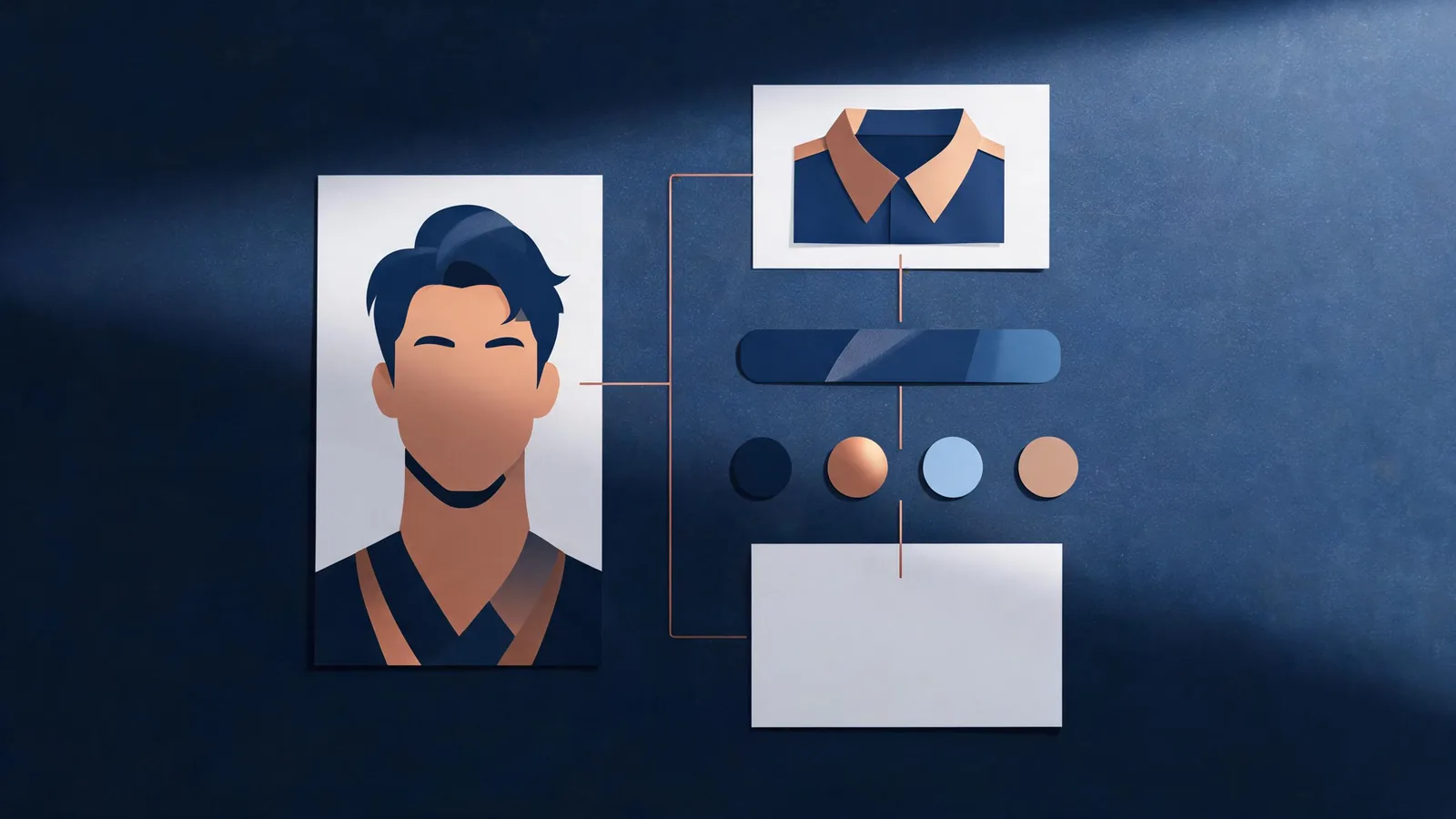
A Seedance character handoff sheet is a one-page record for a team making a series of clips: name the approved reference, the few visual details that must remain recognizable, the purpose of the next shot, and the rule for accepting or rejecting its full output. It does not make a generated character consistent by itself. It prevents a more ordinary failure—each person quietly working from a different idea of what “the same character” means.
Updated September 4, 2026 · about 8 min read
Why a handoff is a different job from a prompt
The earlier Seedance character consistency guide answers a generation question: how to prepare a clear reference and keep a single motion test modest. This companion answers a team-work question: what needs to travel with the approved character when a producer, prompt writer, reviewer, or editor takes the next shot?
That is a materially different decision. A prompt tells the generator what you want in one attempt. A handoff sheet gives people a stable comparison point across attempts and scenes. It is useful even if the team changes tools or decides a shot should be made conventionally instead.
Current search results show active interest in Seedance character consistency, including tutorials and user discussions, but those results do not establish a universal workflow. This guide therefore stays with the repeatable documentation and review decisions a team controls.
Build the sheet around an approved reference
Start with a reference image or original design that the project is authorized to use. Put its project-safe name or internal asset ID in the sheet; do not paste a private file into a broadly shared document just to make the record convenient. The goal is to let an authorized teammate locate the same source, not to spread it.
Then list only the features a reviewer can reasonably see in the intended crop.
| Sheet field | What to record | Why it matters |
|---|---|---|
| Approved reference | One controlled asset or design version | Stops each scene from starting with a slightly different look. |
| Shot purpose | One sentence about the edit or story beat | Keeps a dramatic new idea from being mistaken for a continuity failure. |
| Protected details | A short, visual list | Gives review a concrete comparison point. |
| Permitted input scope | Ownership, consent, or approval status | Separates “clear reference” from “allowed reference.” |
| Review rule | What must be checked in the whole clip | Makes acceptance a team decision, not a lucky first frame. |
For a fictional illustrated adult character, protected details might be: “dark side-parted hair, blue jacket with copper collar, rounded pendant, warm studio palette.” For a real person, be more careful: make sure the project has the required permission and do not add an identity claim or a context the person did not approve.
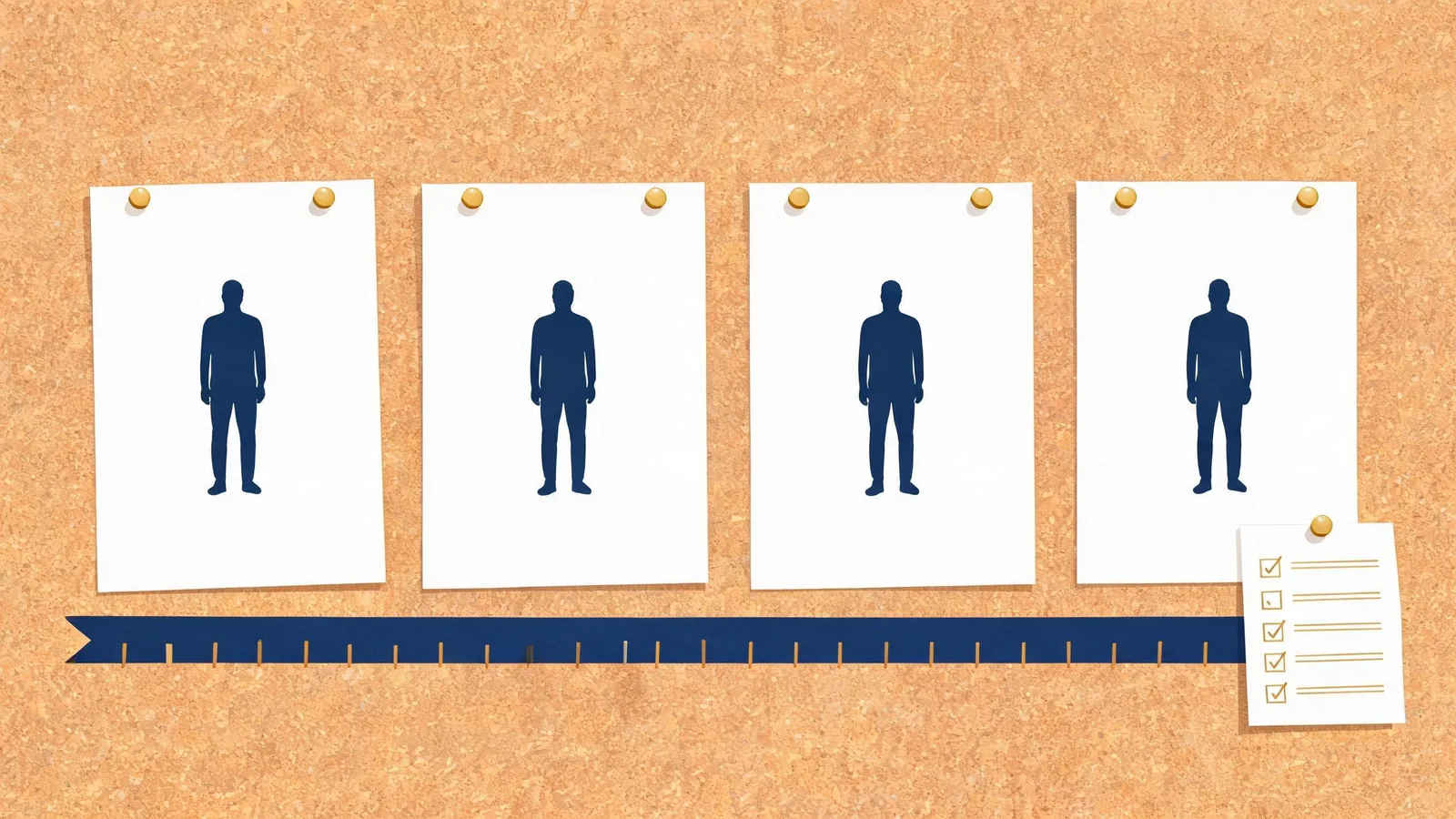
A handoff sheet lets a reviewer compare the whole sequence to one approved starting point.
Keep the protected list short and visual
Long lists can become unreviewable. Prioritize the elements that would make a viewer say the character has changed:
- The overall face or head shape in the intended framing.
- Hairstyle or other large silhouette feature.
- The outfit category and main color relationship.
- One distinct, non-textual accessory or shape.
- The intended realism or illustration direction.
Avoid treating the sheet as a demand for perfect reproduction. Small variation can be acceptable; a changed identity, invented uniform, or inconsistent setting may not be. Write the tolerance in plain language: “The jacket’s exact folds can vary; the blue-and-copper jacket silhouette must remain recognizable.” That gives the reviewer a decision they can make without pretending the system is deterministic.
The original character-consistency guide explains why a clear still and smaller motion make a first test easier to assess. Use that method before you build a series. A handoff is for carrying forward the approved result and the decision criteria after the first test exists.
Add one shot card at a time
Do not make a giant series prompt and call it continuity planning. Create one small shot card for each next decision:
| Shot card | Example |
|---|---|
| Purpose | Create a quiet end beat for an existing scene. |
| Starting condition | Use the approved character reference and the same illustrated setting family. |
| One action | The character turns slightly toward the window. |
| Camera decision | Slow push-in, no angle change. |
| Must remain recognizable | Hair shape, jacket silhouette, copper collar, warm palette. |
| Full-clip review | Compare opening, motion, and final frame with the approved reference. |
If the next shot requires a new costume, age, location, or style, say so on the card. It may be an intentional story change, not a generation defect. Labeling that difference is more honest than later describing every variation as “consistent.”
For a larger sequence, use the cinematic shot-list guide to give every clip a job before prompting. The prompt test log can record the single intentional change and the reviewer’s observation after a render.
Review continuity without overclaiming
Review every output at normal speed, not only as a still. Compare the opening, the first visible motion, and the ending against the handoff sheet. Ask:
- Is the approved identity or design still recognizable in this crop?
- Did a protected feature disappear, change category, or gain an invented detail?
- Does the action create a false implication about a real person, event, or product?
- Does the ending cut cleanly into the planned sequence?
- Is this an accepted variation, a rerender candidate, or a sign to change the shot or method?
Write the decision in the record. “Approved with natural pose variation” is more useful than “looks good.” “Reject: outfit category shifts during turn; reduce action and keep the same reference” tells the next person what actually changed.
When provenance information is relevant to a production, the C2PA specification describes a standard for recording information about media. It does not prove a generated depiction is accurate, permitted, or suitable for a particular audience. Keep consent, factual claims, and final editorial approval as separate checks.
When a handoff sheet is not enough
Use another production method when a character must preserve an exact likeness, medical or legal fact, branded product detail, readable copy, or verified real-world action. A character packet can improve the team’s review process; it cannot turn a plausible result into evidence.
The same caution applies to client work. Confirm what the client has actually approved, keep private assets inside the approved workflow, and do not use a generated portrayal to imply an endorsement, event, or performance that did not happen. The commercial-use client video checklist is a useful final decision aid, but it is not legal advice.
Limitations and disclosure
This site is an independent Seedance 2.5 creative studio, not ByteDance’s official Seedance website. Model interfaces, access, and terms can change, so this article makes no promise about a particular capability, number of references, result quality, or permission status. Use the live service information before a material upload or purchase, and obtain qualified advice for a project with legal, privacy, or rights questions.
The sheet is deliberately light. If the record becomes a substitute for watching the full clip, it has failed. The appropriate outcome of a good handoff can be “do not publish this generated shot.”
Frequently asked questions
What is a character handoff sheet for AI video?
It is a short production record that identifies the approved reference, protected visual details, intended shot purpose, input permissions, and review rule so a team is not reconstructing a character from memory.
Does a character handoff sheet guarantee consistency?
No. It gives reviewers a shared comparison point and makes drift easier to spot. Generated clips still need full-clip review and may need a simpler shot or another production method.
What details should a team protect first?
Start with the details that make the character recognizable in the intended crop: the approved reference, silhouette, hair or head shape, outfit category and main color, and one distinctive non-textual feature. Add only details a reviewer can actually inspect.