
Seedance 2.0 Cinematic Prompts for 15-Second Clips
Use Seedance 2.0 cinematic prompts for a 15-second clip: plan one visual arc, controlled motion, protected details, and a usable final hold.
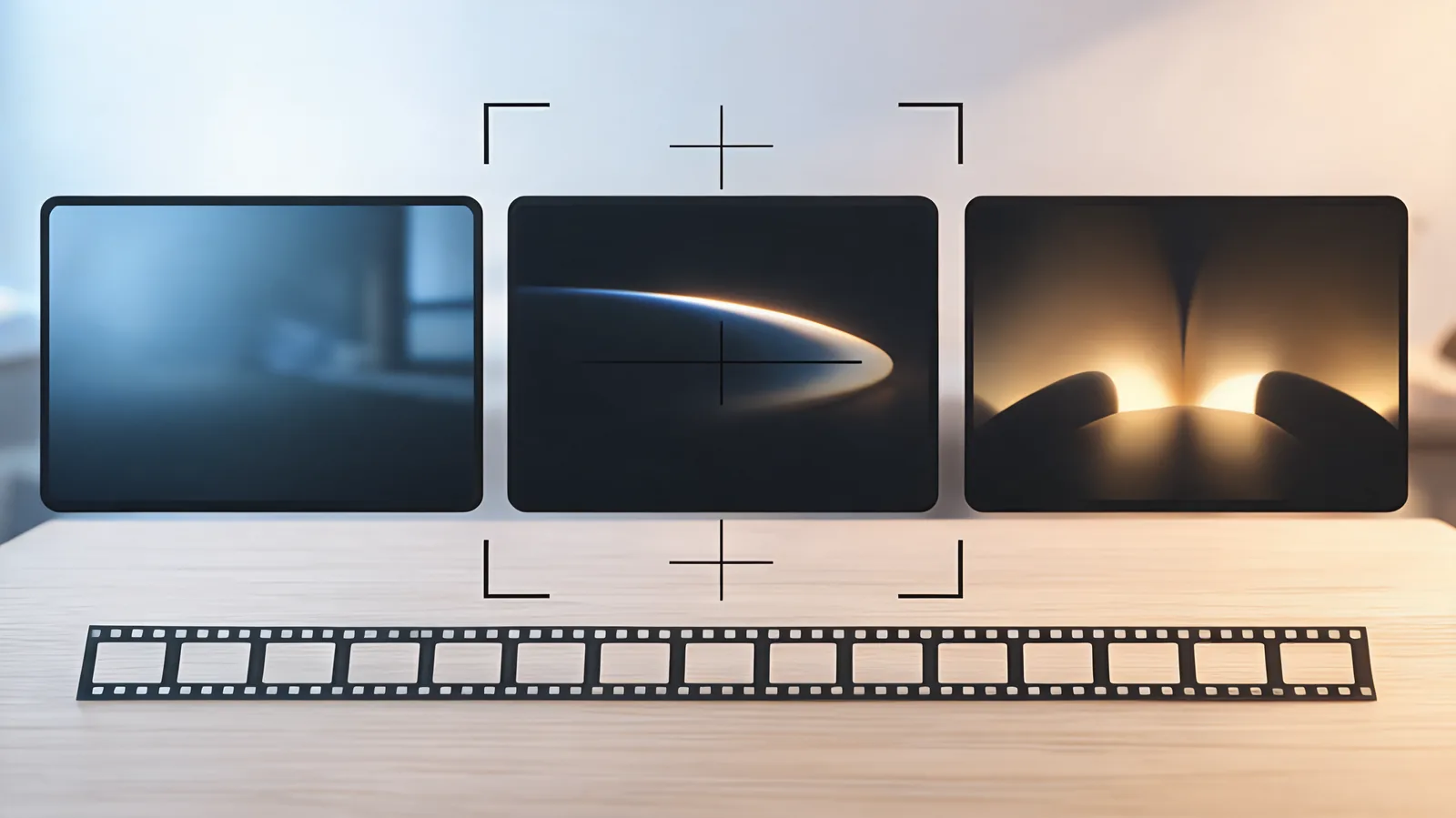
For a Seedance 2.0 cinematic prompt that fits a 15-second clip, write one short visual arc: a clear opening, one controlled change, and a stable final hold. Name the subject, action, camera behavior, two or three protected details, and the ending before adding mood words. That gives a short render a job a reviewer can actually test instead of asking it to carry a trailer, a product claim, and a dozen camera moves at once.
Published September 28, 2026 · Short-form prompt method
Search results for this phrase are packed with copy-and-paste libraries. Those examples can spark an idea, but they often bury the actual production decision: what should happen during one short clip, and what would make that result usable? The current Seedance 2.0 option on this site is configured for 4–15-second clips. ByteDance’s Seedance 2.0 launch note also describes 15-second multi-shot audio-video output. Treat that duration as a constraint for a small visual story, not a promise that every elaborate script will land cleanly.
Build a three-beat arc before you write cinematic language
Fifteen seconds is enough time to establish a subject, show a meaningful change, and leave an editor a clean place to cut. It is not a reason to stack every genre cue, transition, action, and lens movement into one paragraph.
| Beat | What the prompt needs to establish | What to avoid |
|---|---|---|
| Opening | One readable subject, place, and composition | A crowded scene with several equally important actions |
| Change | One visible action or camera priority | A fast orbit, a transformation, dialogue, and a scene change competing together |
| Ending | A stable final composition or brief hold | A last-second reveal with no usable cut point |
For a fictional, unbranded product concept, the notes might be: “A plain blue glass bottle on a dark stone surface. Condensation catches a soft side light. One slow push-in as a faint ribbon of vapor crosses behind it. Keep the bottle silhouette, cap proportion, and light direction stable. End with the bottle centered and still. No readable text, logo, extra object, or scene change.”
That is cinematic because its image, movement, and finish work together—not because it uses a long list of adjectives. Do not use a generated shot as evidence of a product result, real event, endorsement, or exact packaging. Keep claims and precise typography in independently checked production assets.
Start with the camera’s one job
Camera words are useful when they answer a visual question. A push-in can draw attention to a subject. A lateral move can reveal a relationship in space. A locked frame can make a small action easier to inspect. They become noise when each one is added for atmosphere.
| If the clip’s job is | Start with | Review this after the render |
|---|---|---|
| Make an object feel deliberate | One slow push-in or a locked frame | Silhouette, reflections, and end hold |
| Establish a quiet environment | A gentle lateral move | Straight lines, horizon, and pacing |
| Show a permitted person’s small action | A mostly steady camera | Identity, hands, expression, and background |
| Make movement the subject | A simple tracking move | Direction, speed, contact points, and continuity |
Avoid asking for a locked camera and a rapid orbit in the same first test. If the main action is complicated, make the camera quieter. If the camera move is the experiment, make the subject almost still. The Seedance camera-movement prompt guide can help you choose a word; this page helps you decide whether that word belongs in a short clip at all.
Protect the details that make the idea recognizable
“Keep everything the same” cannot be reviewed. Instead, choose a short list of details a viewer would notice if they changed. For a product concept, protect the silhouette, cap, and light direction. For a quiet interior, protect the main architectural lines, the key object, and the horizon. For an authorized portrait, protect identity, clothing outline, and the intended crop.
Keep exact labels, prices, legal copy, and specifications outside the generated motion. A visually attractive frame does not make invented text or an implied claim accurate. If the source is a client asset or shows a person, start with the reference-image rights and quality checklist before it becomes a video input.
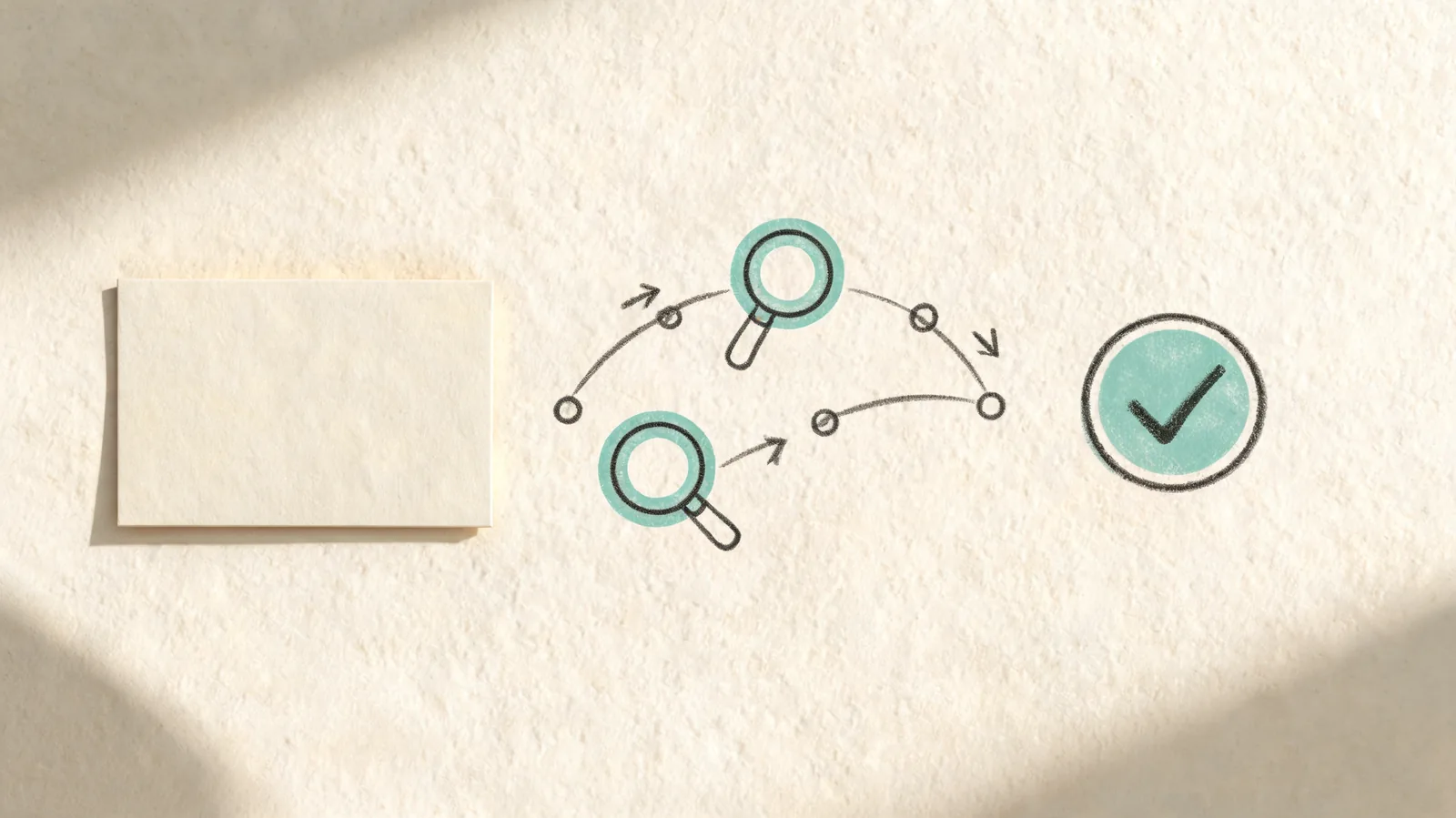
The useful prompt is the one whose motion, protected details, and final frame can be reviewed separately.
Use style to support the shot, not replace it
Once the visual arc is clear, add a small amount of cinematic direction: time of day, lighting quality, material texture, lens feeling, or color relationship. Connect every style choice to the scene. “Soft window light catches condensation on blue glass” gives the reviewer something to inspect. “Ultra cinematic, award-winning, impossible detail” does not.
A practical prompt order is:
- Subject and setting.
- One action that changes over time.
- One camera behavior.
- Two or three protected details.
- An ending composition.
- Only the style cues that support those decisions.
This sequence is also easier to revise. If the bottle works but the move is too fast, change the camera line—not the subject, palette, setting, and ending together. The Seedance 2.0 controlled-prompt method gives a broader baseline-and-one-change workflow for that next step.
Turn a vague idea into a short-shot prompt
Here is a fictional example that begins too broad:
A luxury cinematic commercial with a fragrance bottle transforming through a marble gallery, macro detail, fast camera orbit, liquid metal particles, exact gold label, dramatic scene changes, and a final wide reveal.
The request has several competing jobs: transformation, orbit, macro framing, exact text, multiple locations, and a distant ending. A first 15-second test can be more honest and useful:
An unbranded glass bottle on a pale stone surface in soft evening side light. A small curl of vapor moves behind the bottle. One slow forward camera move. Keep the bottle silhouette, cap proportion, stone edge, and light direction stable. End on a centered still composition. No readable text, logos, people, extra objects, or scene change.
The second version does not promise a result. It defines one. If the full output keeps the object stable but the ending drifts, the next test has a clear change: request a locked camera or a longer still finish. If the object geometry fails, return to a simpler scene or a more suitable permitted source rather than adding more visual demands.
Review the complete clip, not a good thumbnail
Watch once at normal speed. Then inspect the opening, the hardest motion, and the last second. Record an observation rather than guessing why it happened.
| Decision | Evidence to save | Next action |
|---|---|---|
| Accept for the stated concept | Usable range, protected details that held, and the intended limited use | Keep the source and note with the selected file |
| Revise | One visible issue, such as a drifting cap or rushed push-in | Change one likely cause and keep the rest of the brief stable |
| Stop | A changed person, invented claim, unstable required detail, or no clear use | Return to conventional media or redesign the shot |
For a deeper post-render check, use Seedance camera-move review. It begins after the prompt has already been tested and focuses on whether the completed motion can actually be cut or handed off.
Frequently asked questions
How should I structure a 15-second Seedance 2.0 cinematic prompt?
Give the clip a compact visual arc: establish one readable subject, request one controlled change, and finish on a stable composition. Add only the few details a reviewer must protect, such as a silhouette, light direction, or architectural line.
Can a Seedance 2.0 cinematic prompt guarantee a multi-shot result?
No. A prompt describes the intended visual sequence; it does not guarantee a particular edit, camera path, continuity level, or exact detail. Review the whole generated clip and use a smaller next test if an important condition drifts.
What should I remove from a cinematic prompt for a short clip?
Remove competing camera instructions, several unrelated actions, exact readable text, and a long list of details that must all remain perfect. Keep the first test focused on one subject, one motion priority, and one usable ending.
Make the short clip answer one clear question
Choose the smallest cinematic idea that still matters: one subject, one change, one camera job, and one finish. Once that has passed a full-output review, build the next shot deliberately. When you are ready to test, open the Seedance studio with the visual arc and the acceptance check already written down.