
Seedance AI Video Generator: Check Continuity Across a Long-Form Cut
Review adjacent AI video clips for subject, place, light, direction, timing, and factual continuity before deciding to retain, bridge, replace, or edit a cut.
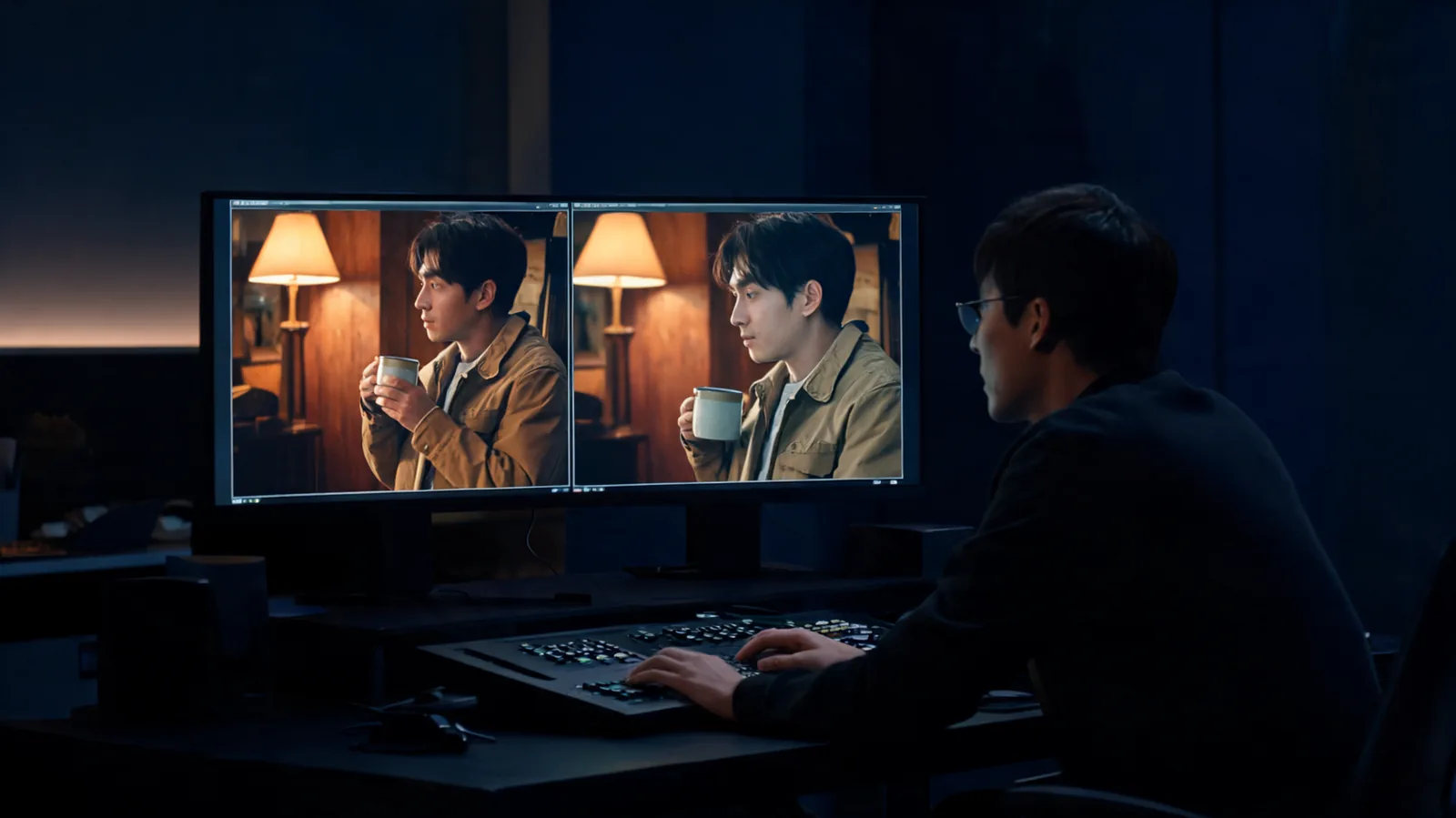
To check continuity across a long-form Seedance AI video cut, compare the final usable frames of clip A with the opening usable frames of clip B, then decide whether to retain the cut, bridge it with a neutral shot, replace one clip, or solve it in a conventional edit. Check the subject, place, lighting, direction, timing, and any claim-bearing detail before you call a transition usable.
Published September 26, 2026 · about 7 min read
This is a companion to the earlier long-form AI video generator planning guide. That guide starts before rendering: it breaks a brief into scenes, references, prompts, and edit-friendly endings. This one begins after several clips exist. It does not provide another scene-prompt formula or an editor handoff sheet; it helps a reviewer judge the join between two rendered shots.
The search phrase “Seedance AI video generator” is broad. No single production test settles whether a generator is universally continuous. Treat this as a post-render review process for one project, with its own permitted inputs, selected settings, and factual obligations.
Make the cut visible before you judge it
Do not compare two appealing thumbnails. Put the last two seconds of clip A next to the first two seconds of clip B, at the intended crop and normal playback speed. Watch the transition once without stopping, then freeze the outgoing and incoming frames. A cut can feel smooth while silently changing an important detail.
Start with a short cut note:
- Story job: What must this transition communicate? For example, the same product moves from a wide shot to a close detail.
- Protected detail: What cannot change? A product shape, original character, permitted wardrobe, room layout, time of day, or direction of travel.
- Edit allowance: May the cut hide elapsed time, change viewpoint, or move to a neutral insert?
- Truth constraint: Is the clip being used near a product claim, location statement, testimony, price, or other fact that must be independently verified?
Those answers keep a small visual glitch from receiving the same weight as a story-breaking or misleading change. The first-render record is helpful if your team has not yet saved which visible settings and source version produced each candidate.
Review six kinds of continuity
Use this pass to identify the actual mismatch, rather than calling everything “drift.”
| Check | Compare across the cut | A practical question |
|---|---|---|
| Subject | Face, original character, wardrobe, product silhouette, props | Is it credibly the same approved subject? |
| Location | Walls, horizon, furniture, weather, background geometry | Did the scene move without a story reason? |
| Lighting | Direction, time of day, color, shadow strength | Does the new shot look like the same moment or a deliberate later beat? |
| Screen direction | Travel, gaze, handoff, camera side | Does a left-to-right action become right-to-left without a reset? |
| Timing | Pose, object position, action phase, pace | Does the next shot continue, skip, or repeat the action honestly? |
| Factual detail | Logos, labels, people, event evidence, exact text | Did the cut introduce something a viewer could mistake for fact? |
For a product sequence, the subject check may matter most. For a character-driven scene, a changed hairline, outfit, or prop can break the narrative. For a travel or real-estate concept, a changed building or landscape can create a more serious factual problem than a lighting change. State the protected detail before watching so you do not unconsciously accept it because the color grade looks attractive.
Compare the action at the cut point
Action continuity is not the same as visual similarity. A person can look identical while their hand jumps from the table to a door handle. A bottle can retain its shape while its cap changes from closed to open. A walking subject can reverse direction on screen even if both shots are handsome.
Ask whether the audience can infer the missing movement without inventing a false event, especially where sound, captions, or a product claim make that inference risky. If not, the cut needs a decision. Do not bury the problem under a faster edit.
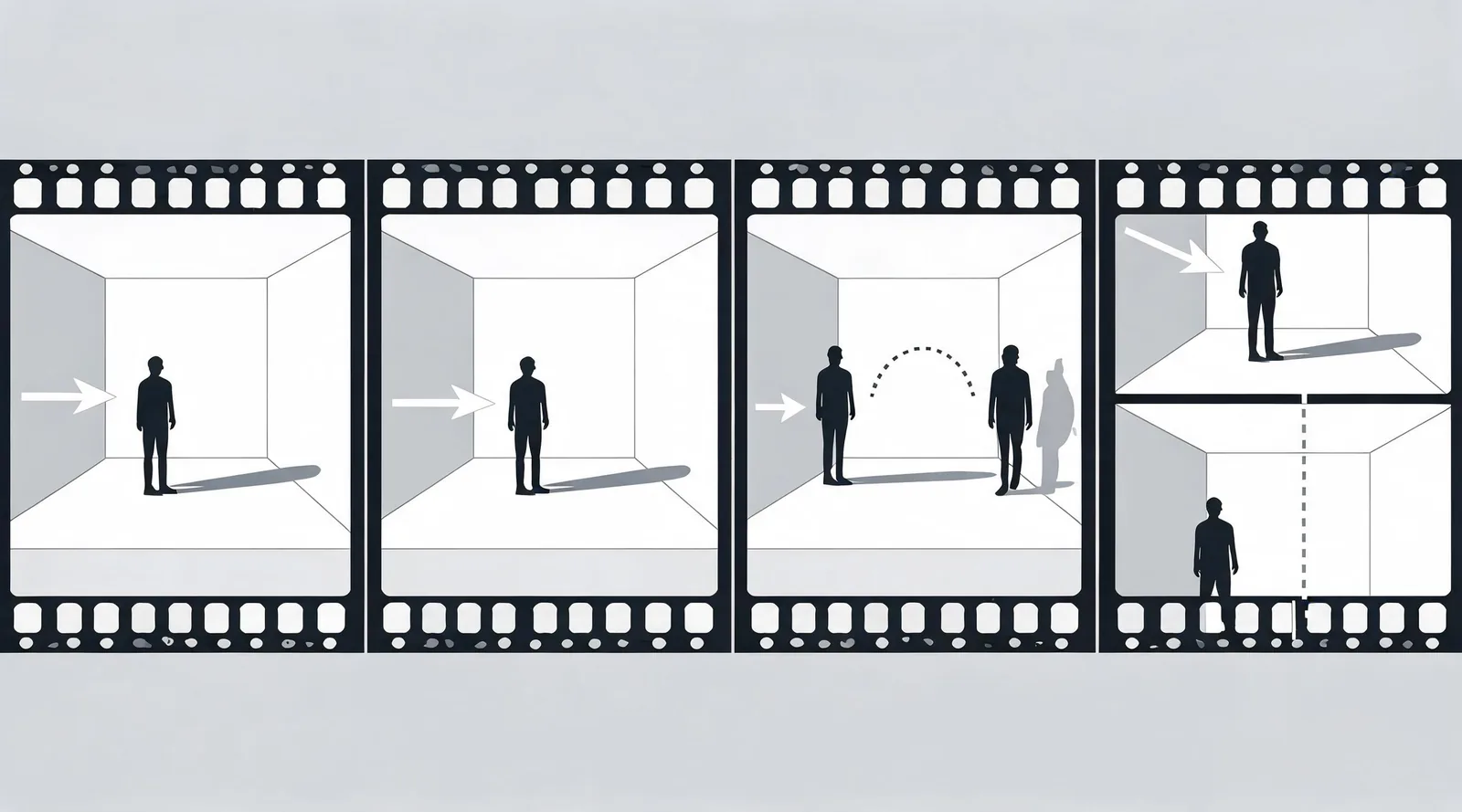
Editorial illustration. It depicts a review choice, not a Seedance interface, an output benchmark, or a claim about any model’s continuity.
Choose retain, bridge, replace, or edit
Once you can name the mismatch, choose the smallest honest fix. These decisions are different:
| Decision | Use it when | Keep in the record |
|---|---|---|
| Retain | The protected details and action read as the same intended beat | Why the cut meets the stated rule |
| Bridge | A neutral insert can honestly cover a small visual gap | The insert’s purpose and what it does not imply |
| Replace | One clip changes an essential subject, event, or factual detail | Which clip failed and the next bounded test |
| Edit conventionally | A normal trim, cutaway, sound bridge, or title card solves a non-factual pacing issue | The edit used and the original limitation |
Retain a cut that answers its story job
Keep the cut when the outgoing and incoming frames maintain the protected detail and the action makes sense. A deliberate change of angle or time is fine when the edit communicates it. Record the choice in a sentence: “Retained: the same unbranded blue bottle remains centered; the second shot begins after the turn has ended, so the cut reads as a detail view rather than continuous motion.”
Bridge a small mismatch without inventing an event
A neutral insert can give the eye a reset: a hand-free close-up of a permitted object, a room detail, a wide establishing frame, or a title card made in a conventional editor. The bridge must not pretend to document something that did not happen. Avoid using a generated cutaway to prove a location, a customer action, a product feature, or an event you have not independently verified.
Replace the clip that breaks the essential detail
Replace a shot when it changes the fact the sequence relies on: the product no longer has the approved silhouette, the character is no longer recognizable, the room geometry becomes a different place, or the action implies an unsupported result. Re-run only the failed job where possible. Hold the other clip, permitted source, creative purpose, and acceptance rule steady so the next result answers the problem you found.
Use conventional editing for conventional problems
Trim a slow lead-in, shorten an awkward hold, add verified captions, or use a simple sound bridge in a normal editor. These are appropriate responses to pacing and clarity. They are not cures for a fabricated label, a changed person, an unsupported demonstration, or missing source permission. Exact text, logo use, prices, legal copy, and factual claims should remain editable and independently checked.
Keep a transition review card
A one-line note is enough for a small project; a team sequence benefits from a card. Do not include private source files if a project identifier will do.
| Field | What to record |
|---|---|
| Cut ID | Clip A and clip B filenames or version IDs |
| Intended continuity | The story job and protected detail |
| Observation | Locate the mismatch in normal playback or frame comparison |
| Decision | Retain, bridge, replace, or conventional edit |
| Limitation | What the cut does not establish about the product, place, person, or event |
| Next action | A targeted rerender, insert, edit, or factual review |
For example: “Cut 03–04: the jacket changes at the cut; replace clip 04 using the same permitted reference and a static action.” That note tells the next editor exactly what failed. For client delivery, use the separate video editor handoff checklist after the clip and transition decisions are settled.
Limitations and disclosure
This is a continuity-review framework, not a measurement of Seedance output quality or a guarantee of current model availability, cost, duration, account access, commercial rights, or factual accuracy. Seedance2-5.video is an independent creative studio, not ByteDance’s official Seedance application. Confirm current service terms and permissions for every input, and obtain appropriate review for public factual, legal, or client-facing claims.
Frequently asked questions
What should I check at an AI video cut?
Check whether the subject, wardrobe or product details, location geometry, lighting direction, screen direction, action timing, and any claim-bearing detail remain coherent across the last frames of one clip and the first frames of the next.
Should I rerender every continuity mismatch?
No. Retain a clean match, bridge a small mismatch with a neutral insert, replace the clip that breaks the essential story detail, or use normal editing when a conventional cut solves the issue without creating a false implication.
Can a smooth AI video cut make a factual claim safe?
No. Continuity review does not verify product features, identities, locations, events, labels, or permissions. Check those separately before public delivery.
Let the cut earn its place
Compare the actual frames, name the continuity rule, and pick the smallest honest repair. When the transition is clean, move to the next cut; when it is not, preserve the evidence and make one targeted change rather than asking a longer prompt to rescue the entire sequence.