
Do Negative Prompts Work in Seedance? A Practical Guide
Use a practical, UI-first approach to negative prompts in an AI video generator. Check whether the current mode exposes a field, then write clear positive constraints when it does not.

A negative prompt is not a magic erase button. In video generation, the clearest control usually comes from describing what should happen, keeping the scene small, and using a dedicated negative field only when the active interface actually provides one. That makes an AI video generator easier to steer and easier to troubleshoot.
Last updated: July 10, 2026 - about 6 min read
Different models and modes expose different controls. Some interfaces include a separate negative-prompt field; some do not. Do not assume that a phrase copied from another tool will work the same way everywhere. First check the controls in the mode you are using, then keep the instruction short enough to test.
Quick answer
If your current generator shows a negative-prompt field, use it for a short list of exclusions that directly protect the scene. If it does not show one, put the same intent into the main prompt as positive constraints: one subject, one action, one camera move, stable background, and no scene change.
The aim is not to list every bad possibility. It is to make the desired result easier for the model to understand.
What negative prompts are good for
A dedicated negative field can be useful when you want to reduce a small, specific risk:
- Extra people entering a single-subject scene.
- A camera move when you want a locked shot.
- Unwanted text, logos, or a busy background.
- A style direction that conflicts with the source image.
It becomes less useful when it turns into a long block of unrelated prohibitions. A huge list can make the instruction vague, especially in a short AI video where the model is already balancing subject motion, camera movement, lighting, and continuity.
Check the active mode first
Before you write a Seedance negative prompt, look at the options in your current mode. If there is no separate field, do not invent a hidden syntax. Use the main prompt to make the scene more constrained.
Instead of this vague request:
do not warp, do not change face, no extra people, no text, no camera shake, no strange hands, no new background, no blur
Try a positive, testable direction:
one person standing still beside a window, subtle hair movement only, locked camera, keep face and background stable, no text or logos
The second version tells the generator what the shot is. It also gives you a clearer result to evaluate.
Use the three-part prompt structure
For most image-to-video or text-to-video tests, write the prompt in three parts:
- Subject: who or what is visible.
- Action: the one motion that should happen.
- Camera and stability: how the camera behaves and what should remain unchanged.
For example:
ceramic mug on a wooden table, gentle steam rises in place, locked camera, warm morning light, keep the table and background stable
That is easier to control than asking for a dramatic scene with multiple objects, a hand entering frame, a zoom, a pan, and a mood shift at once. If you need a more expressive move, use the camera movement prompts guide and choose one move deliberately.
When a negative list can help
If a separate field is available, keep the exclusions relevant to the shot. For a clean product clip, a short list might focus on text, logos, extra objects, and camera shake. For a portrait clip, it might focus on extra faces, dramatic pose changes, and background replacement.
Then test one change at a time. If the result is still wrong, do not add ten more exclusions. Simplify the main prompt, reduce the action, or choose a more stable source image.
Common mistakes
Treating every bad result as a negative-prompt problem
Many failures start with the source image or an overloaded idea. A cropped face, a busy background, or unclear action can create drift even when the negative prompt is perfect. Start with a cleaner image and a simpler shot.
Asking for a contradiction
"Fast camera orbit, locked frame, intense action, no motion blur" gives competing directions. Choose the priority. If the camera must be locked, remove the orbit. If the action is intense, accept that some movement may happen.
Copying model-specific syntax blindly
Prompt syntax changes between tools. Use controls that the current interface documents. When in doubt, plain language is safer than a long template copied from a different model.
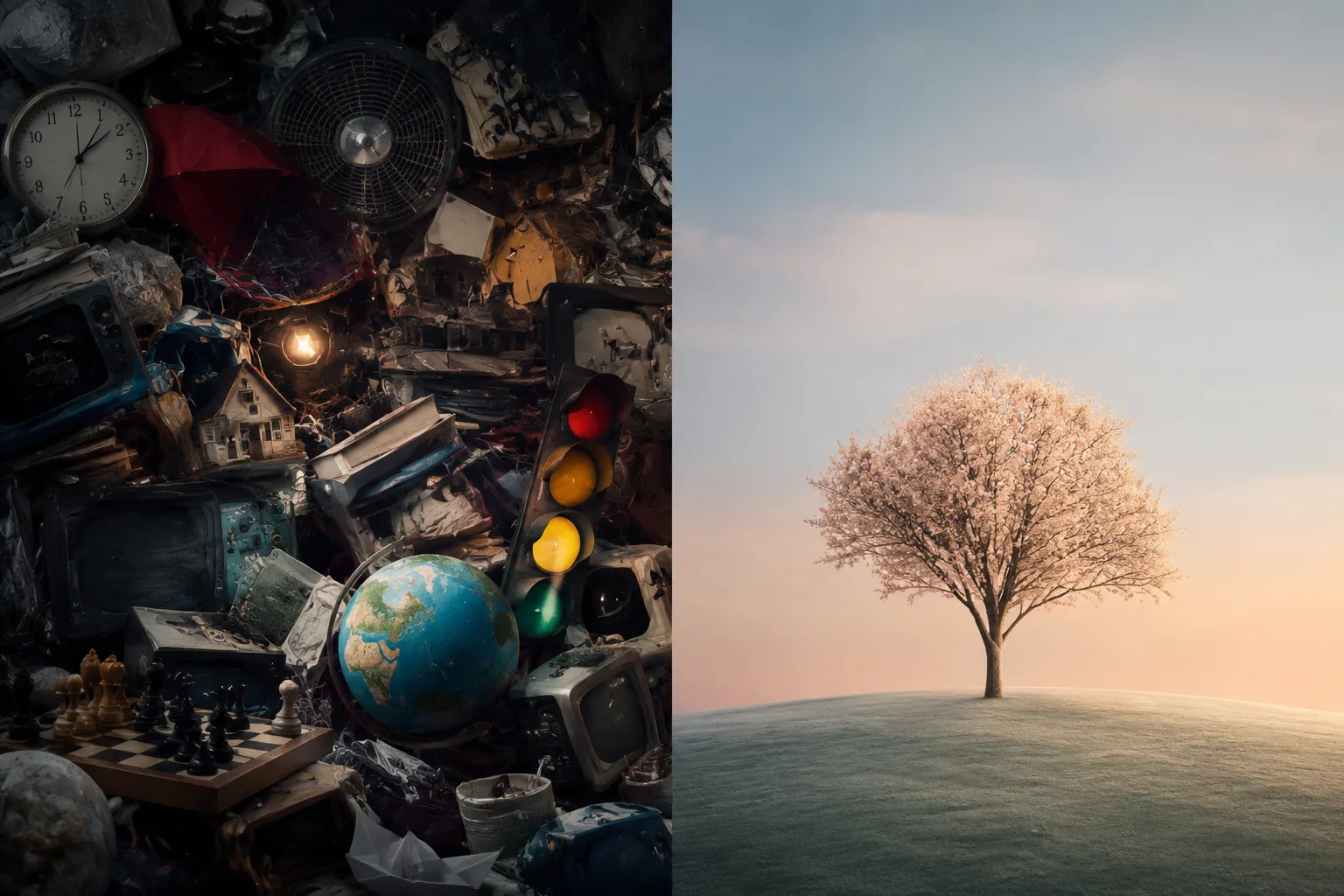
The practical goal is not fewer words. It is fewer competing instructions.
A simple troubleshooting order
When a generation is not behaving, change only one variable at a time:
- Simplify the action.
- Lock or simplify the camera direction.
- Remove unnecessary subjects and props.
- Improve the source image or starting frame.
- Add a short exclusion only if the current mode provides a field for it.
This gives you a useful learning loop. You can tell whether the problem came from the image, the action, the camera request, or the available controls.
For more broad prompt examples, see the Seedance prompt guide and the realistic motion guide. Both are more useful when you begin with a clear objective for the shot.
Final checklist
Before you submit a prompt, confirm:
- You know whether the active interface has a separate negative field.
- The scene has one main subject and one main action.
- The camera instruction does not contradict the action.
- Any exclusions are short and directly relevant.
- You are not promising an exact result from a single generation.
- You have a simple next test if the first output drifts.
Good prompt control is mostly about clarity. State the scene you want, reduce competing directions, and treat a negative prompt as a small helper instead of the whole strategy.
FAQ
Does every Seedance mode support a negative prompt field?
Do not assume so. Check the controls in the current mode. If the field is not visible, use concise positive constraints in the main prompt instead.
What should I write instead of a long negative prompt?
Describe one subject, one action, one camera behavior, and the parts of the scene that should remain stable. This gives the generator a clearer target.
Can negative prompts prevent all video artifacts?
No. They cannot guarantee a perfect generation. Source-image quality, action complexity, camera direction, and the active mode all affect the result.