
Seedance 2.0 AI Video Examples: Four Useful Test Clips
Use four Seedance 2.0 AI video examples to test motion, framing, source quality, and finishing frames before you expand a creative brief.
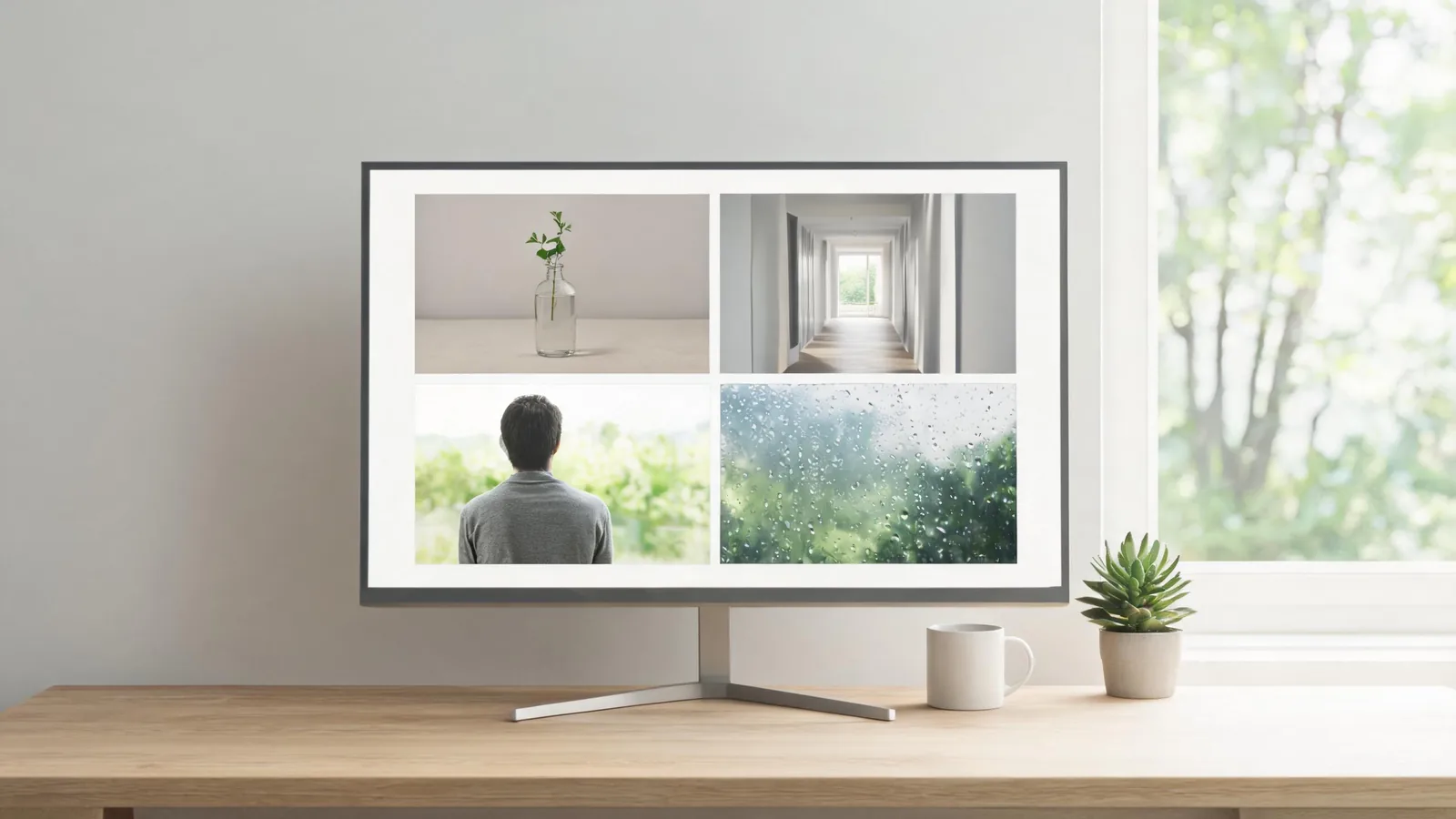
Useful Seedance 2.0 AI video examples are controlled tests, not a montage of impressive clips. Start with one simple object, one quiet location, one permitted portrait, and one weather detail; give each test a single motion and a clear ending. Compare the full clips, keep notes on what changed, and only then expand the shot. You can run the same approach in the Seedance studio with text-to-video or a permitted image-to-video input.
Updated September 1, 2026 · about 8 min read
What an example should teach you
An example is valuable when it answers one production question. A beautiful clip that changes subject, camera, light, location, and edit rhythm at once is hard to learn from. It may be entertaining, but it does not show which decision made it work.
Use a compact test card before every render:
| Record | Why it matters |
|---|---|
| Starting input | Lets you separate source quality from generated motion |
| One requested action | Keeps the test interpretable |
| One camera behavior | Prevents competing movement instructions |
| Protected details | Names the few edges, shapes, or framing cues that matter |
| Ending frame | Makes the clip easier to assess and cut |
The examples below are original test structures, not claims about a fixed setting or guaranteed output. Model behavior, available controls, and rendering results can change. If a trial result makes a product, person, or event look materially different, discard it rather than treating a polished near miss as evidence.
Example 1: the still-life motion test
Use a simple, unbranded object when you want to see whether a source, light direction, and small movement can survive one continuous shot. A ceramic cup, a plain flower stem, or a folded fabric sample gives you clear edges without requiring an exact logo or label.
A plain ceramic cup on a clean wooden table in soft window light. Steam rises slowly while the camera makes one gentle push-in. Keep the cup silhouette, handle, table edge, and light direction stable. One continuous shot. End on a centered still frame. No readable text, extra objects, rapid movement, or scene change.
Watch the first, middle, and final frames. Did the object retain its important shape? Did the camera movement compete with the steam? Can an editor hold the final frame for a cut? If not, simplify the action before adding a new adjective.
This is also the safest place to establish a review habit: generated images of a generic object are not proof of a real product feature, material, or performance. Keep factual product claims in conventional footage or independently verified copy.
Example 2: the quiet-space camera test
An empty hallway, calm room, or simple exterior tests camera direction and geometry. Start without people, signs, or busy patterns. The goal is not to make the most dramatic scene; it is to find out whether a requested move is legible.
A quiet, sunlit architectural hallway with clean walls and a distant window. The camera moves forward slowly on a straight path. Preserve parallel lines, floor pattern, and the far window. Natural light, no people, no readable signs, no cut. End with the camera still.
If the structure bends or the move becomes a jump, make the camera static on the next test and preserve the same source. If the static result is stable, the camera request—not the location—is the variable to revise. For motion vocabulary and combinations, use the camera movement prompt guide.
Example 3: the consent-aware portrait test
Use a portrait example only when you created the image or have permission for the proposed motion and distribution. Keep the request modest: a small head turn, a natural blink, or a single camera drift. Avoid using an example to fabricate a person's statement, activity, location, or endorsement.
Use the permitted portrait as the opening frame. The subject makes a subtle natural head turn toward soft window light, with a relaxed expression. Keep face shape, hairline, clothing, and background stable. Gentle camera hold, no speech, no new objects, no scene change. End on a neutral, still frame.
Review it at normal speed and pause on the beginning and end. If the identity, clothing, or context becomes unreliable, do not publish the output. The image-upload privacy checklist covers the permission and sensitive-detail review that belongs before this test.
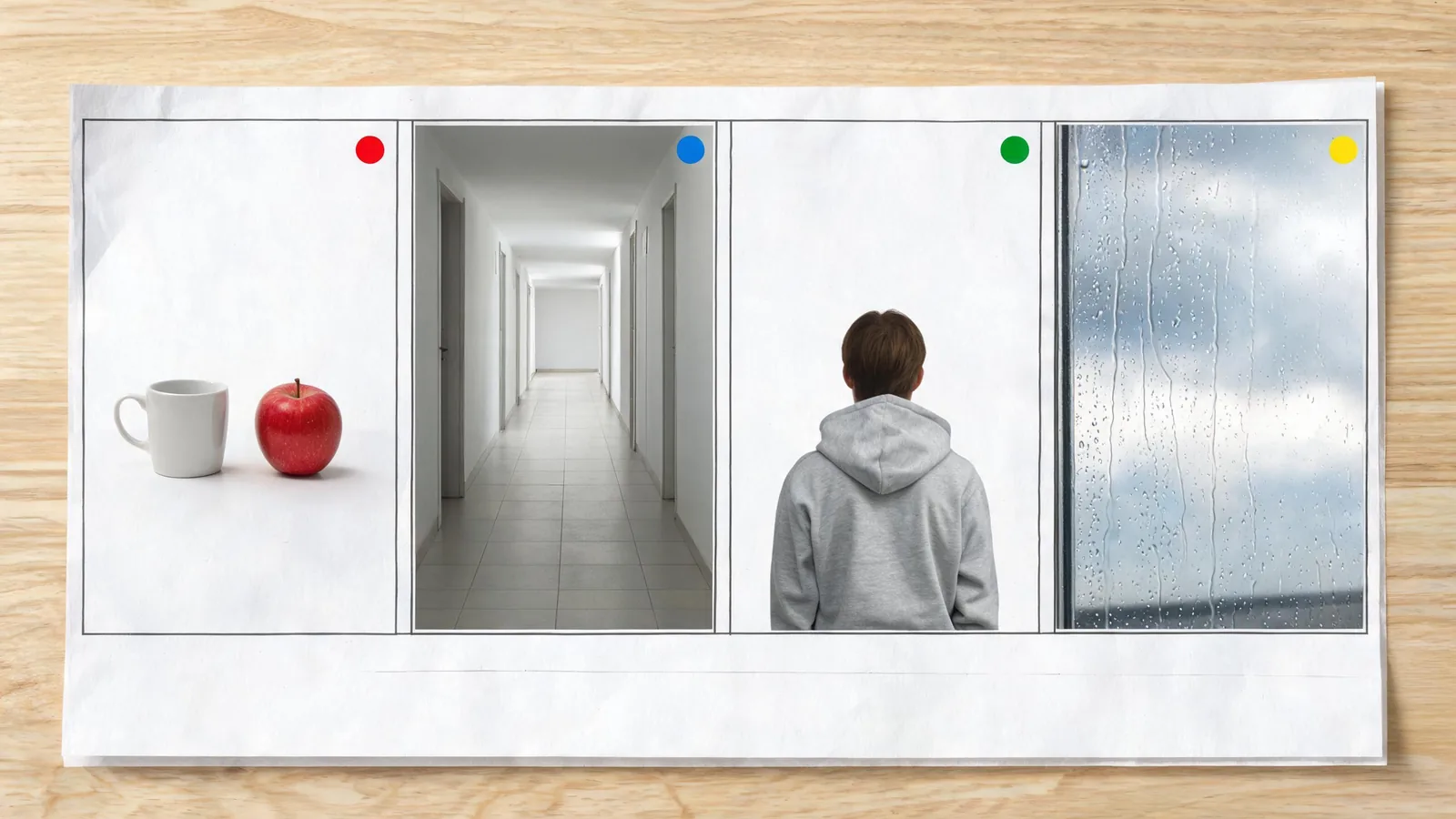
A planning aid for separating tests, not a measurement of model quality or a depiction of a particular Seedance output.
Example 4: the weather-detail test
Rain on a window, a curtain moving in a breeze, or tree shadows shifting on a wall can show whether a small background motion reads naturally. It is a better first atmosphere test than a crowded street, storm, fast vehicle, and moving camera combined.
View through a rain-speckled window toward a soft, distant landscape. A few droplets move slowly down the glass while the camera remains locked. Keep the window frame and horizon stable. Calm daylight, one continuous shot, no people, no readable signs, no transition.
Do not treat a successful atmosphere clip as news footage or proof of weather at a real place. If a viewer could mistake it for documentation, label it clearly as generated or use verified footage instead.
Compare examples without chasing a winner
Run only one change per version. For the cup, test camera still versus push-in. For the hallway, compare a straight move with a static frame. For a permitted portrait, test a still hold before any subtle movement. Name each file with the source, version, and one changed variable so the result remains traceable.
| If you see | First response |
|---|---|
| Object shape changes | Simplify motion and protect fewer, more important edges |
| Space bends or jumps | Lock the camera and remove detailed background requests |
| Portrait drifts | Stop using the result and use a clearer permitted source or less motion |
| Final frame is unusable | State the finish explicitly and shorten the action |
| Output looks plausible but implies a fact | Do not publish it as evidence; use verified media or disclosure |
This comparison method gives you a small evidence trail. It is more useful than declaring one render "best" from a thumbnail, because the next shot can inherit the decision that actually held up.
Keep rights and disclosure in the workflow
The U.S. Copyright Office's AI initiative is useful background on ongoing AI and copyright questions, but it is not legal advice and does not grant rights to a source image, voice, person, or location. Check the permission and distribution terms that apply to your actual materials.
When an example uses a real person, client asset, or recognizable location, document the source and approved purpose before generation. When the result is used publicly, make a clear disclosure whenever context could lead viewers to believe it is documentary footage, an endorsement, or a real event.
Frequently asked questions
Can I use Seedance 2.0 AI video examples as a prompt library?
Use their structure, not their identity or claims. Keep one subject, one motion, one camera decision, and a defined ending. Then write the scene from your own permitted material. The Seedance prompt library has additional editable structures by video goal.
Why start with simple examples instead of a full story?
A full story combines too many decisions. A small controlled example tells you whether the source, motion, camera, and final frame work before you spend time on a multi-shot sequence.
What should I do after a test works?
Keep the successful source and add one new variable, such as a little more movement or a changed camera distance. Do not replace every part of the brief at once.
A practical next step
Choose one of the four examples, use only approved inputs, and make two versions with one visible change. Save the usable version and its note before planning a larger sequence. If the final project needs several clips, turn the keepers into a shot-by-shot storyboard rather than asking one prompt to carry the entire story.