
Seedance Prompt Library: 12 Starter Structures by Video Goal
Use this Seedance prompt library to choose a short, editable prompt structure by video goal, then test one controlled change at a time.
A Seedance prompt library is useful when it gives you structures to adapt, not long “magic prompts” to copy blindly. Begin with one video goal, state the subject and one action, add a simple camera or lighting choice, then name what must stay stable. Test the result before adding more detail.
Last updated: July 30, 2026 · about 7 min read
Use a prompt structure that fits the job
The same prompt does not serve every kind of video. A product reveal needs stable product details; a portrait animation needs permission and modest motion; a scene study needs a clear first frame. Choose the small structure that makes the required review easier.
| Video goal | Starter structure | First check |
|---|---|---|
| Product reveal | approved product on [surface], slow [camera move], keep label area stable | Does it invent packaging or text? |
| Portrait motion | permitted adult portrait, subtle head turn, natural light, preserve identity and background | Does it imply a real event or change the person? |
| Food scene | [dish] on [table], steam rises gently, close camera move, keep ingredients recognizable | Are hands, utensils, and food details stable? |
| Establishing shot | [place] at [time of day], one foreground action, slow push-in, no readable signs | Does the camera move serve the shot? |
| Abstract texture | [material] changes with [motion], restrained lighting, one camera angle | Is the visual coherent without extra objects? |
| Transition test | start on [approved frame], shift to [end state], keep [subject] consistent | Are start and end states actually connected? |
The brackets are variables, not a guarantee. Fill them with details you have permission to use, and do not add a logo, private address, recognizable person, or protected character just to make a prompt more specific.
Build every prompt in four parts
- Name the subject and setting. Start with what must be visible: “a permitted product photo on a plain table” or “an original illustrated bird in a park.”
- Choose one action and one camera idea. “Rotates slowly while the camera pushes in” is easier to assess than five competing motions.
- Add preservation notes. State what should remain stable: identity, product shape, background, label area, or composition.
- Write the review question. Decide what you will check after generation: “Are all product details still recognizable?” or “Does the motion stay proportional to the scene?”
Add detail only when a previous result tells you what is missing. A longer prompt is not automatically a more controlled prompt.
For a worked example, see Seedance prompt examples. When a concept needs more than one beat, turn the chosen structure into a shot-by-shot storyboard before you generate a longer clip.
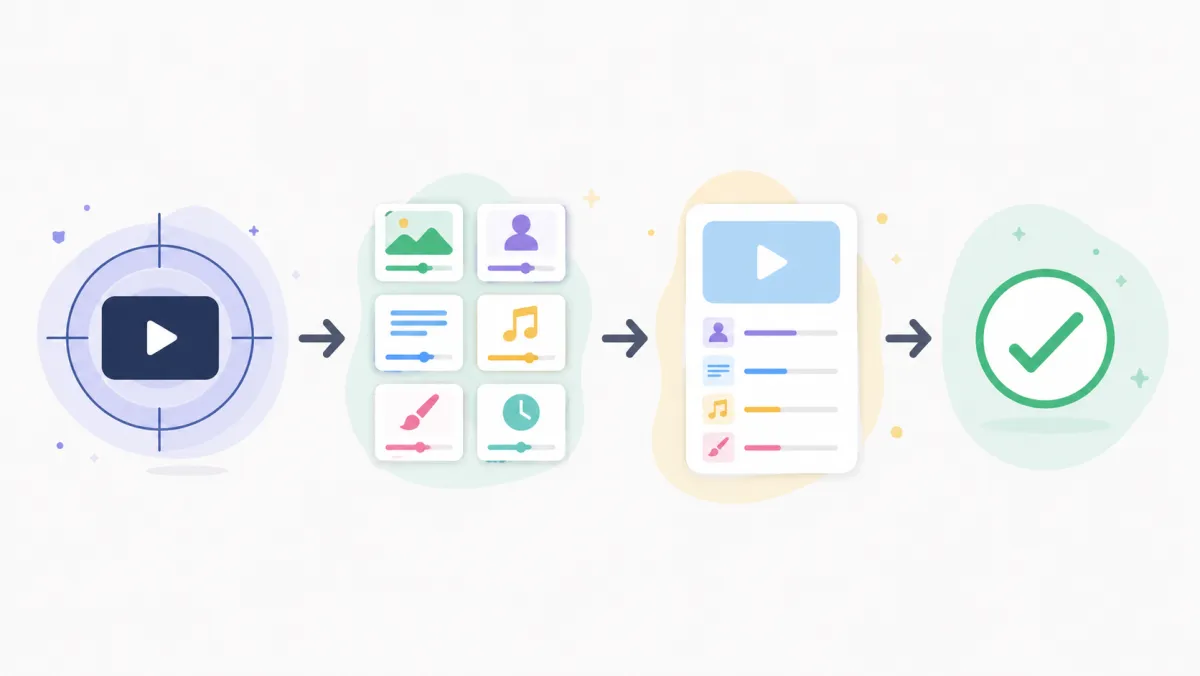
A short structure is easier to refine because you know which variable changed.
Six more structures to adapt carefully
- Character continuity:
original character with [distinct non-branded detail], [single action], preserve face, clothing, and setting. - Camera practice:
[subject] remains still while camera performs a slow [pan/zoom/orbit], stable background. - Light study:
[subject] in soft [morning/window/studio] light, gentle motion, preserve color balance. - Editorial cutaway:
[object] in a simple setting, one practical action, clean full-frame composition. - Mood loop:
[abstract scene], repeating gentle motion, one focal point, no text or logos. - Reference-led scene:
use only this permitted reference as the visual starting point; create [one action]; preserve [specific elements].
Each structure should produce one decision: keep the source, change the motion, simplify the setting, or stop. Do not mistake a pleasant result for evidence that the tool has understood every product, person, or factual detail in the source.
Review before you reuse a template
Watch the complete output. Inspect invented text, faces, hands, labels, edges, and any implication that a real person did something they did not do. For image-led work, use the reference image rights and quality checklist before upload. For camera vocabulary, the camera movement prompt guide helps keep a prompt specific without making it crowded.
Frequently asked questions
How long should a Seedance prompt be?
Start short enough that you can name every choice: subject, setting, one action, one camera or lighting choice, and a preservation note. Add information only after a review shows a specific gap.
Can I reuse a prompt library for client work?
You can adapt a structure, but you still need permission for every input and a review for the actual output. Check the current terms and client requirements before publishing or delivering a generated video.
Related guides
Start with one controllable shot
Choose one structure, change one variable at a time, and use Seedance 2.5 as a workflow for tested visual drafts rather than a promise of a perfect result.