
Seedance 2.5 1080p Cost: Credits With and Without a Reference Video
Compare current Seedance 2.5 1080p cost and 480p/720p credit choices, including why a video reference needs input seconds in the estimate.

Seedance 2.5 1080p cost in this studio is a credit decision, not a universal model price: the current no-video-reference rate is 125.2 credits per output second, and the final total is rounded from the selected duration. If you use a video reference, the studio charges a different rate across both the output seconds and the input-video seconds, so read the live estimate before you generate.
Published September 22, 2026 · about 8 min read
This article answers the on-site purchase question introduced by the new 1080p selector. It does not quote a provider API, another Seedance host, a subscription pack, or a permanent dollar price. The earlier Seedance 2.5 API pricing guide remains a separate framework for provider and integration budgeting; it should not be used to infer the credits shown by this browser studio.
The production selector and credit calculation were checked on September 22, 2026. Seedance 2.5 offers 480p, 720p, and 1080p. The figures below describe the committed studio contract on that date; the estimate visible immediately before generation is the source of truth for an actual purchase.
The current Seedance 2.5 credit rates
The studio keeps separate rates for jobs without a video reference and jobs that include one. The reference-video rate applies to the combined input and output seconds—not output alone.
| Resolution | No video reference: credits per output second | With a video reference: credits per combined input + output second | What the rate does not tell you |
|---|---|---|---|
| 480p | 22.2 | 13.5 | Whether the resolution is sufficient for the final delivery. |
| 720p | 49.9 | 30.1 | Whether the source, motion brief, and codec fit the destination. |
| 1080p | 125.2 | 75.3 | The total without the selected duration and, for video reference, input length. |
The numbers are rates, not a promise that every task costs the same. For Seedance 2.5 without a video reference, the calculation is:
rounded credits = selected rate × requested output seconds
For a request with a video reference, it is:
rounded credits = reference-video rate × (requested output seconds + input-video seconds)
The calculator rounds after multiplying. For instance, a four-second 1080p request without a video reference is round(125.2 × 4), or 501 credits. A four-second 1080p request using a six-second video reference is round(75.3 × (4 + 6)), or 753 credits. These are arithmetic examples from the checked rate table, not a quote for a future task or a claim that every account sees the same availability.
Why a lower reference-video rate can still produce a higher total
It is tempting to compare 75.3 to 125.2 and conclude that a video reference makes 1080p cheaper. That compares the wrong units. A reference-led job includes the seconds of the supplied video as well as the requested output seconds.
Use a video reference because it gives the task information you need—such as movement, timing, or a starting visual relationship—not because a rate appears lower in isolation. A still image does not trigger the reference-video calculation. If a permitted opening frame is enough, an image-led workflow can be the cleaner creative and financial test.
Before upload, make sure you have rights to the source and that it is suitable for the intended use. The image-upload privacy checklist covers that separate preflight. The credit estimate is not proof that an input is authorized.
A practical way to choose the tier
Resolution should follow the question you need answered. The table is a planning aid, not a recommendation to always start at the lowest number.
| If your immediate question is… | A disciplined first choice | Move to 1080p when… |
|---|---|---|
| Is the concept, motion direction, or framing understandable? | A short test at the lowest tier that still makes the issue visible | The direction is approved and fine detail affects the decision. |
| Does a permitted still hold the subject and opening composition? | Image-to-video with one stable source and a narrow motion request | The selected composition needs final-candidate detail. |
| Must the output follow reference-video movement? | Include only the clip that contributes necessary motion; record its duration | The reference path has passed a small controlled test and the shown total is approved. |
| Is the file ready for a delivery environment? | Test the full downloaded output, not a preview frame | You have tested the 1080p HEVC/H.265 export in the intended player or destination. |
For the last case, read the 1080p first-render and playback guide. This studio flags 1080p as HEVC/H.265. A sharper output is not automatically the safer delivery file if your viewer environment has not been checked.
Keep the comparison controlled
An honest test changes one useful variable at a time. If you compare 720p text-to-video against 1080p with a different prompt, duration, aspect ratio, and reference video, you have learned almost nothing about the cost or resolution trade-off.
Use this sequence instead:
- Write a one-sentence shot purpose and acceptance rule.
- Choose the source path: text, still image, or required video reference.
- Set the same frame and duration for a controlled resolution comparison.
- Read and record the displayed credits before each submission.
- Review the completed clips at normal speed, then inspect the hardest movement and final frame.
- Promote only a direction that passed review to an 1080p final candidate.
This does not guarantee fewer renders. It makes the reason for each paid render legible. If a result is rejected because the camera move is too strong, keep the source and resolution stable on the next test and adjust the move; do not call the extra spend a resolution cost.
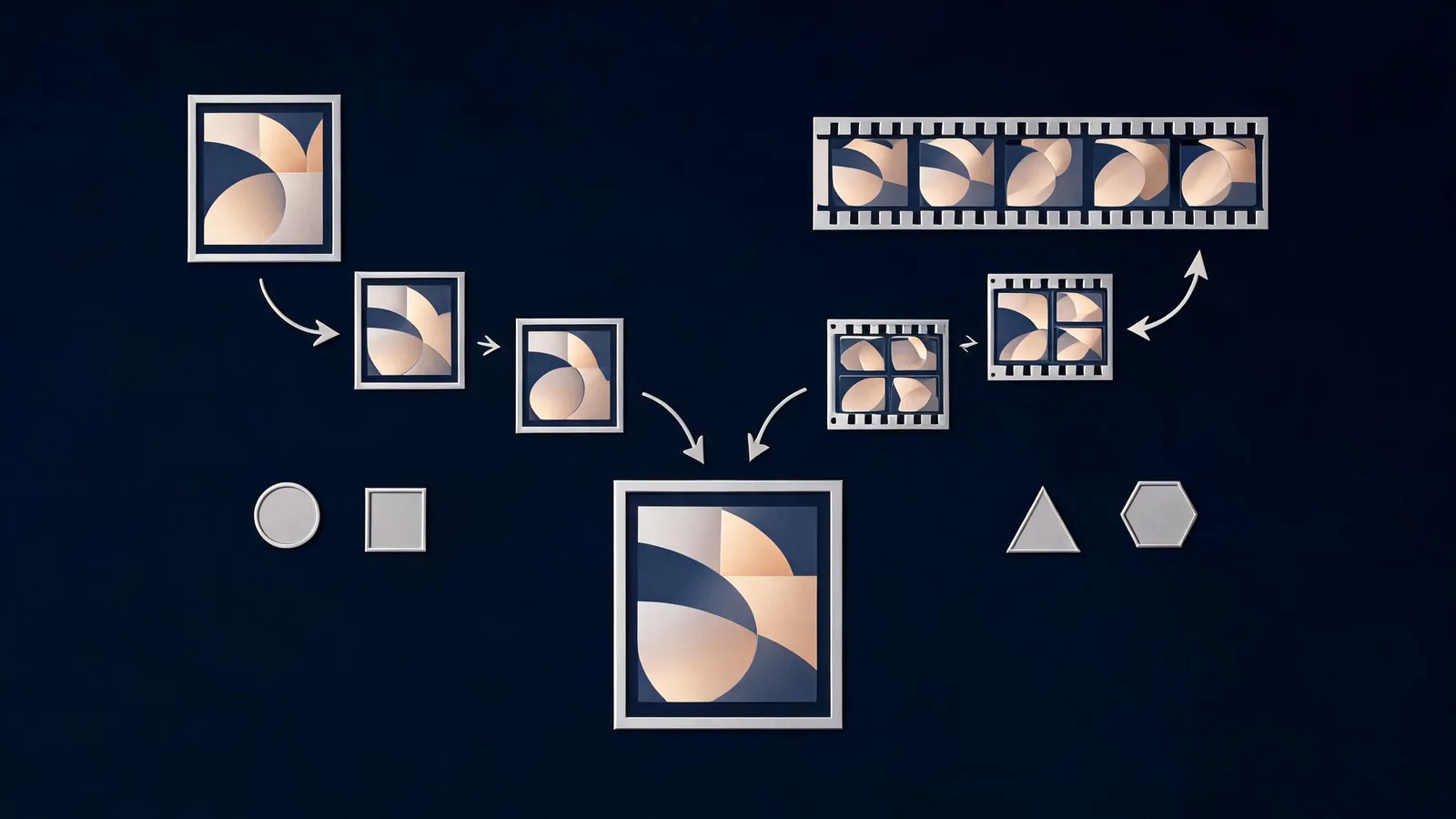
The relevant comparison is the complete request: source path, input duration, output duration, resolution, review goal, and visible estimate.
Three budgeting mistakes to avoid
Copying a rate from another service. Seedance availability and billing differ by provider, account, model ID, and workflow. The next screen before submission is more reliable than a claim from another product.
Ignoring video-reference seconds. A video reference can be creatively necessary, but it is part of this studio's calculation. Include its duration before deciding that a request fits the budget.
Treating a completed task as a usable final. Credits fund attempts, not guaranteed acceptance. Review the whole file for subject consistency, motion, ending, rights concerns, and playback before counting it as a deliverable.
What this guide cannot establish
No credit table can tell you whether a particular model output will be good, whether a destination will support its codec, or whether you have rights to publish an input or output. ByteDance's Seedance 2.5 announcement describes the model's broader generation, reference, and editing direction; it is not the billing contract for this independent studio.
Likewise, a currency conversion is not included here because no stable public conversion from these studio credits to a universal price is claimed. Choose a plan or pack from the live pricing page, then use the visible per-render estimate for the selected account and settings.
Frequently asked questions
What does Seedance 2.5 1080p cost in this studio?
As checked on September 22, 2026, the no-video-reference rate is 125.2 credits per output second, rounded after the duration calculation. Confirm the total on the live screen before generating because the contract can change.
Why can a video reference change the credit estimate?
With a video reference, the studio uses a separate rate across both requested output seconds and the reference-video seconds. The lower unit rate does not by itself mean that the final request will cost less.
Should I use 480p or 720p before an 1080p final?
Use a lower tier only when it can answer the earlier creative question. Keep the source, frame, duration, and prompt purpose controlled, then use 1080p when the finer detail and playback check are worth the displayed credits.
Decide from the live estimate
Seedance2-5.video is an independent creative studio, not ByteDance's official Seedance website. This guide reflects the production credit logic checked on September 22, 2026 and is not a guarantee of future rate, output, availability, commercial rights, or provider policy. Before spending credits, verify the current selector, the exact source path, the displayed total, and the delivery environment.
When the decision is approved, open the studio with one controlled brief. For a separate API or provider budgeting model, use the existing API pricing guide rather than applying these web-studio credits to an external service.