
Seedance AI Video Generator for Food: Review a Menu Concept Before You Post
Review a Seedance AI video generator food concept against a permitted menu reference, reject invented details, and make a clear posting decision.
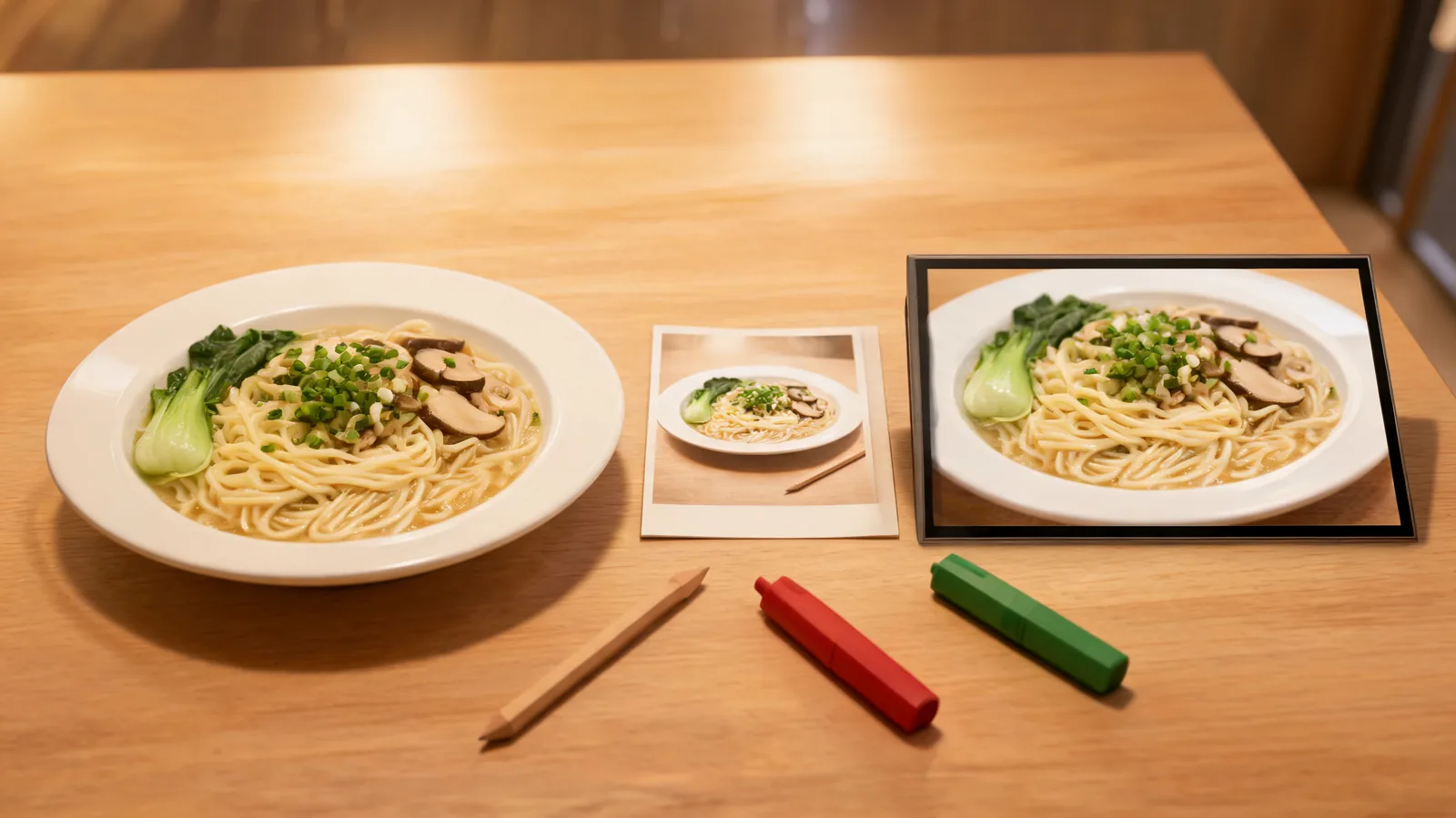
Before posting a food concept made with a Seedance AI video generator, compare the complete clip with the permitted menu reference, reject invented ingredients or selling details, state the clip’s limited purpose, and keep the approval record with the file. If a customer could read a frame as a factual promise about the dish, portion, package, availability, price, nutrition, or preparation, replace that moment with verified photography, footage, or copy.
Published September 29, 2026 · Post-render menu-concept approval guide
This is the post-render companion to AI food video generator prompts. The earlier guide asks how to make a restrained test from a food image. This page begins after a clip exists. Its different question is whether a restaurant, editor, or creator can use this specific output as a clearly limited concept—or whether it must be rejected before it reaches a customer-facing channel.
Generated food visuals can look appetizing while quietly changing what is being sold. A clip may add a garnish, alter a portion, turn a side into a main element, imply a cooking method, or make packaging look different from the real item. A smooth camera move does not make those changes safe. This is editorial workflow guidance, not legal advice; confirm the current rules, platform terms, and advertising requirements that apply to your business and market.
Review beside the source, never from memory
Open the exact approved menu photo, product shot, or footage beside the full output. Record what the source can actually establish. A photo of one bowl can support a limited concept built around that visible bowl; it cannot prove an unseen ingredient, a different serving, an offer, a nutritional property, or that the item will look the same at every location.
| Record | What to keep | Why it matters |
|---|---|---|
| Permitted source | File or asset ID, rights note, and approval date | Establishes the factual baseline |
| Generated candidate | Version, full clip, and generation date | Stops a chosen still from hiding the rest of the output |
| Intended use | Internal mood review, labeled social concept, or another defined scope | “Marketing” is too vague to review responsibly |
| Protected details | Visible dish, plate, ingredients, packaging, and known menu facts | Makes meaningful drift easier to identify |
| Decision owner | Person who can accept, reject, or request real media | Prevents an attractive preview from becoming an unowned claim |
If the team cannot identify the source, its permission, or the planned channel, pause. That is not a minor administrative detail: without a stable source and scope, a reviewer cannot tell whether the clip is a visual concept, an approved menu representation, or an unsupported claim.
Watch for menu facts that drift
Play the clip at normal speed before pausing on frames. Compare the opening, the most active motion, and the final hold with the source. Food media can become misleading even when the overall dish seems familiar.
Reject or replace a candidate that:
- adds, removes, enlarges, or changes a visible ingredient, garnish, portion, sauce, side, or plating element;
- implies a preparation method, freshness condition, dietary property, nutritional outcome, availability, price, or offer that has not been independently verified;
- changes packaging, labels, logos, readable copy, allergens, or product identity;
- introduces hands, people, a restaurant setting, location, endorsement, or service experience that the team did not approve;
- makes a concept sequence feel like documentary footage of an actual served item when that distinction matters to the post.
Some motion may be fine for a tightly limited concept: a gentle camera drift across the same verified plate, for example, can be acceptable when the source holds, the purpose is defined, and no customer-facing fact depends on the generated frame. That is not a blanket approval. The actual menu item, audience, caption, channel, and claim determine the decision.
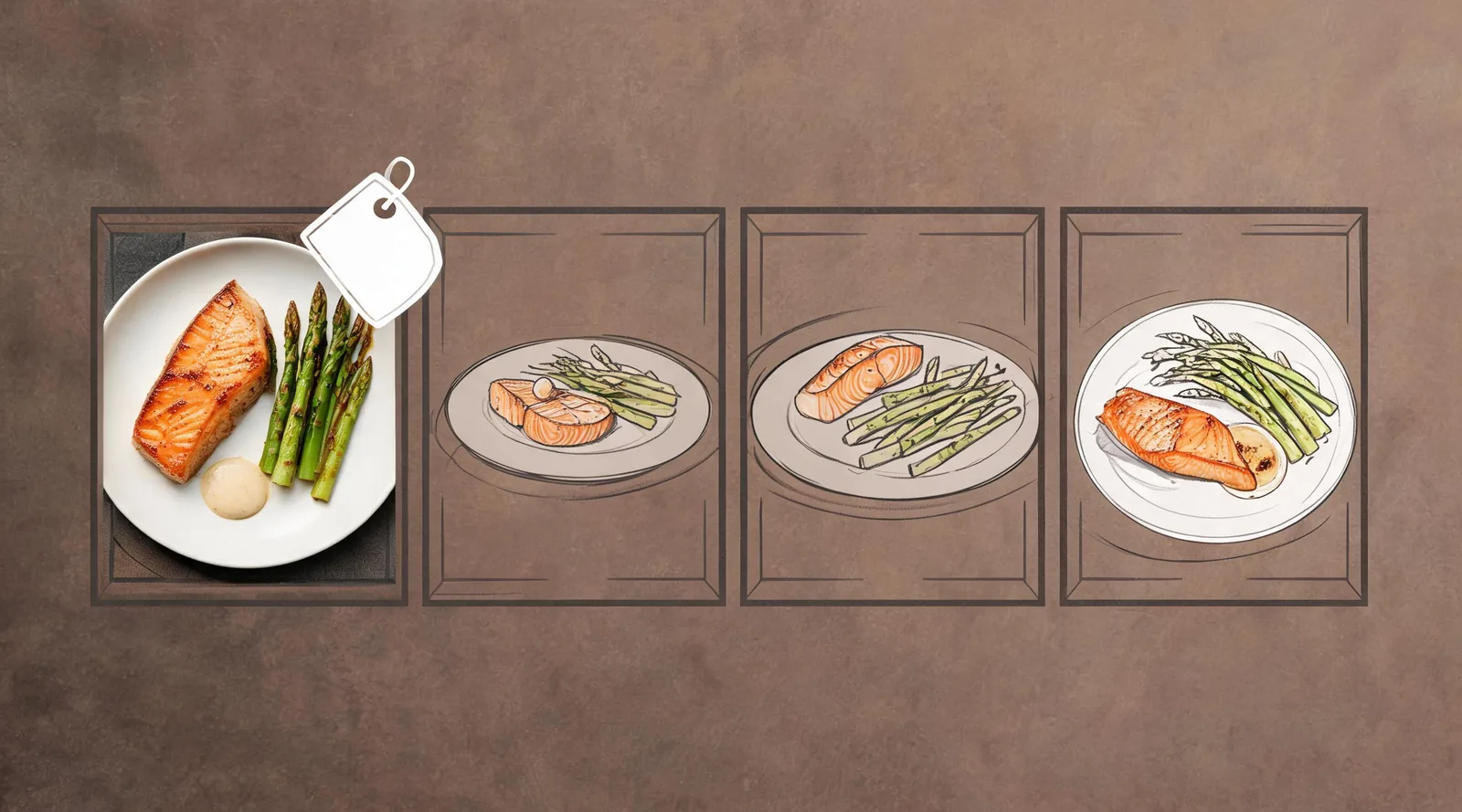
A polished frame is not enough; every material food claim still needs a verified source.
Choose a limited purpose before publishing
“Use it for social” is not an approval scope. Name whether the clip is for an internal creative discussion, a clearly labeled concept post, a non-claim-dependent background mood, or no public use at all. The answer determines how it should be retained, captioned, and separated from factual menu media.
| Decision | When it can fit | Required limit |
|---|---|---|
| Internal concept only | The clip helps plan a real shoot, layout, or edit rhythm | Keep it out of customer-facing distribution |
| Clearly labeled concept post | The source supports the visible item and the team approves the channel and context | Keep the approved label and source record with the post |
| Background texture only | No menu fact, offer, or product claim relies on the clip | Do not place it beside unqualified factual copy |
| Reject and replace | Any material food detail changed or the audience could rely on the frame | Use real image, footage, or verified copy instead |
Clear labeling does not repair an invented visual fact. If a concept adds a topping that is not served, a small label does not make it a useful menu representation. Remove it, replace it with real media, or reframe the content so no factual item claim depends on the synthetic image.
For broader U.S. AI policy and copyright materials, the U.S. Copyright Office AI initiative keeps current resources. It does not supply a universal menu-content rule or legal advice. The practical point here is simpler: do not let generated visuals make claims your team cannot support.
Write an approval note another editor can use
Keep plain observations rather than declaring the generator generally reliable. A good record may be only a few lines:
Candidate:
noodle-concept-v03· Source: approved noodle-bowl photo dated September 29 · Decision: reject for public posting. The opening keeps the bowl and greens, but the middle adds mushrooms and the ending changes the portion. Use the verified photo or schedule a real food shoot.
For a limited approval, record the allowed channel, audience, approved label or context, source reference, reviewer, date, output version, and known limitations. Store that note with the file. A later editor should not have to guess whether a tasty-looking clip was factual photography, a rejected draft, or a permitted concept.
The product-video review checklist can help when the issue is package continuity or a generic product claim. Food content needs its own review because a small visual change can affect what someone believes is in the dish or being offered.
Escalate instead of inventing a menu fact
Use verified conventional media when a frame needs to show the actual dish, serving size, ingredient, preparation, package, offer, dietary information, price, availability, or location. The same applies when the rights in the source, a client approval, a contributor’s permission, or a platform rule is uncertain.
Do not use a generated clip to solve the absence of a food photograph. Missing real media is production information: it may require a new shoot, a factual product card, an approved menu description, or a decision not to make that claim. For sources that include people, a client’s location, or private details, review the image-upload privacy checklist before generation.
Frequently asked questions
Can I approve a generated food clip because the opening looks like the menu photo?
No. Compare the whole clip with the approved menu reference. Reject it for public use if it invents or changes a topping, portion, preparation cue, package, availability, price, claim, or other detail a customer could take as factual.
What should a restaurant keep with an approved food concept clip?
Keep the permitted source image, output version, reviewer and date, intended channel, observed limitations, and the agreed label or context. Check current platform, advertising, and local requirements separately.
When should generated food motion be replaced with real media?
Use real photography or footage whenever the image needs to show the actual serving, portion, ingredients, packaging, preparation, availability, price, nutrition, or performance of an item. A concept clip should not fill a factual gap.
Approve the evidence, not the appetite appeal
The safest result is a precise decision: retain this version only for this limited concept use, or replace it because a customer needs verified menu media. That protects diners, the restaurant, and the next person who touches the campaign. If a restrained concept test is still appropriate, open the Seedance studio with the approved source and review owner already identified.