
Seedance 2.5 Reference-to-Video: Assign Roles Before You Generate
Use Seedance 2.5 reference-to-video with a small, role-based input pack. Assign identity, setting, motion, and audio jobs before a bounded first render.
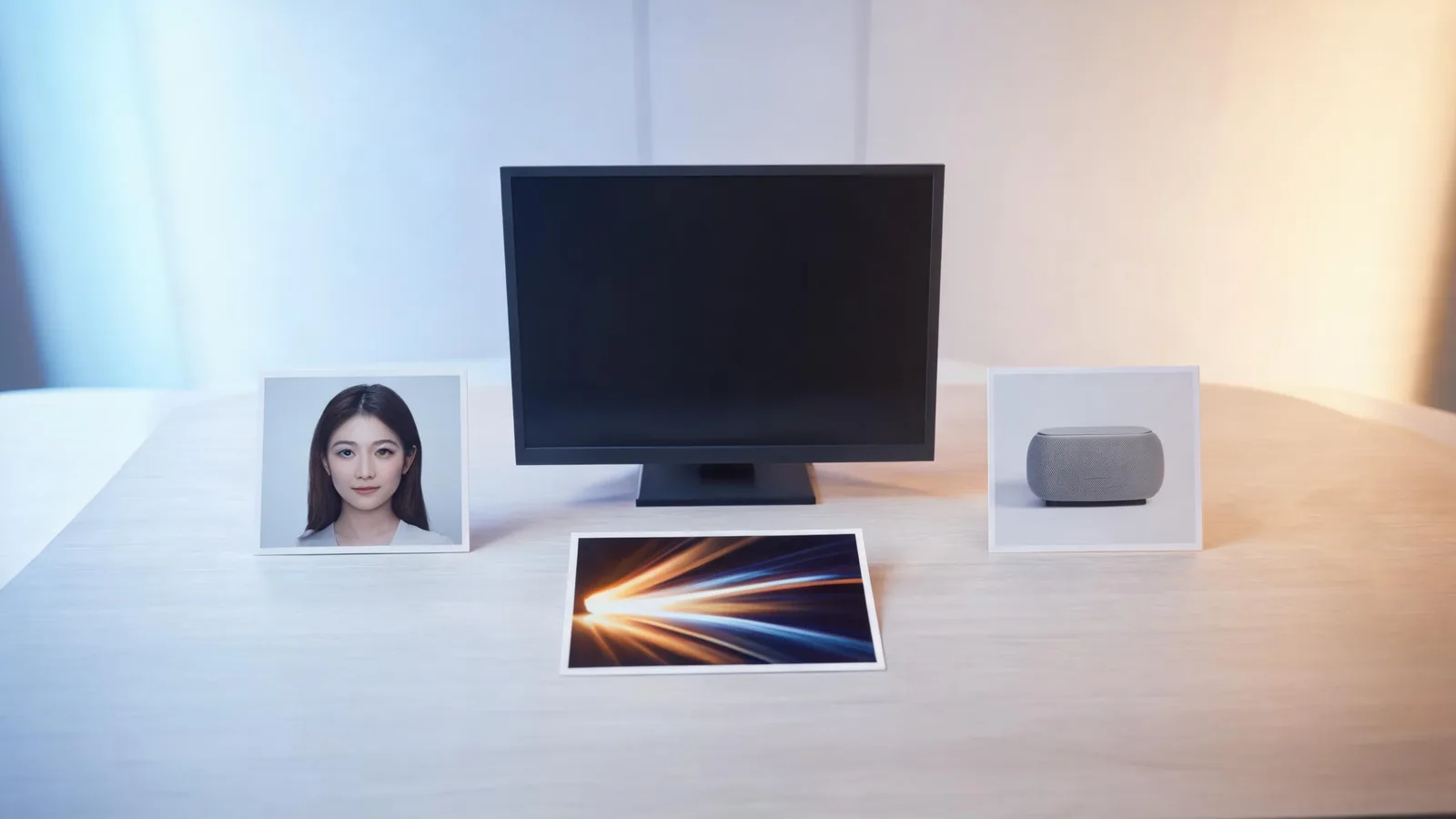
For Seedance 2.5 reference-to-video, give every uploaded asset one job before you generate: use an approved image for the thing that must remain recognizable, a setting image for the environment, a short video only for motion you are allowed to use, and audio only when it matters to the test. Start with the smallest pack that describes one shot, then inspect the full result before adding complexity.
Checked September 12, 2026 · reference-planning and first-render guide
This guide is not a promise that references will copy assets exactly.
The live Seedance studio includes a Reference → Video mode. Its current configuration allows up to 30 reference images, 10 reference videos, and 10 reference audios for Seedance 2.5, subject to the interface’s upload validation. A video reference is checked for a current approved upload, duration, and size before submission. Those are product controls, not a reason to fill every slot.
First decide whether reference-to-video is the right mode
Use reference-to-video when one starting image cannot carry the important information in the shot. That might be a permitted product image plus a separate setting, or an approved subject image plus a small motion example. Use image-to-video when one image already defines the shot and you only need modest animation. Use text-to-video when there is no source asset whose appearance or movement needs to guide the first test.
The practical difference is accountability. A role-based pack lets you answer, before a render: which file was meant to guide identity, which one suggested the place, and which one suggested motion? A pile of unlabeled uploads cannot.
| Reference job | A suitable source | What to write in the brief | Do not treat it as |
|---|---|---|---|
| Identity or product | One permitted, clear image | “Keep this item’s silhouette and color family recognizable.” | Proof of exact geometry or readable label text |
| Setting | One clean location or style image | “Use this as the environment and broad lighting direction.” | Permission to recreate a private place or protected design |
| Motion | A short clip you may use | “Borrow only the simple pace or camera direction.” | A request to copy a performer or entire scene |
| Audio | A cleared voice, ambience, or rhythm source | “Use this only as timing context for the first test.” | A guarantee of speech, music, or lip-sync accuracy |
If a file has two competing jobs, split the idea into two tests. For example, a rapid handheld video that also contains a face, logo, and location is a poor first motion reference. It asks the model and the reviewer to disentangle too much at once.
Make a one-sentence role card for every file
Before opening the studio, write a compact asset list. Keep the original filename or source location beside it so another reviewer can trace the material.
Identity: approved blue bottle still, front three-quarter view. Setting: permitted neutral kitchen counter image. Motion: no clip for the first pass. Audio: none. Output: one slow push-in; bottle stays centered; no readable label, no person, no scene change.
This card makes the first prompt smaller and the review sharper. It also exposes missing permission early. If you cannot say where an image or clip came from, whether its use is approved, and what the output is for, do not upload it merely to see what happens.
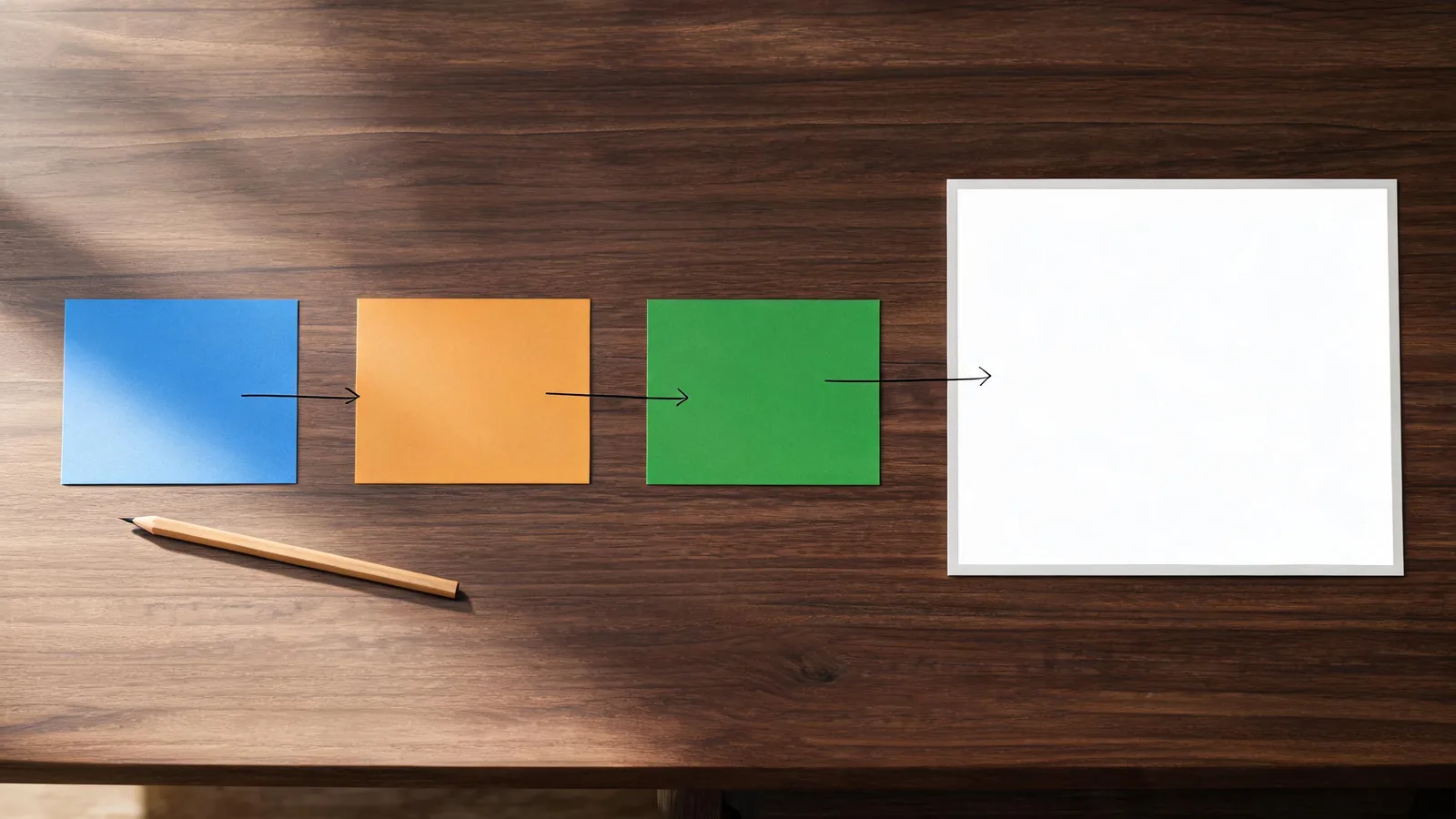
A role map is a planning aid, not a claim about how a generated clip will behave.
Build a bounded first render
Ask for one visible action and one camera behavior. Keep exact copy, brand marks, prices, medical or performance claims, and other material that must be correct out of the generated frame. Those belong in approved production assets and conventional compositing.
For the bottle example, a bounded brief could be:
Use the identity reference for the bottle and the setting reference for the counter. A quiet morning shot: the bottle remains upright on the counter while soft light moves across the background. One slow, steady push-in. Preserve the broad bottle silhouette and neutral setting. No people, no readable text, no logo recreation, no new objects, and no scene change. End with the bottle fully in frame.
This is intentionally modest. It gives you evidence about the things you can actually inspect: whether the bottle remains recognizable, whether the camera does only one thing, and whether the ending is usable. It cannot establish product truth, rights clearance, or permanence across later attempts.
Review the complete output before scaling up
Watch from the first frame through the end, then record a plain result. A striking still is not enough.
- Did the assigned subject or product stay recognizable in the intended role?
- Did the output add, remove, bend, or obscure a protected detail?
- Did the requested motion remain understandable without a sudden camera or scene change?
- Is there a clean opening or ending an editor can use?
- Did any generated detail look like text, a label, a claim, or a real event that needs separate verification?
If one answer fails, change one variable on the next test: remove a conflicting input, simplify the action, or replace a weak reference. Do not add five more assets and hope they average out the ambiguity. For a record of those controlled changes, use the Seedance prompt test log. If a render is selected, the video editor handoff checklist helps carry its source and limitation notes downstream.
Input limits are guardrails, not creative instructions
Seedance 2.5 offers substantial reference capacity, but capacity is not quality assurance. The studio currently validates reference uploads and applies model-specific count, duration, and size limits. The interface shown to your account at submission time is the source of truth, because availability and restrictions can change.
Use only material you are allowed to use. Do not frame a generated result as documentary evidence, a faithful product depiction, or a substitute for consent. Seedance2-5.video is an independent creative studio, not ByteDance’s official Seedance site; this guide is editorial workflow advice, not legal advice.
Frequently asked questions
Should I upload every reference I have?
No. Begin with the smallest set that gives the model one clear identity or product cue, setting cue, and optional motion or audio cue. Extra references can introduce conflict and make a failure harder to diagnose.
How is this different from an image-to-video prompt?
Image-to-video starts with one image that already defines the shot. Reference-to-video is useful when separate permitted assets need separate jobs, such as a product, location, and motion direction. Both still need a modest brief and a full-output review.
Can I rely on a video reference to reproduce a performance exactly?
No. Treat it as a creative guide for a bounded test, not a copy mechanism or a guarantee of a person’s expression, timing, dialogue, or movement. Use only cleared sources and review the returned clip.