
Seedance Text-to-Video Review: Choose a Usable Scene Before Editing
Review a completed Seedance text-to-video scene for a clear subject, readable action, camera behavior, continuity, and a usable edit point before you trim or rerun it.
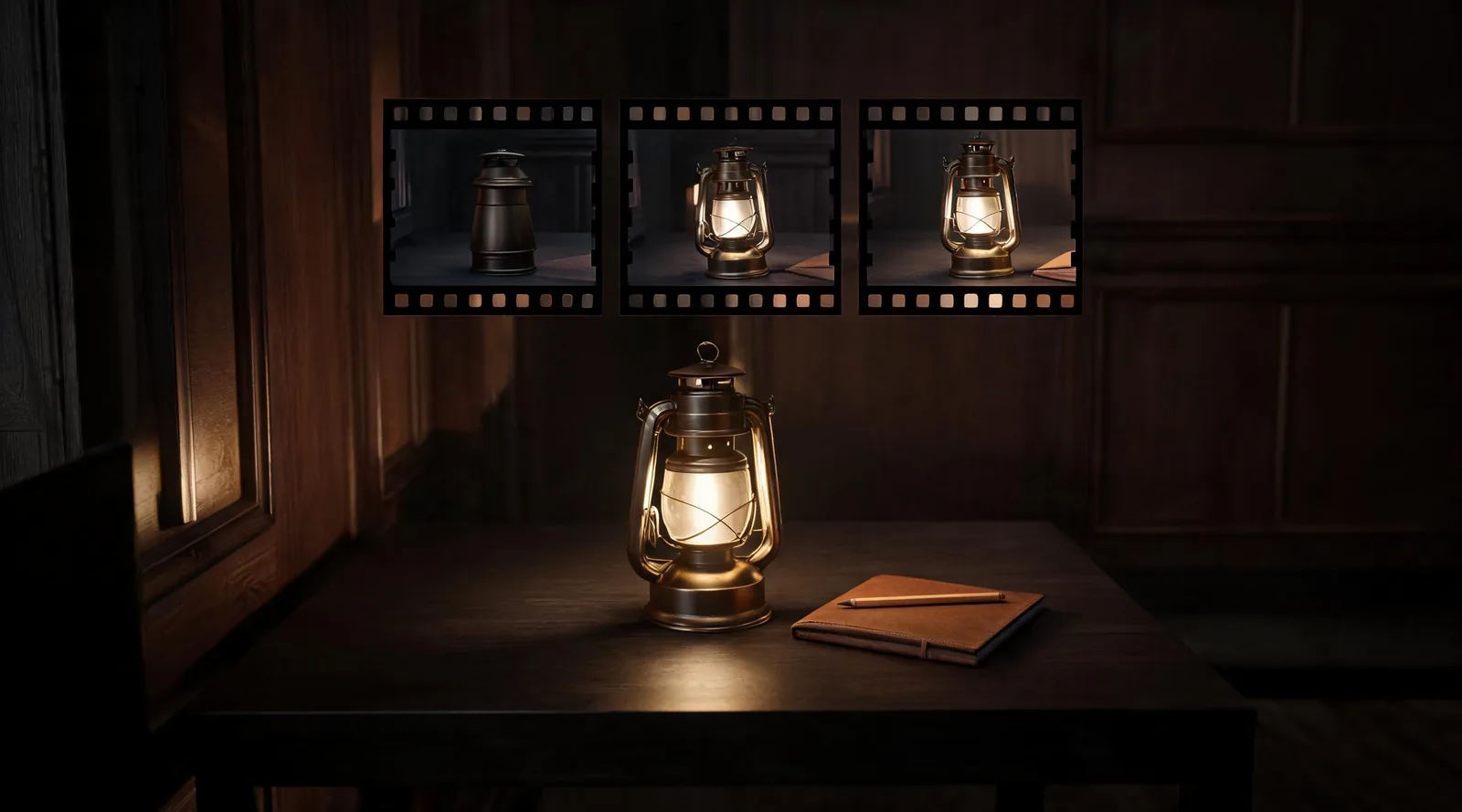
Review a completed Seedance text-to-video scene by watching it all the way through, then checking the intended subject, readable action, camera behavior, continuity, and a clean place to edit. Keep a scene only when the actual usable range supports the brief. If it fails one of those checks, note the moment and run one controlled revision—or choose another production method—rather than approving it from a strong first frame.
Checked September 18, 2026 · post-render scene-selection guide
This page answers a different question from the older Seedance 2.5 text-to-video prompt guide. That guide helps write a scene before generation. Here, the render already exists and the decision is practical: can an editor, collaborator, or creator use this file, trim one honest segment, or explain the next rerun?
Watch once without pausing
Start at normal speed. You are looking for the basic scene promise: does the intended subject appear, does the requested action happen clearly, and does the ending leave a moment an editor can actually use? Do not pause immediately to admire the opening still. A scene can begin well and then lose the subject, change the action, shift the camera, introduce an unwanted object, or end before a cut is possible.
After one full pass, write a one-sentence observation. For example: “The unbranded lantern stays recognizable, the camera moves forward, but the hand changes shape from 3.1 seconds onward and the final hold is too brief.” That note is better than “mostly good” because it tells the next person what was actually seen.
Compare the finished scene with its brief
You do not need a long scorecard. Use the few details the brief genuinely depended on. A text-led concept scene might protect an invented subject, one action, the general framing, and an ending. A product, person, legal statement, or real event should not be treated as a loose creative detail: use approved source material or another method when exact truth, permission, or reproduction is required.
| Review point | Ask this after the render | Record an outcome, not a guess |
|---|---|---|
| Subject | Does the main subject remain recognizable for the intended range? | “Lantern silhouette stays stable until 3.1 seconds.” |
| Action | Can a viewer understand the single requested action? | “The lantern turns once; no extra action is introduced.” |
| Camera | Does the movement support the shot rather than distract from it? | “Slow push-in is readable but accelerates near the end.” |
| Continuity | Do important objects, lighting, and spatial relationships remain usable? | “Background wall line bends at midpoint.” |
| Ending | Is there a stable in/out point for the planned edit? | “Use 0.8–4.6 seconds; do not use the final second.” |
If your brief included too many details to assess in this table, that is useful evidence for the next test. Break the scene into one subject, one action, and one camera decision rather than adding more language to the same request. The one-clip test guide offers a compact way to set that smaller brief.
Review the action and camera separately
Text-to-video can make a plausible-looking scene whose motion does not serve the edit. Separate the two questions. First, ask whether the action occurs. Then ask whether the camera makes that action easier or harder to understand.
For a simple push-in, compare the subject’s size and surrounding space at the opening, midpoint, and end. For a pan or tracking shot, use a stable background line or subject edge to see whether the direction holds. For an action such as steam rising, walking, turning, or a fabric movement, ask whether it remains readable without a distracting transformation.
The point is not to impose a hidden technical threshold. It is to identify the specific reason a clip can or cannot be cut. The camera-move review gives a more detailed pass for shots where camera behavior is the main decision.
Decide whether a usable section is enough
One clean segment can be useful. It is not proof that the whole scene passed. If you cut a portion, record its exact in and out points, the intended use, and what is excluded. That protects the editor from discovering a continuity problem after the source file has been called approved.
| Decision | Use it when | Next action |
|---|---|---|
| Keep the whole scene | The full intended range meets the brief and has a usable ending | Save the selected file with the review note |
| Cut a section | A bounded range works and the planned edit can use only that range truthfully | Record the exact in/out points and excluded portion |
| Rerun one change | One visible fault has a plausible, constrained correction | Change only the action, camera, or protected detail at issue |
| Change method | Exact details, permission, or factual accuracy are necessary | Use approved footage, a permitted reference, or conventional editing |
For example, a two-second atmosphere insert may be enough for an abstract concept sequence. It is not enough to support a longer action the viewer needs to understand. Let the editorial purpose—not the existence of a pretty frame—set the decision.
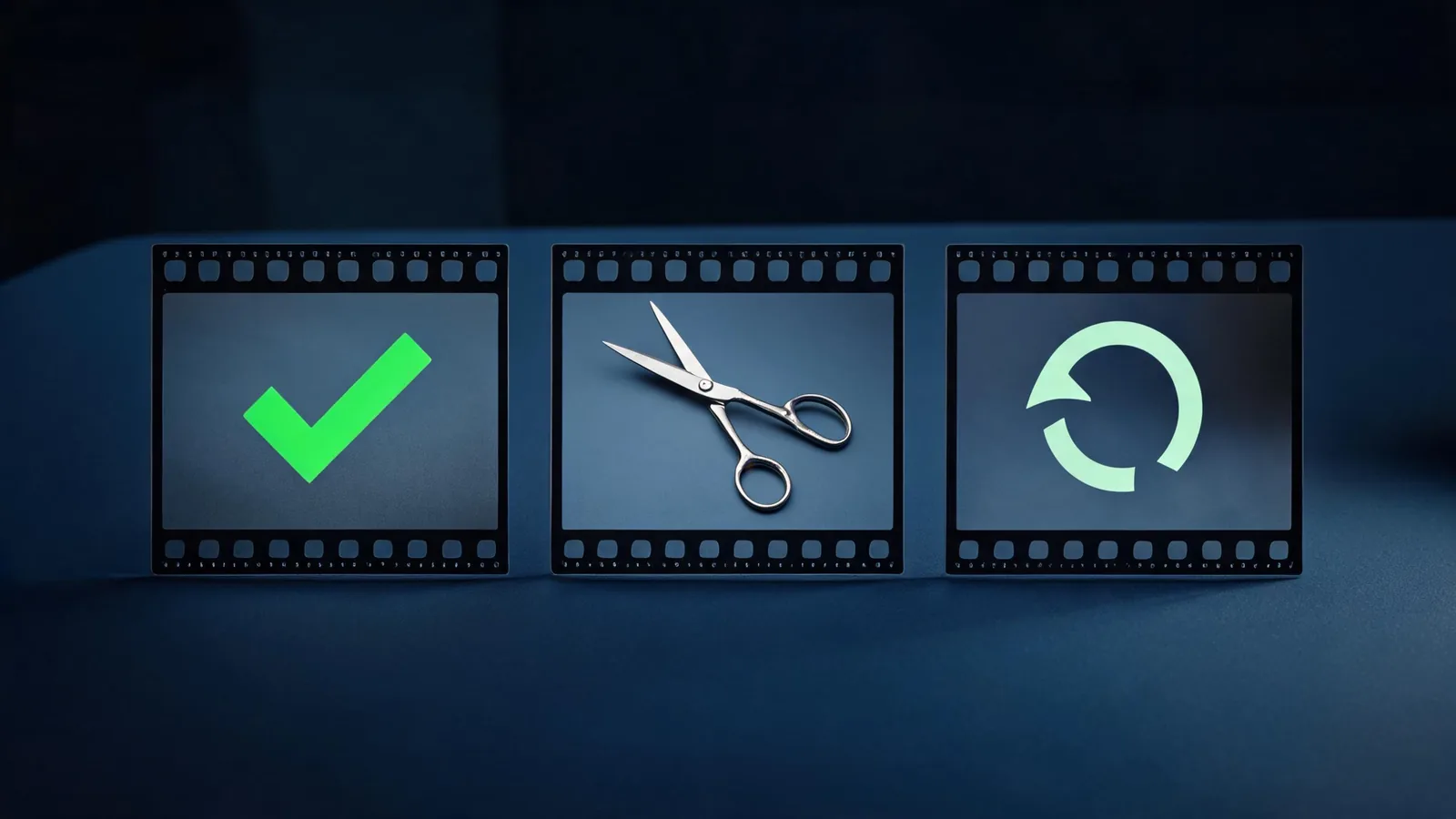
Keep, trim, rerun, or change method based on the actual usable range and the purpose of the edit.
Make the next test explainable
When you rerun, change one likely cause. If the requested action is unclear, simplify the action. If the subject drifts during an aggressive move, reduce the camera movement. If a source composition is essential, consider a permitted image-led workflow instead of asking a text-only render to recreate it exactly. If the problem is exact copy, a logo, a factual claim, or a real person’s action, do not solve it with more generation: use an approved non-generative asset or a proper review process.
Keep a short record with the prompt version, the one deliberate change, the full-clip observation, and the next decision. The prompt test log is designed for that handoff. It is more useful than an unsupported claim that a prompt “works” because it preserves what changed and what still needs review.
Limits and disclosure
This article is an editorial review method, not a quality benchmark, service guarantee, rights clearance, or legal opinion. Seedance2-5.video is an independent creative studio, not ByteDance’s official Seedance website. Interfaces, providers, account access, and terms can change. Confirm the live controls and applicable terms before a material upload, purchase, client delivery, or public use.
For provider context on text, image, audio, and video references, see ByteDance’s Seedance 2.0 launch note. The model announcement does not approve a particular output; the completed file still needs the scene-level review described here.
Frequently asked questions
What should I review first in a Seedance text-to-video scene?
Watch the full scene, then assess whether the intended subject, action, camera behavior, continuity, and edit point are usable for the stated brief. A thumbnail cannot approve the whole file.
How is this different from a text-to-video prompt guide?
A prompt guide helps plan the scene before generation. This review begins after a render exists and helps decide whether the actual clip should be kept, trimmed, rerun, or replaced with another method.
Can I keep only a short segment?
Yes, if the planned edit can honestly use just that segment. Record exact in/out points and do not describe the whole scene as approved when the remainder has failed.
What should I change after a failed review?
Change one likely cause: simplify the action, reduce the camera move, clarify a protected detail, or use a permitted reference-led method when composition matters. Review the next complete output again.