
Seedance 2.5 FAQ: Answers Before You Generate
A practical Seedance 2.5 FAQ covering prompts, source images, motion, duration, credits, privacy, commercial checks, and failed generations.
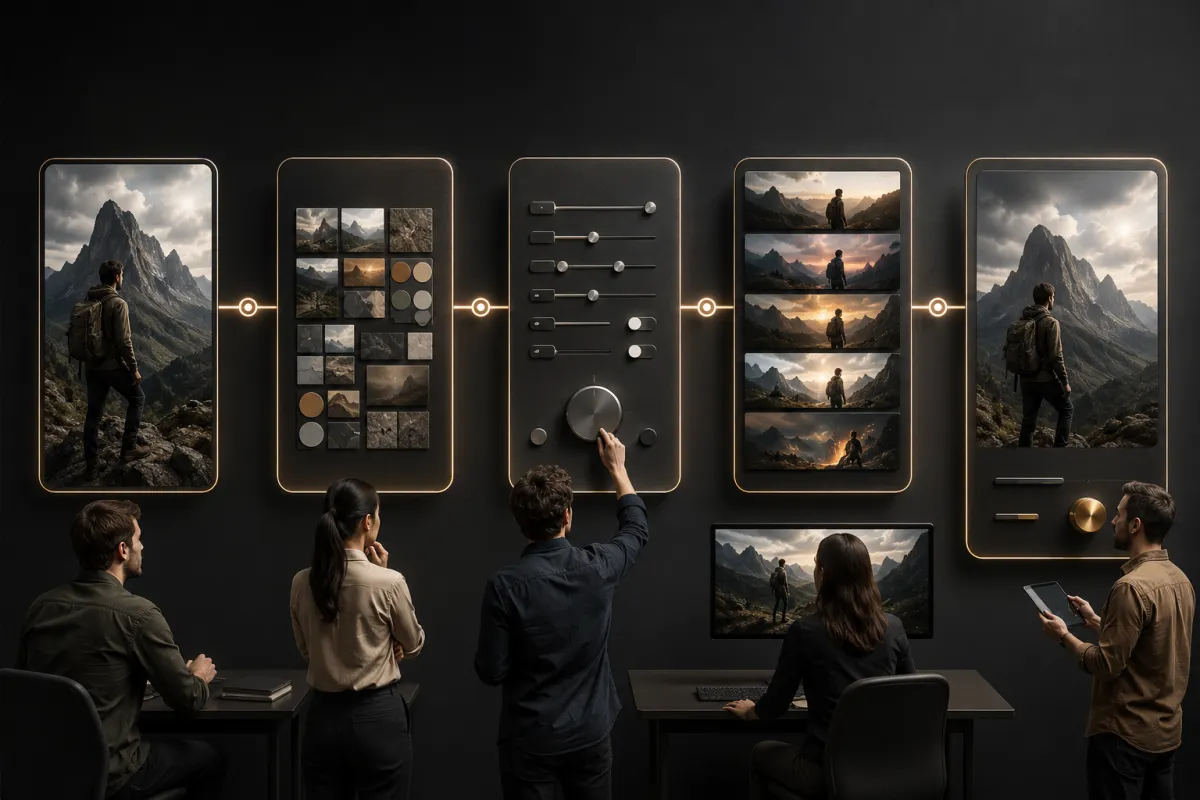
Seedance 2.5 works best when you treat the first generation as a controlled test: use one clear source, describe one action and one camera move, protect the details that matter, and define the ending. This Seedance 2.5 FAQ answers the practical questions to settle before you spend credits in the AI video generator.
Last updated: August 11, 2026 · ~9 min read
Model names, limits, and host controls can change faster than an evergreen guide. For that reason, this page separates durable workflow advice from settings you must verify in the live interface. Check the selected model, displayed options, current pricing, and terms when you generate.
What is Seedance 2.5 used for?
Seedance 2.5 is used to turn a written scene or source image into a short generated video. Common jobs include product concepts, portrait motion, social clips, visual storyboards, ads, and scene tests.
The right workflow depends on the starting material:
- Use Seedance 2.5 text to video when the scene may be invented from a written brief.
- Use Seedance 2.5 image to video when a person, product, composition, or art direction should come from a source image.
- Use the broader video generator when you want to compare the current modes exposed by the site.
Generated video is useful for visual exploration. It is not evidence that an event happened, proof of a product's real-world performance, or a substitute for consent and licensing.
What should a Seedance 2.5 prompt include?
Use five parts:
Opening scene + subject action + one camera move + protected details + ending frame
Example:
Use the uploaded product image as the opening frame. A soft side light moves across the bottle while the camera makes one slow push-in. Keep the bottle silhouette, cap, material, color, label area, table edge, and background geometry stable. End on a centered hero frame after the camera stops. No extra object, fast rotation, invented text, or shape change.
The Seedance 2.5 prompt guide includes more structures. The main rule is simple: every phrase should change a visible decision.
Should I use text-to-video or image-to-video?
| Need | Better starting mode | Main tradeoff |
|---|---|---|
| Explore a scene with no fixed subject | Text-to-video | The model invents more details. |
| Preserve a product or composition | Image-to-video | The source constrains the shot but may reveal geometry problems during motion. |
| Keep a person's recognizable appearance | Image-to-video | Consent and identity review become essential. |
| Generate many art directions | Text-to-video | Variations can drift beyond the brief. |
| Animate exact packaging or small text | Image-to-video plus conventional finishing | Generated frames may not preserve exact typography. |
If you are unsure, ask whether the source image contains information the final clip must preserve. If yes, start with image-to-video.
What source image works best?
Use a sharp image with one obvious subject, readable boundaries, coherent lighting, and enough empty space for the intended motion. Match the source aspect ratio to the target frame when possible.
Avoid beginning with:
- a face hidden by hands, hair, or accessories;
- tiny products with unreadable critical details;
- a crowded scene with several overlapping people;
- strong compression or motion blur;
- a pose that requires the model to invent most of the body;
- a source you do not have permission to use.
Read the reference image rights and quality checklist before uploading client assets.
How much motion should I request?
Start smaller than the final ambition. A locked camera with natural subject motion or one slow push-in gives you a baseline. Then add the difficult part.
One camera move is usually enough for the first test:
- slow dolly push-in;
- gentle pan left or right;
- short tracking move;
- limited orbit;
- locked camera.
The camera movement prompt guide explains the terms. Avoid stacking a pan, zoom, orbit, crane, handheld shake, scene change, and wardrobe transformation into the same short clip.
How do I keep a person or product consistent?
Name the details you will inspect. “Keep it consistent” is weaker than a short protected list.
For a person:
Keep facial identity, hairstyle, skin tone, fully clothed outfit, body proportions, and movement direction stable.
For a product:
Keep silhouette, material, color, cap, handle, closure, label area, and contact shadow stable.
Then reduce hidden geometry. A small angle change is safer than a full orbit around a one-view product image. The character consistency guide and warping guide cover the two problems separately.
How long should the first test be?
Use the shortest duration that can prove the motion idea in the current interface. The first run is a diagnostic, not the finished edit. It needs enough time for the action to start, become readable, and settle.
Do not repeat a duration claim from an old article without checking the live selector. Available durations can depend on model, mode, plan, and host changes. For planning, break the shot into beats:
- opening hold;
- one action;
- camera movement;
- ending hold.
If that arc cannot fit clearly, simplify the action or split it into two shots.
Why did my Seedance generation fail or look wrong?
| Symptom | Likely cause | Next test |
|---|---|---|
| Face changes | Large angle shift or weak identity protection | Reduce camera/subject turn and name identity details. |
| Product deforms | Motion reveals unseen geometry | Lock the camera or use a smaller angle change. |
| Camera instruction is ignored | Several competing moves | Put one camera move early and delete the rest. |
| Clip feels static | Prompt describes appearance but not time | Add one action and when it begins or ends. |
| Background melts | Too many scene changes or unclear depth | Keep one environment and protect major lines. |
| Ending is unusable | No final composition or stop | Define the final framing and a short hold. |
| Request is rejected | Policy, file, account, or provider issue | Read the visible error, remove unsafe content, and check supported inputs. |
Change one variable on the next run. The generation failed guide separates prompt problems from upload, account, queue, and provider errors.
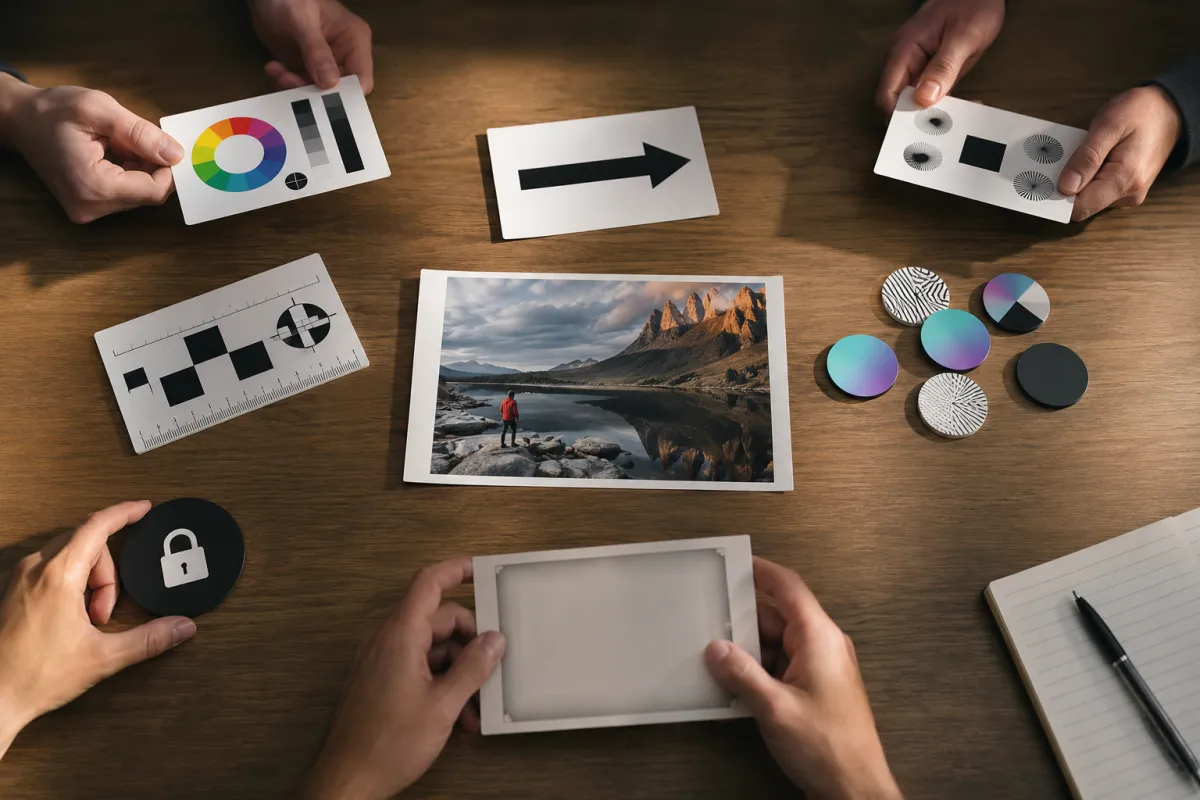
Preflight before credits: confirm rights, source quality, one motion plan, protected details, and an acceptance rule.
How should I review the output?
Watch once at normal speed for the overall shot. Then review frame by frame around the hardest motion.
Check:
- subject identity or product geometry;
- hands, feet, contact points, and object interaction;
- camera direction, speed, and stop;
- straight lines and background continuity;
- reflections, shadows, and light direction;
- exact text, labels, and logos;
- whether the final frame can cut cleanly to the next shot.
Save the prompt, source, model selection, settings, date, and reason for accepting or rejecting the result. That turns random retries into a repeatable workflow.
Is Seedance 2.5 free?
Free allowances and account rules are host-specific and may change. Check the current Seedance 2.5 free page, live generator, and pricing display before assuming a number of generations.
Do not confuse “free to try” with unrestricted usage or commercial rights. Export rules, watermarks, queues, and plan limits may be separate.
Can I use Seedance video commercially?
Commercial use depends on the current terms, your plan, and your rights to every input. Before publishing client work, confirm:
- the person consented;
- images, footage, music, and references are licensed;
- the current service terms allow the intended use;
- generated people or events are not presented deceptively;
- product claims are supported outside the generated video;
- any required disclosure or provenance is preserved.
Use the commercial-use client checklist for a documented review. When the legal or reputational stakes are high, obtain professional advice rather than relying on a general FAQ.
Is it safe to upload a private image?
Treat every upload as data shared with an online service. Before uploading, check the current privacy policy, retention and deletion terms, training-use language, account controls, and where the asset came from. Remove unnecessary metadata or sensitive background details when practical.
Do not upload intimate, confidential, medical, financial, or client-restricted material merely to test a visual idea. The image upload privacy checklist provides a more detailed decision path.
Frequently asked questions
Does Seedance 2.5 support image-to-video?
The live site provides a Seedance 2.5 image-to-video workflow. Check the generator for current supported file types, model availability, duration, aspect ratio, and other controls.
What is the best first camera move?
Use a locked camera with subtle subject motion or one slow push-in. Both make identity, geometry, and background failures easier to diagnose.
Why does my prompt get ignored?
It may contain too many competing instructions or describe style without describing action over time. Put one action and one camera move early, then list only the details you need preserved.
Should I keep regenerating the same prompt?
Repeat once to test variance. If the same failure returns, change one cause: source image, motion size, camera path, protected list, or ending. Blind retries do not teach you what failed.
Where can I check the current price?
Use the live pricing page and generator display. Record the model and settings because credits and cost can vary by mode and may change after this article is updated.
Related guides
- Open the AI video generator →
- Use Seedance 2.5 image to video
- Write a Seedance 2.5 prompt
- Diagnose warped video
- Check current pricing
Run a small, reviewable first test
Choose one licensed source, one action, one camera move, and one ending. Write down what must stay stable before you generate. Then open the AI video generator, run the shortest useful baseline, and review the entire clip before adding complexity.