
Seedance 2.0 Fast vs Standard: Pick a Generator for a Quick Test
Compare the current Seedance 2.0 and Seedance 2.0 Fast selector options, then run one matched test before committing to a workflow.

For a quick Seedance 2.0 video-generator test, choose Seedance 2.0 Fast when 480p or 720p is enough for an early decision, and choose the standard Seedance 2.0 entry when you need to test its currently available 1080p option. Keep everything else the same and compare the full clips; the labels alone do not predict which result will serve your shot.
Last updated: September 14, 2026 · about 8 min read
This is a studio-specific choice, not a claim about every service that offers a Seedance model. At publication, the live studio lists both choices as enabled. The standard entry offers 480p, 720p, and 1080p; the Fast entry offers 480p and 720p and carries the label “Faster · cheaper.” Both list a 4–15 second duration range, up to nine reference images, three reference videos, three reference audio files, and MP4 output. Read the visible generator selector before a paid or production run, because an interface can change.
ByteDance’s Seedance 2.0 launch note describes the underlying model’s multimodal inputs and camera-language support. This independent studio has its own controls, limits, and pricing, so neither the launch note nor a third-party video substitutes for what the selector displays today.
Start with the decision you actually need to make
The useful comparison is not “which name wins?” It is “what uncertainty can this render resolve?” Use a Fast test when the question is about a basic idea, motion direction, or composition at a supported lower resolution. Use the standard entry when the 1080p option itself is part of the decision, or when you want a matched baseline within the current selector.
| Your immediate question | Better first choice | Why |
|---|---|---|
| Does a simple action and camera direction read? | Seedance 2.0 Fast | A 480p or 720p test can answer a basic shot question without assuming a final deliverable. |
| Does this exact brief need the visible 1080p option? | Seedance 2.0 | Fast does not list 1080p in the current selector. |
| Which choice handles this one permitted source and prompt more usefully? | Run both once | A matched pair is evidence; labels are not. |
| Is this ready for publication or a client claim? | Neither by default | A generated test needs separate review for source rights, visual drift, exact text, and context. |
The availability of an option is not a quality guarantee. A more demanding setting can still produce an unusable clip, and a modest test can be the better way to find an unstable subject or camera move. Treat a first render as a diagnostic, not an audition reel.
What stays comparable—and what does not
The two entries share useful operating boundaries: the same 4–15 second duration range, prompt-length range, reference ceilings, and MP4 output. The material selector difference is resolution: standard Seedance 2.0 includes 1080p, while Fast is currently limited to 480p and 720p. Fast’s “Faster · cheaper” badge is a reason to check it for an early test, not evidence of a particular turnaround time or price. Check the screen and pricing before relying on either.
Do not convert those facts into assumptions the studio does not support. It does not promise that Fast will be inferior for every scene, that standard will preserve every detail, or that either choice will create reliable typography, product labels, or factual footage. Use conventional production assets for exact copy and claims.
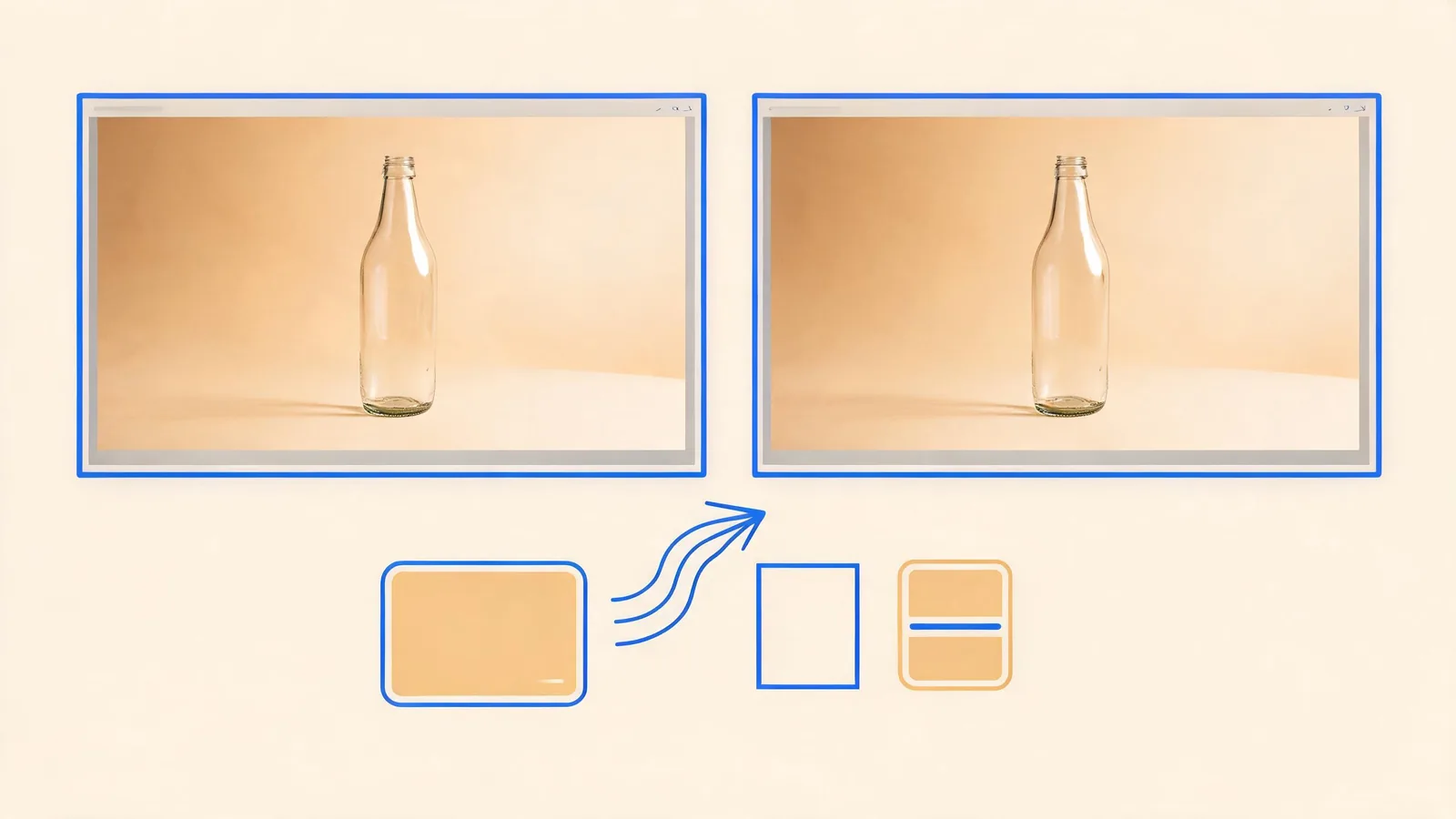
A matched test is more useful than an abstract quality claim: preserve the inputs and acceptance rule, then change only the selected model.
Run one matched test instead of two unrelated experiments
Set up a small shot with one subject, one action, one camera instruction, and a defined ending. Use a permitted source if identity, product shape, or composition matters. The following fictional brief is intentionally restrained:
A clear glass bottle on a neutral table. The camera makes one slow push-in while a soft reflection moves across the glass. Keep the bottle silhouette, neck, table edge, and contact shadow stable. End on a centered hold. No readable label or extra object.
Make the comparison fair:
- Copy the exact prompt into each run.
- Use the same permitted sources and assign them the same role.
- Choose the same duration and aspect ratio where the selector permits it.
- Use the same available resolution for the first matched pair, such as 720p; test 1080p separately only when that option is the question.
- Record the model name and visible settings immediately after each render.
- Watch each clip at normal speed before freezing a favorable frame.
This method prevents a common false conclusion: if one result uses a longer prompt, extra source, different duration, or different target composition, you cannot reasonably attribute the change to the model choice.
Review the moments that decide whether a clip can be used
Compare the opening, the most difficult movement, and the final second. This is a decision checklist, not a numeric scorecard:
- Direction: Did the camera move in the requested direction at a usable pace?
- Protected details: Did the product silhouette, face, or other approved source detail stay recognizable?
- Framing: Is the subject still where the edit needs it, rather than drifting out of frame?
- Continuity: Did reflections, background lines, hands, or contact points break during motion?
- End frame: Is there a stable, cuttable final hold?
- Claims and rights: Did the render introduce text, people, logos, or implications that should not be used?
If only one condition fails, make one controlled revision. For example, keep the source and prompt but replace a push-in with a locked-off camera. If multiple conditions fail, simplify the shot before spending more runs. The Seedance generation-failed guide helps distinguish a transient rendering issue from a source or brief that needs work.
Use the result to choose a workflow, not a winner
Choose Fast for the next early test when its currently visible options resolve the question you have. Choose standard when the 1080p option is required for the next comparison or when the matched evidence from your own scene supports continuing there. If neither output meets the acceptance rule, the appropriate conclusion is “revise the shot,” not “force a model verdict.”
Save the actual selector values, prompt version, permitted input IDs, date, and review decision with the clips. The prompt test log gives a compact way to make the next revision comparable. For a finished selection, use a video editor handoff checklist so a reviewer does not have to infer which version is approved.
No generated clip proves that a real event happened or that a product has a capability. Check permissions, factual claims, and destination-specific disclosure expectations separately. The U.S. Copyright Office’s AI materials are a useful policy resource, but they do not clear a particular source or replace legal advice.
Frequently asked questions
What is the current practical difference between Seedance 2.0 Fast and Standard in this studio?
Both current entries offer a 4–15 second range and the same reference-input ceilings. The standard Seedance 2.0 entry exposes 480p, 720p, and 1080p; Seedance 2.0 Fast exposes 480p and 720p and is labeled Faster · cheaper. Confirm the live selector before generating because settings can change.
Should I assume the standard model will always look better?
No. The selector’s available settings do not prove a quality outcome for a particular scene. Use one matched prompt and review the complete results before choosing a model for a larger job.
How can I make a fair Fast versus Standard comparison?
Keep the prompt, permitted inputs, duration, aspect ratio, and review rule unchanged. Change only the model, then compare motion, protected details, framing, and the last usable frame.
Related guides
- Open the Seedance AI video generator →
- Seedance 2.0 AI video generator: choose a mode
- Seedance 2.0 prompts: a controlled method
- Seedance prompt test log: compare renders fairly
Pick the smallest test that can answer the question
Fast and standard are useful options only when they help you make a real production decision. Lock the brief, test one variable, review the whole clip, and let that evidence—not a label—choose the next run.