
Seedance 2.5 Anime Video Prompts: Style Without Overcomplicating
Use these Seedance 2.5 anime video prompts to create original anime-style clips with cleaner motion, safer style language, and less prompt clutter.
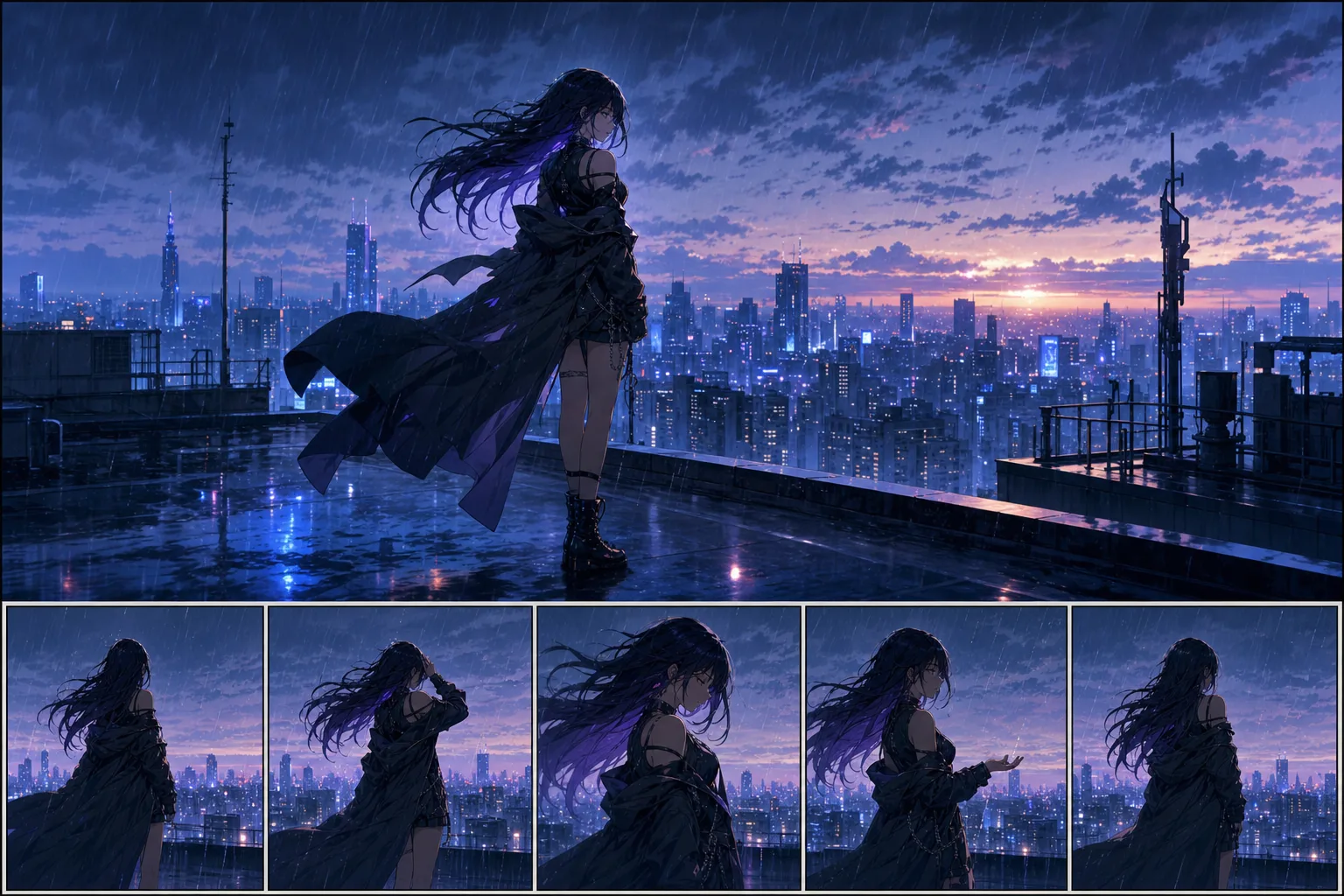
Good Seedance 2.5 anime video prompts do not need a wall of style words. They need one original subject, one clear setting, one anime-inspired visual direction, one camera plan, and a short list of details to keep stable. Use the Seedance 2.5 AI video generator to test the prompts below, then reduce or expand them based on how much motion your clip needs.
Last updated: July 7, 2026 - about 10 min read
Anime-style AI video is tempting because the look is expressive: bold silhouettes, dramatic lighting, speed lines, clean character acting, and strong mood. It also goes wrong fast when the prompt tries to copy a protected character, stacks too many style references, or asks for a full action scene from one weak image.
This guide keeps the workflow practical and original.
Quick answer
Use this Seedance 2.5 anime prompt formula:
Create an original anime-inspired [format] video. Subject: [original character or object]. Setting: [simple location]. Visual style: [broad anime mood, lighting, color palette]. Motion: [one main action]. Camera: [one camera move]. Keep [identity, outfit, colors, props, background] stable. Avoid copyrighted characters, readable text, extra limbs, or sudden scene changes. End on [usable final frame].
Example:
Create an original anime-inspired vertical video. A young courier with teal jacket and silver backpack stands on a rainy rooftop at dusk. Soft cel-shaded lighting, blue-purple city glow, gentle wind. The courier looks up as a small delivery drone rises beside them. Camera slowly pushes in from waist-up to close portrait. Keep face, jacket, backpack, drone shape, and rooftop stable. Avoid copyrighted characters, readable text, extra fingers, or sudden outfit changes. End on a calm close-up with city lights behind the character.
That is enough for a first render.
The five-part anime prompt structure
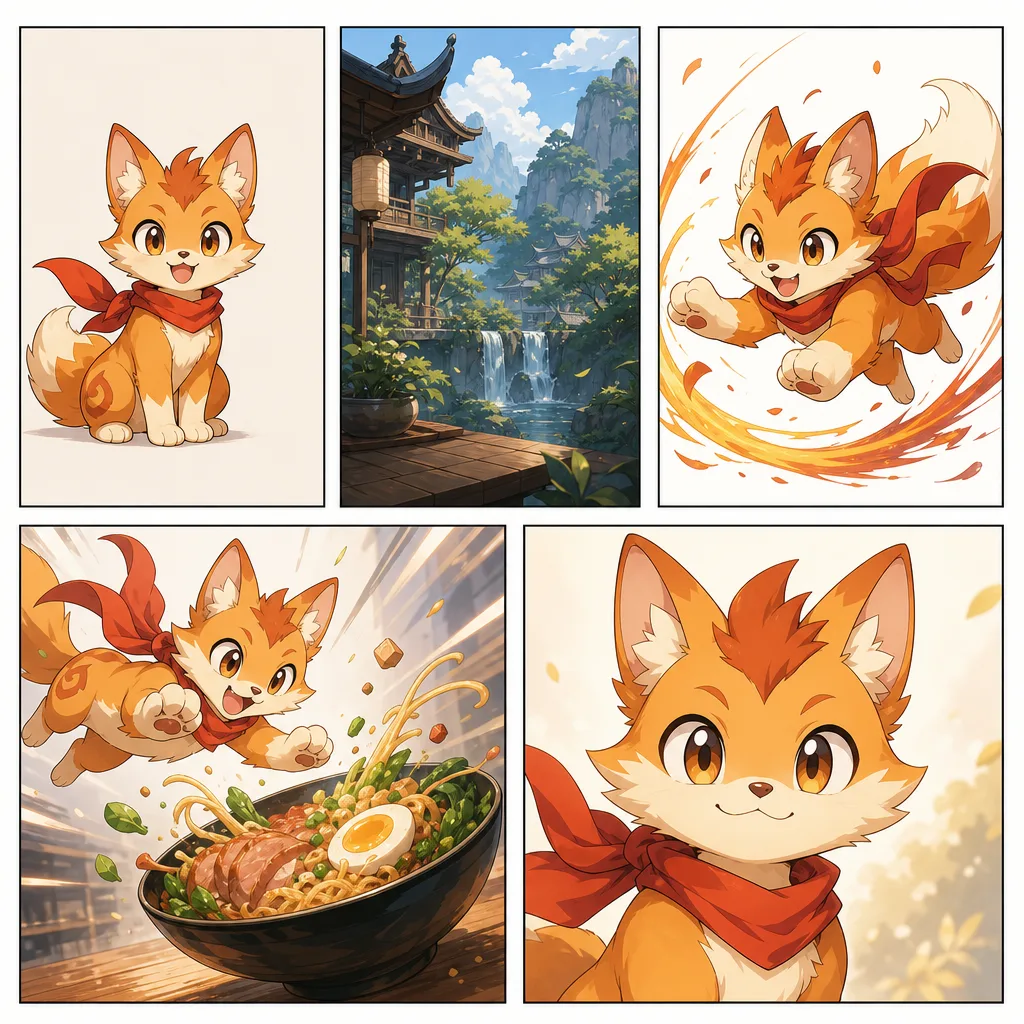
Prompt structure visual: subject, setting, style, motion, and final frame each need a job.
| Prompt part | What to write | Why it matters |
|---|---|---|
| Subject | Original character, product, pet, mascot, or scene object | Keeps the clip from drifting into generic output |
| Setting | One location with one time of day | Gives the model a stable stage |
| Style direction | Broad anime-inspired look, palette, light, line feel | Creates the mood without naming protected IP |
| Motion | One main action and optional small secondary motion | Keeps movement controlled |
| Final frame | What the last second should hold | Makes the clip usable for social or ads |
The trick is not to make every block long. The trick is to make every block specific.
Style language that stays safe
Use broad visual language instead of copying named characters, studios, living artists, or protected franchises.
Safer style phrases:
- Original anime-inspired character.
- Clean cel-shaded look.
- Soft pastel city light.
- Dramatic backlight and speed-line energy.
- Hand-drawn adventure mood.
- Cozy slice-of-life cafe scene.
- High-contrast action frame.
- Expressive eyes and simplified shadows.
- Painterly background with clean character edges.
Avoid:
- Asking for a named character.
- Asking for an exact franchise look.
- Asking for a living artist's style.
- Uploading someone else's protected character art and asking for a direct animation.
You can still make a clip feel anime-inspired without copying a specific property.
Prompt 1: original anime portrait loop
Use this for a simple social clip, avatar intro, or character mood test.
Create an original anime-inspired vertical portrait video. A calm traveler with short dark hair, amber scarf, and navy coat stands at a quiet train platform at sunrise. Clean cel-shaded character art, warm orange rim light, soft pastel background. Motion: the scarf moves gently in the wind, the traveler blinks once, and morning light shifts across the face. Camera: very slow push-in. Keep face, hairstyle, scarf, coat, platform, and sunrise colors stable. Avoid changing age, outfit, facial features, or background. End on a steady close portrait.
Why it works:
- One subject.
- One place.
- Small motion.
- Protected identity details.
- Usable final frame.
Prompt 2: anime product mascot
Use this when a product or brand object needs personality without a human actor.
Create an original anime-inspired product mascot video. A small silver desk lamp becomes a friendly mascot on a clean wooden desk at night. Cozy cel-shaded lighting, soft blue moonlight through the window, warm lamp glow. Motion: the lamp tilts slightly like it is waking up, the light flickers softly, and tiny dust particles move in the air. Camera: slow side-to-front drift. Keep lamp shape, desk, window, light color, and background stable. Avoid readable text, face-like human features, extra objects, or sudden room changes. End on the lamp glowing warmly in the center.
Use this structure for products, props, toys, and simple brand mascots.
Prompt 3: anime food clip
Food works best when the motion is physical and small.
Create an original anime-inspired vertical food video. A bowl of steaming ramen sits on a counter in a tiny late-night shop. Warm cel-shaded lighting, cozy rain outside the window, rich broth color, clean line-art details. Motion: steam rises slowly, noodles shift slightly, and a soft light reflection moves across the bowl. Camera: slow push-in from table height. Keep bowl shape, chopsticks, broth, counter, and shop background stable. Avoid adding hands, readable signs, extra bowls, or changing the food. End on a close appetizing frame.
Why this is safer than "make a full cooking scene":
- No complicated hands.
- No cutting or pouring.
- No scene change.
- The food remains the anchor.
Prompt 4: anime action beat without chaos
Action prompts fail when the scene tries to do too much. Keep one beat.
Create an original anime-inspired action beat in vertical format. A young sky runner in a red jacket leaps across two floating stone platforms above a sunset cloudscape. High-energy cel-shaded look, strong orange backlight, wind streaks, clean silhouette. Motion: the runner takes one controlled leap and lands on the next platform. Camera: slight follow-pan from left to right. Keep character outfit, red jacket, platform shapes, cloudscape, and lighting stable. Avoid extra characters, weapons, unreadable text, broken anatomy, or sudden costume changes. End on a balanced landing pose.
Do not ask for a full fight scene on the first render. Get the leap right first.
Prompt 5: image-to-video anime character
If you upload a reference image, assign its job clearly.
Use the uploaded image as the character identity and first-frame reference. Create an original anime-inspired 8-second vertical video. Preserve the character's face shape, hairstyle, blue jacket, and gentle expression. Setting remains a quiet school courtyard in late afternoon. Motion: hair and jacket move softly in the wind, the character turns their eyes slightly toward camera, and tree shadows shift. Camera: locked-off with a tiny push-in. Keep identity, outfit, background, and colors stable. Avoid changing hairstyle, adding extra people, or making a large head turn. End on a natural portrait frame.
Reference images help when the character needs to stay recognizable. They do not make complex motion automatically safe. Start subtle.
Prompt 6: short anime ad opener
Use this for a brand or product teaser.
Create an original anime-inspired 9:16 ad opener. A compact wireless speaker sits on a bedroom desk beside a notebook and headphones. Neon purple and blue evening light, clean cel-shaded product scene, energetic music-video mood. Motion: light pulses softly from the speaker, notebook pages flutter once, and the camera performs a slow push-in. Keep speaker shape, desk objects, color palette, and background stable. Avoid readable text, changing the product design, extra hands, or sudden scene transitions. End on a centered product hero frame with empty space above for captions.
For product clips, protect shape first. If the product changes shape, the clip becomes less useful.
How long should the prompt be?
For Seedance 2.5, prompt length should match the job.
| Clip goal | Prompt length | Best structure |
|---|---|---|
| Simple portrait | 4-6 sentences | Subject, setting, motion, protection |
| Product mascot | 5-7 sentences | Object, mood, small action, stable design |
| Food or cozy scene | 5-7 sentences | Setting, texture, small natural motion |
| Action beat | 6-8 sentences | One action, one camera move, anatomy guardrails |
| Reference image | 6-8 sentences | Reference role, protected details, subtle motion |
If the result feels messy, shorten before adding more words. Remove extra style adjectives, extra camera moves, and any instruction that changes the character, outfit, background, and pose at the same time.
Common anime prompt mistakes
Most anime AI video prompt failures come from trying to force style, story, camera, and identity all at once. Fix the prompt by simplifying one layer at a time.
Mistake 1: naming too many styles
Too many style words can make the clip unstable. Pick one mood and one visual direction.
Weak:
anime, cyberpunk, watercolor, fantasy, horror, cute, epic, film noir, hyperreal, chibi, cinematic, dreamy
Better:
original anime-inspired city scene, clean cel-shaded look, blue-purple neon light, soft rain
Mistake 2: asking for a full episode
Seedance 2.5 can handle longer scenes than a tiny loop, but one prompt still needs focus. Do not ask for a complete story with three locations, five actions, and a twist ending.
Write one beat:
- A character looks up as a drone rises.
- A mascot wakes up on a desk.
- A ramen bowl steams in a shop.
- A runner completes one leap.
Mistake 3: ignoring the final frame
Social clips often need a clean ending. Tell the model what to hold.
Good endings:
- End on a steady close portrait.
- End on a centered product hero frame.
- End on the character landing in a balanced pose.
- End with the bowl close to camera, steam still rising.
Mistake 4: no protected details
If the outfit, prop, or character must stay stable, say so.
Use:
- Keep face identity stable.
- Keep jacket color and backpack shape unchanged.
- Keep product silhouette and label area stable.
- Keep background layout consistent.
- Avoid extra fingers, extra characters, or sudden outfit changes.
When to use text-to-video vs image-to-video
Use text-to-video when:
- You are exploring a new original character.
- Exact identity does not matter.
- You want a concept, mood, or broad shot.
- You are testing prompt language.
Use image-to-video when:
- You already have character art.
- The product shape matters.
- You need a consistent mascot.
- The first frame is important.
For reference-based work, see the Seedance 2.5 image-to-video guide. For broader prompt structure, use the Seedance 2.5 prompt examples.
Related Seedance guides
Use these to turn the anime AI video prompt into a stronger production workflow:
- Seedance 2.5 text-to-video prompt guide
- Seedance 2.5 image-to-video guide
- Seedance 2.5 prompt examples
- Seedance 2.5 camera movement prompts
- Seedance 2.5 character consistency
- Seedance realistic motion
FAQ
These quick answers help separate safe anime-inspired prompting from overloaded or IP-risky prompting.
What is a good Seedance 2.5 anime video prompt?
A good Seedance 2.5 AI video prompt uses an original subject, one clear setting, broad anime-inspired style language, one main motion, one camera move, protected details, and a final frame. Avoid copying named characters or protected franchises.
Can Seedance 2.5 make anime-style videos from text?
Yes. Use text-to-video when you are creating an original character or scene from scratch. Keep the prompt focused and avoid asking for too many actions or style directions at once.
Can I upload an anime character image to Seedance 2.5?
You can use image-to-video for a character reference, but use images you have rights to use and avoid copying protected characters. Tell the model which details to preserve, such as face shape, hairstyle, outfit, and colors.
Why does my anime AI video change the character?
The prompt may be asking for too much motion, the reference may be weak, or the protected details may be missing. Reduce the action, add identity-preservation language, and keep the camera simple.
Should I mention a famous anime style in the prompt?
It is safer to describe the visual qualities you want: cel-shaded, pastel background, dramatic backlight, expressive eyes, speed-line energy, cozy slice-of-life mood. Do not rely on copying named characters, franchises, or living artists.
Bottom line
Seedance 2.5 anime video prompts work best when they are specific but not overloaded. Build an original subject, set one scene, choose one anime-inspired visual direction, control one motion, protect important details, and end on a usable frame.
Start small. Once the first clip is stable, add more story, camera, or style in the next render.