
ByteDance Seedance AI Video Model: What Creators Should Know
Understand the ByteDance Seedance AI video model, how it relates to Seedance 2.5, and what creators should check before generating videos.
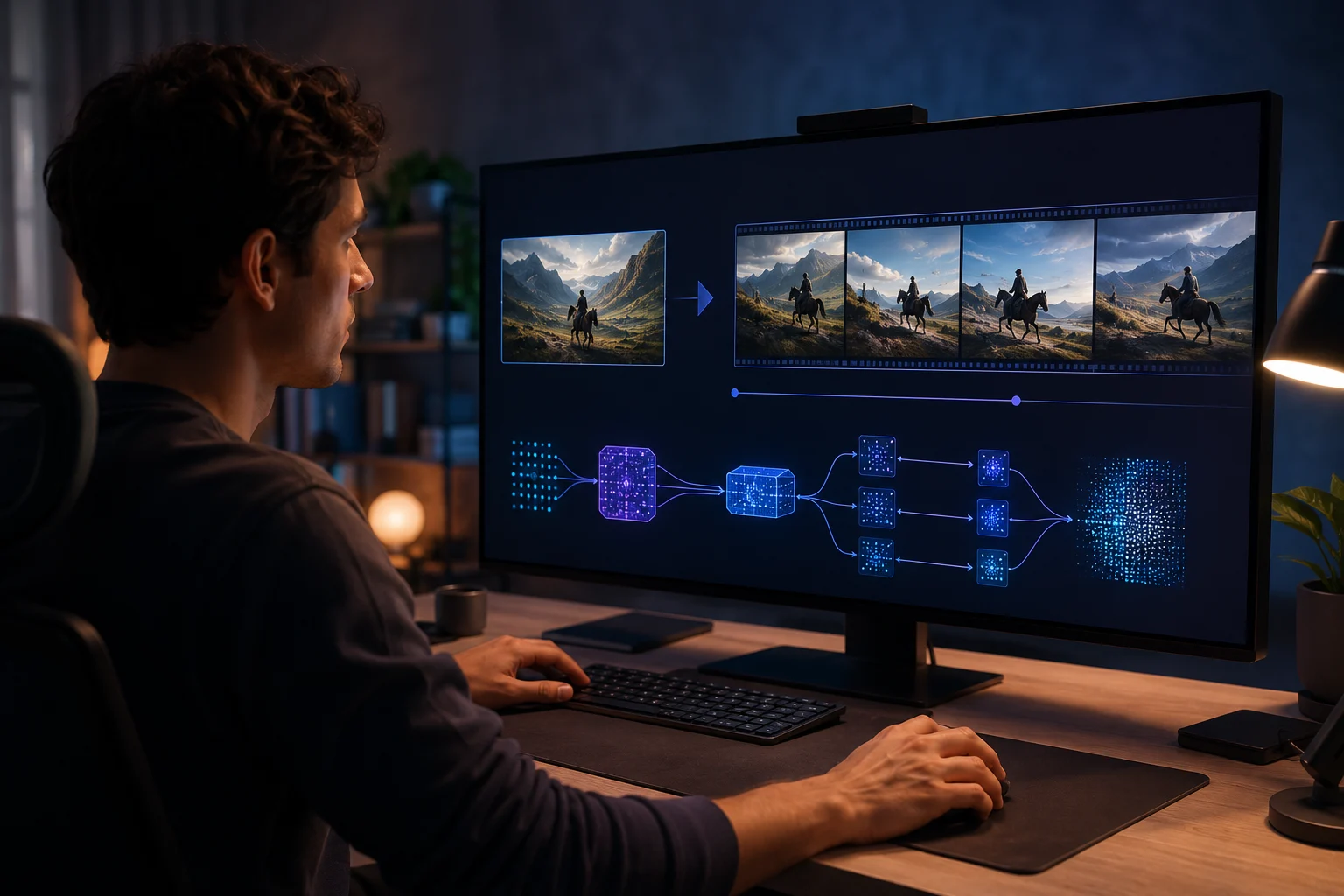
ByteDance Seedance is an AI video model family associated with ByteDance's Seed research work. For creators, the practical question is simple: what can a Seedance AI video workflow help you make, and how should you test it without confusing model hype with usable output? This site is an independent Seedance 2.5 studio and is not the official ByteDance Seedance app.
Last updated: July 8, 2026 - about 8 min read
Search results around ByteDance Seedance can be confusing. Some pages discuss official model releases. Some explain provider access. Some compare Seedance with other AI video generators. Some use Seedance branding to describe no-code creative tools.
This guide keeps the creator view clear.
Quick answer
ByteDance Seedance refers to ByteDance's AI video model work. Creators usually care about it because Seedance-style workflows can turn text prompts or reference images into short videos. If you want to use it practically, focus on:
- Text-to-video prompts.
- Image-to-video motion.
- Reference image consistency.
- Camera movement.
- Final-frame quality.
- Watermark, rights, credits, and export rules in the tool you use.
Use the Seedance 2.5 AI video generator when you want a browser-based workflow for testing Seedance-style video ideas without building an API integration.
ByteDance Seedance vs. Seedance 2.5
The names can overlap, so separate them:
| Term | What it usually means | Creator question |
|---|---|---|
| ByteDance Seedance | The model/entity context connected to ByteDance Seed video work | What is the model capable of? |
| Seedance AI | A general way people describe Seedance video generation | Can it make the type of clip I need? |
| Seedance 2.5 | The product/model positioning this site focuses on | How do I use it in a practical workflow? |
| Seedance 2.5 studio | This independent browser experience | Can I generate and export clips easily? |
The important boundary: Seedance2-5.video is independent. It is not affiliated with ByteDance. It gives creators a practical way to plan and generate AI video, but official model claims should always be checked against current provider or ByteDance sources.
What creators should test first
Do not start with the hardest clip. Start with one of these:
- A portrait with a tiny head turn.
- A product photo with a slow light sweep.
- A food image with steam and a gentle push-in.
- A travel image with slow camera movement.
- A text-to-video scene with one subject and one action.
These tests reveal more than a flashy prompt. They show whether the model keeps identity, edges, lighting, and motion stable enough for your use case.
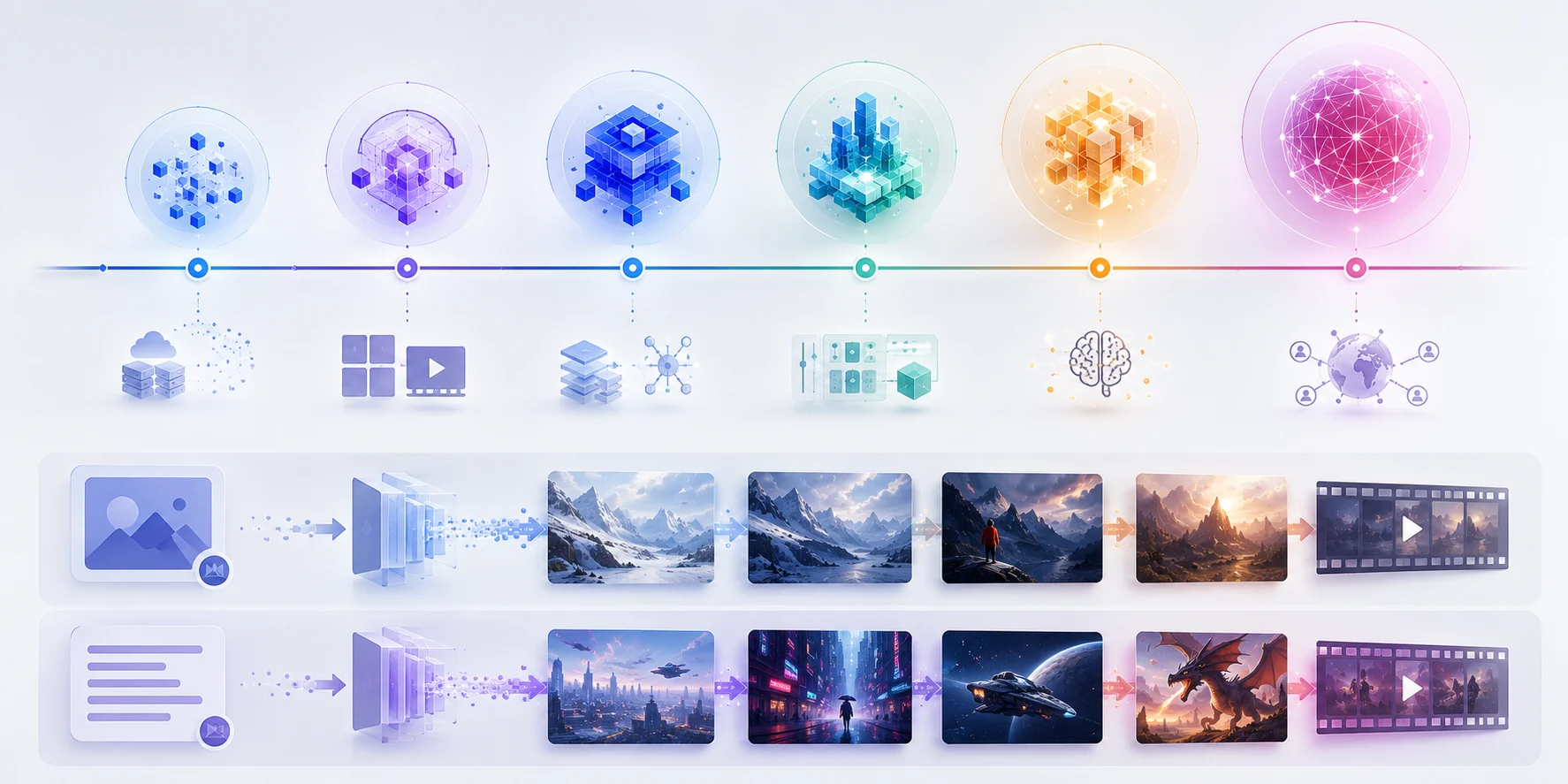
Judge Seedance AI video workflows by the output you can actually use: stable subject, clear motion, and a clean ending.
Text-to-video: when no image is needed
Use text-to-video when the exact identity is not the main point. It works well for:
- Concept scenes.
- Cinematic B-roll.
- Mood tests.
- Simple product-ad ideas.
- Storyboard exploration.
- Original characters.
Text-to-video prompts should read like a short shot description:
A ceramic coffee cup sits on a rainy cafe window ledge at dawn. Steam rises slowly. Camera pushes in from the side. Warm indoor light contrasts with cool blue rain outside. End on a close hero frame.
That is stronger than a pile of tags because it tells the AI video generator what should happen over time.
For more examples, use the Seedance 2.5 text-to-video prompt guide.
Image-to-video: when the first frame matters
Use image-to-video when the starting image carries important details:
- A real person.
- A product.
- A pet.
- A location.
- A designed character.
- A first frame you already like.
The prompt should say how the uploaded image is used:
Use the uploaded image as the first frame. Keep product shape, color, and label area stable. Add a slow studio light sweep and a gentle camera push-in. End on a clean centered product frame.
This is where ByteDance Seedance interest often becomes practical. Creators do not just want "AI video." They want a still image to move without losing the reason the still image mattered.
How to judge output quality
When testing any Seedance AI workflow, review the whole clip.
Check:
- Does the face or product remain consistent?
- Does motion obey the prompt?
- Are hands, eyes, teeth, or edges distorted?
- Does lighting change naturally?
- Does the background remain stable?
- Is the final frame usable?
- Would this clip survive being posted at the intended size?
Do not judge only a single good frame. AI video can look impressive for two seconds and fail at the ending. The ending matters because it often becomes the thumbnail, loop point, or final pack shot.
What the model is not responsible for
The model creates motion. The workflow around it still matters.
You still need to check:
- Export quality.
- Watermark rules.
- Credit cost.
- Commercial-use terms.
- Whether failed renders are refunded.
- Whether source images are safe to upload.
- Whether the tool can produce the aspect ratio you need.
Two tools can use similar model language and still feel very different in practice because pricing, speed, UI, and export rules vary.
Prompt habits that help
Good Seedance prompts are direct:
- Name the subject.
- Set one location.
- Describe one main action.
- Pick one camera move.
- Protect important details.
- Say how the clip ends.
Weak prompts often try to buy quality with adjectives:
cinematic, beautiful, ultra detailed, award winning, viral, stunning, epic
Those words may influence style, but they do not control motion. A clearer motion sentence usually improves the result more.
When to compare Seedance with other AI video generators
Compare models or tools when you know your use case:
- Product ads: shape stability and final pack shot.
- Portraits: identity preservation and natural motion.
- Travel clips: camera smoothness and background stability.
- Fashion: fabric motion and face consistency.
- Prompt work: instruction following and revision speed.
If you compare without a use case, the "best" AI video generator becomes whatever produced the flashiest demo. That may not be the best tool for your actual clip.
Related Seedance guides
- Seedance 2.5 AI video generator
- Seedance 2.5 image-to-video
- Seedance 2.5 prompt examples
- Seedance 2.5 vs Kling
- Seedance 2.5 vs Google Veo
The creator takeaway
ByteDance Seedance matters because it sits inside the larger shift toward practical AI video generation. For creators, the winning question is not "which model has the loudest demo?" It is "can this workflow turn my prompt or image into a stable clip I can actually use?"
Start with one short test in the Seedance 2.5 AI video generator, protect the details that matter, and judge the full clip before scaling the idea.