
Seedance Reference Image Checklist
Before using a Seedance reference image, check permission, people, logos, framing, clarity, and one controlled motion request.

A good Seedance reference image is both usable and controllable: you know where it came from, everyone recognizable has agreed to the intended use, and the image makes one visual instruction clear. Before you start an image-to-video workflow, check rights and quality together.
Last updated: July 23, 2026 · about 6 min read
A reference image does more than supply a subject. It can carry a face, a product, a logo, a location, text, and a visual claim into the generated video. That is why “it looks good” is not enough.
Confirm that you can use the image for this purpose
Start with the source. Did you create the photo? Did the client provide it with a usable license? Does a recognizable person know that the image may be used to create a synthetic moving scene and distributed to the planned audience? If the answer is vague, choose another input.
| Input detail | Check before generating |
|---|---|
| Recognizable person | Consent for the specific AI-generated use and audience |
| Product or packaging | Client ownership or a documented right to use it |
| Logo or trademark | Whether it belongs in the planned content at all |
| Stock or social image | License scope, alteration rights, and attribution terms |
| Venue or private location | Permission if the context could imply endorsement |
This is not legal advice. It is a way to stop a reference image from becoming an unexamined risk. For a client delivery view, see Seedance commercial use: what to check.
Make the image easy for the model to follow
Once the source is cleared, look at the picture as an instruction. A clean frame usually gives you more predictable motion than a collage, a dark screenshot, or a crowded photo with several competing subjects.
Use a reference that has:
- One obvious subject or product.
- A face, object, or silhouette that is not hidden by heavy blur or reflections.
- Enough space around the subject for the requested motion.
- No tiny must-be-correct text inside the image.
- A camera angle that matches the kind of movement you want.
If character consistency is the goal, keep the same subject, costume cues, and lighting direction across the references. The Seedance character consistency guide covers that separate problem in more detail.
This is a conceptual selection board. It does not grant rights to any pictured type of source; the creator must verify their own source permissions.
Remove details that should not move
AI video can reinterpret small elements. If a frame includes a dense logo wall, a price label, a license plate, or a complicated screen interface, the generated motion may distort it. Crop or replace those details when they are not central to the story. Do not rely on a generated frame to reproduce exact copy, technical specifications, or legal disclosure.
Then make a narrow motion request. Ask for one action, a stable camera, and a restrained change. “Slow push-in while the product rotates slightly” is easier to review than a long request for a new setting, multiple actions, text, and a fast camera move. The Seedance prompt examples guide offers patterns for keeping that request concrete.
Review the output against the reference
Watch the export at normal size and at full size. Check whether the subject remains recognizable, whether labels or faces have become misleading, and whether the scene implies a claim that was not in the original. If a frame changes a person’s appearance or turns a product concept into an unsupported performance promise, do not ship it as a near miss.
Before publication, inspect the final file with the same care you would use for a watermark or attribution question. The export watermark checklist is a useful final pass.
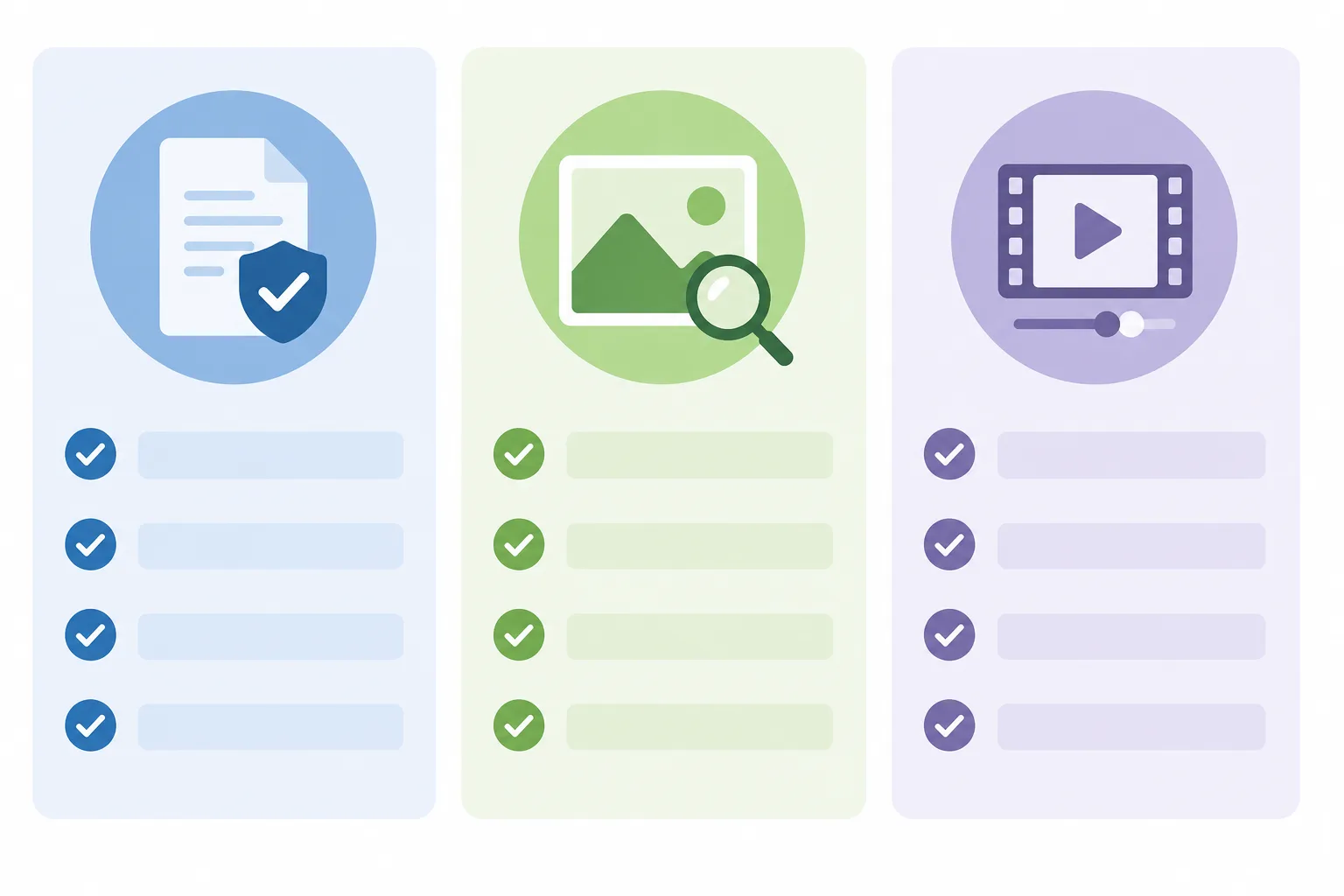
The second visual represents the repeatable review: a cleared source, a clear frame, and one restrained motion instruction.
Frequently asked questions
Can I use any image as a Seedance reference?
No. Use images you created, licensed, or otherwise have permission to use for the intended AI-generated use. Check consent for recognizable people and avoid sources whose rights are unclear.
What makes a reference image work well for image-to-video?
Choose one clear subject, good lighting, an uncluttered frame, enough room for motion, and no tiny text that must stay exact. Pair it with one simple movement request.
Should I include logos and text in the reference image?
Only when you have the right to use them and they are necessary. Generated video can distort small text and marks, so do not rely on it for exact product claims, prices, or legal copy.
Related guides
- Seedance image-to-video guide
- Seedance character consistency
- Seedance prompt examples
- Seedance commercial-use checklist
- Watermark check before export
Clear source, clear motion, clear review
Use a reference image that you can explain and control, then make one modest motion request. That gives a Seedance video a better chance of being both useful and ready for the audience you intend.