
Seedance Commercial Use Checklist
Use this Seedance commercial-use checklist to verify current terms, input rights, consent, export conditions, and client delivery notes.
Do not treat “commercial use” as a permanent yes-or-no label for every Seedance video. Before you deliver a client file, check the current plan and terms, the rights to every input, any export conditions, and the claims the final video makes. This is a practical verification checklist, not legal advice or a promise about any plan.
Last updated: July 23, 2026 · about 6 min read
AI video workflows change quickly: access modes, export screens, and public terms can differ by product, account, time, and intended use. A reliable delivery process records what was actually used rather than relying on a screenshot or a forum answer from another tool.
Check the current product terms for the exact workflow
Start at the current official plan, product, and terms pages for the account and model you are using. Read the export or download screen too. Do not copy an answer from a different Seedance version, a third-party reseller, or another AI video generator.
| Check | Why it belongs in the delivery review |
|---|---|
| Current plan and product terms | Rights and conditions can vary or change |
| Model and export screen | The exact file may have its own notices |
| Client agreement | The client may require disclosure or source records |
| Distribution platform rules | Ad platforms and social networks can add obligations |
The Seedance watermark check covers one related question: inspect the actual export rather than assuming a universal watermark rule.
Verify the inputs before you generate
The right to use the output does not create rights in the source material. Keep a short record for every reference image, product photo, logo, voice, music cue, and recognizable person. Ask whether the client owns it, licensed it, created it, or obtained the person’s permission for this particular use.
Be especially cautious with a source that looks easy to reuse: a public social post, a stock image with a restricted license, a competitor’s packaging photo, or a portrait of a person who has not agreed to appear in an AI-generated scene. If the source status is unclear, pause and replace it with a verified asset.
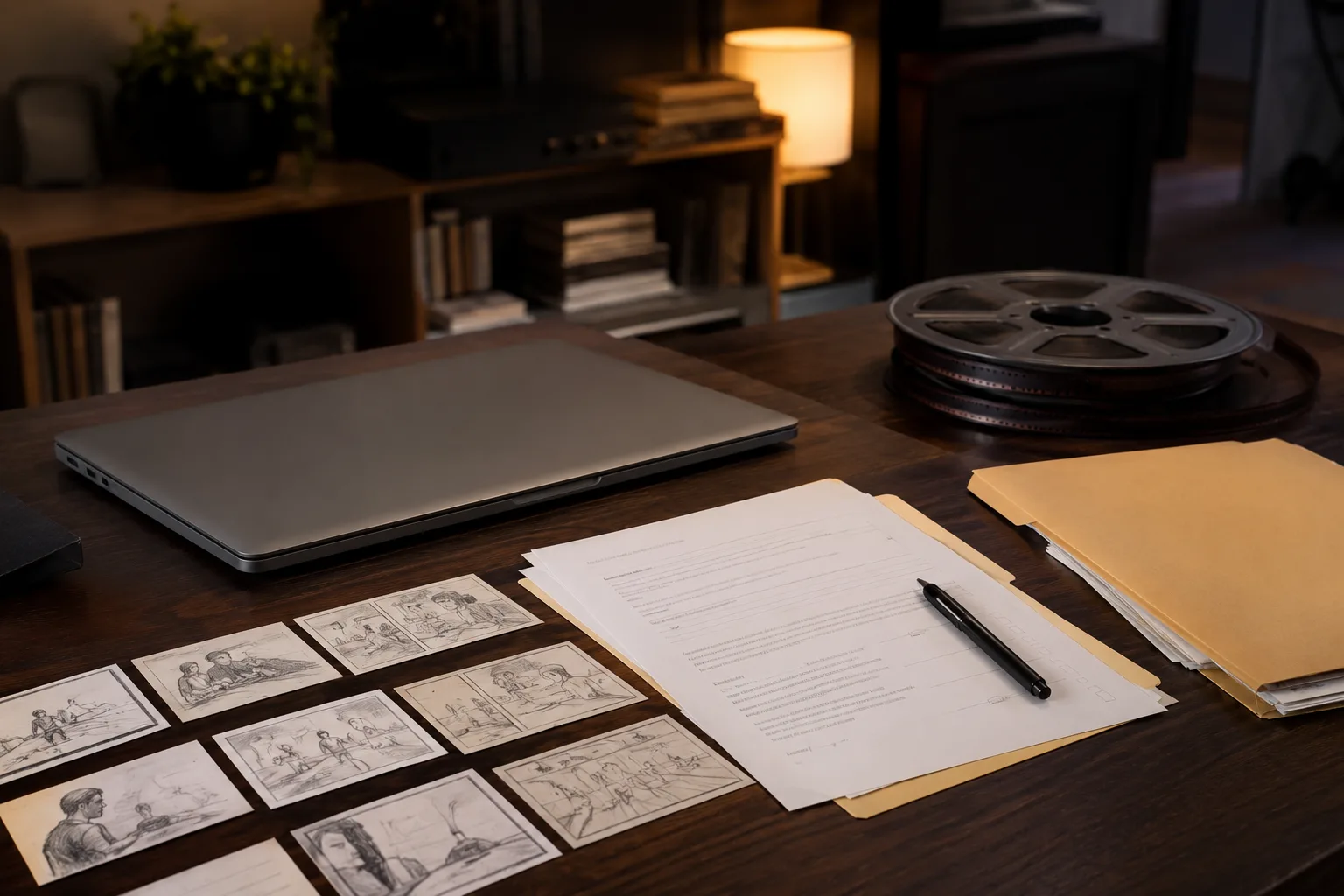
This illustration represents a delivery review. It does not state that any particular plan grants, withholds, or changes commercial rights.
Review the final claim, not only the render
Generated motion can create accidental assertions. A product can appear to make a promise it never made; a location can look like a real customer site; a person can seem to endorse a brand. Watch the whole file and read the planned caption, voiceover, and landing-page copy beside it.
For a product concept, keep the language clear: “concept visualization” is safer than an invented performance claim. For a client mockup, make sure the client knows it is a draft or AI-assisted concept before it is treated as final footage. The client video mockups workflow helps separate approval material from published creative.
Keep a small delivery record
You do not need a complicated legal system to be organized. Save:
- The original input files and their permission or license note.
- The generation date, product/mode shown, and export screen notes.
- The version approved by the client and the intended channels.
- Any required disclosure wording or attribution decision.
- A copy of the delivered file.
This record is useful if the client later asks which source was used, whether a frame was synthetic, or why a different version was not delivered. If the generation fails before review, use the Seedance generation failed guide to diagnose the technical issue separately; do not skip the rights review just because a rerun succeeds.
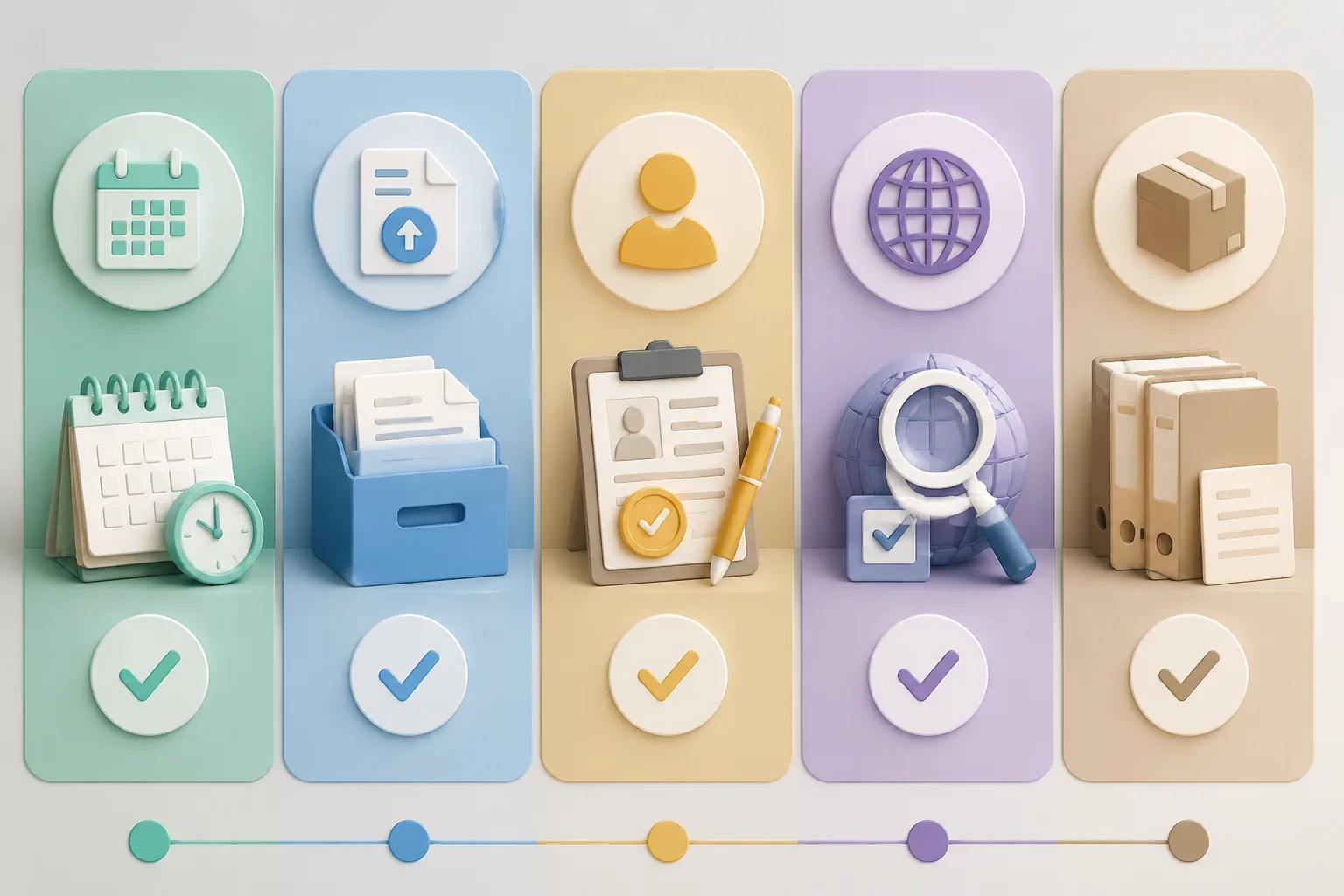
The second visual carries the process: permissions and current conditions are checked before a file becomes a client deliverable.
Frequently asked questions
Can I assume a Seedance video is commercially usable because I paid for a plan?
No. Check the current official terms, the exact product and plan, the export conditions, the rights to your inputs, and the client’s intended distribution before delivery.
What source materials should I record for a client video?
Record reference images, product photos, logos, music or voice assets, and permission for recognizable people. Keep the original files and a short note explaining the source or license.
Is this legal advice?
No. This is a practical workflow for checking current conditions and source rights. For a high-risk campaign, contract question, or unclear license, ask qualified legal counsel or the relevant platform support channel.
Related guides
- Generate an AI video with Seedance →
- Seedance watermark check before export
- Seedance client video mockups
- Seedance image-to-video guide
- Seedance generation failed
Verify first, then deliver
Use Seedance to make a creative concept, but let current terms, verified inputs, and a careful final review determine whether it is ready for a client. Keep the record with the delivered file.