
How Agencies Can Use Seedance 2.5 for Client Video Mockups
Use Seedance 2.5 to make client video mockups that clarify a creative direction without presenting unverified AI footage as a finished commercial.
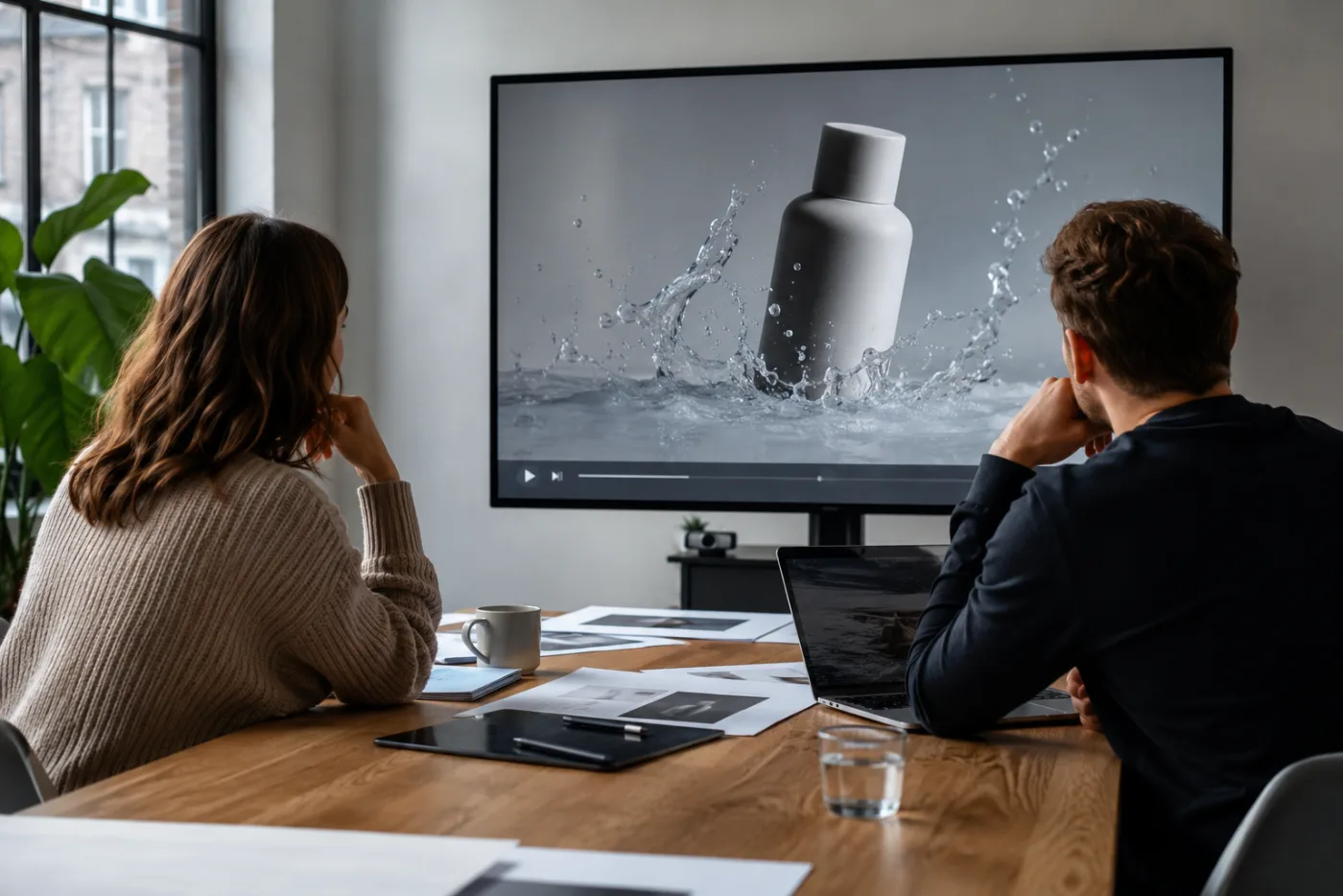
Client video mockups work when they answer a narrow creative question: does this source, mood, framing, and motion direction deserve a fuller production? Seedance 2.5 can make that conversation faster by turning a permitted still or concept frame into a short motion test. It should not be presented as proof of a product claim, a final cut, or a rights-cleared commercial without the usual approvals. Use the Seedance 2.5 AI video generator to explore the visual direction, then separate directional feedback from final production sign-off.
Last updated: July 17, 2026 - about 10 min read
An agency often needs a client to react to something more concrete than a treatment document but less final than a finished shoot. A short AI mockup can bridge that gap. It can show how a bottle might be introduced with a slow push, how a product texture could become a visual beat, or how an existing travel image might turn into an opening motion scene. Used carefully, that makes feedback earlier and more specific.
The risk is that a mockup can look polished enough to be mistaken for an approved ad. It may contain invented product detail, inconsistent motion, or elements that are not cleared for publication. The solution is not to avoid AI video completely. It is to make the status of the asset and the purpose of the review explicit from the first brief onward.
Define the decision before you generate
Write one sentence that says what the client should approve or reject. “Should the launch open with a calm close-up rather than a fast reveal?” is a good mockup question. “Do we approve the final ad?” is not. The first can be answered by a short Seedance test. The second still needs product review, copy approval, rights review, platform requirements, and a final edit.
Keep the mockup’s scope narrow. Choose one source frame, one visual message, one motion direction, and one intended placement. A mockup that tries to invent a full narrative, cast, location, product interaction, slogan, and ending is much harder to assess. It produces feedback such as “I do not know, it feels off” instead of useful direction such as “the product needs to arrive earlier” or “the camera movement is too aggressive for this brand.”
| Review decision | Useful Seedance mockup | What still needs separate approval | Clear client question |
|---|---|---|---|
| Opening mood | A stable source with a gentle camera push or light change | Final grade, music, copy, and brand treatment | Does this feel calm, premium, playful, or direct enough? |
| Product prominence | A short reveal where the product remains readable | Exact packaging, color, label, and claim accuracy | Is the product visible early enough? |
| Motion language | One controlled transition or environmental movement | Final timing, edit rhythm, and platform delivery | Does this motion support the message or distract from it? |
| Layout direction | A vertical or wide proof-of-concept crop | Safe areas, captions, UI overlays, and export specs | Does this framing leave room for the final message? |
| Storyboard feasibility | A few distinct scene tests | Shoot plan, talent, location, budget, and rights | Which visual beat is worth producing for real? |
The distinction in the middle column is the heart of a responsible mockup process. A good AI video generator can test direction. It does not remove the approvals that make a commercial accurate and publishable.
Use source assets with clear permission
Only generate from client assets, agency-owned material, or source images you have clear permission to use for the intended purpose. Do not assume a photo found online, an old social post, a supplier image, or a person’s portrait can be used simply because it is technically available. The same care applies to marks, characters, music, and any reference material that may appear in a concept.
Use a source that is strong enough for the requested motion. A clear product image with room around its edges can support a restrained reveal. A tiny catalog image with unreadable packaging is not likely to become a convincing close-up. A portrait may support a small head movement or camera drift, but not necessarily a complex performance. Start from what the image actually makes possible.
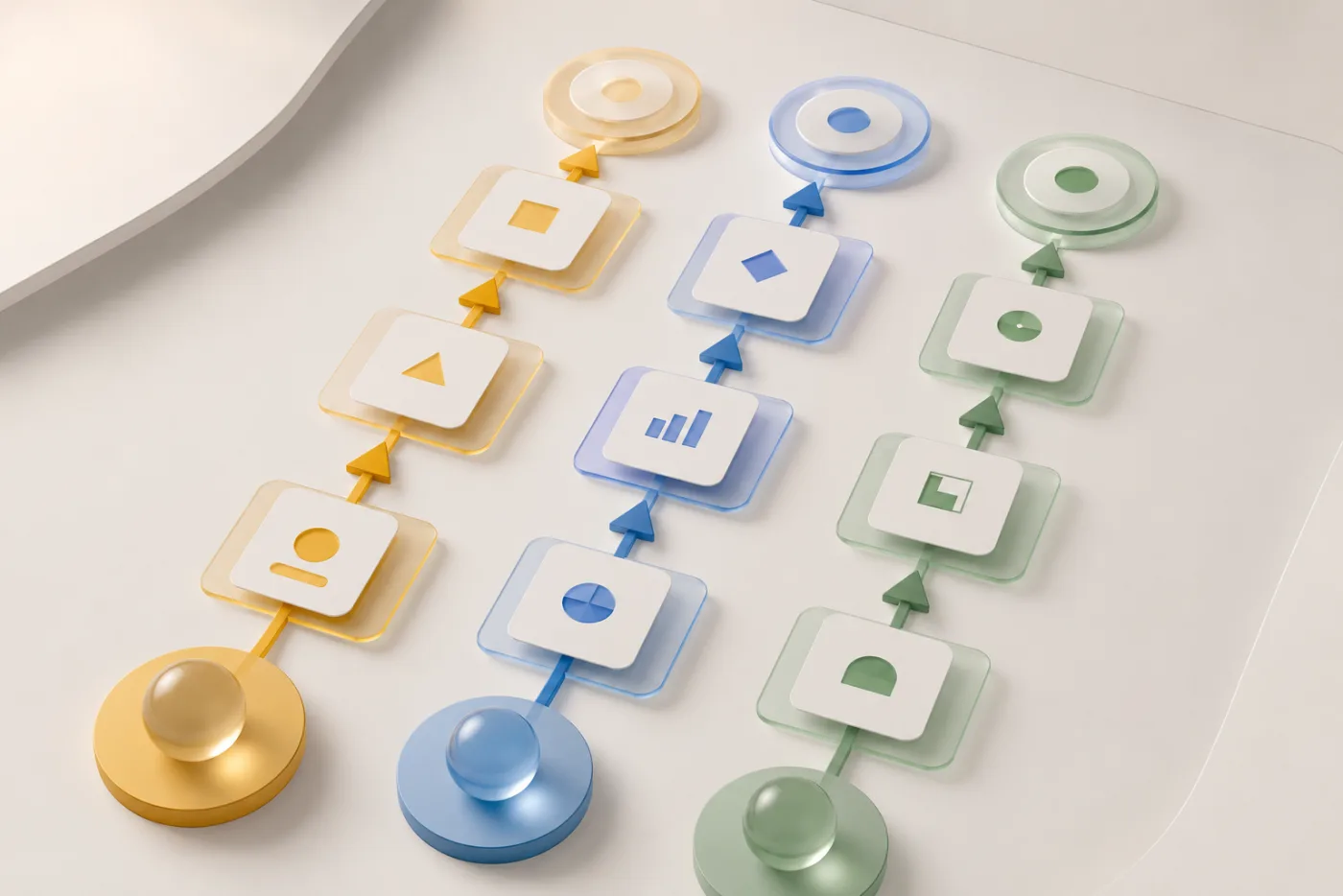
The second image separates approval responsibilities; it intentionally does not repeat the hero’s agency-review scene.
Write a mockup prompt that protects the source
Start with the parts that cannot change. “Keep the uploaded product centered with the same shape, color, and lighting.” Then add one motion: “Use a slow camera push while soft reflected light moves across the background.” Finish with a clear endpoint: “End on a clean frame with room for a headline.”
This structure makes the mockup easy to review. The client can decide whether the motion and framing support the visual direction. If the prompt also asks for a new room, a hand interaction, a different product material, a large camera orbit, and a slogan, the result is difficult to judge and likely to invent details you did not ask for.
For a service or before-and-after concept, be even more careful. Do not let generated footage imply a result, transformation, or capability that is not real or has not been approved. A mockup can show how a story might be paced. It should not make an unsupported claim look like a documented outcome.
Collect feedback in the right order
When you send a mockup, label it clearly as a concept or previsualization. State the one decision you need. Then ask for feedback in three layers: creative direction, factual accuracy, and rights or compliance concerns.
Creative direction asks whether the mood, framing, pacing, and visual hierarchy feel right. Factual accuracy asks whether a product shape, use context, person, or claim is misleading. Rights and compliance asks whether the sources, branding, regulated statements, and intended placement have the necessary clearance. These are different questions and should not be merged into a single “looks good” response.
This order improves feedback quality. A client may love the calm camera move but need the label to be corrected in the final edit. That is a productive result. It prevents the team from discarding a useful direction because the mockup was mistaken for final artwork.
Keep the final production layer outside the mockup
Add exact logos, packshots, labels, prices, legal copy, voiceover, captions, and measured claims in the real editing or production workflow. Seedance 2.5 can give you a motion reference or a usable atmospheric beat, but it should not be expected to render tiny text or support exact factual requirements consistently.
For a client-facing presentation, pair the clip with a short note: source asset, intention, what is generated, what is provisional, and what would be verified in production. That note is not bureaucracy. It lets the client say yes to the creative choice without accidentally approving something that has not been checked.
The Seedance ad video workflow explains a similar division between generation and finishing for small brands. In an agency context, the same discipline also protects scope: a mockup is a way to make a decision, not an unlimited invitation to generate every possible variant.
Use a controlled iteration loop
If a mockup does not work, change one element. Use a clearer source image. Reduce the camera motion. Change the crop. Simplify the prompt. Do not change the message, product, source, location, motion, and tone all at once. Otherwise the next version cannot tell you which choice actually improved the direction.
Keep a concise record: client question, source permission status, prompt, what must stay stable, result, feedback, and next change. This record is especially useful when multiple people review a concept over several days. It preserves the reasoning instead of turning the process into a sequence of unnamed files.
Know when to stop using AI for the task
Switch to a real shoot, stock with appropriate license, motion design, or conventional editing when you need exact product interaction, a specific performer, readable copy, a regulated or measurable claim, or a sequence that must be factually precise. An AI mockup can still be valuable in the pitch or planning stage. It is just not the final evidence.
This is a strength, not a failure. By testing a visual direction before a larger production, an agency can identify the better camera language, source framing, or campaign mood early. The final work can then spend its budget on details the client and audience actually need to trust.
FAQ
Can an agency show a Seedance 2.5 mockup to a client?
Yes, when it is clearly labeled as a concept or previsualization and the source assets are permitted for that use. State what decision the client is being asked to make, and separate creative feedback from final factual, rights, and compliance approval.
Can an AI mockup be used as the final ad?
Sometimes a generated clip may be usable as one visual element, but it still needs the normal accuracy, rights, and brand review. Do not rely on it for exact labels, prices, claims, product demonstration, or mandatory copy without verification.
What makes a good client video mockup?
One clear source, one visual question, restrained motion, an intended crop, and a clear end frame. The mockup should make feedback more specific, not ask the client to approve a whole imaginary campaign at once.
How many variations should an agency make?
Start with one version and one controlled alternative. Add more only when the client feedback identifies a specific question about source, framing, motion, or mood.
Use mockups to clarify, not to overpromise
Seedance 2.5 can make a client conversation more visual and more decisive when the mockup stays honest about what it is. Define the one decision, protect the source asset, gather feedback in the right order, and move exact production requirements into the final workflow. When you need a focused motion proof-of-concept, use the Seedance 2.5 AI video generator to create the next reviewable version.