
Does Seedance Add a Watermark? What to Check Before You Export
Before you export an AI video, check the current plan, model, export screen, and terms for watermark or attribution requirements.
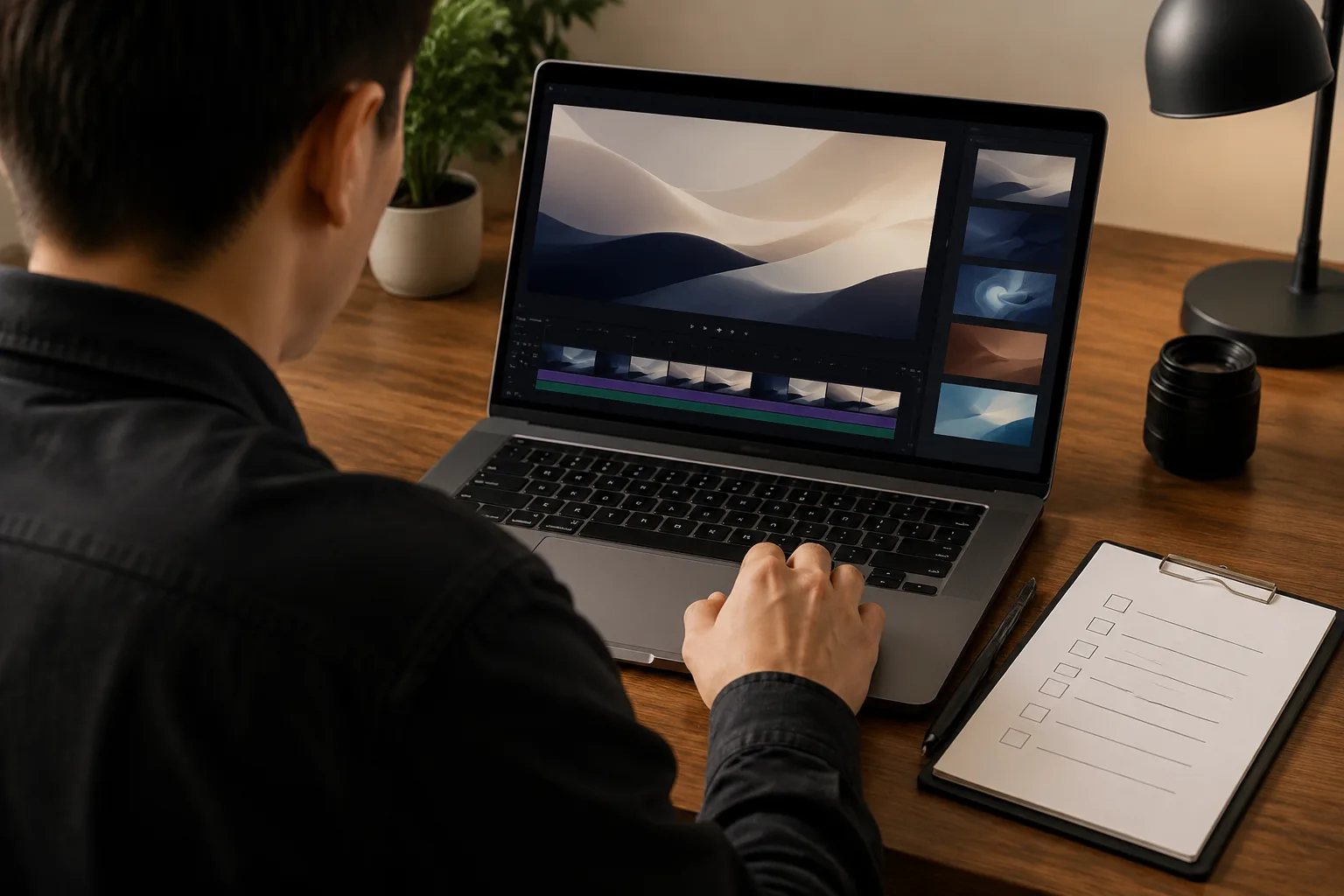
Do not assume that every Seedance export has the same watermark or attribution status. Before you share an AI video, check the current export screen, the plan and model you used, and the applicable product terms. This guide is about verifying the export you have—not removing a watermark or bypassing a platform rule.
Last updated: July 22, 2026 · about 5 min read
Watermark questions change quickly because model access, export options, and product policies can change. The reliable answer for any AI video generator is always tied to a specific export at a specific time. Do not transfer a watermark assumption from one AI video generator to another.
Run a five-point export check
- Open the actual export preview and watch it at full size. Look for any visible mark, label, or attribution notice.
- Confirm the plan and model used for that generation. Do not copy an answer from a different product tier or model page.
- Read the current export or download notice, then check the product’s public terms or usage guidance for the use you have in mind.
- Keep the original file and generation details if the video is for a client, campaign, or paid placement.
- If the screen or terms are unclear, pause publication and ask through the official support channel rather than guessing. That is safer than applying a general answer from another AI video generator.
| What to check | Why it matters |
|---|---|
| Export preview | Shows what this file actually contains |
| Plan and model | Options can differ across access levels |
| Download notice | May state file-specific conditions |
| Current terms | Covers permitted use and attribution requirements |
| Client or platform rules | Can add requirements beyond the generator itself |
An export checklist protects both the creator and the client. A video that looks clean in a small preview may still have a policy, licensing, or attribution condition you need to follow.
The illustration represents an export check, not a reproduction of a product interface or a statement about any plan’s current watermark status.
What this guide does not recommend
This is not a guide to removing or hiding watermarks. If a file includes a visible mark or the terms require attribution, follow the relevant rules or choose an officially supported export option. Editing a mark out can create legal, contractual, or platform problems even when a video is technically easy to alter.
Use the same caution when you share an AI-generated clip on behalf of someone else. Confirm that you have permission for the source image, any recognizable people, logos, products, music, and the final distribution channel.
Keep a short delivery record
For work you may need to revisit, record the generation date, the model or mode shown in the interface, the original reference image permission, and the exact file delivered. This takes less time than reconstructing the answer later.
The Seedance online guide explains the general access flow. If you are still deciding whether a plan fits your workflow, read is Seedance free?, then verify the current screen before making an export decision.

Use a consistent pre-export check for every file instead of relying on an old screenshot or a generic forum answer.
Frequently asked questions
Does Seedance always add a watermark?
Do not assume a universal answer. Check the current export preview, the plan and model used, and the current terms for the exact file you are creating.
Should I remove a watermark from an AI video?
No. Follow the platform’s current export and attribution rules. If a visible mark or usage restriction applies, use an officially supported option or seek clarification rather than trying to bypass it.
What should I check before delivering an AI video to a client?
Check the export preview, the plan and model, current terms, source-image permission, and the client’s distribution requirements. Keep a brief record of the file and generation details for the AI video generator used.