
Seedance Portrait Animation: A Safer Workflow for Subtle Motion
Plan a Seedance portrait animation with a permitted source image, subtle motion, a clear prompt, and a review checklist before you share the clip.
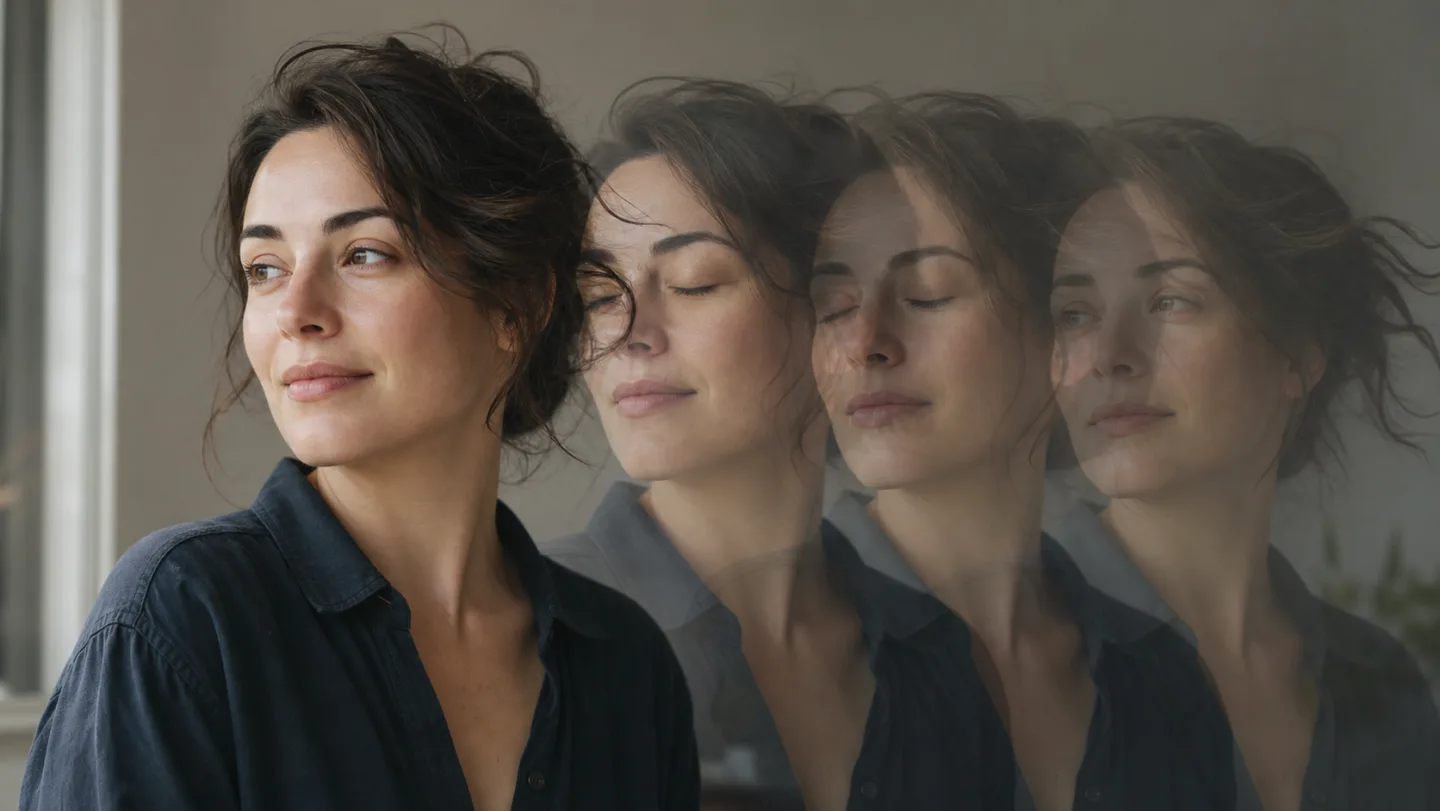
A Seedance portrait animation is most believable when it begins with a permitted, well-lit portrait and asks for very little movement. Start with one natural action, such as a blink or a small change in gaze, then keep the camera and background quiet. An AI image-to-video generator is a place to test that controlled motion, but the source, consent, and final review still matter.
Last updated: July 21, 2026 · about 9 min read
Portrait animation is easy to overcomplicate. A prompt that asks a still photo to turn, walk, gesture, change expression, and move through a new setting gives the model too many chances to change the person or invent details. A smaller request makes a better first render and a clearer editing decision.
Start with a portrait you are allowed to animate
Use an image you own or have clear permission to use for this purpose. That includes the person in the image, not only the photographer or the file owner. Do not use a stranger's social photo, a celebrity image, or a client portrait outside the agreed project scope.
The best source for a portrait animation usually has one visible subject, consistent light, and enough room around the head and shoulders for a small camera move. The goal is not to find a perfect headshot. It is to give the AI image-to-video generator a readable first frame.
| Source detail | Better starting point | Why it helps |
|---|---|---|
| Face | Clear, reasonably large, and unobstructed | Gives the animation a stable identity reference |
| Light | One coherent light direction | Makes small motion easier to judge |
| Background | Quiet but not completely flat | Leaves room for subtle depth without competing with the subject |
| Crop | Head and shoulders with some breathing room | Supports a gentle drift or push without forcing a new composition |
| Rights | Permission for the intended use | Prevents a technically possible animation from becoming an unusable asset |
If the original portrait is tiny, heavily filtered, or crowded with other people, do not try to repair it with a longer prompt. Choose a clearer source first. The Seedance image-to-video guide explains why the still image remains the main anchor for identity, lighting, and composition.
Write a prompt for one small change
For a first Seedance portrait animation, use one subject action and one camera instruction. Keep the rest of the prompt focused on what must not change.
Keep the uploaded person's face, hairstyle, clothing, pose, background, and soft window lighting consistent. Add one natural blink and very slight hair movement. Use a slow, gentle camera push-in. Keep facial features and hands stable. End on a calm, usable close portrait.
Use this as a control, not a formula to copy blindly. It makes the result easier to diagnose. If the face changes, reduce the requested motion or improve the source. If the camera move feels too strong, remove it before adding more descriptive language.
| If you want… | Ask for… | Avoid on the first test |
|---|---|---|
| A living-photo feeling | One blink, breath, or small eye movement | A big smile, head turn, and gesture together |
| A cinematic touch | A very slow push-in or drift | An orbit, fast zoom, and handheld shake in one prompt |
| Hair movement | A few strands moving softly | Wind, running, and a major pose change |
| A social opening frame | A stable end frame with breathing room | Tiny captions or exact text generated inside the clip |
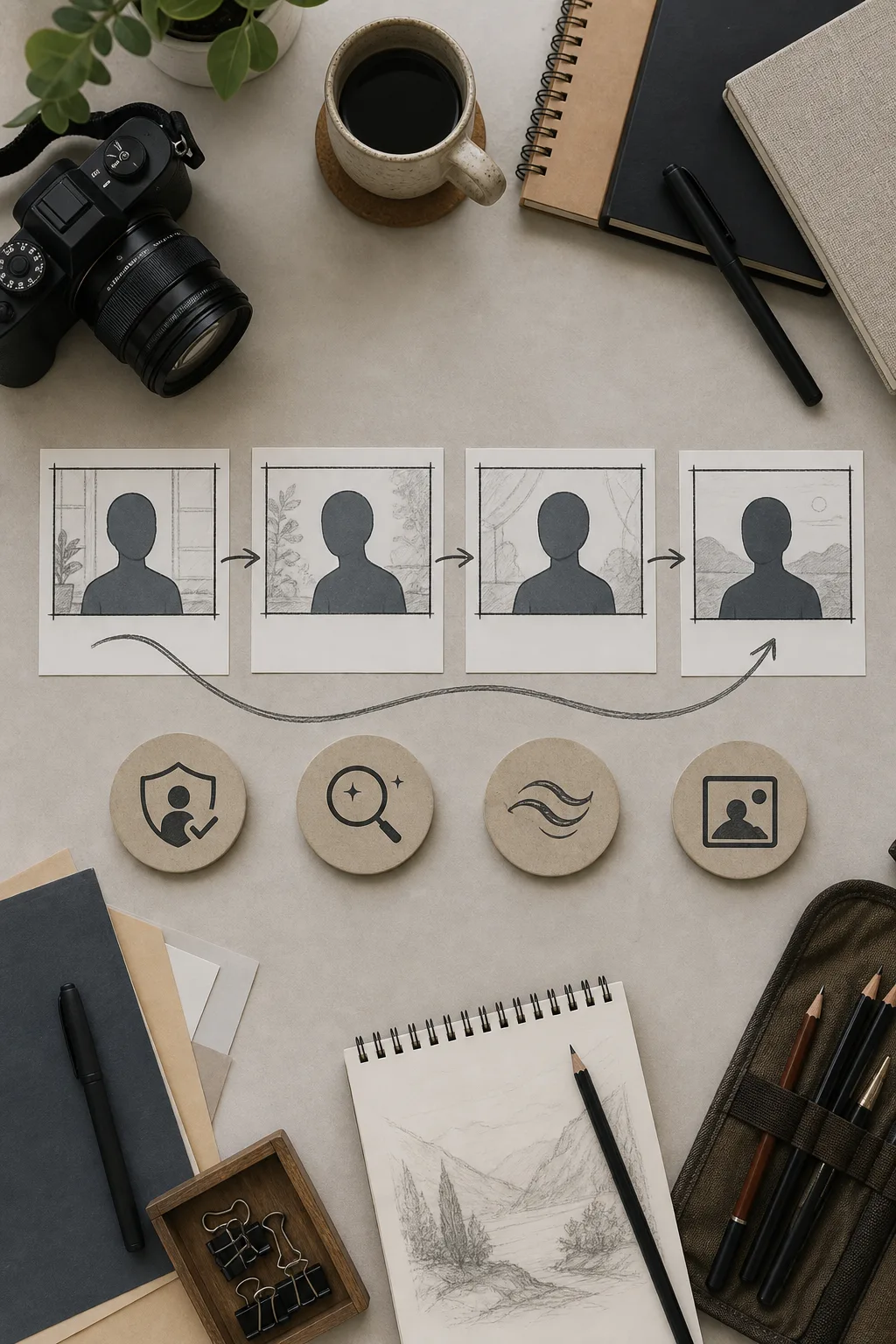
Illustration: this workflow visual is not a Seedance output or evidence of a specific product result.
Use a three-pass review before you share the clip
Watch the render once for the overall feeling, then twice more for the details that determine whether it is usable.
- Identity pass: Does the person still look like the permitted source? Check face shape, hairstyle, clothing, and any distinctive but non-sensitive visual details.
- Motion pass: Is the movement intentional and restrained, or does it introduce wobble, drift, or a sudden expression change?
- Use pass: Does the first second read clearly, and does the final frame hold long enough for a cut or caption added later in an editor?
This order prevents a beautiful thumbnail from hiding a weak middle frame. It also stops you from treating generated footage as a factual record. For example, do not use a portrait animation to imply that a person endorsed a product, performed an action, or appeared somewhere they did not.
When a render needs another pass, change one variable. Use the same source and remove the camera move, or keep the camera and reduce the facial action. The Seedance generation troubleshooting guide gives a controlled way to make those retries useful rather than random.
Choose the right use for the result
A small portrait animation can work well as an atmospheric opener, a character beat, a storyboard proof, or a visual concept for a later edit. It is less suitable when the project needs exact spoken words, a guaranteed expression, a specific hand interaction, or evidence that a real event occurred. An AI image-to-video generator is a creative tool in that process, not a source of proof.
| Good fit | Use another method when… |
|---|---|
| A short mood clip with gentle motion | You need an exact testimonial or endorsement |
| A storyboard test for a campaign | You need a factually precise demonstration |
| An approved character or owned portrait concept | You lack permission from the person shown |
| A transition or edit-ready visual beat | You need legible legal copy, labels, or captions inside the generated footage |
For a broader plan, map the portrait shot alongside the rest of the sequence with a Seedance prompt storyboard. If the video begins from text rather than a real source image, the text-to-video prompt guide helps you define a new scene without pretending it preserves an existing person.
FAQ
What is the safest first prompt for a portrait animation?
Ask for one subtle action, one gentle camera move at most, and clear preservation of the face, clothing, lighting, and background. A blink or slight hair movement is a more useful first test than a large gesture or scene change.
Can I animate any portrait I find online?
No. Use a portrait only when you have permission from the relevant rights holders and the person shown for the intended use. Technical access to an image is not permission to animate or publish it.
Why does a portrait change too much in the video?
The source may be unclear, or the prompt may ask for too many changes at once. Start with a larger, cleaner portrait and reduce the motion to one action plus one camera instruction.
Can a generated portrait clip prove a real event or endorsement?
No. Treat it as a creative visual. Do not use it as proof that someone spoke, endorsed a product, visited a place, or performed an action without independent evidence and permission.
Related guides
- Seedance 2.5 image-to-video
- Seedance 2.5 text-to-video prompt guide
- How to avoid warping in Seedance AI videos
- Turn a prompt into a shot-by-shot storyboard
Make the motion earn its place
Open Seedance, begin with a permitted portrait and a quiet first prompt, then review the full clip before you put it in an edit. A restrained Seedance portrait animation gives you a clearer creative decision than a dramatic render that no longer resembles its source.